


There are many free OCR tools on the Internet, but they all require manual uploading of images, which is somewhat troublesome to operate. This article will recommend a very convenient “click to read image” extension function. You only need to select the image content you want to OCR (of course, it also supports uploading), and it will immediately extract the text in the selection range. It supports multiple languages. There is no problem in mixing Chinese and English, and the recognition rate is also very good.

Click to read the image OCR extension and select a range to convert the image into text (supports multiple languages)
“Click to read image” is an extension of the Chrome browser and can also be installed on Microsoft Edge. I will use Edge as a demonstration below, and the operation method is the same.
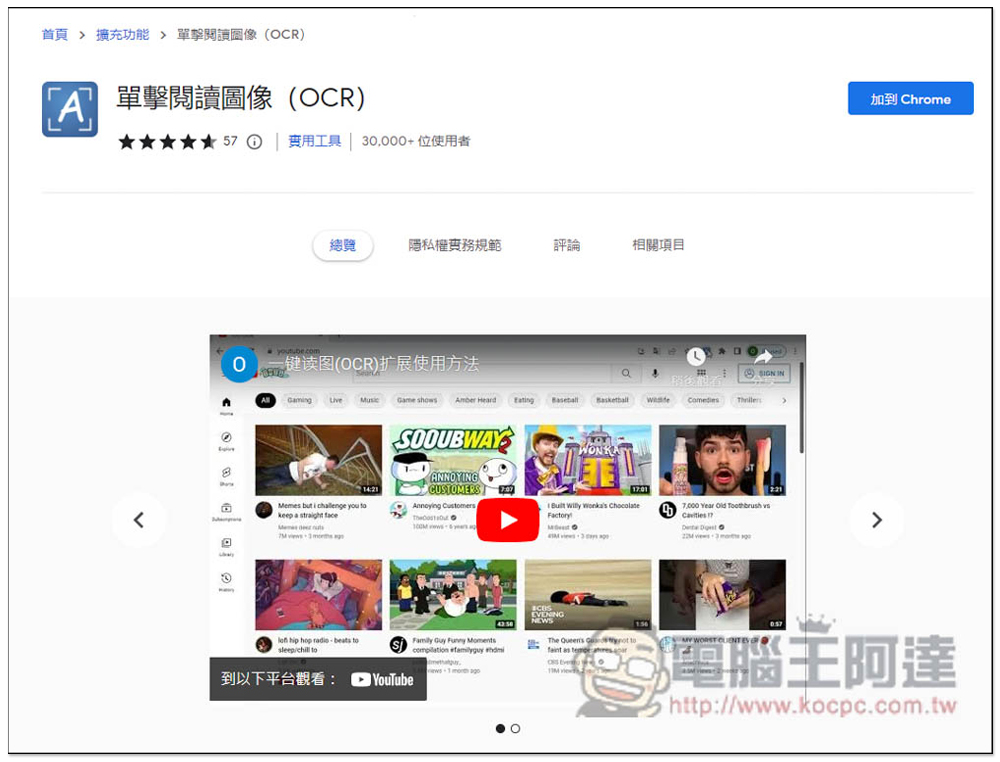
After entering the click-to-read image (OCR) store page, click Add to Chrome in the upper right corner to install:
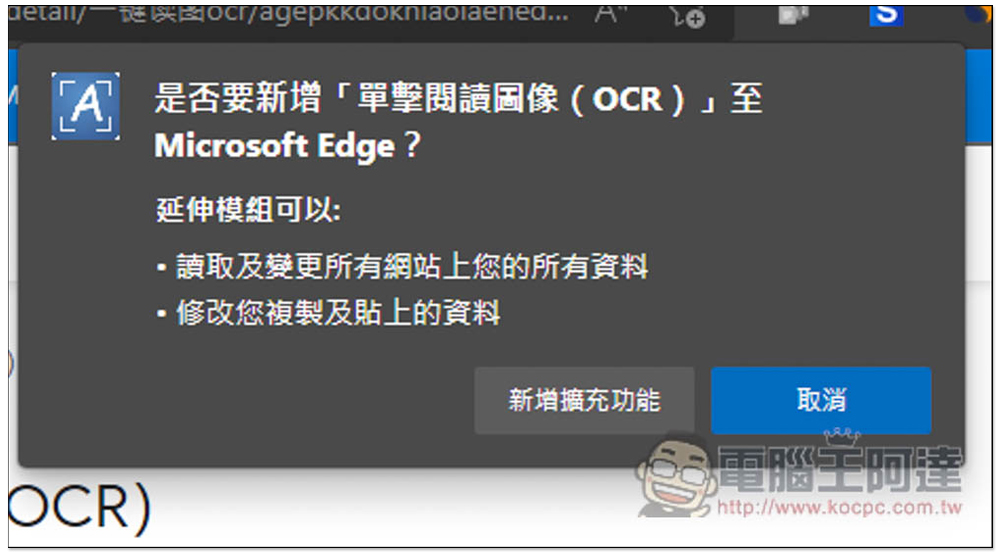
This window will pop up above, click on Add Extension Function:
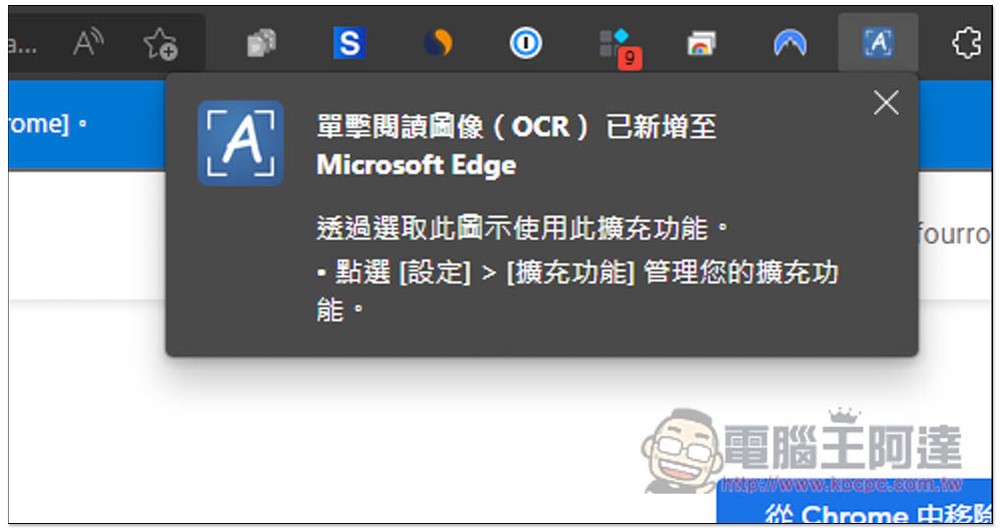
Displaying this message means the installation is complete, but it will be hidden by default:
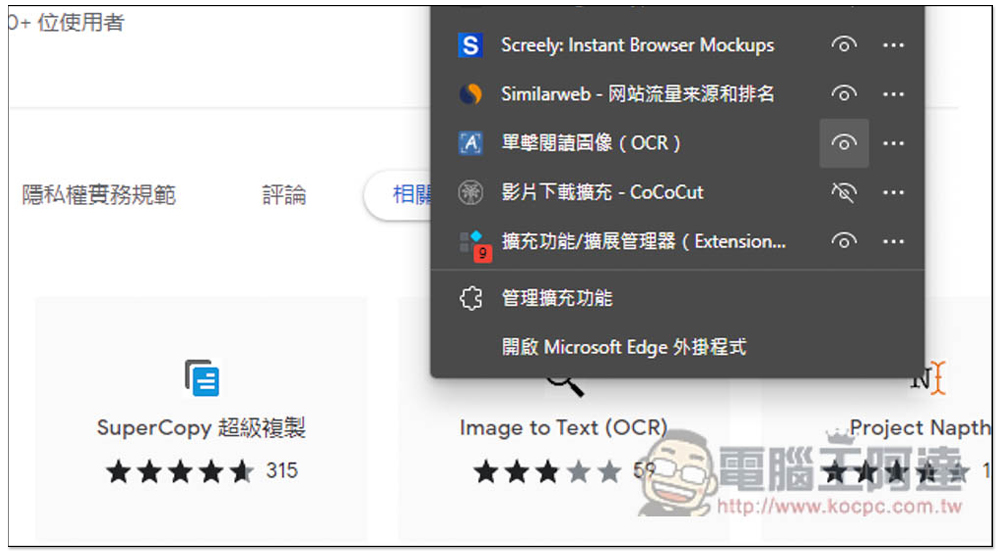
Open the puzzle icon on the far right, click to read the image (OCR), and then open the right eye:
The usage is very simple. After opening the tool icon, you will see six functions, “Capture OCR selection”, “Upload image file”, “Free version”, “Language”, “More” and “Login”. You can use it without registering an account, so don’t worry about the final login. The free version can only choose general text recognition, so there is no need to change this, mainly the other four functions.
If you want to identify a picture on the web page, and the picture is large enough, use the first capture OCR option:

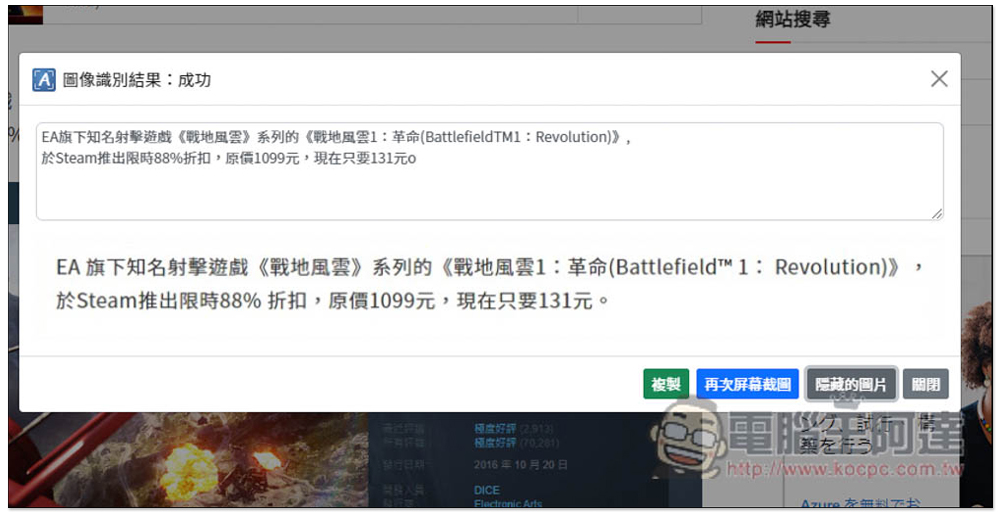
As shown in the picture below, I extracted the selected articles from the top of the Computer King Ada website:

Then wait for a few seconds to see the recognition results. This tool also has a very considerate function: “Show Pictures”, which allows you to compare text and pictures to confirm whether the recognition is correct. I have to say that it is really good. Parts with text in the capture range are recognized, and even single column parts are included. Chinese and English can also be mixed. Of course, there are still some recognition errors, but more than 95% of them are accurate:

For the language section, you can choose “Chinese-English Mixed”, “English”, “Japanese”, “Korean”, “French”, “Spanish”, “Portuguese”, “German”, “Italian” and “Russian”. There should be no need to select the Chinese and English sections, and I didn’t select them at the beginning of the test:
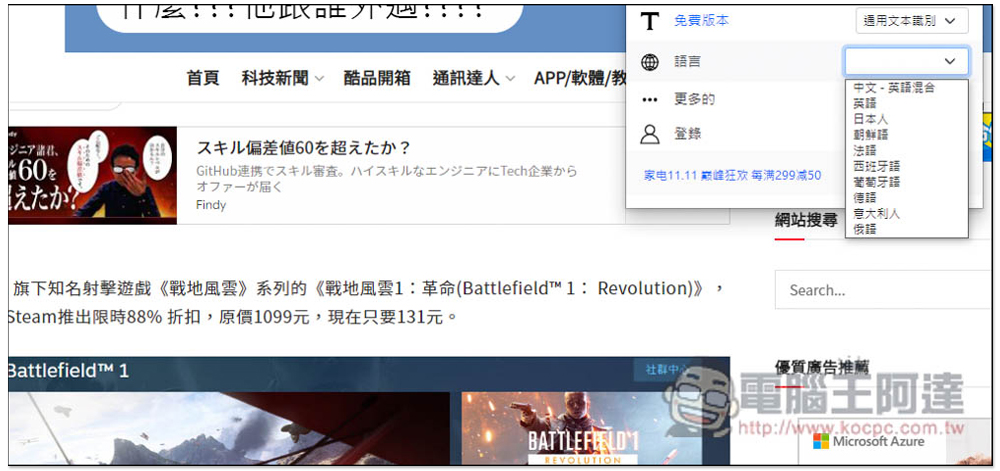
But if you want to be more accurate, you can also try it. My test is really accurate. Click the copy function and the text above will be copied to the clipboard:
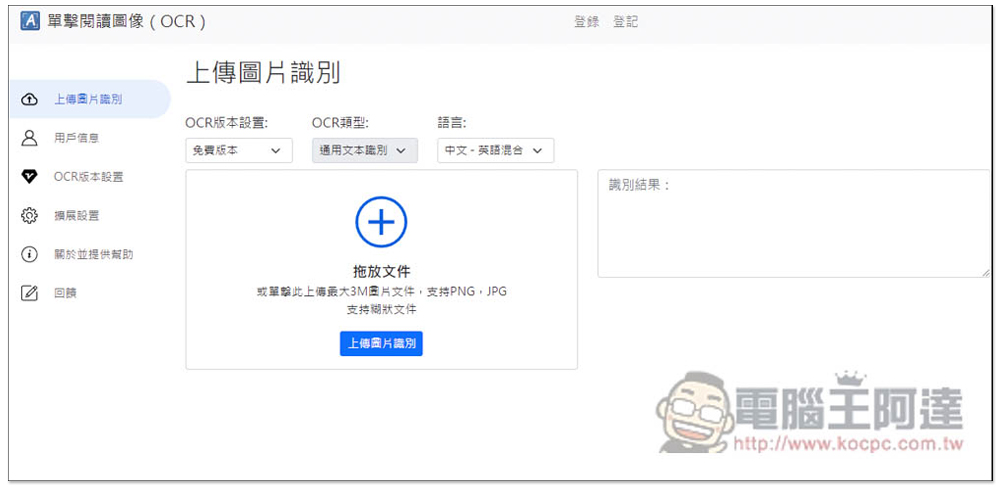
Click to upload an image file, and this website will automatically open, and then you can upload your image. It supports PNG and JPG formats, with a maximum size of 3MB:
Also a reminder, after all, it is an online tool. If it is some important file pictures, it is still recommended to use an offline tool.
In addition to this one, we have also introduced it before PearOCR、shottr、Image to Text、EasyScreenOCR You can also refer to it, etc. It depends on which one best meets your needs.
Source: KOCPC Chinese