


Currently, Windows does not support the function of displaying two screens in the same window. Therefore, when you need to move or copy a large number of files, you have to open multiple windows. This is actually a bit troublesome, and sometimes switching errors may occur. This article will introduce a very useful free dual-window file manager tool “Unreal Commander”, which can directly transfer and copy files between two locations.
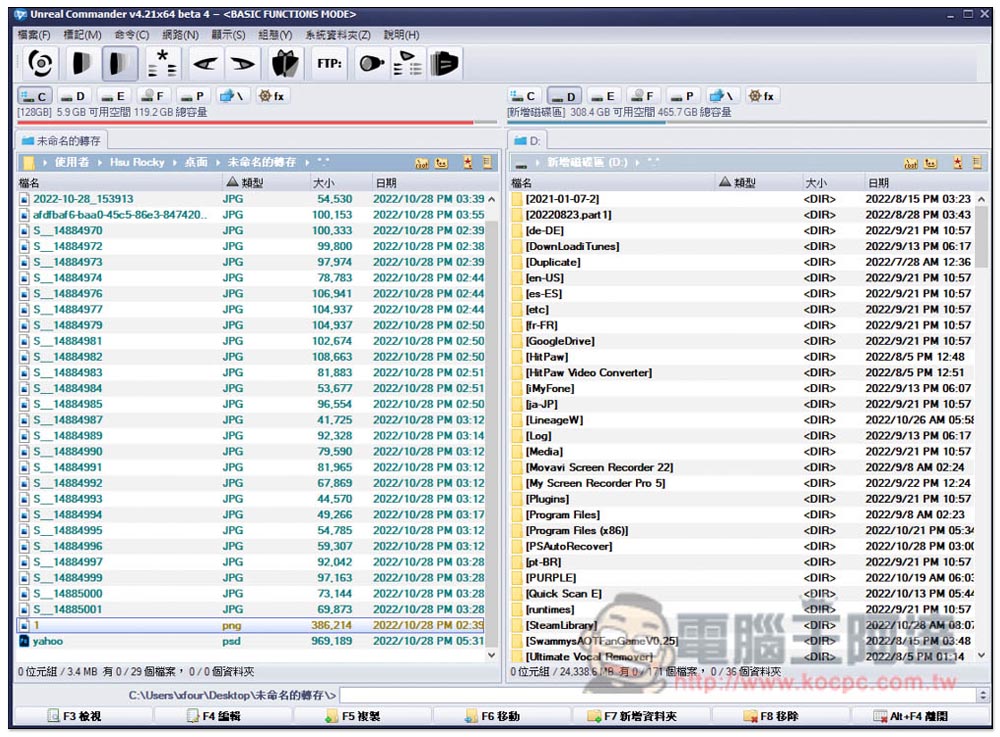
Unreal Commander is a free dual-window file manager tool that makes it easier to manage and transfer files to other folders or hard drives.
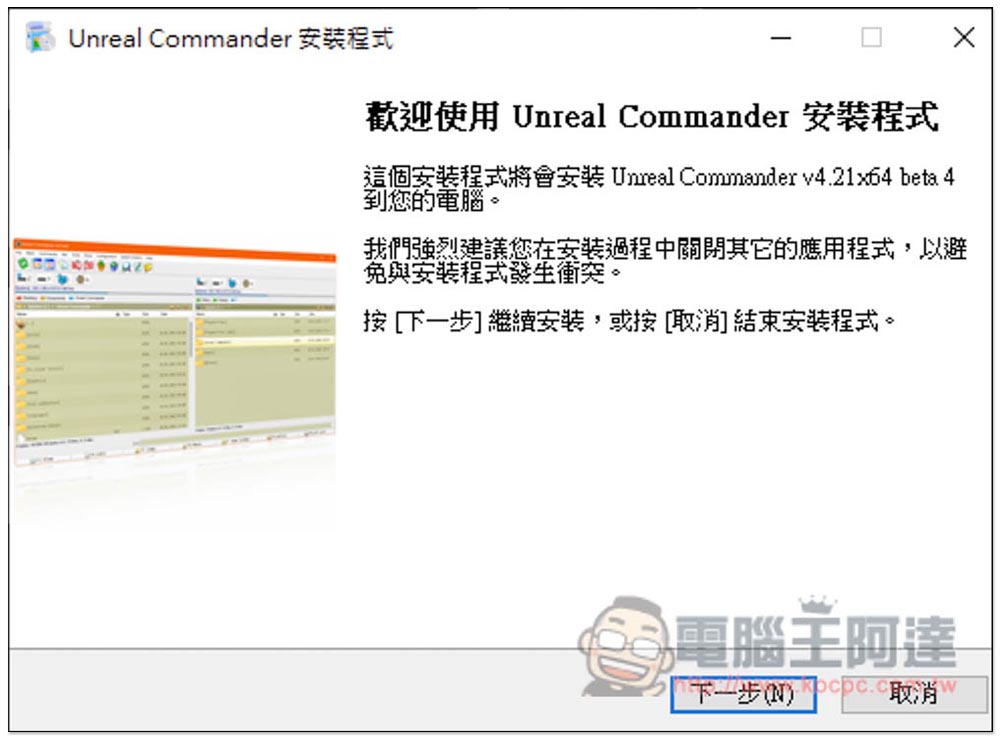
Unreal Commander supports Traditional Chinese, so you don’t have to worry about not being able to understand it. If there are no special requirements during the installation process, just keep pressing Next:
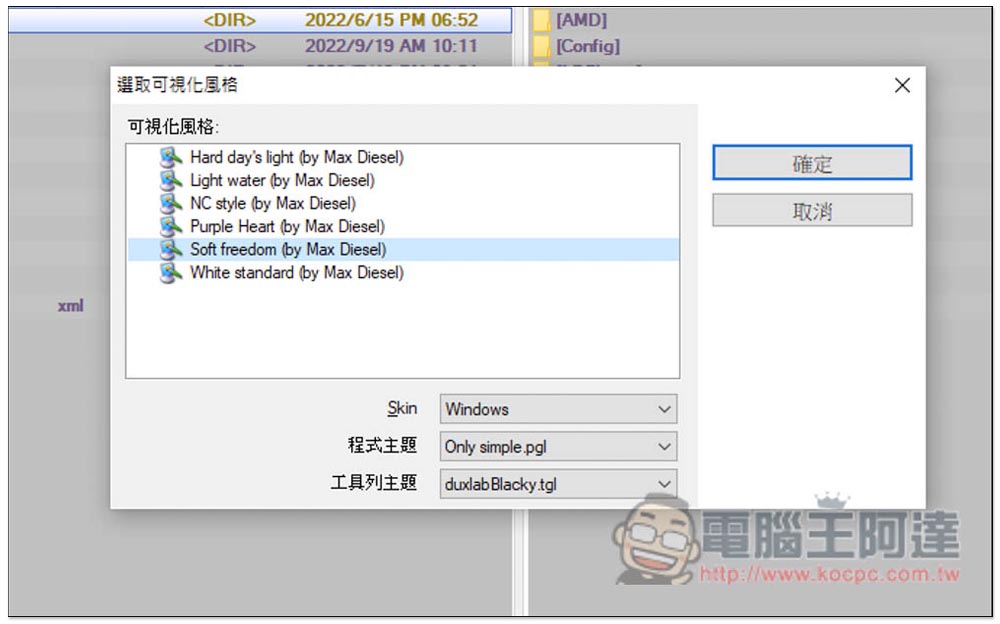
When you open it for the first time, there will be a theme style selection. There are 6 in total. It depends on whether you need to change it:
I personally prefer this traditional white color, so I changed it to this one:
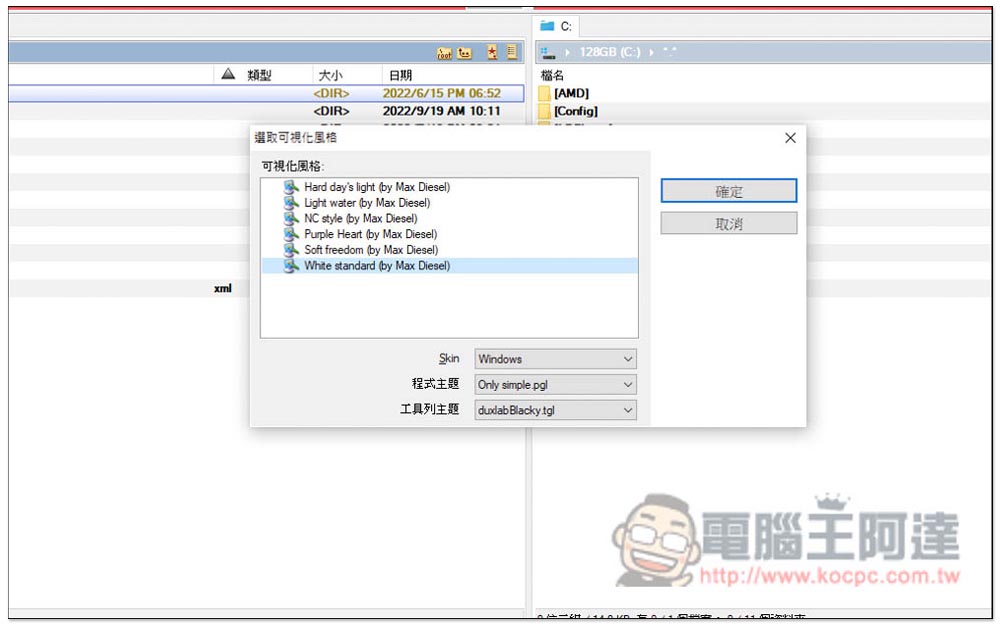
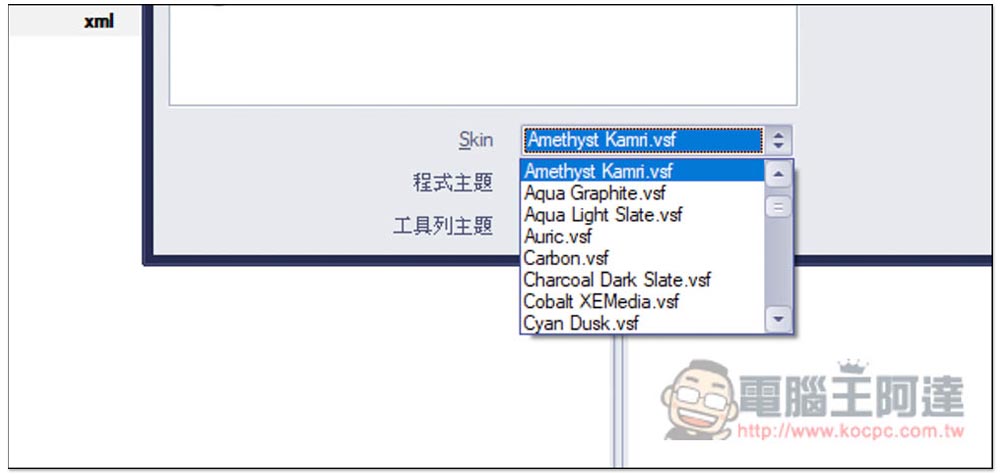
Skin can also be changed, and there are quite a few choices. However, once this is switched, the software will reopen, which is a bit more troublesome:
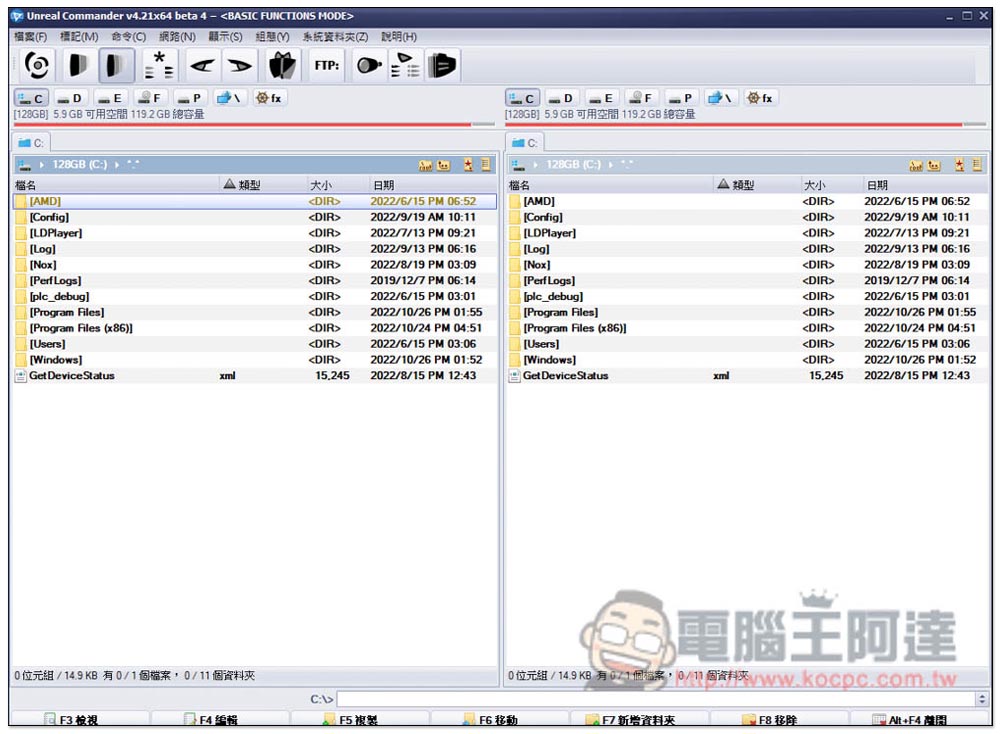
Then you can start using it. Like other similar file manager software, dual windows will be displayed on the left and right, which means that after you open the folder or hard drive that you want to transfer or copy, you can complete it directly in this window. There is no need to open two built-in windows:
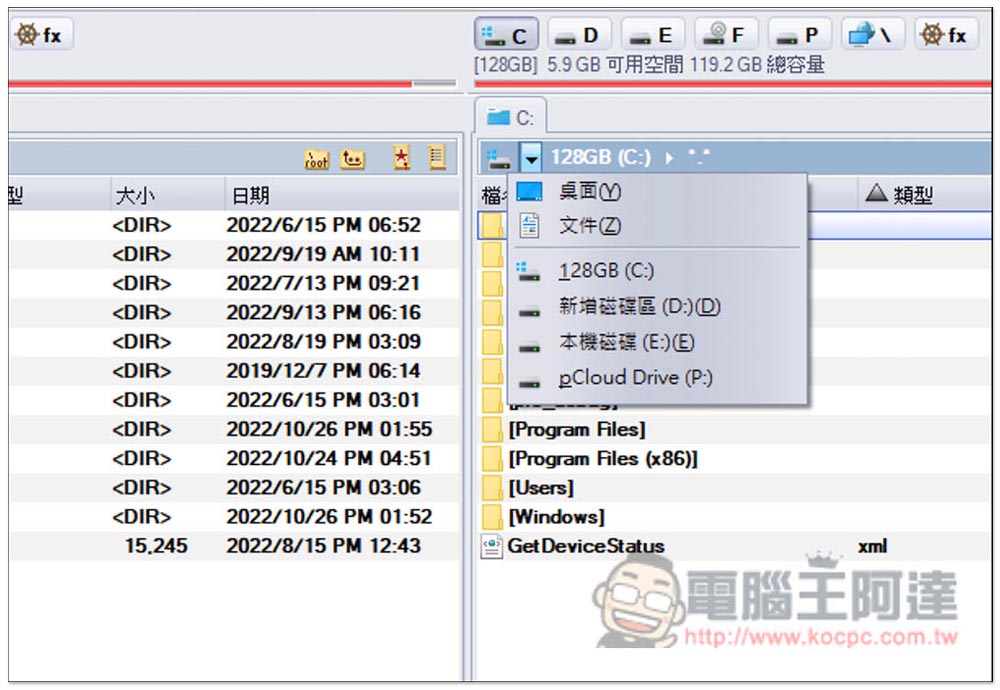
If there are multiple hard drives, there are hard drive slots at the top to choose from, like I have C, D, E slots, etc. You can also open the downward triangle, and you can also switch to other hard drives or desktops and files:
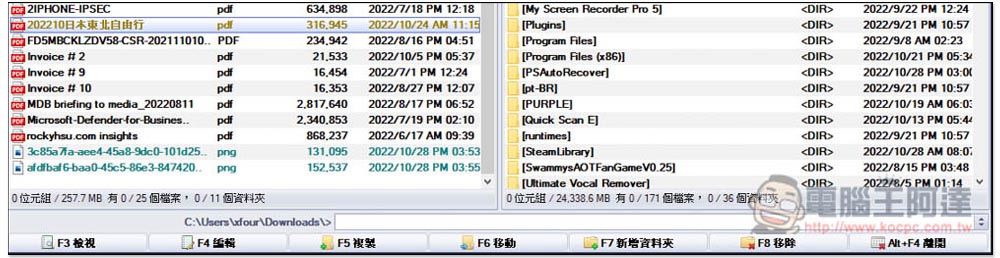
As for the operation part, you can drag files directly or use the toolbar at the bottom, such as: F3 to view, F4 to edit, F5 to copy, F6 to move, F7 to add a folder, F8 to remove, and Alt+F4 to exit:
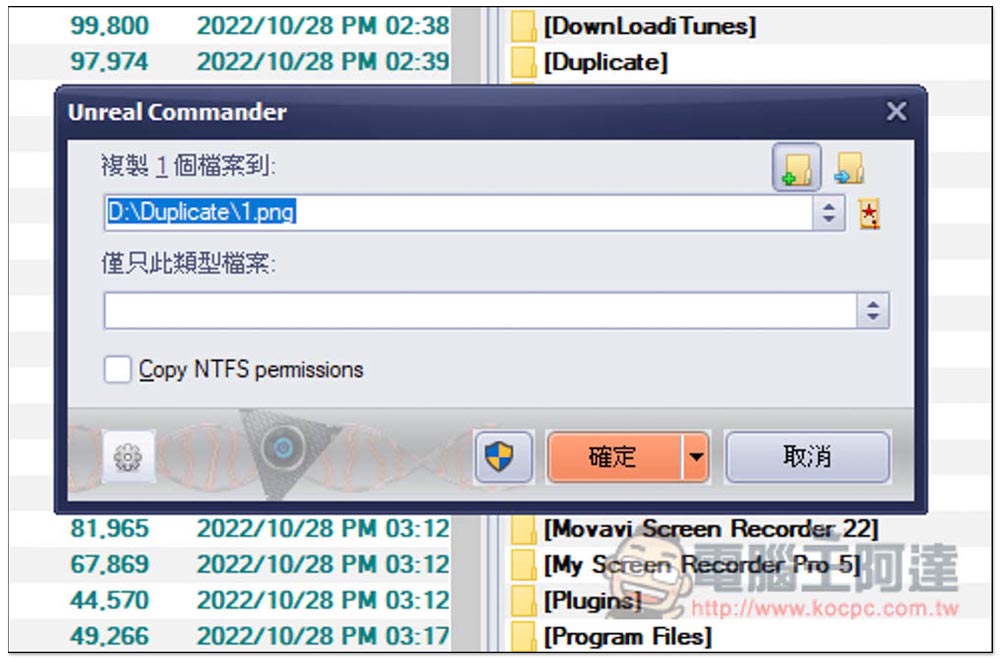
If you use drag, this window will pop up. The small icon on the upper right allows you to choose whether to copy or move. Click OK and the execution will begin:
This one also supports FTP servers:
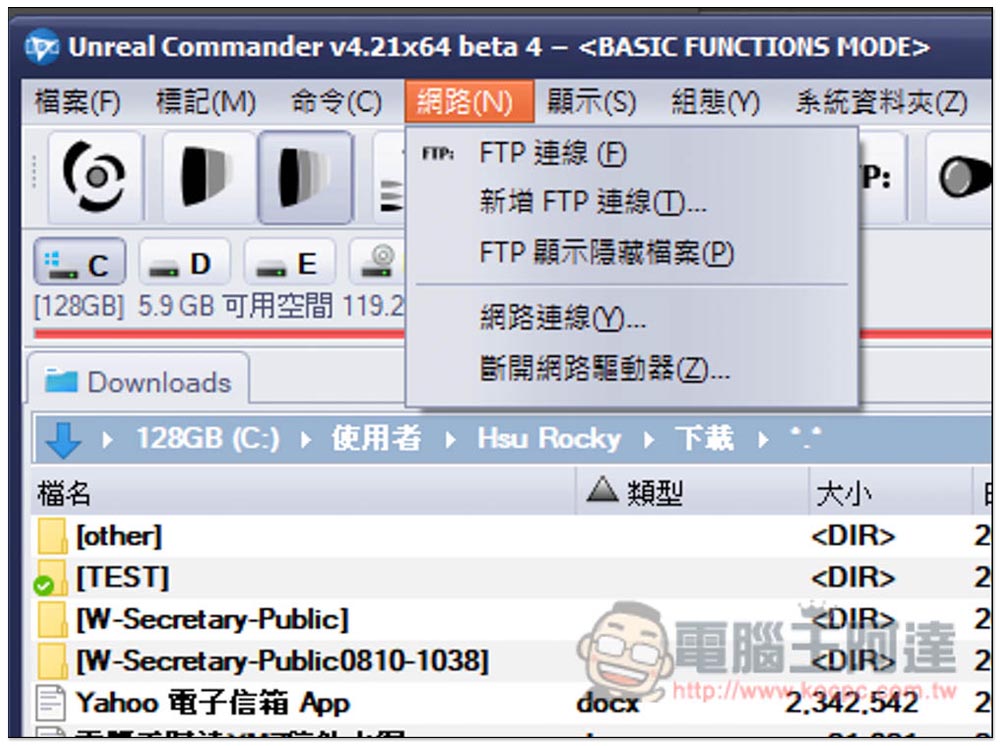
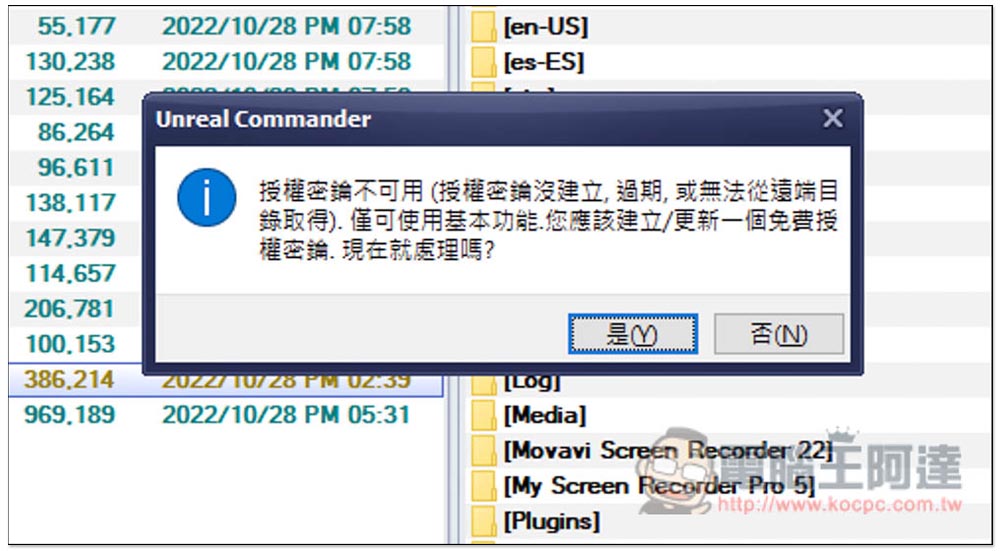
However, such advanced functions require the creation of an authorization key, which is free and does not require any payment, so you can create it with confidence:
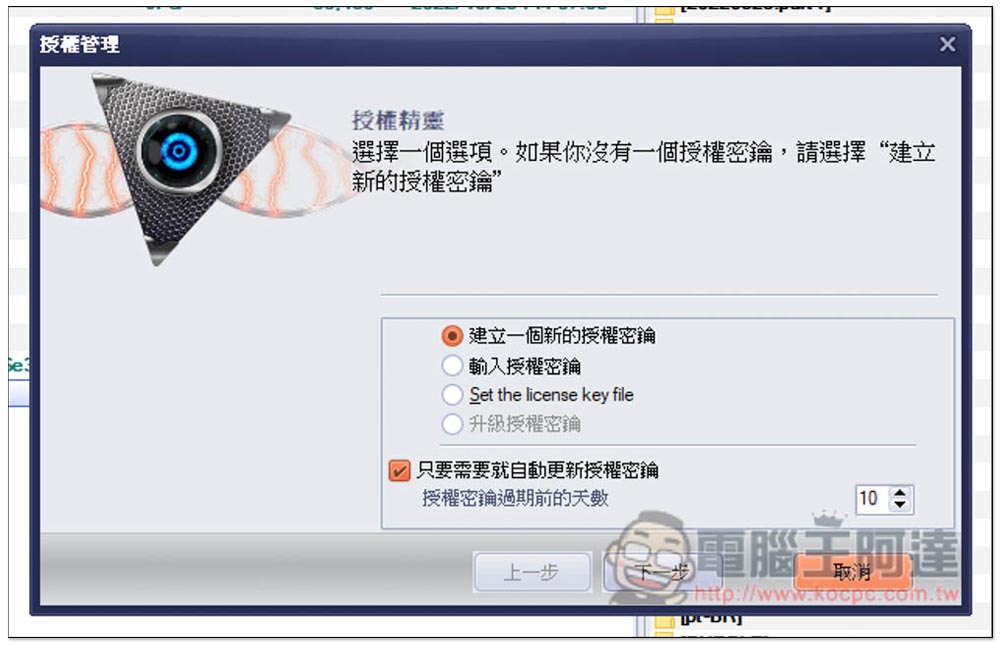
The authorization wizard will pop up. If you don’t have an authorization key yet, just click “Create a new authorization key”:
In addition, there are splitting files, merging files, etc. Most advanced functions require authorization keys, so if you think this is good, I recommend setting it up:
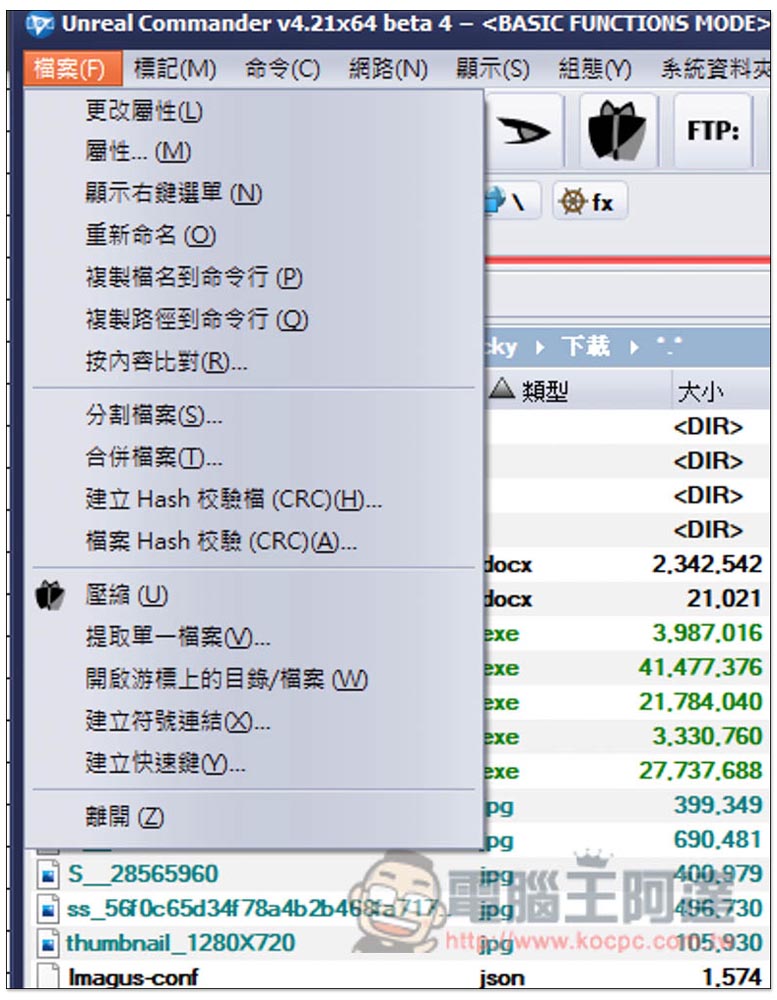
The functions of this Unreal Commander go beyond that, and the details are left to the readers to play with. In addition, the latest version is 4.21, which is still in Beta testing version. You may encounter instability during use. It is uncertain whether there will be an official version in the future (because it has been 8 months since the beta version was launched in February). If you want a more stable version, you can download version 3.57.
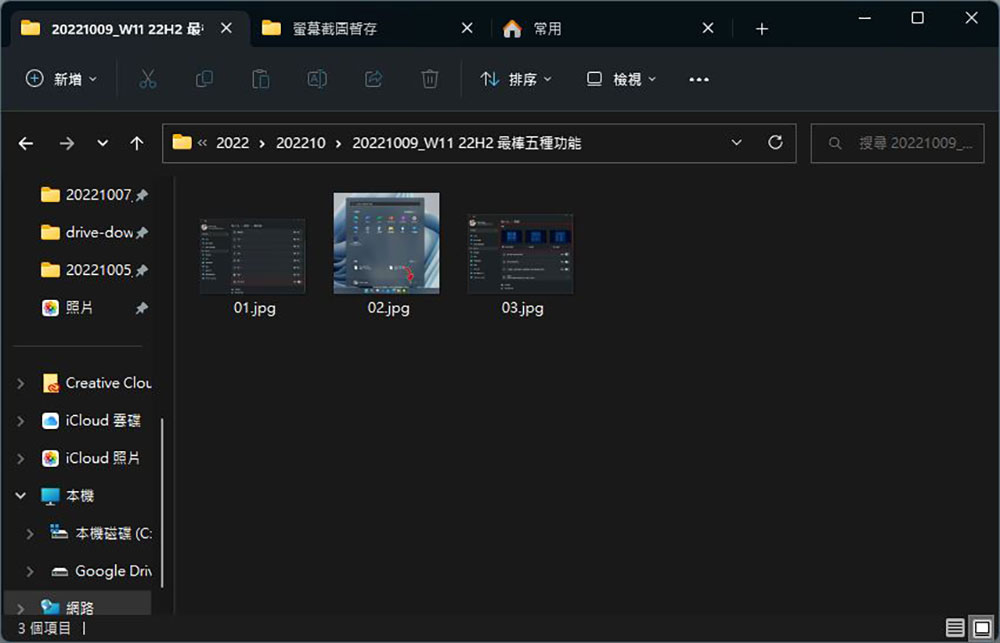
For Windows 11 users, there is something worth noting. In the Windows 11 22H2 version, the file manager will finally introduce the paging function, which means that the same window can open multiple locations. Although there is no way to display two locations in one window, it is speculated that you should be able to use dragging to move files to other locations:
Source: KOCPC Chinese