


Although it is a bit late, it can be regarded as the best publicity for the new generation M2 iPad Pro to a certain extent. That is, the Apple tablet systemThe promised desktop-level multitasking function “pre-screen scheduling”Finally, there is no longer any delay, and iPadOS 16.1 will be released today as promised. In addition, iOS 16.1, which brings various minor system adjustments and the ability to share libraries with iCloud, also arrives at the same time. Continue reading the content of the report on the arrival of iPadOS 16.1 and watchOS 9.1 with “Ultra-level” battery life that have officially joined the schedule.
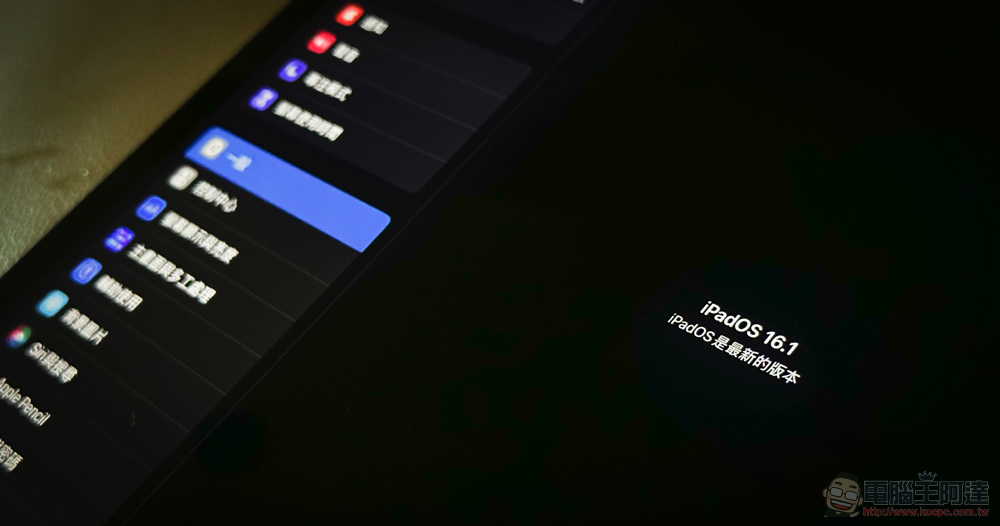
iPadOS 16.1, which officially joins the behind-the-scenes schedule, and watchOS 9.1, which comes with “Ultra-level” battery life, are officially updated
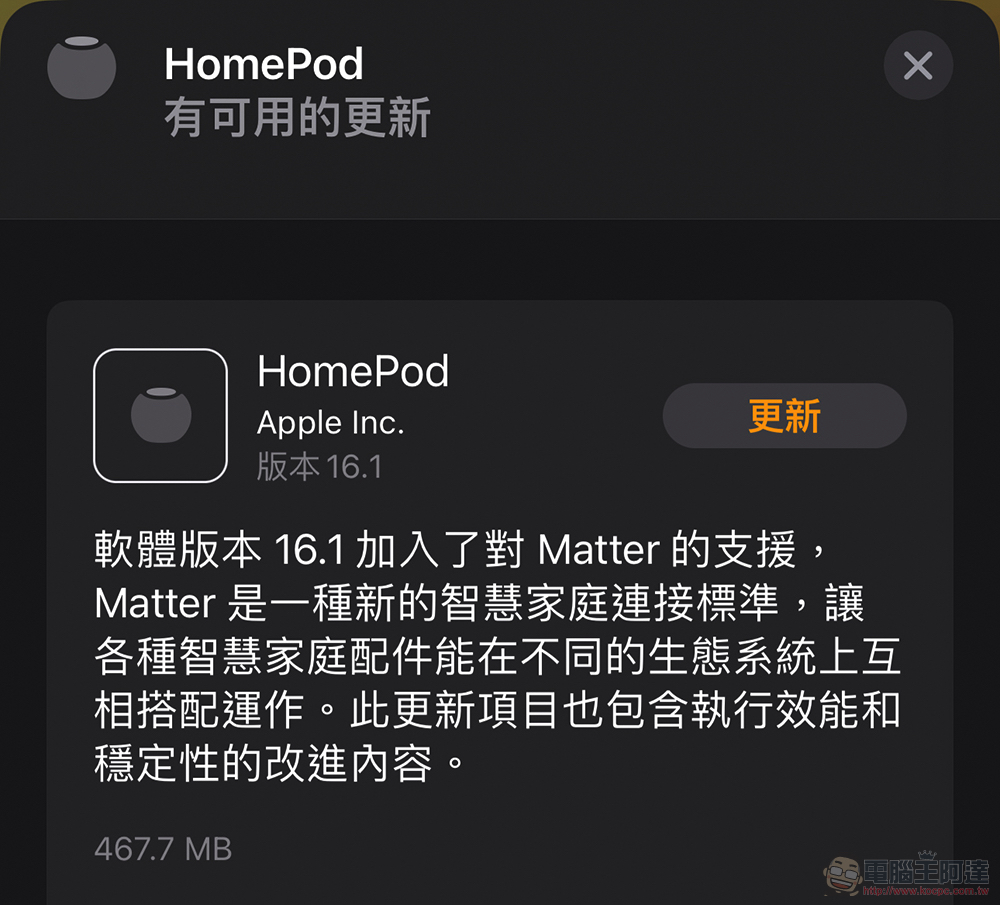
This wave of “0.1” version updates is actually quite lively. The systems used by Apple Watch, iPhone, iPad, Apple TV and even HomePod basically have adjustments to functions and corrections – and they are not considered minor updates. Even HomePod 16.1, which seems to have relatively few update projects, also adds support for Matter smart home.
Among this update lineup, I believe that what most people are looking forward to the most is the multi-tasking function that has been riddled with bugs since the public beta of iPadOS 16, but has gradually stabilized and even become my favorite mode that I always use on the iPad Pro, the “Stage Manager” multitasking function. This time it is confirmed that it has arrived in the official version of iPadOS 16.1.
Although it is possible to open multiple windows at one time, it is not only possible in the original iPadOS through split windows and floating windows. Even the current external screen experience is still being improved, so being able to open the functions of four apps on a single screen at the same time does not seem to have much advantage over the past at first glance.
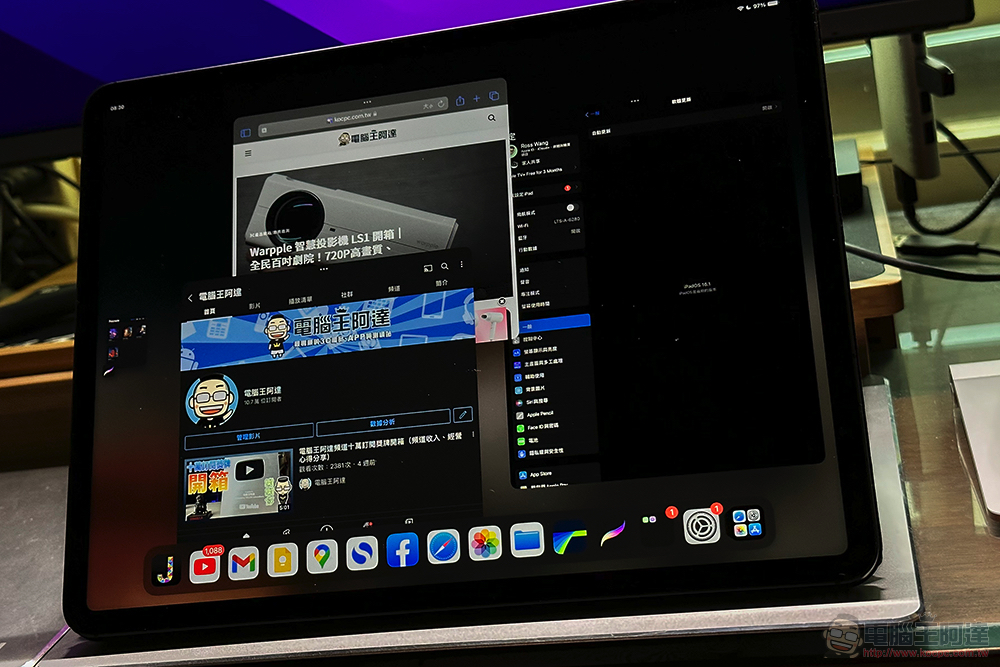
However, after personal use, I feel that the on-screen scheduling really allows the iPad to have a usage experience that is close to or even surpasses that of the desktop system – if you want to use it on the desktop system macOS Ventura It has also been officially released today. Although the size that the app can adapt to is not as close to the stepless adjustment as the desktop system. However, the on-screen scheduling function of iPadOS and the experience of the floating arrangement mechanism between windows are actually constantly improving and becoming more convenient, intuitive and easy to use.
Not only can you intuitively slide in other apps through the left shortcut bar to join the multitasking screen. The “…” on the window can also quickly add other pages, or zoom to full screen and close the window. The most important point is that when used in a straight position, it will no longer be like before, and it can only be divided left and right. Instead, you can adjust the position and proportion of the window just like a desktop system.
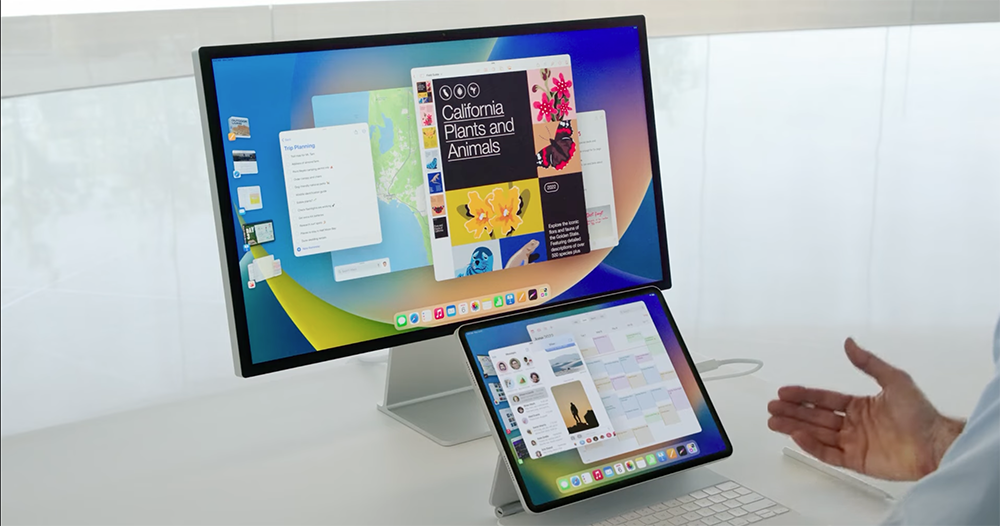
I have to say that although this update to iPadOS does not officially support the ultimate front-screen scheduling of using up to 8 apps at the same time on an external screen, it is a pity that we cannot feel how much Apple’s “professional-grade” tablet can improve productivity. However, the on-screen scheduling helps the iPad system to switch to a desktop system “on demand”. After actual use, I really feel that it is more impressive than what was shown at the press conference. I highly recommend that you upgrade your system, or consider choosing a supported iPad product to try in the future.
Apple has also recentlyOpen part of Buddha’s heart iPad Pro before M1 provide such support(Non-M1 versions do not support external screens). Specific models include: iPad Air (5th generation), iPad Pro 12.9-inch (5th generation and subsequent models) and iPad Pro 11-inch (1st generation and subsequent models). Since this is a major version update from iPadOS 15 to iPadOS 16 for basically all iPad users who can update it, please refer to the detailed update information.Related information from Apple’s official website。
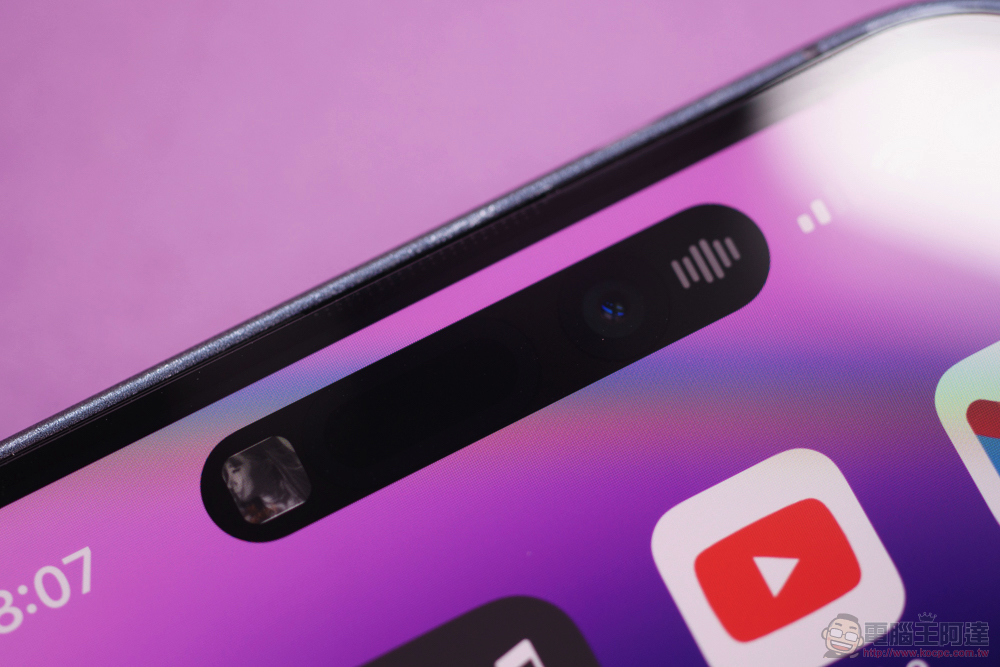
Compared with the huge leap forward in system functions of iPad, Apple’s iOS 16.1 update for iPhone is relatively small. However, the “iCloud shared photo library” function has also been opened simultaneously, and related support for direct sharing can be activated in the photo interface. The function of showing the percentage of battery power icon has also officially arrived. The dynamic island also adds a gesture that can be swiped to cancel the display.
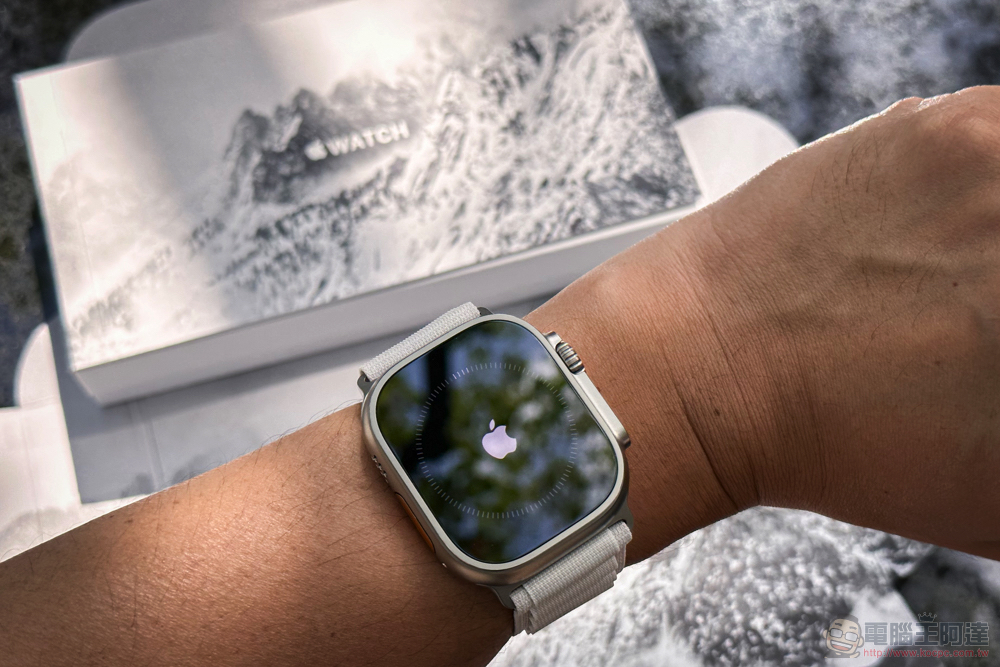
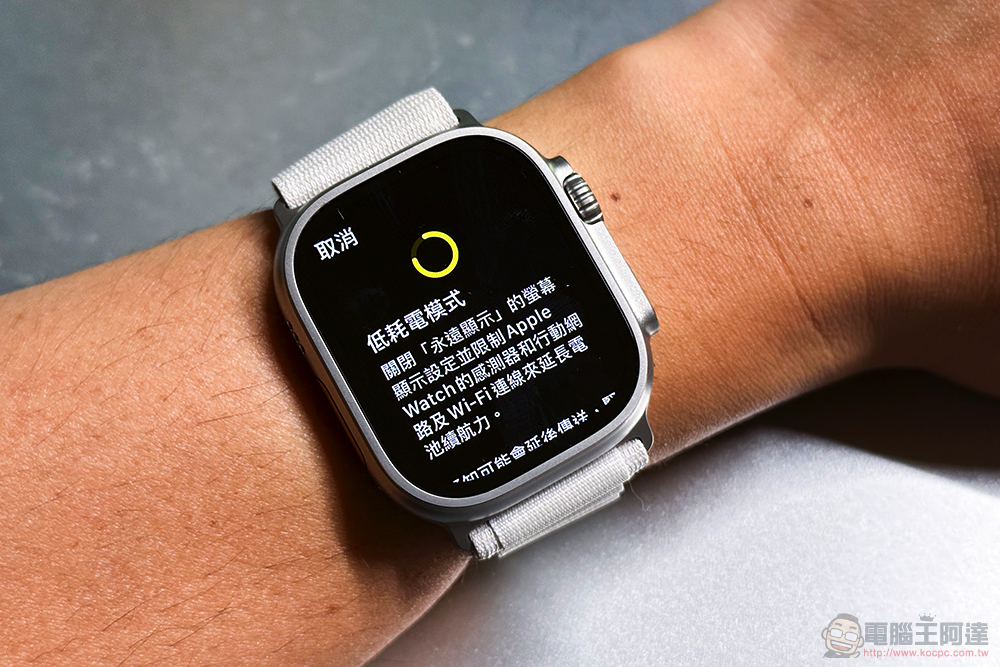
Another thing worth mentioning is that it was mentioned at the Apple Watch Ultra launch event that it will bring new optimized low-power mode settings to increase battery life to up to 60 hours of excellent performance. Such support is also confirmed to be available in watchOS version 9.1.

Although this power-saving mode is actually limited to “outdoor walking”, “outdoor running” and “hiking” physical training periods, it achieves the effect of extending battery life by reducing the heart rate and GPS reading times to support users’ motion detection in longer distances or more difficult environments (speaking of these sports should not require too intensive detection, if necessary, you can also cancel the low power consumption mode). However, for relatively more power-consuming sports use scenarios, it can also effectively extend the battery life, which is also quite good.
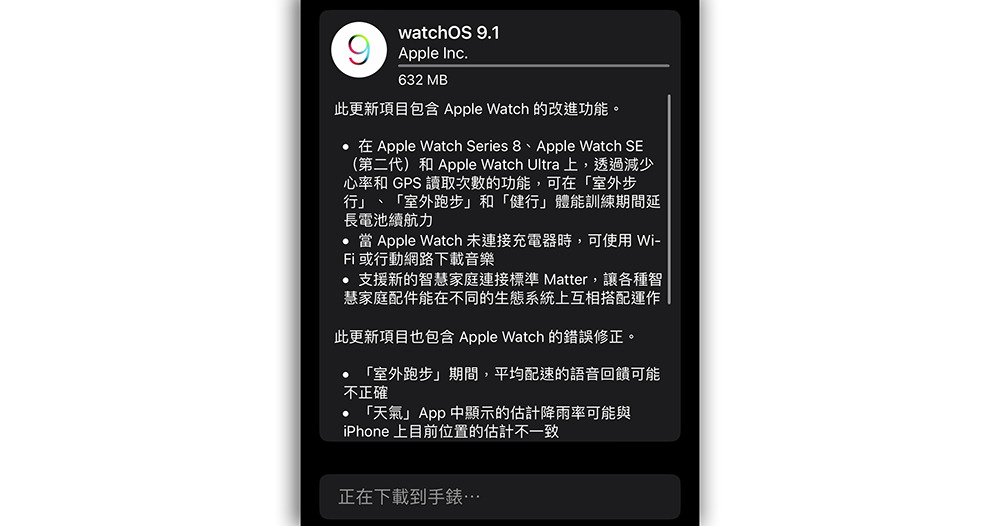
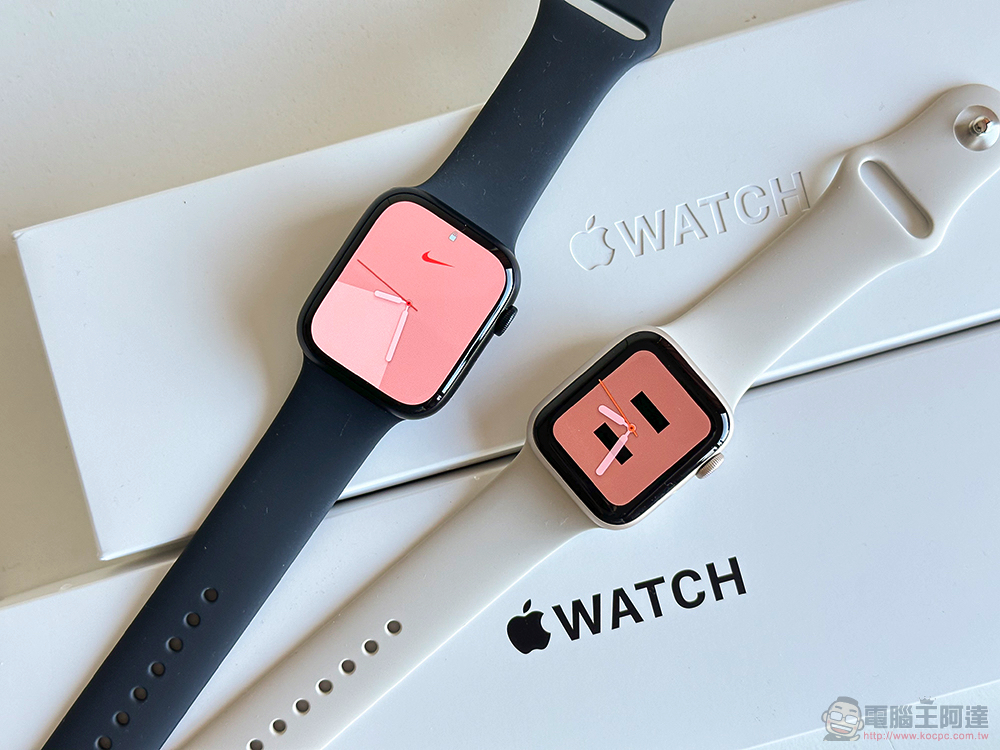
What’s more interesting is that Apple has not limited this feature to watches for extreme users. Even the new generation Apple Watch Series 8 and even the relatively entry-level Apple Watch SE (2nd generation) can also use it – of course, after all, the basic battery power is different, and the extended battery life will be different.
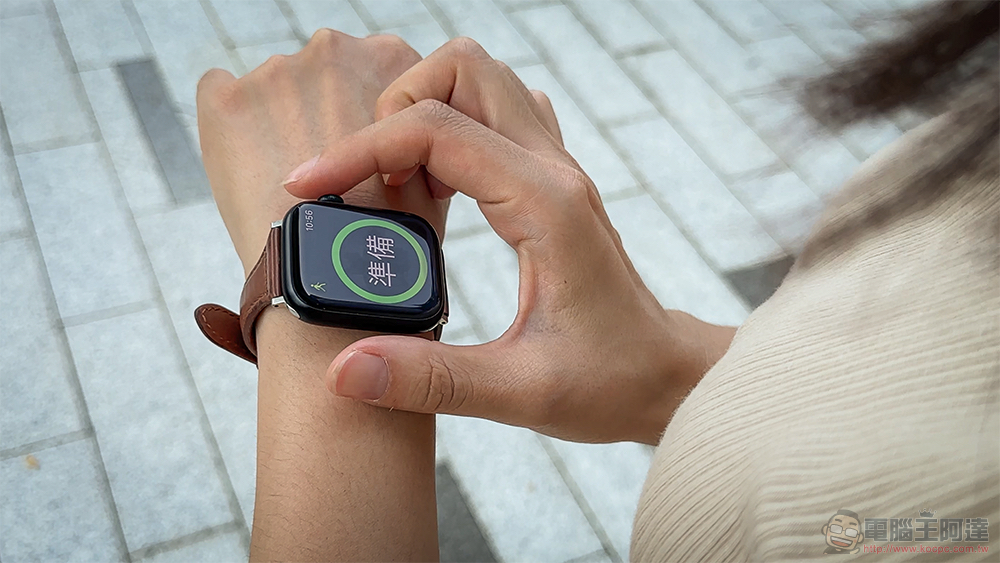
If you really want to do a long exercise. Also remember to turn off the function that will temporarily only charge to 80% to maintain battery health to ensure full energy before departure (you must also fully rest your body and mind and don’t force it). And according to the needs, select the power button sliding on the surface to activate the “low power consumption mode”. The Apple Watch system will target sports or general use based on the usage context (whether sports mode is activated), and dynamically adjust functions such as sensor detection frequency, notification functions, and always-on display that may put a burden on power to extend battery life as much as possible.
This time, watchOS 9.1 not only introduces Matter’s connection standard support, but also extends support for the flexibility of downloading music functions without charging, as well as multiple bug fixes including voice feedback, weather app, time display and sports functions.
Finally, here’s the update section for tvOS 16.1 – This time Apple TV 4K is so good, many people should be ready to buy it, right? In this update, Apple mainly brings new designs for Siri functions. Support for the new generation of “iCloud shared photo libraries” is also in place. Also included is support for using Fitness+ without an Apple Watch. There are really quite a lot of system function updates in this wave. If you are a friend who is stuck in the Apple ecosystem and cannot extricate yourself, your home network will inevitably face a stress test today (laughs).
Further reading:
The beauty is also great! Apple Watch Series 8 / Apple Watch SE 2 unboxing experience
Source: KOCPC Chinese