


Many people are accustomed to leaving web page tabs on all the time when surfing the Internet. Some of them may be useful, but most of them forget or are too lazy to turn them off, which will occupy a lot of system resources for a long time. If you often encounter this situation, this article recommends a very convenient free extension of Tab Wrangler for lazy people. When the set time is up, it will automatically close idle and useless web pages. It also has a built-in history record function. If you accidentally close it by mistake, you can quickly retrieve and open it.

Tab Wrangler automatically closes the tabs of “idle web pages” and provides a recording function for you to quickly retrieve them.
The Chrome version of Tab Wrangler, Edge, can also be installed. I will use the Edge browser as an example below, and the operation methods are the same.
After entering the Chrome store page, click “Add to Chrome” to install:

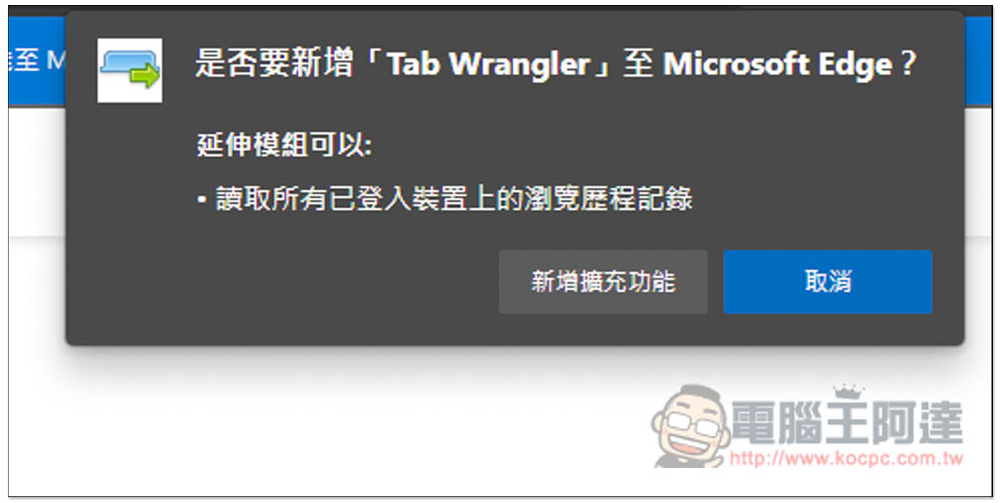
This message window will pop up above, click “Add extension”:
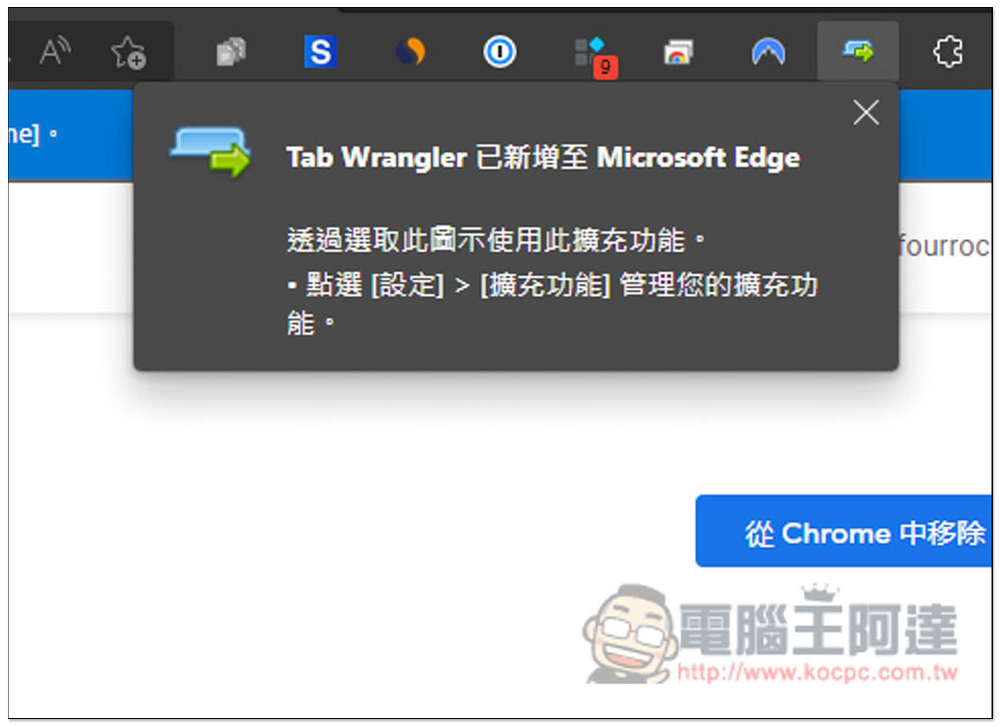
Displaying this window means the installation is successful, but it will be hidden by default:
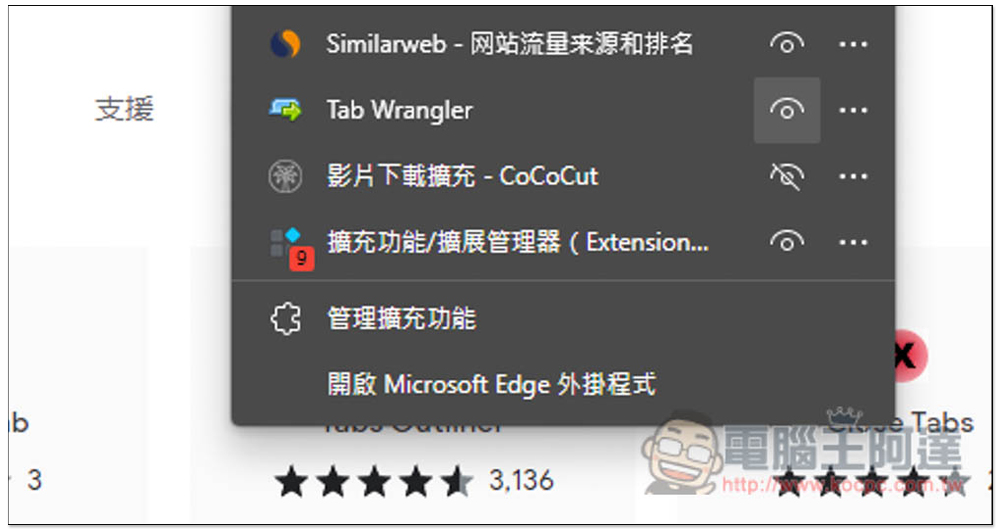
Open the puzzle icon on the right, find the Tab Wrangler and open the eye on the right, so that it will be displayed:
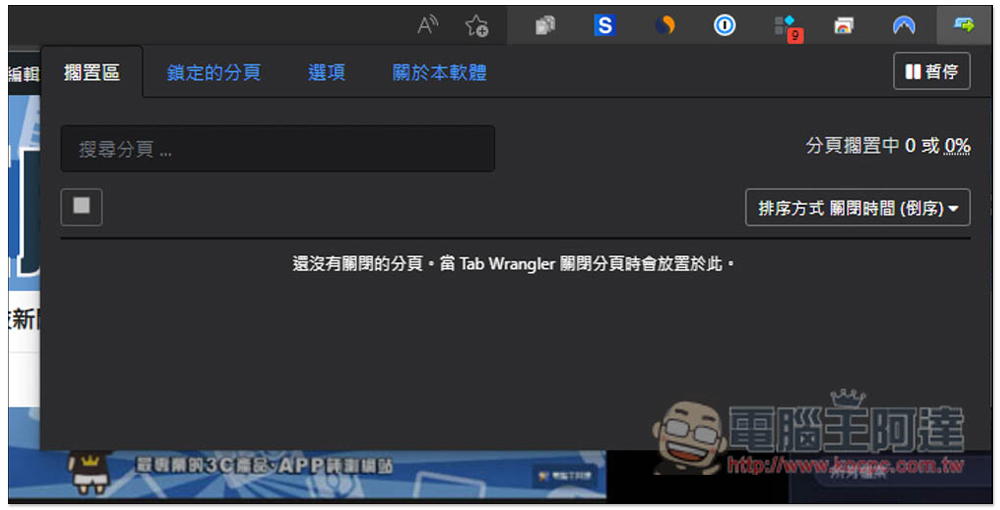
It’s easy to use and supports Traditional Chinese. After opening the icon, there will be four function options, including: “Free Area”, “Locked Tab”, “Options” and “About this Software”.
The idle area will record automatically closed web page pagination. I have just installed it, so there is no pagination. In addition, if you want to temporarily pause this tool, there is also a “Pause” function in the upper right corner:
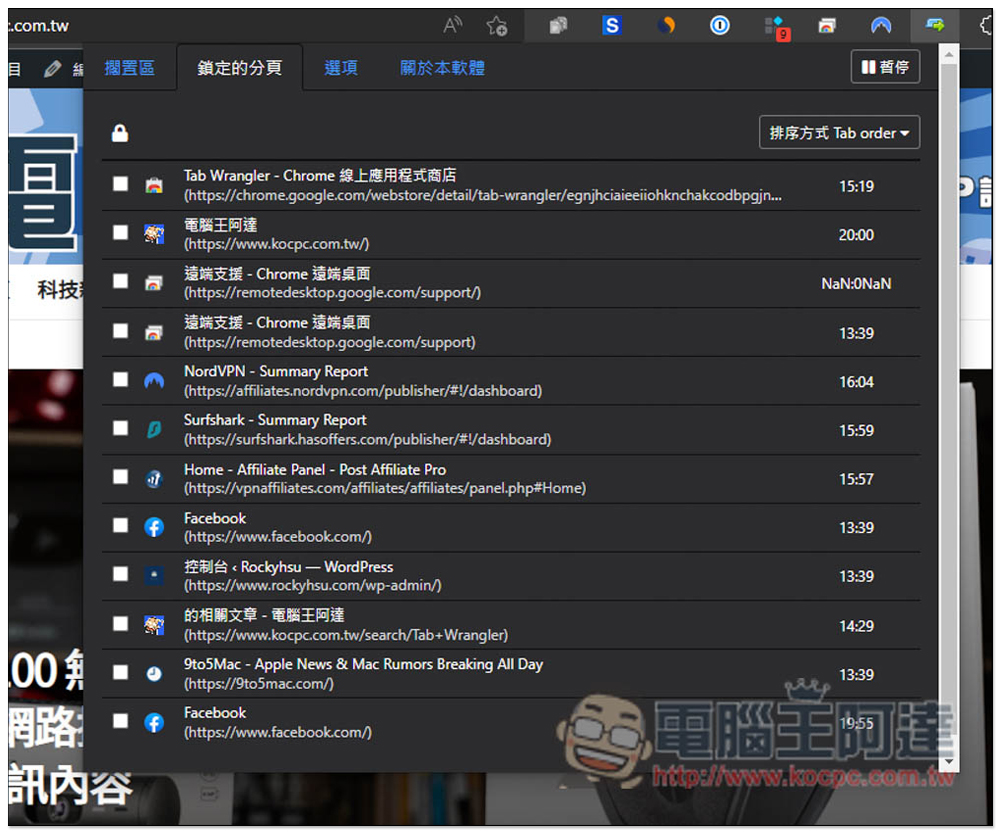
Locking pagination is used to exclude automatic closing, that is, the web page pagination you want to keep permanently, check the left side of the page you want to keep. In addition, the countdown time will also be displayed on the right side, and it will automatically shut down after 20 minutes when not in use:
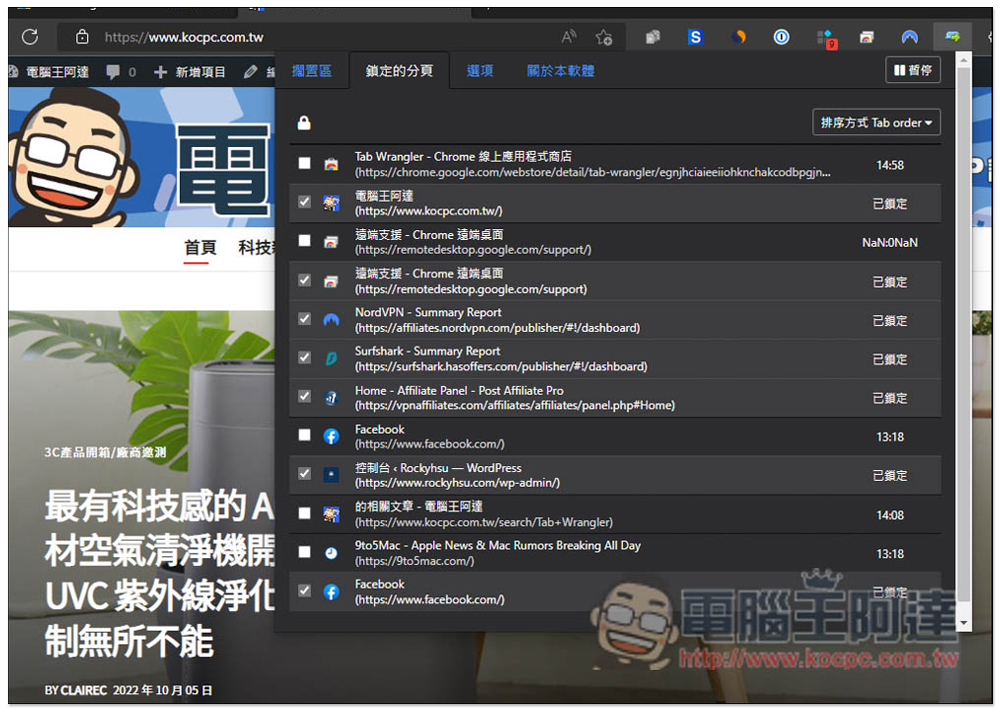
After ticking, these web pages will not be automatically closed, and a “locked” prompt will be displayed on the right:
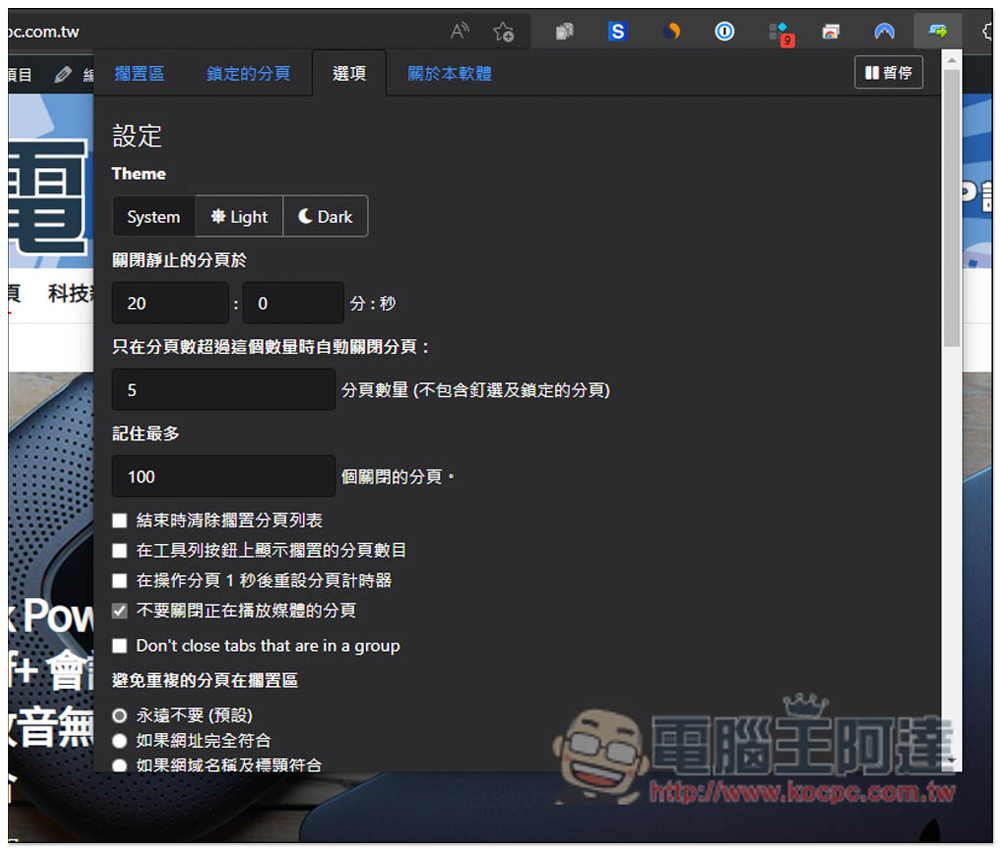
There are many settings in the options that can be adjusted, such as the amount of time after which automatic closing is enabled, the number of tabs before it is enabled, the maximum number of tabs that can be closed, etc.:
In addition, this model also provides an automatic locking function. After adding a website URL, any page you open on this URL in the future will be automatically locked, so you don’t have to do it manually. This is quite convenient and highly recommended for everyone to use it, such as adding all the web pages you will use when working. There are also export and import functions below. When changing computers or resetting, the settings can be saved, allowing you to transfer them painlessly:

It also supports the shortcut key function. There is no default shortcut key and needs to be set manually:

As mentioned above, automatically closed web page tabs will be placed in the idle area, and the right side will also display how long ago they were closed, as well as change the arrangement:

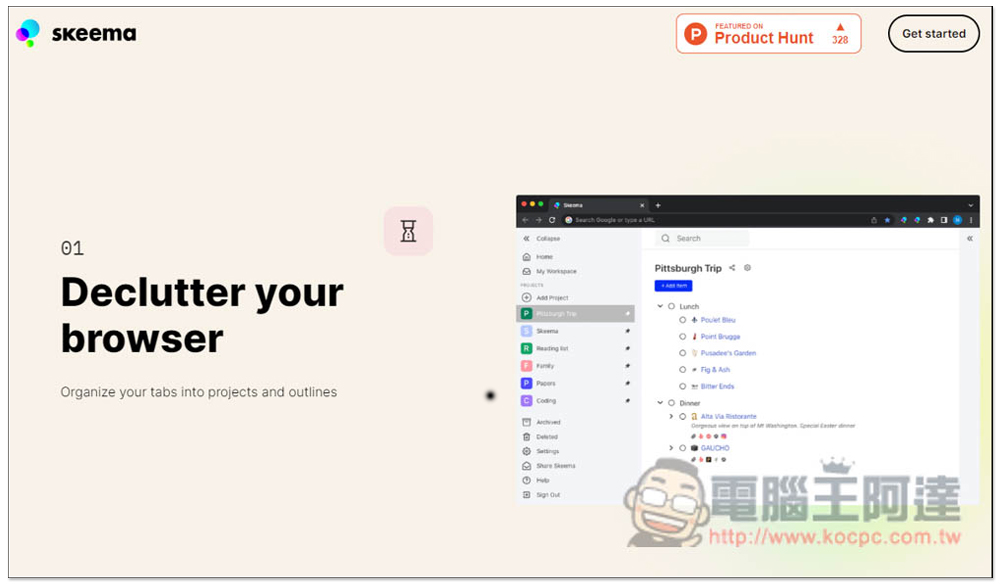
In addition to automatic closing, if you want management functions, we introduced a free Skeema extension just a few days ago that is also good. It uses a to-do list to manage browser pagination, allowing you to organize unfinished web pages in a more organized way, which is very suitable for work purposes. However, this version does not have a Firefox version and only supports Chrome and Edge:
Source: KOCPC Chinese