


When you receive an email in your Gmail inbox from someone else that specifies a date and location for an event, in the past you’d probably copy bits and pieces like the title and location into your calendar, and if you weren’t careful, you might even mark the wrong time (believe it, the author has been through it). Now there’s no need for all that hassle! Google has added a new AI button to Gmail—just click it, and it automatically adds the event to your calendar for you.
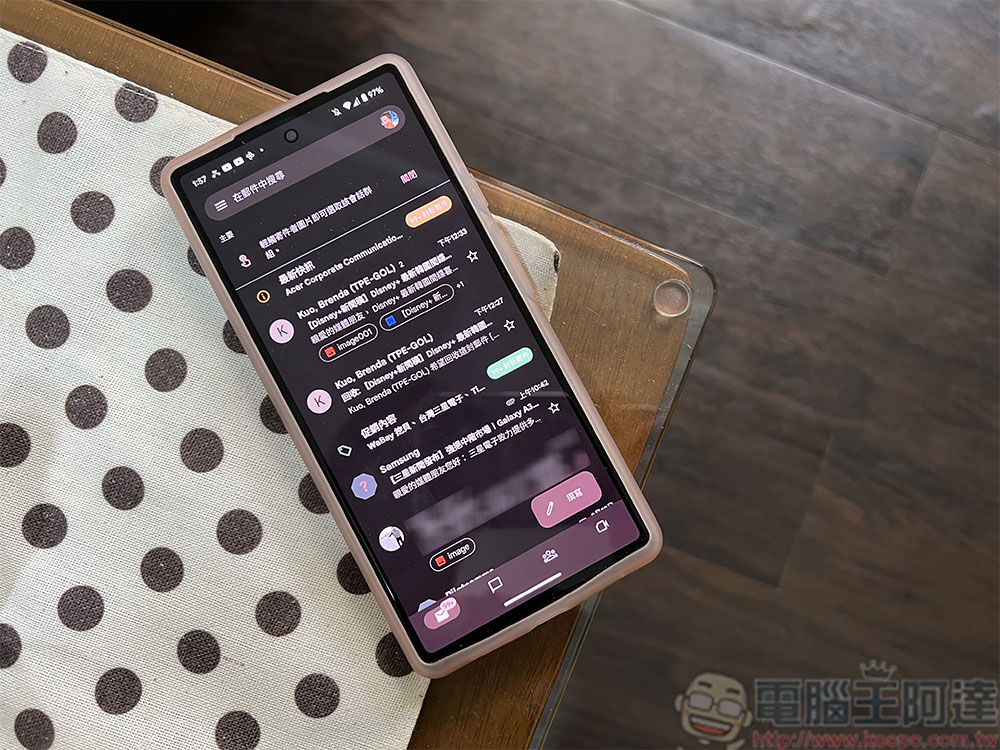
Google adds new AI button in Gmail to add events to calendar with one click.
Previously, you could already add events from the Gemini sidebar, but now everything is much more automated. This update from Google for Gmail adds a new AI button below the email subject line. When you click it, the Gemini sidebar automatically opens to confirm adding the event to your calendar. According to Google announcementIn the screenshot, you can also edit the content when adding an event in the sidebar, in case there is anything that needs to be changed.
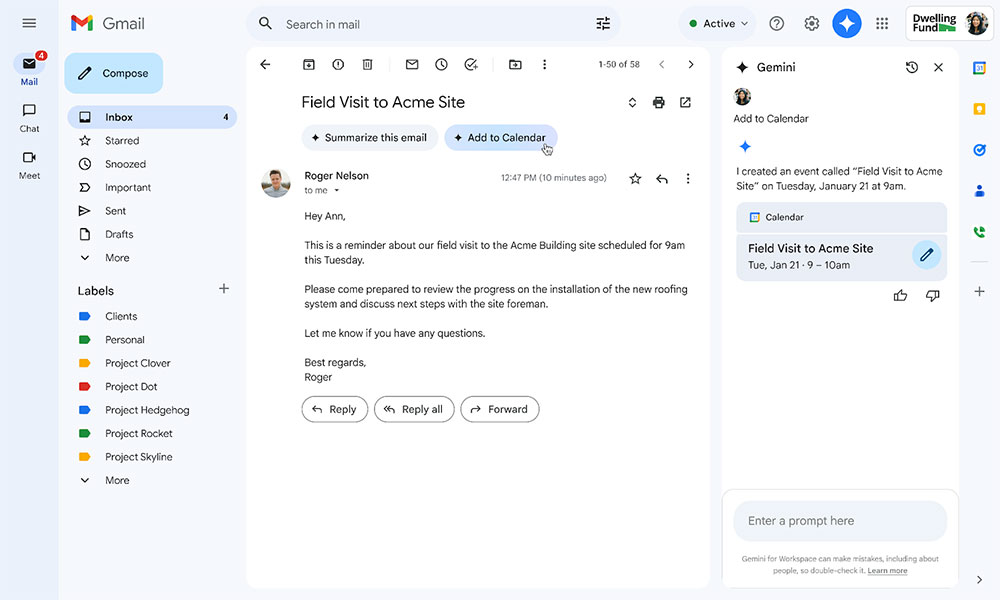
This feature is similar to past non-AI Google features that automatically added or updated Google Calendar events based on certain types of meeting or travel emails. Google says this change is currently rolling out to Business, Enterprise, and Education Workspace users. Additionally, Google One AI Premium subscribers and users who previously purchased the Gemini Business and Gemini Enterprise add-ons (both of which have been discontinued) also have access to it.
To access Gemini in the side panel of Workspace apps, users need to have smart features and personalization enabled. Admins can enable default personalization settings for users in the Admin Console. This feature is currently available only in English and on the web, with rollout expected to be completed in mid-April 2025. For events that Google has already flagged as non-AI (such as restaurant reservations, flight information, etc.), the “Add to Calendar” button will no longer appear, and events added via this button will not include other attendees.
Source: KOCPC Chinese