


After Apple launched its new entry-level notebook MacBook Neo, there was an immediate heated discussion on the Internet, with mixed reviews. Its advantages are quite clear: it has a thin and fanless aluminum alloy body, is equipped with a high-performance iPhone chip, and can even run 3A games when needed. The overall cost-effectiveness is quite outstanding. But the controversy is also obvious. The 8GB memory in 2026 seems to be a bit stretched. After all, ordinary browsers may eat up this capacity. So someone began to suggest: “Then just buy a MacBook Air.”
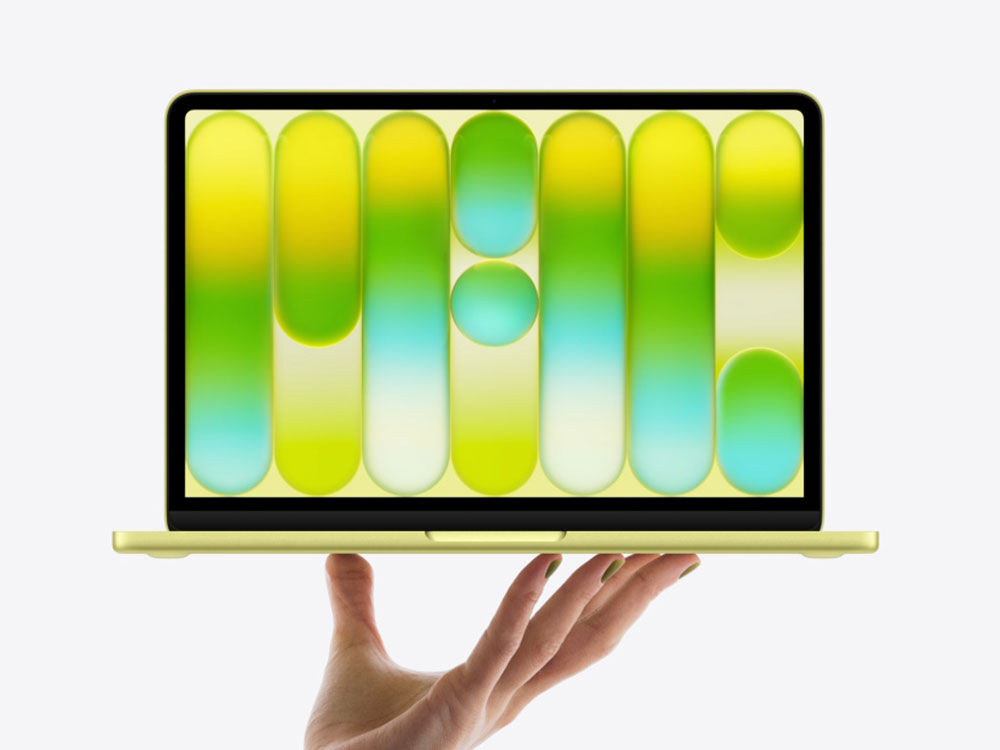
5 features the MacBook Air has that the MacBook Neo doesn’t
Here’s the question: What features does the MacBook Air have that the Neo can’t do at all? Here, we will not repeat the “significantly better” parts of Air in terms of chip performance, memory capacity, screen quality, etc., but focus on the functional differences that Neo does not have at all or even cannot achieve. The comparison object is locked on the latest MacBook Air M5 in 2026.
Let’s start with the conclusion: Even though the price gap between the two is not small, the Neo may lack more than you think.
Force Touch trackpad
The Force Touch trackpad has remained a benchmark for many since it debuted on MacBook in 2015. Compared with most touchpads that rely on mechanical structures to produce a “press down” feel, Apple’s Force Touch simulates clicks through tactile vibrations, which not only provides consistent feedback across the entire touchpad surface, but also avoids the limitation of traditional “springboard” touchpads that can only be pressed at the bottom. It also supports advanced operations such as Force Click, which allows you to look up dictionaries, preview files, etc. with just a slightly heavier press. While tactile trackpads are no longer exclusive to Apple these days, Apple remains the best implementer of the technology, save for the Neo.
All MacBooks currently sold by Apple (including MacBook Air and MacBook Pro) come standard with Force Touch trackpads, except for the MacBook Neo. Neo uses a traditional mechanical multi-touch trackpad that does not support Force Click. Although similar operations can still be achieved by tapping with three fingers, the gestures are relatively cumbersome. Most reviews believe that the Neo’s touchpad performs well, mainly due to the new mechanism design, which allows the pressing feel to be evenly distributed across the entire surface, and the feeling of pressing up and down is almost the same. However, once compared with Force Touch, many reviewers still clearly feel that the Neo’s touchpad is slightly inferior in refinement and feedback.
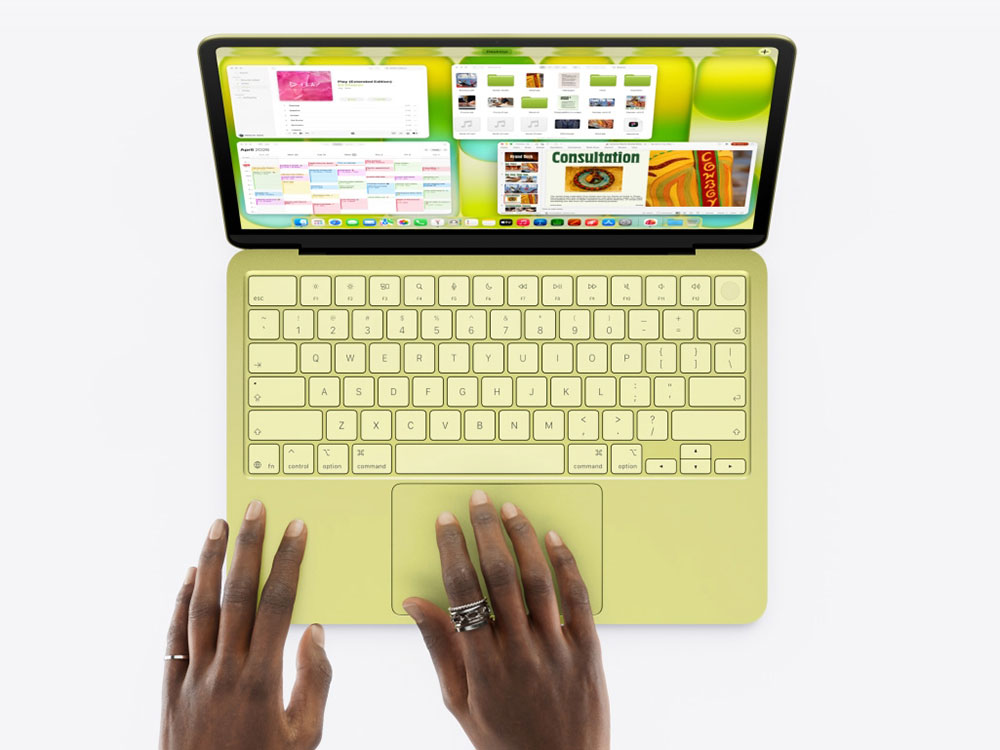
True Tone
One subtle difference between the MacBook Neo and the MacBook Air is that the Neo lacks True Tone, a feature that is also quite common on the iPhone. Apple describes True Tone as “using an advanced multi-channel sensor to adjust the color temperature and brightness of the screen to match the ambient light, making the picture look more natural.” At first glance, this seems to be just a fancy way of saying automatic brightness adjustment, but in fact, it is this technology that allows the MacBook screen to maintain a comfortable and natural look and feel in dark rooms, outdoor sunlight, and even harsh fluorescent lighting environments. Unfortunately, the MacBook Neo is not equipped with this feature.
At the same time, we also need to clarify a common misunderstanding on the Internet: although the official specification sheet shows that Neo does not have an ambient light sensor, judging from the system settings, it can indeed automatically adjust the brightness according to the environment. Apple’s official troubleshooting document also states that the Neo is indeed equipped with a sensor located near the camera. However, some Neo users have reported that the response of this sensor is “too sensitive,” suggesting that its performance may not be as good as the version on the MacBook Air.

So, is the lack of True Tone a fatal flaw? In my experience, it’s not fatal, but you can definitely feel the difference. True Tone plays an important role in the natural, vibrant visuals of Apple screens because it maintains a consistent color temperature and look and feel in most lighting conditions. Without True Tone, the Neo’s screen can appear slightly “harder,” although this difference is usually only noticeable when compared side-by-side with the Air.
Keyboard backlight
MacBook Neo uses Apple’s classic smart keyboard. Reviews generally praise its typing feel and overall experience. In particular, the keyboard and the body are consistent in color and easy to maintain. One glaring drawback, however, is that it doesn’t have a keyboard backlight like other MacBooks. For many users, this may be one of the most difficult to ignore.
If you’ve ever used a keyboard without a backlight in a low-light environment, or even a completely dark room, you’ll quickly feel the inconvenience. The keys have become difficult to identify and can only be located by relying on the weak reflected light from the screen; even people with fast typing speed and strong muscle memory sometimes have to lower their heads to confirm the location of the keys.

If you plan to take your MacBook Neo with you and use it in places with unstable lighting such as classrooms, conference rooms, cafes, etc., its non-backlit keyboard may cause a lot of trouble. If you have already purchased Neo, you may also consider switching to closed-cover mode when using it at home and pairing it with an external keyboard to make up for this shortcoming. But if you’re primarily at home and can turn on the lights at all times, this drawback may not be a problem at all for you.
Thunderbolt support
Most users may not be aware of the actual purpose of the Thunderbolt interface on laptops. It is not USB-C by another name, but is specifically used to connect devices that support high-speed, high-bandwidth transmission, such as external monitors or high-performance hard drives. Other Mac models come with Thunderbolt, but as you might have guessed, the MacBook Neo doesn’t; it only offers USB 3 and USB 2 interfaces.
For most people, this difference probably won’t matter much. After all, you’ll need something that’s really capable of Thunderbolt, like a top-of-the-line external SSD, to notice the speed difference, and it’s usually only noticeable when copying large amounts of data, such as multi-gigabyte files. If you’re just backing up files to a regular USB‑C drive, the difference between the Neo and the Air is almost negligible. But if you’re using an external SSD for larger video projects, such as editing footage in Final Cut Pro, the impact of the lack of Thunderbolt will be very specific.
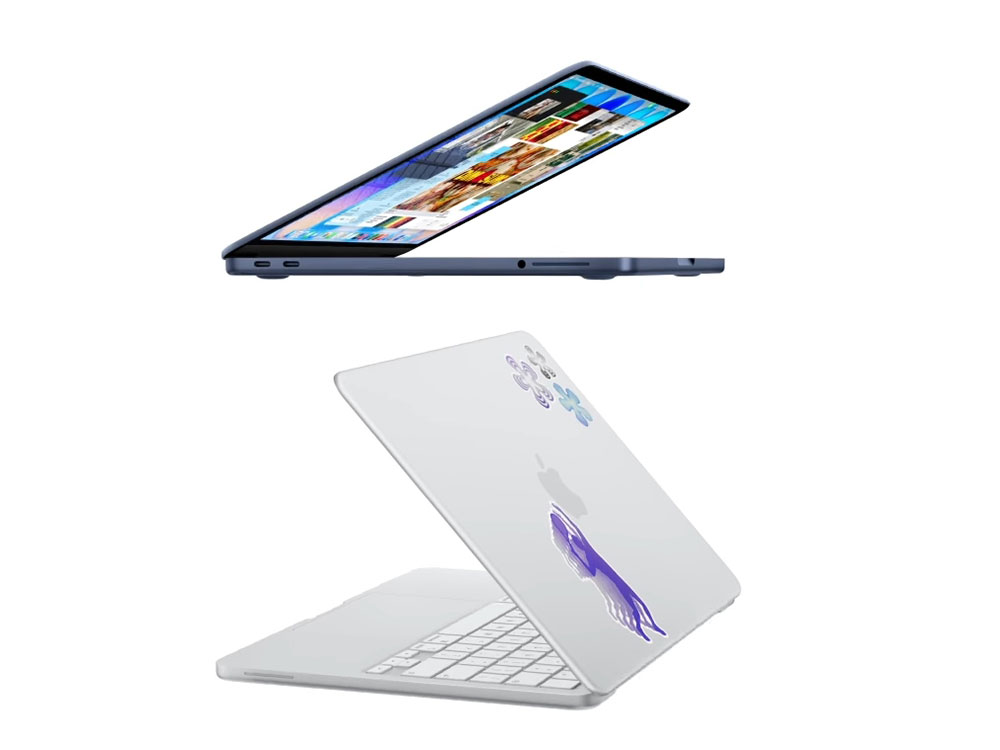
For average users, what may be more inconvenient is the lack of USB‑A interface. This is also true for Air and Pro. Any device that still uses USB‑A (such as mouse receivers, old mobile phone charging cables, flash drives, hard drives, etc.) will need to replace the cable or use a USB‑A to USB‑C adapter.
fast charging
Besides not having a backlit keyboard, another major potential drawback of the MacBook Neo is the charging power limitation. Neo only supports up to 20W USB‑C charging; in comparison, MacBook Air’s fast charging power can reach 70W (or even higher), which is more than three times that of Neo. These numbers may seem abstract, but the difference in actual charging times is indeed not small.
Some users tested it with the charger that came with the Neo and found that it could take up to 4 hours to charge from zero to full. However, the speed will be significantly improved if paired with a higher-power charger. For example, Apple’s 40W charger can fully charge in just over two hours. Considering that the Neo has a battery life of up to 16 hours (compared to 18 hours on the Air), this may not be a big issue for most people. Some battery tests also show that the actual battery life of the Air is about 13.5 hours, which is slightly different from the official data. In other words, Neo’s battery life is still enough to last a whole day, and it’s not a problem to charge it slowly when you go home. In comparison, the Air’s fast charging advantage is more obvious, and it can be charged to 50% in half an hour.
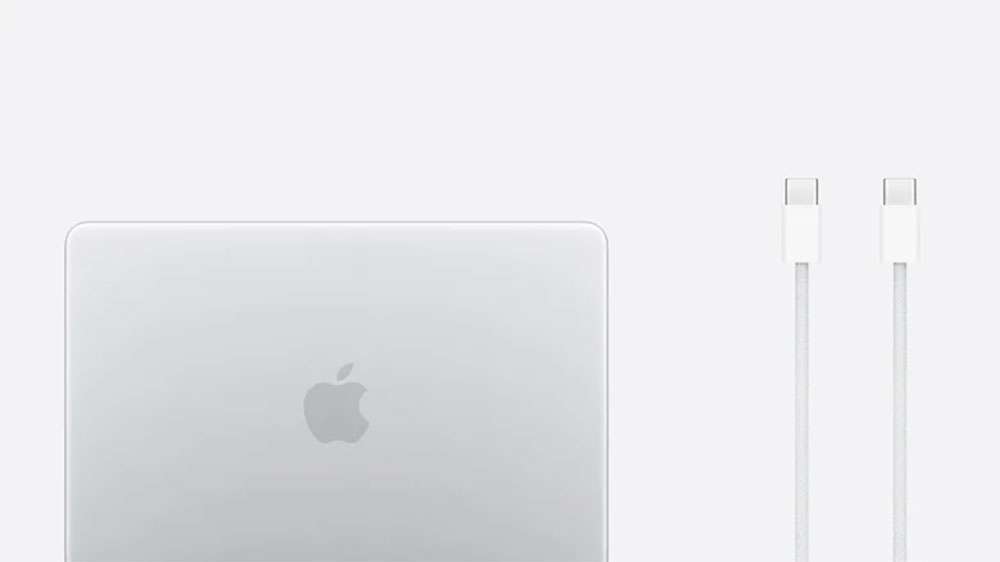
Another thing worth noting is that the Neo doesn’t come with the MacBook Air’s MagSafe charging cable. In my opinion, MagSafe is one of the most convenient ways to charge laptops: it attaches quickly and is easy to remove, and even if you accidentally trip on the cord, it won’t drag the computer off the table. The Neo can only be charged via USB‑C, which is not a serious drawback, but it does lack the convenience and security brought by MagSafe.
Source: KOCPC Chinese