


Although there are many free YouTube download tools on the Internet, they all need to copy the URL and then paste it on the download tool website. The operation is a bit troublesome. Recently, I discovered this very convenient free extension of YouTube Video Downloader. After installation, the download function will appear at the bottom of the YouTube page, which means that you can download directly by pressing this function in the future without copying the URL. In addition, it also supports downloading of music, subtitles, and other enhanced features.
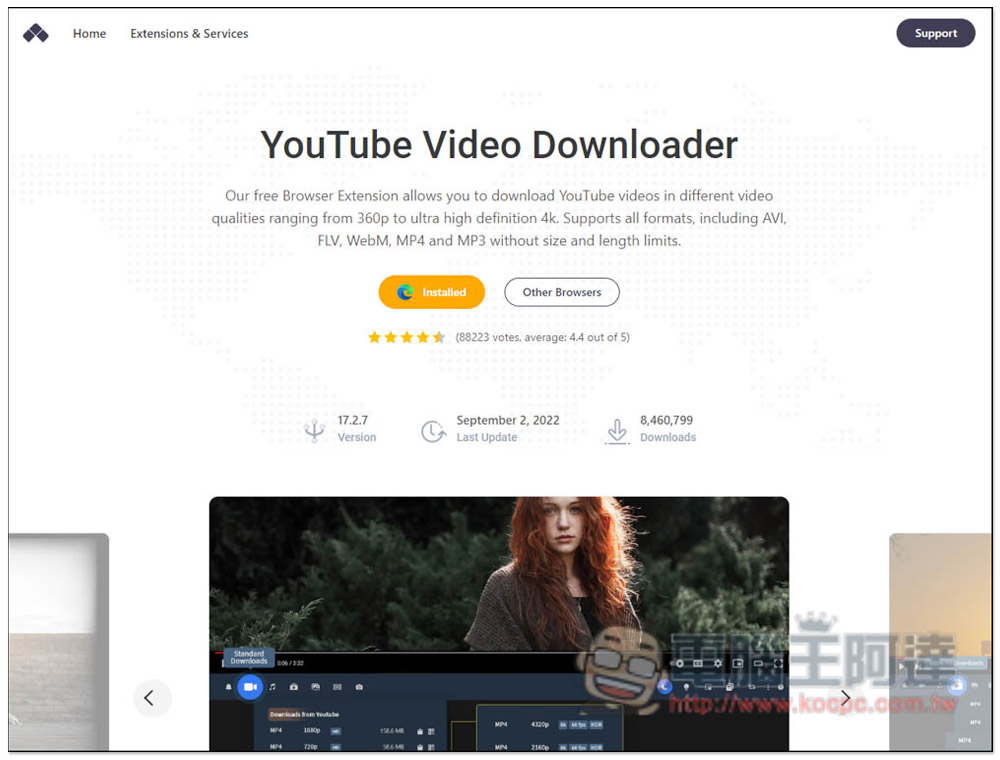
YouTube Video Downloader is a free extension that can download YouTube videos, music, and subtitles with just one click.
It is impossible for Chrome to make this downloadable YouTube extension available, so other extensions are needed to achieve this.
After entering the official website, it will automatically detect the browser you are currently using. For example, I use Microsoft Edge. Click Add to Edge:
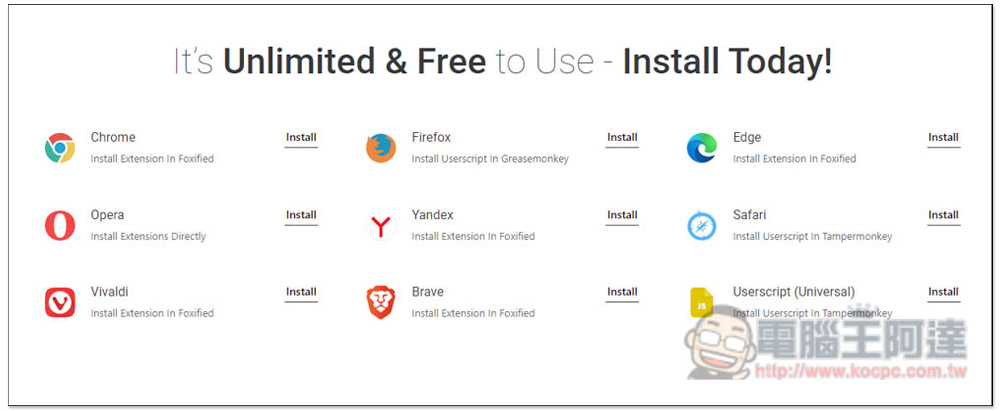
This supports many browsers, including Chrome, Firefox, Edge, Opera, Yandex, Safari, Vivaldi, Brave, etc.:
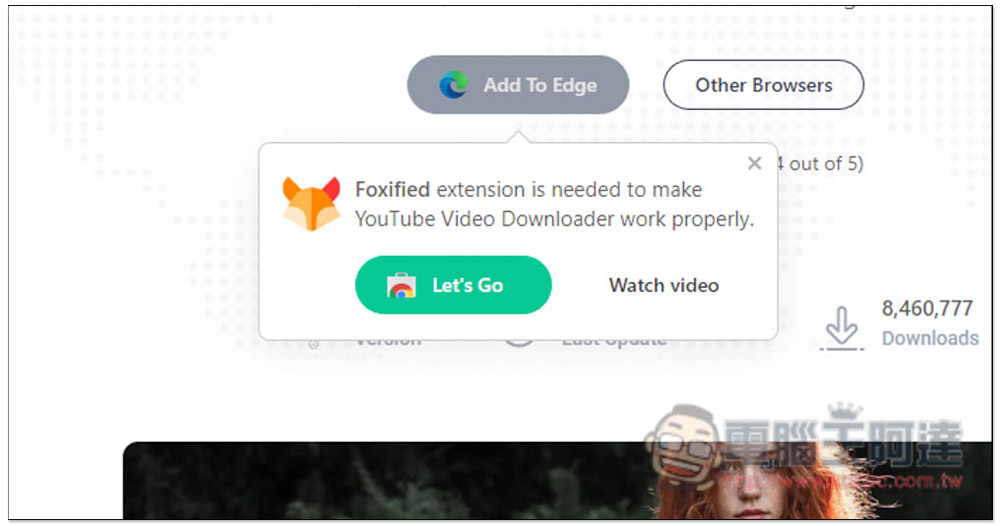
In the case of Microsoft Edge, after clicking Add, a message will pop up that requires other extensions to be implemented. Press Let’s Go:
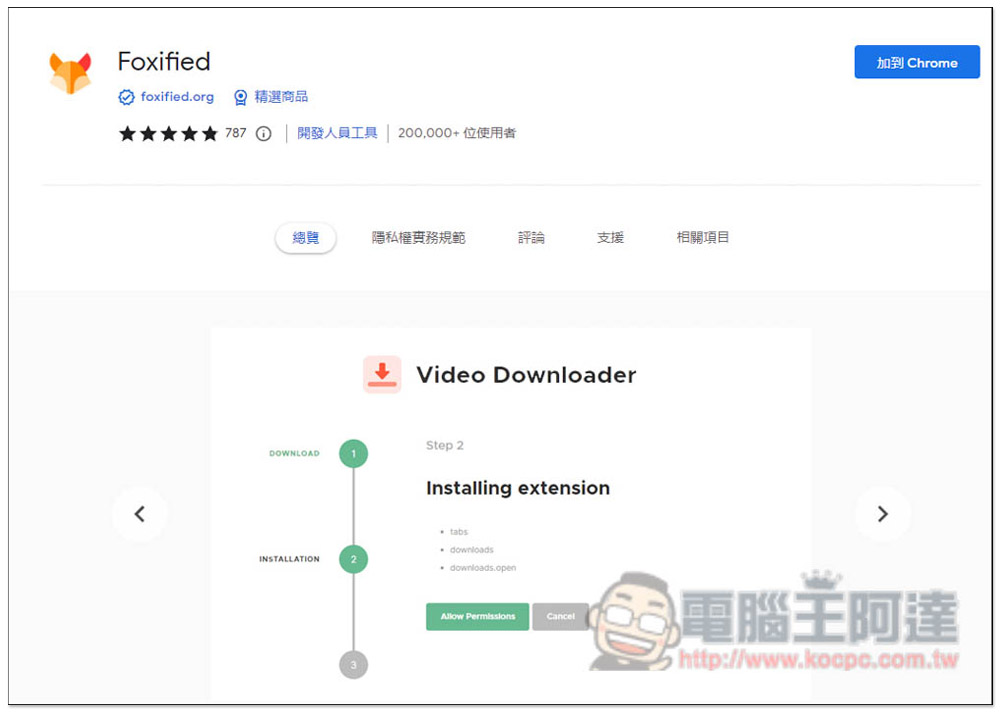
It will jump to Foxified’s extension store page, click Add to Chrome:
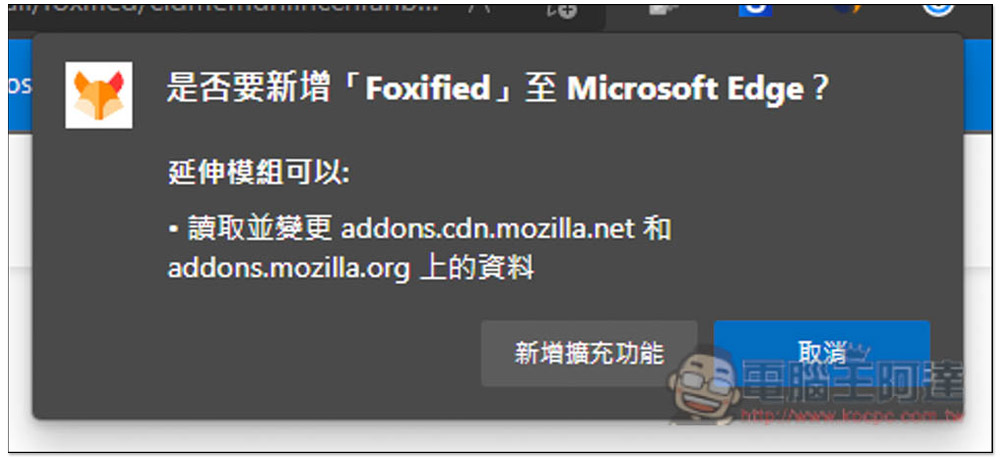
Click to add an extension:
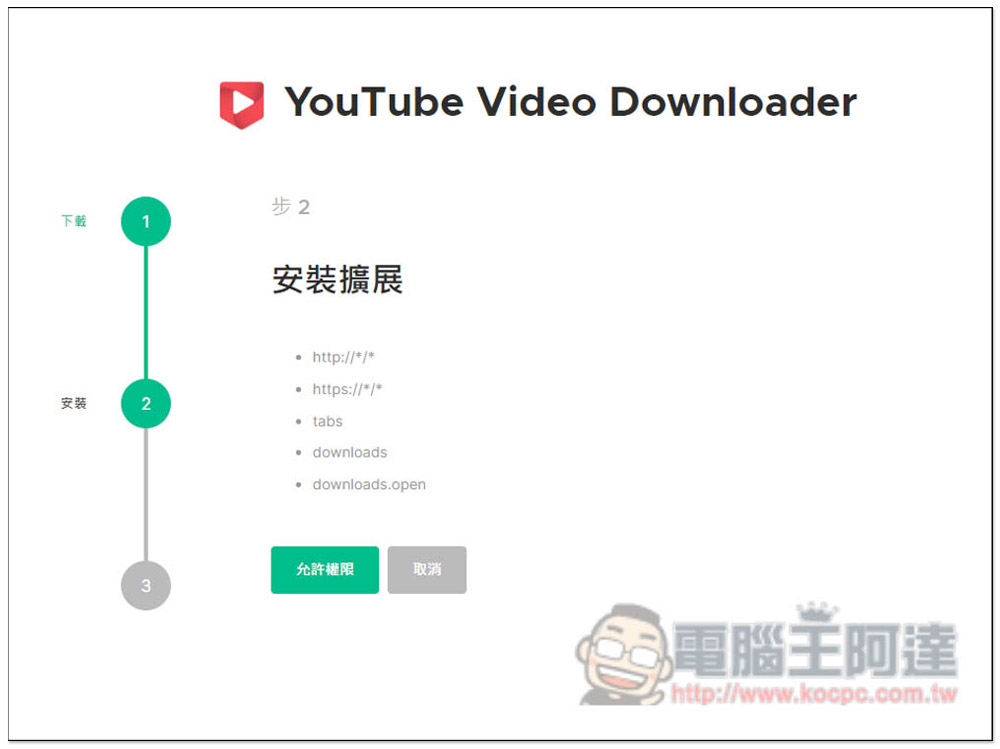
Jumping out of this page means the installation is complete, but you need to grant permissions before starting to use it. Click “Allow Permissions”:
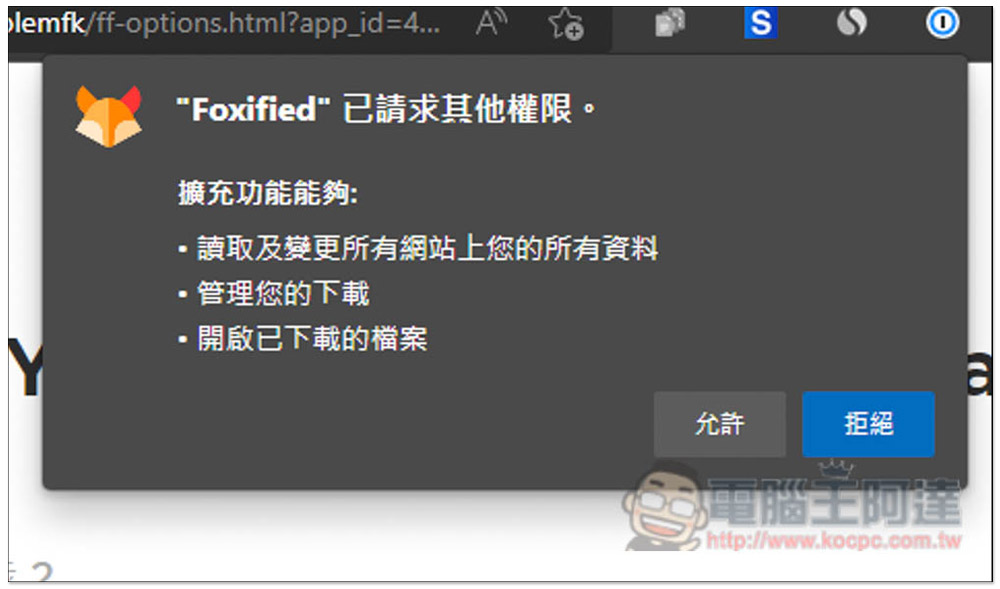
What’s more noteworthy about this permission is the first point “Read and change all your information on all websites”. For friends who are worried about security, I would recommend not to use this. Those who don’t mind then click Allow. In addition, I also tested after installation to change the permissions of the extension to only the YouTube website, but this did not work properly, so be sure to allow all websites:
Now everything is set up and ready to use:
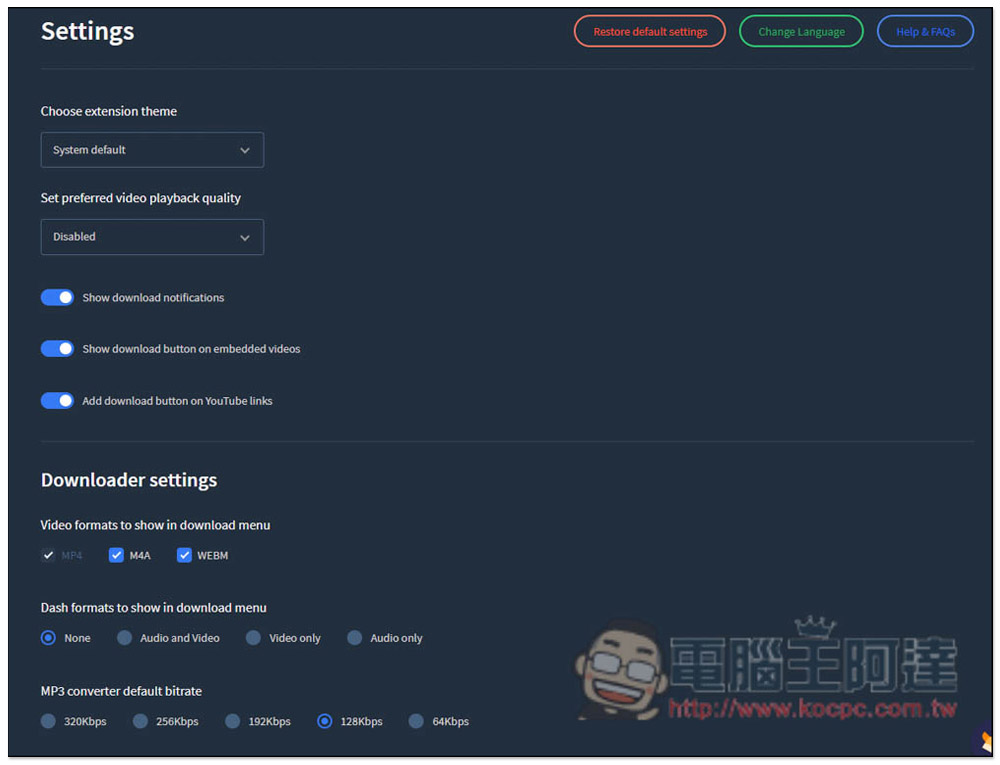
There are some settings that can be adjusted in the settings, such as the displayed download format, MP3 sound quality, theme, etc.:
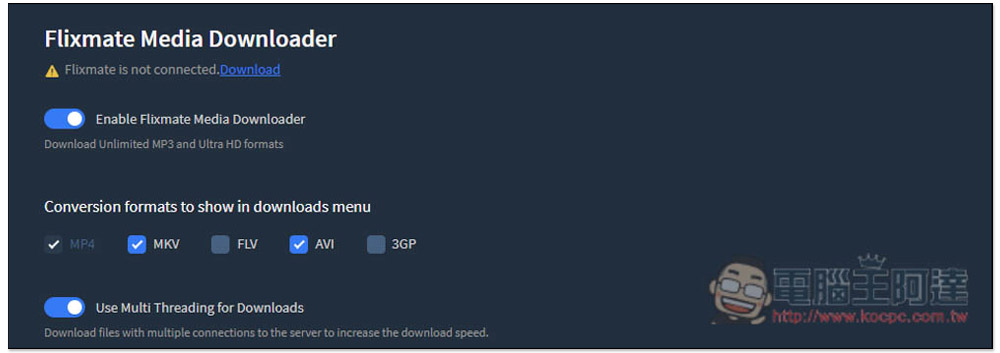
This product also supports the function of linking Flixmate Media Downloader. After downloading, you can convert other formats. People in need can try it by themselves:
After opening a YouTube video, you will see a row of toolbars below, with download functions on the left and enhanced functions on the right:
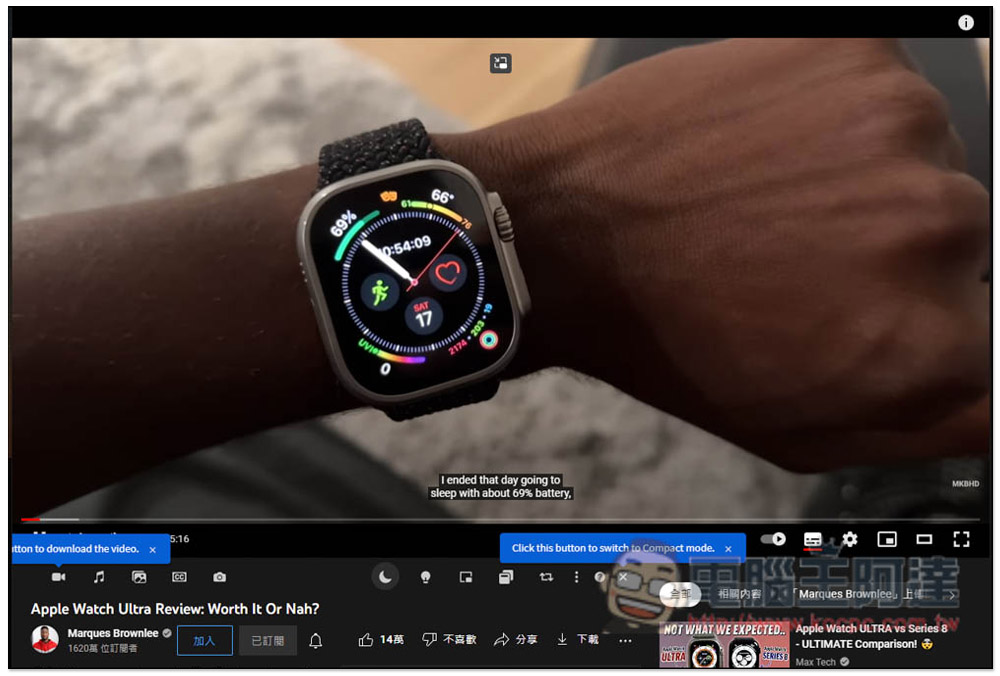
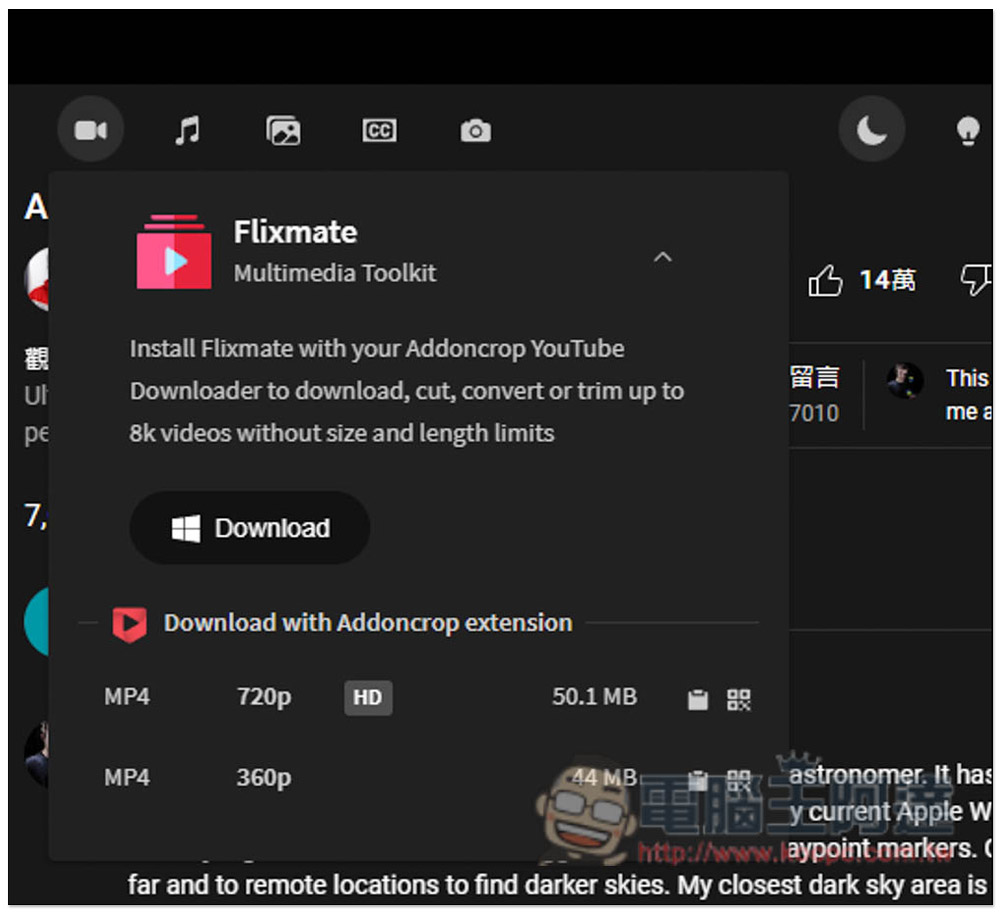
This YouTube video appears to only be available for download at 720p, so if you want a higher resolution, you’ll need to install Flixmate. After clicking on the resolution you want, the download will start, and the download speed is quite fast:
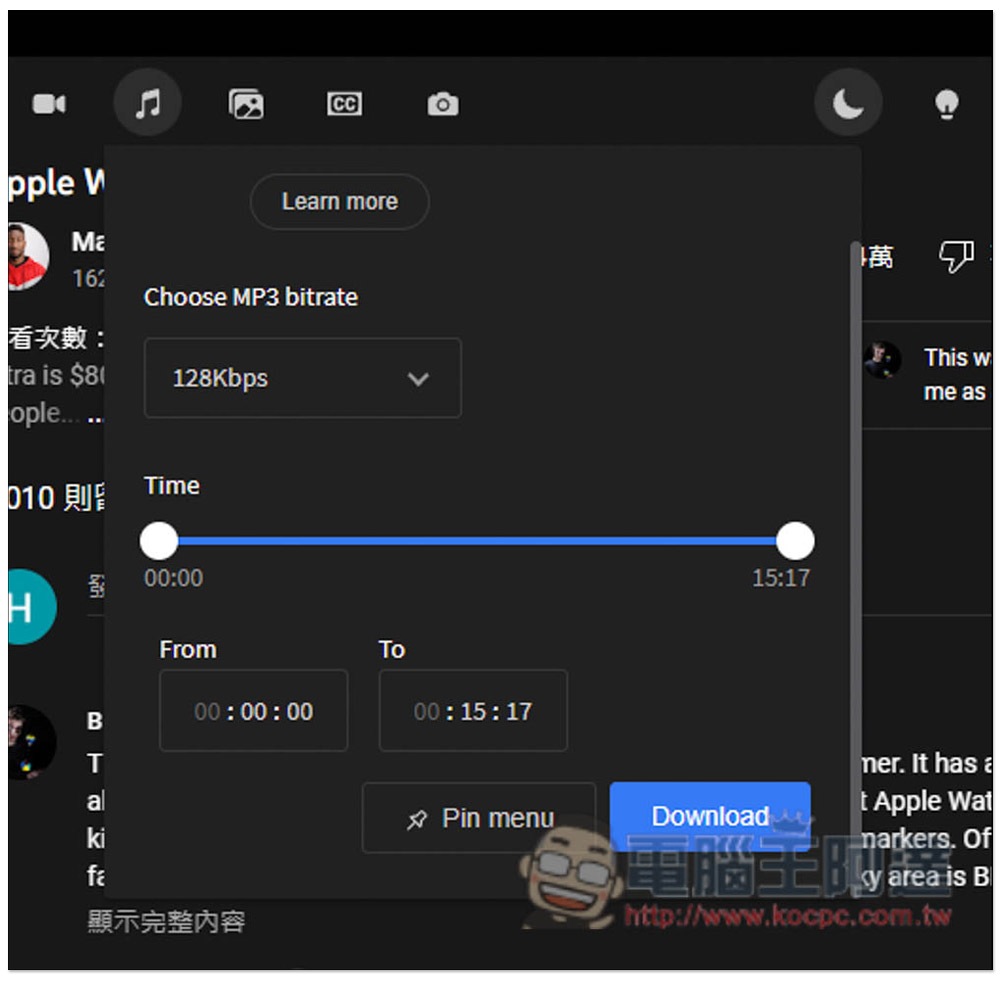
In the YouTube MP3 music section, you can directly select the time point you want without necessarily downloading the entire song:
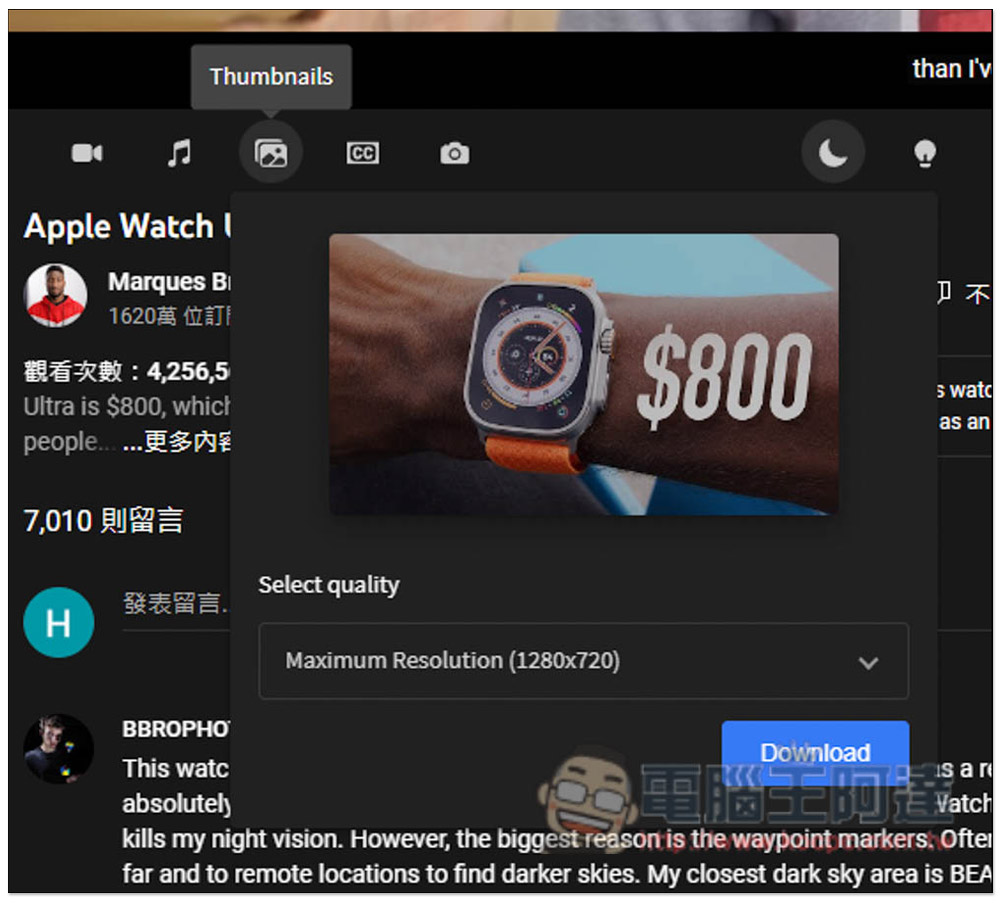
You can also download the cover image:
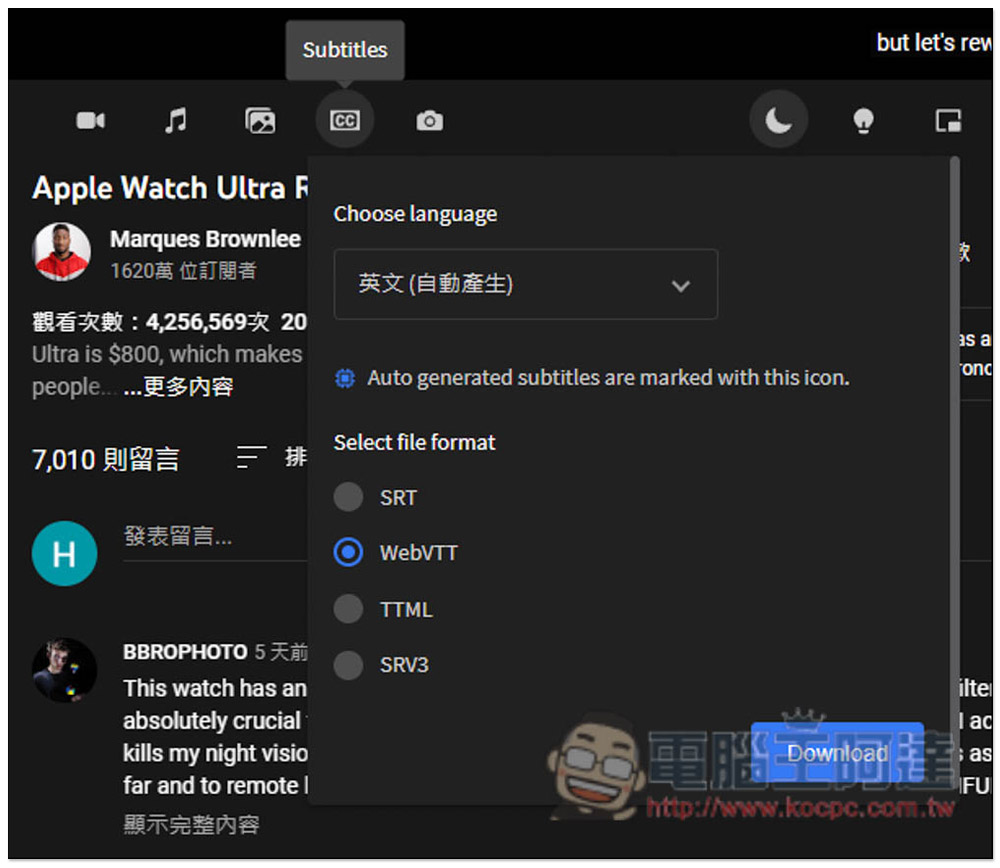
There are also subtitles available in four formats: SRT, WebVTT, TTML, and SRV3:
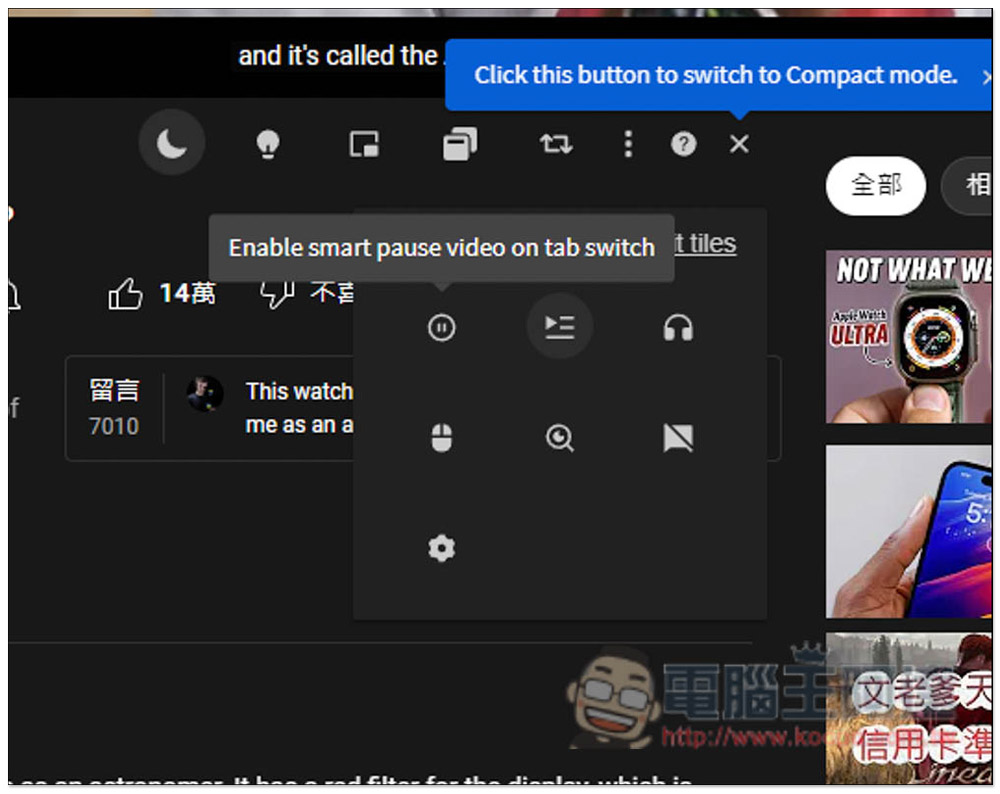
There are many enhanced functions on the right side. This part is for readers to play with and see on their own:
Source: KOCPC Chinese