


Although it had been announced at WWDC, it was not until the topical Dynamic Island of the iPhone 14 Pro series came on stage that the popularity of the iOS 16 integrated notification function was instantly raised to a new level. In addition to basic support such as the original countdown timer and three-party support including CallKit and music functions, the “Live Activities” function that allows users to more easily track delivery progress, football games and other real-time information can also be displayed on the iPhone 14 Pro’s live island in addition to the bottom of the lock screen.
Because this has made many people look forward to it, they are a little worried about whether this eye-catching function displayed on the dynamic island will cause related problems. But at present, it seems that at least the official should have a complete plan for this API. Continue reading Apple releases guidelines for “Live News”, the most powerful application of Dynamic Island: “No No” for advertisements and sensitive information, and supports three display methods for reporting content.
▲Image source: Apple
Apple releases guidelines for the most powerful application of Dynamic Island, “Live Dynamics”: “No No” for advertisements and sensitive information, and supports three display methods
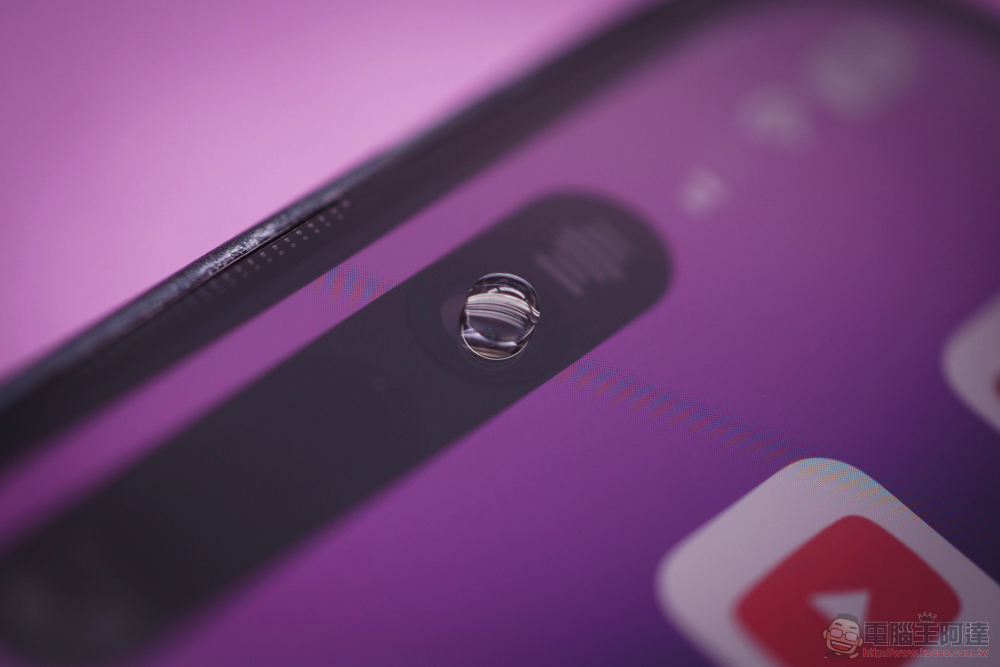
Although during the evaluation, I really felt that iPhone 14 Pro Max The dynamic island, which has caused a lot of discussion, actually has less presence than expected (referring to the notification and multitasking functions, I am still not used to watching videos and photos on the full page XD). But in a sense, it should make the dynamic island shine even more. The real-time dynamic function that iOS 16 originally “bottomed” in the locked function will be directly “topped” to the active use of the dynamic island. Will it cause discomfort or even distress to users?
Now it seems that Apple’s guidance on the new Live Activities API’s related Guidelines not only allows developers to have better directions, but also allows ordinary users to understand how the official plans to use such a somewhat surprising display. abnormal ground Digging the area becomes a fresh experience.
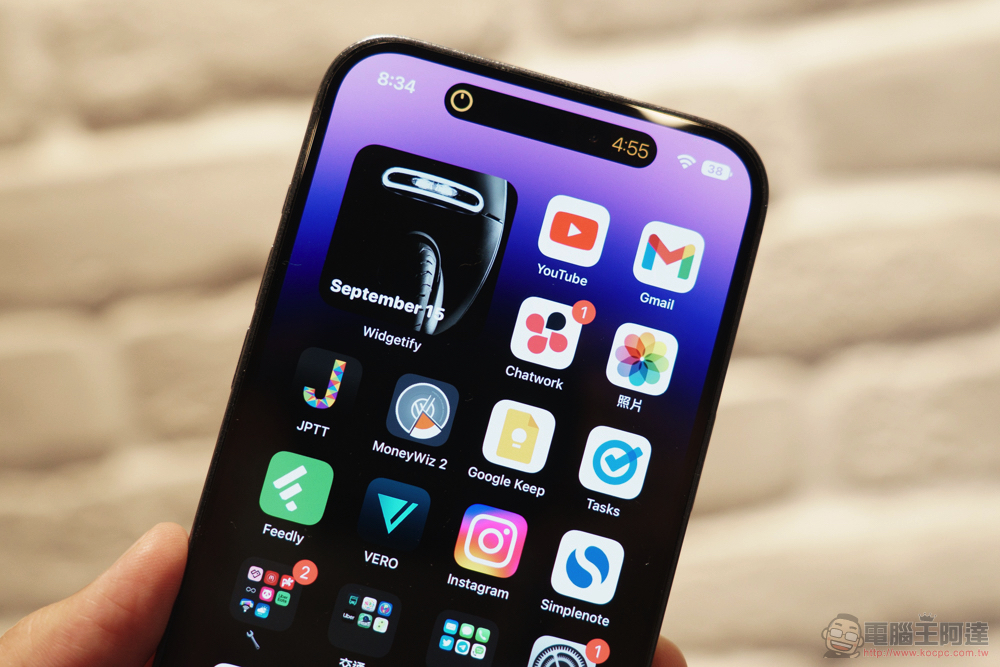
First of all, the most concerning thing is probably whether there are clear category specifications for developers to use this top-notch and very eye-catching display function. According to this guidance, Apple mainly stipulates that advertisements and promotional information should be avoided, and sensitive information is also within this scope.
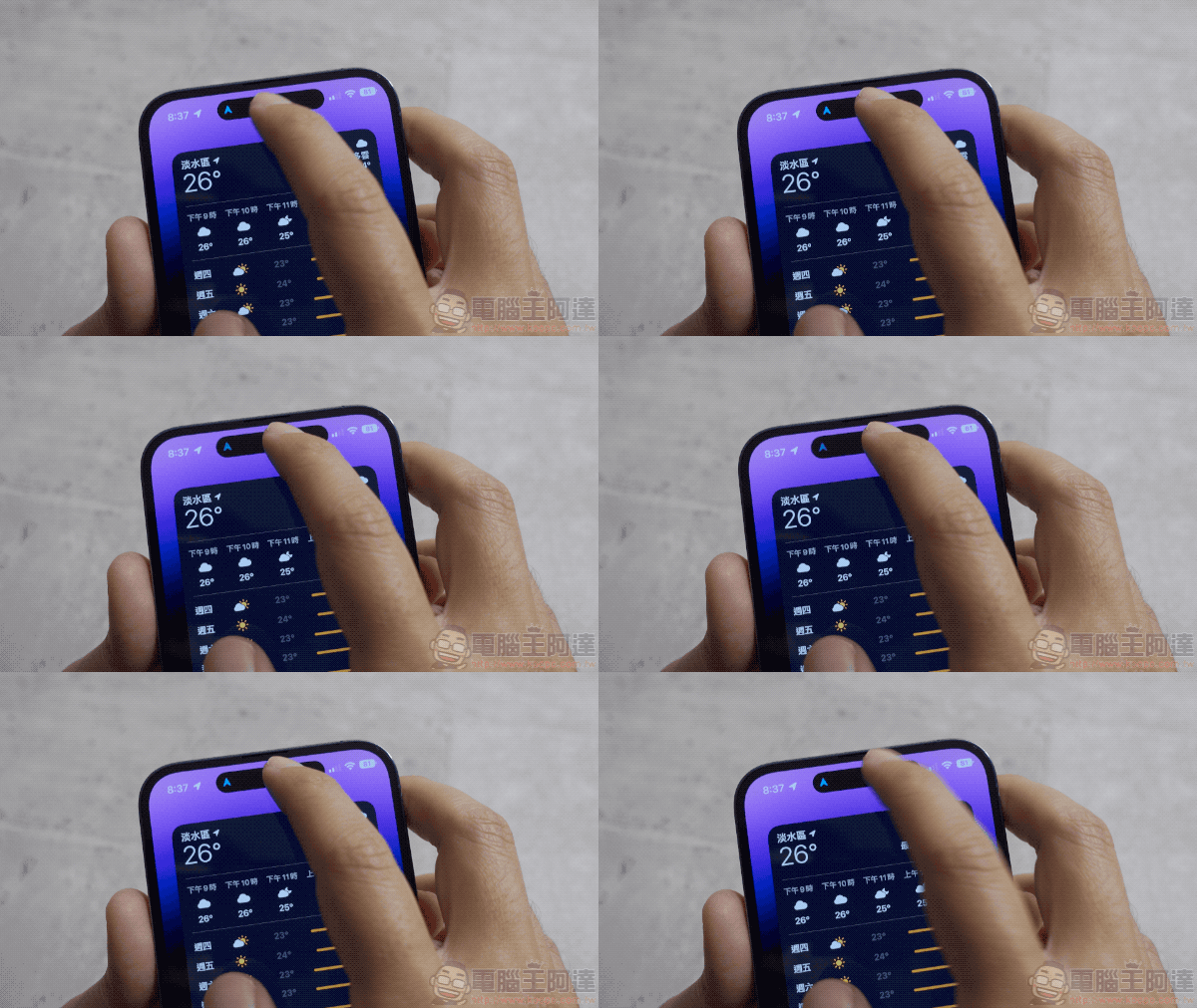
Other guidelines include defining the start and end time points, displaying only the most necessary information, and clicking on the dynamic island to jump to the app. There is also “Only” to update the real-time dynamic display and notifications when the latest information is available. The most interesting thing to me is to provide users with the control function to activate and deactivate real-time animation – regarding this point, although functions such as timers currently have “X” to directly stop and end the display of the dynamic island.
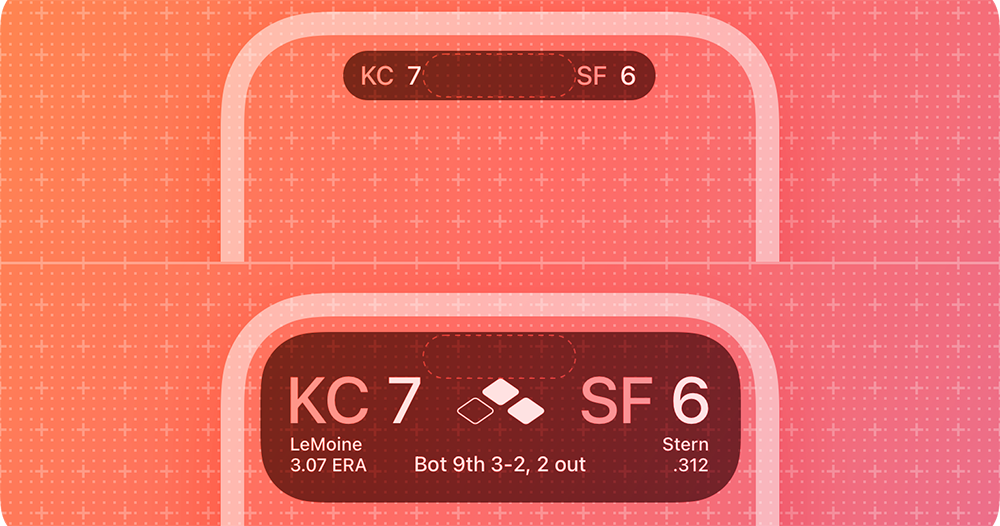
However, judging from the official “match score” real-time dynamic example, there is no close button even in the expanded state. I don’t know if this means that currently it will be the same as using a timer. You have to slide down the notification page and find this real-time notification and swipe left to clear it. Then one of the items “Consider clearing the live dynamic display on the lock screen after finishing” – “Consider” is used here, which shows that it is not a hard and fast rule.
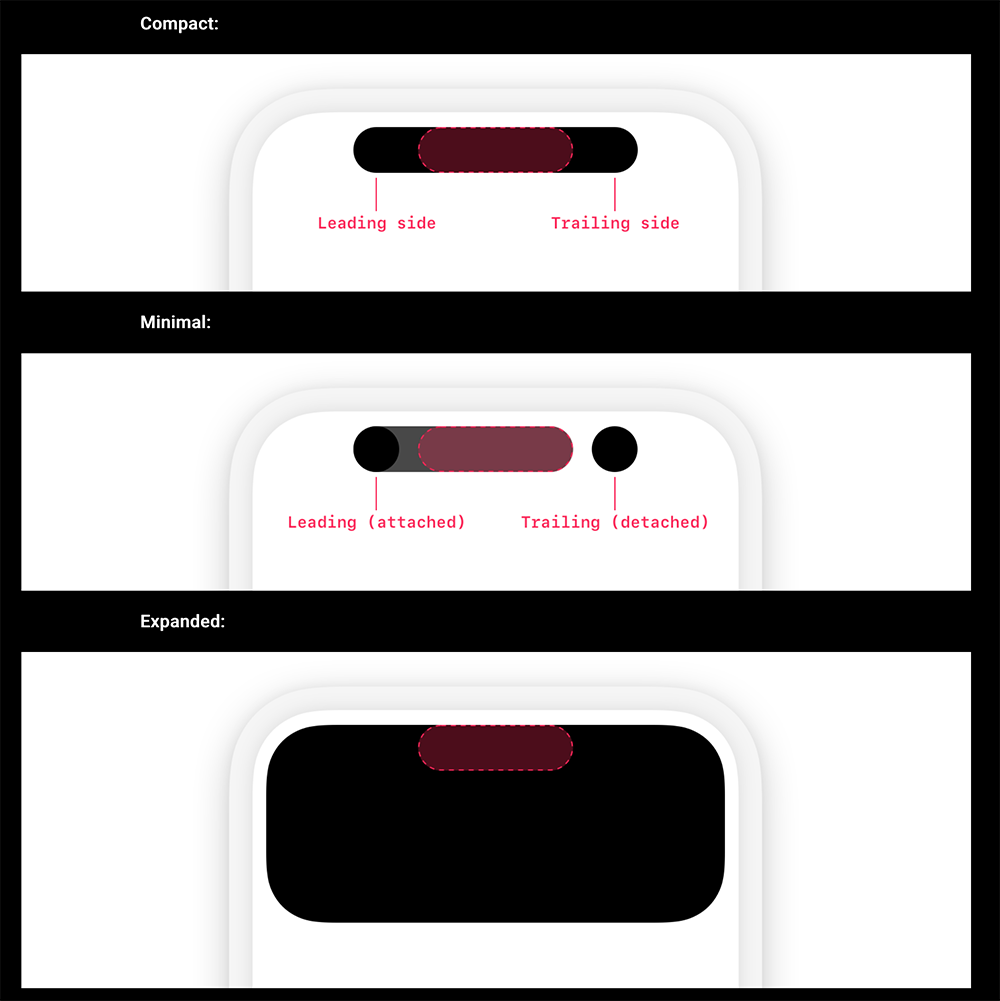
Although it seems a bit strange that it is not mandatory to automatically remove it. However, in fact, Apple Music will remain on the lock page for a period of time after pausing playback; although the dynamic island will continue to display the music pause, it will not appear after closing the screen in the paused state (if the app is not closed, it will continue to be displayed on the lock screen). To some extent, it may also mean that this experience will have different specifications or recommended guidelines depending on different types of applications.
Speaking of suggestions, this guide also provides relevant design guidelines for the three main display modes of dynamic islands. If you are a developer, you should be able to openOfficial page, seriously study the instructions for “island adventure”.
Further reading:
Source: KOCPC Chinese