


iOS 16 has finally been officially launched. Not only does it have a lot of new features, actual tests also show that most iPhone models have better battery life after upgrading. I believe many people can’t wait to upgrade as soon as possible. At this time, if you encounter the situation that iOS 16 cannot be updated, or the update is stuck, you will feel very annoyed. Don’t worry, this article will tell you how to solve this problem, please continue reading. iOS 16 update guide。
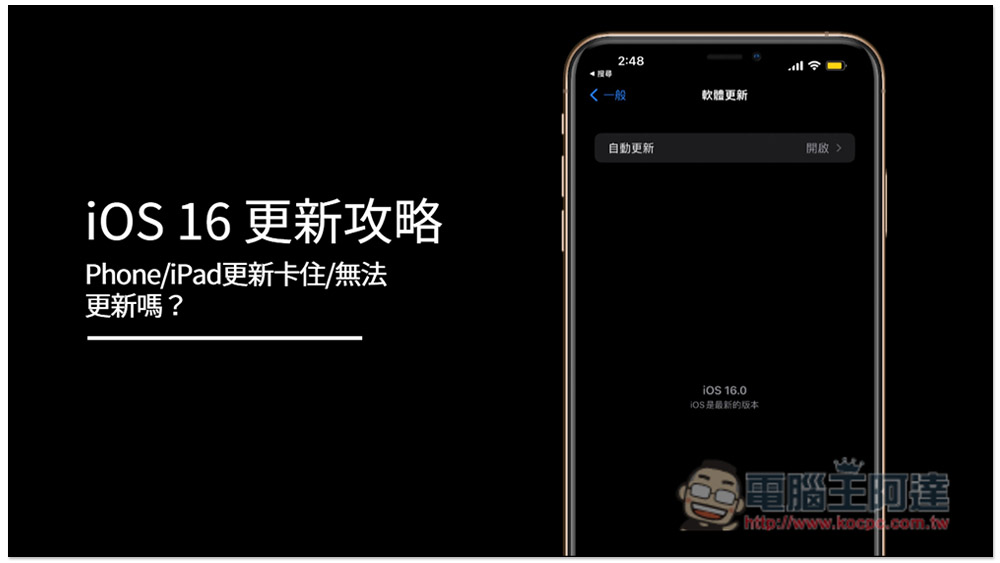
Why is iOS 16 update stuck?
iOS 16 update stuckThere are many reasons, such as:
- The network is unstable and the complete update package cannot be downloaded.
- There are too many people updating at the moment, and Apple’s servers can’t load it.
- Caused by some system error conflicts
- Not enough storage space
- There is a problem with the update file…wait a minute
Therefore, it is not easy to find out the cause quickly. Generally speaking, you can only try various solutions. Until one of them is successfully solved, you may know what the problem is. This process will take a lot of time, and you may still not be able to solve it in the end. Therefore, in this article, I first recommend a relatively lazy and simple one.iMyFone Fixppo Apple System Repair Tool”.
iMyFone Fixppo is a comprehensive iPhone problem repair tool that can fix most software errors and malfunctions, such as: iOS 16 update stuck,iPhone black screen cannot be turned off, iPhone crashes,iPhone white appleWait, it can be easily repaired with one click. No technical knowledge is required at all, and no time is spent looking up information. Just let it run. This is especially suitable for friends who don’t know much about technology products.
Of course, some common solutions will be attached below for everyone.
iOS 16 update guide: Use iMyFone Fixppo Apple system repair tool to fix update problems (most recommended)
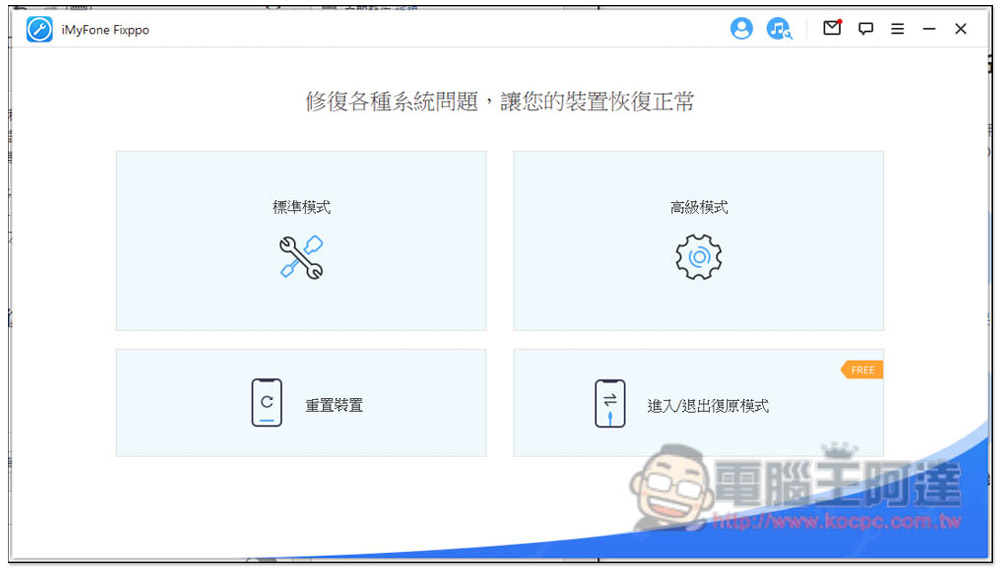
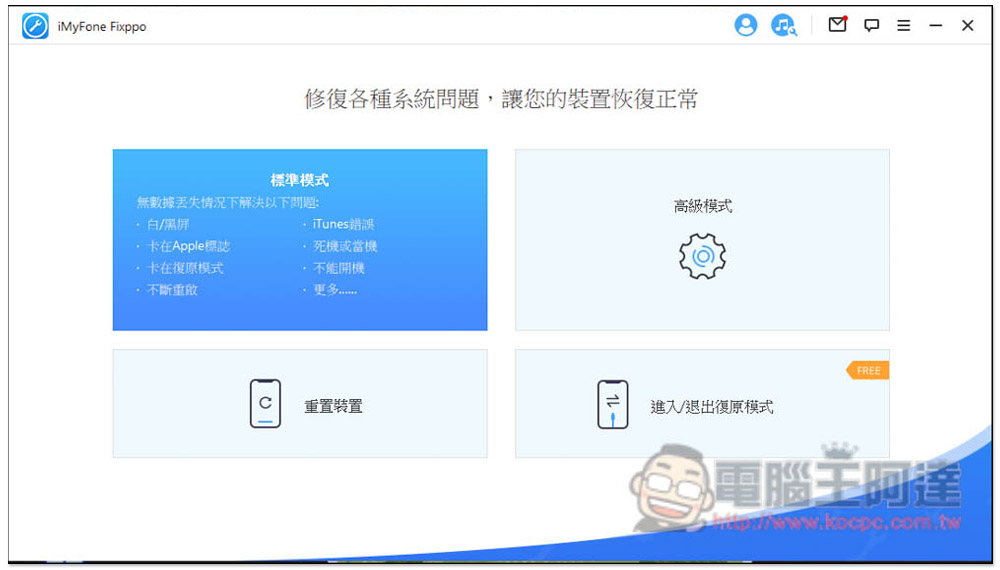
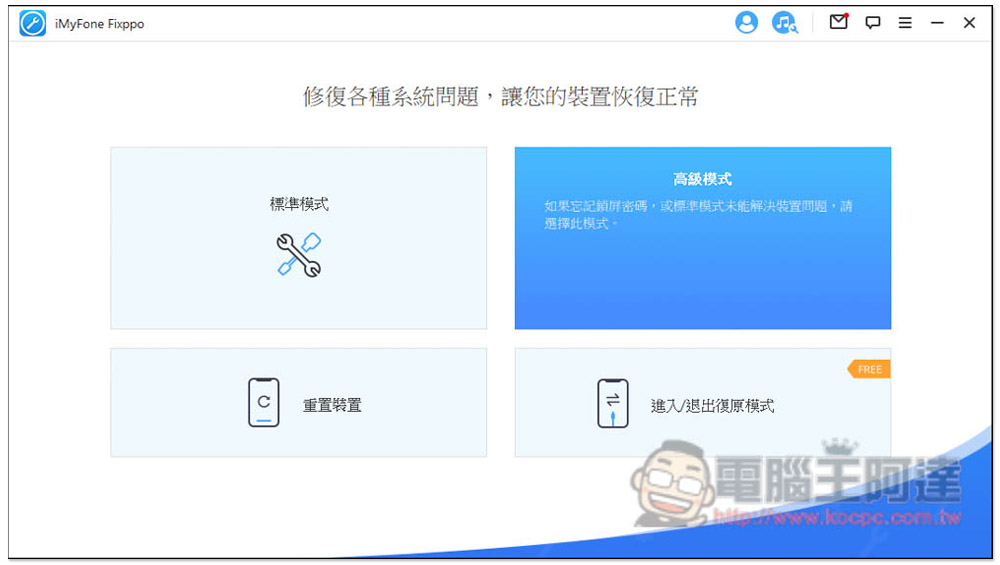
iMyFone Fixppo supports Traditional Chinese and has a very simple operating interface. After you open it, you will see four modes: “Standard Mode”, “Advanced Mode”, “Reset Device” and “Enter/Exit Recovery Mode”. Basically, if you encounter any problem with your iPhone, use the standard mode to fix it first. If it really can’t be solved, use the advanced mode.
In addition, I would like to remind you that no matter what repair is performed, it is recommended to back up the iPhone data first to be safer.
After opening iMyFone Fixppo, connect your problematic iPhone to the computer and unlock it, then press the standard mode:
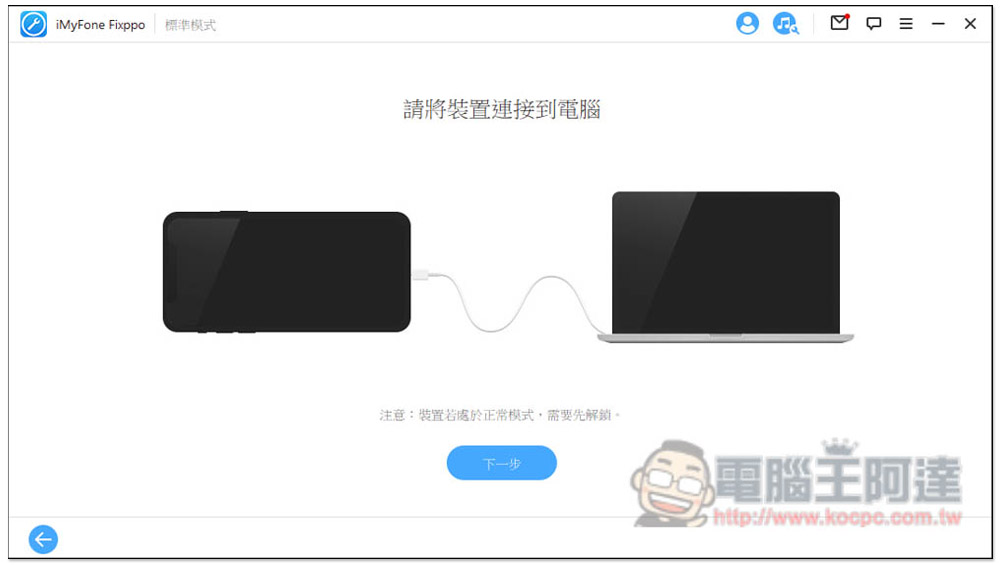
Please unlock your iPhone. If the screen pops up and you want to trust it, remember to select “Trust” and then click Next:
It will automatically detect your iPhone model and download the latest firmware version of this model. For example, mine is iPhone 13 Pro Max, and the latest firmware is of course iOS 16. This also means that after the repair is completed, your iPhone will be directly upgraded to iOS 16, no need to manually upgrade:
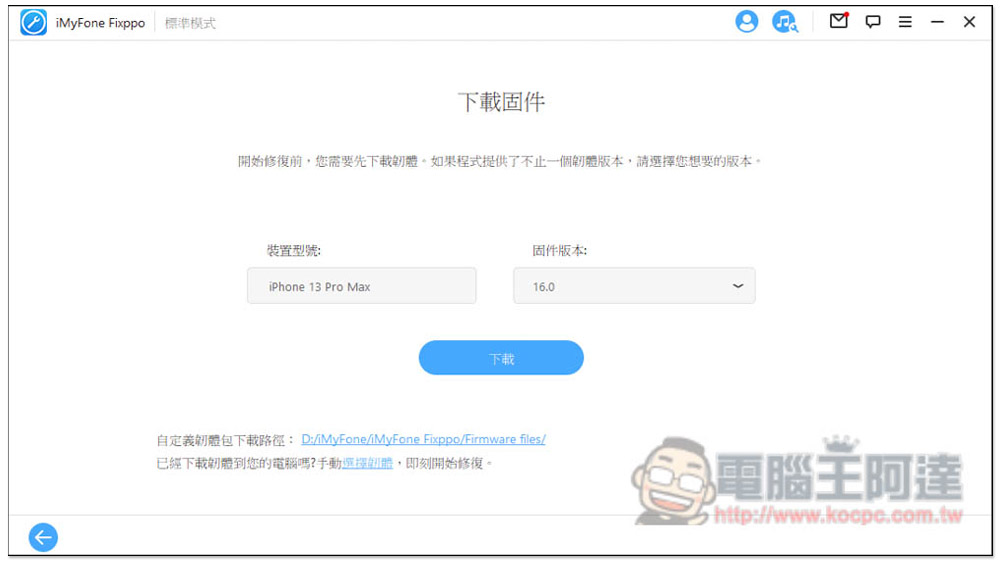
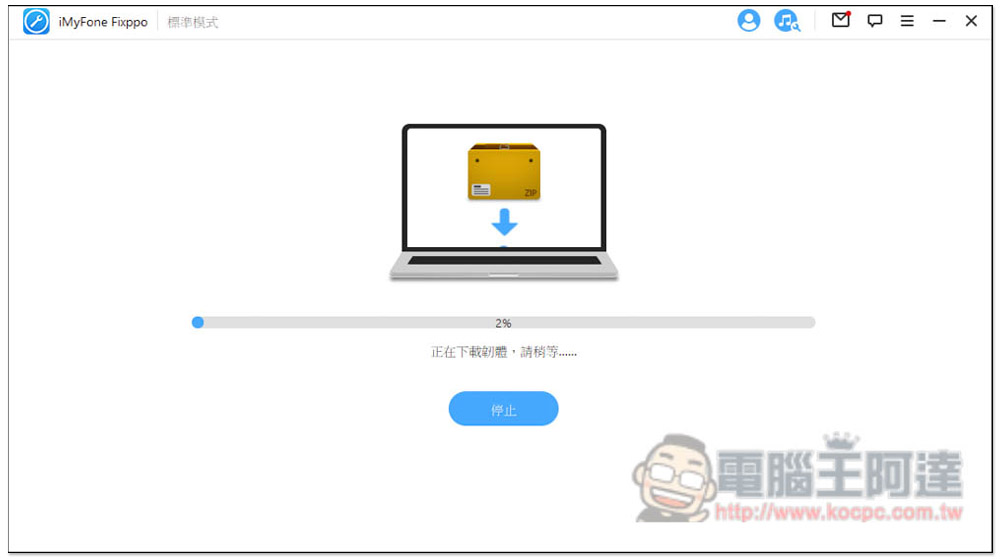
The firmware files are quite large and you need to wait for the download time. Then the firmware will be verified and extracted, so just let it run:
After completion, this screen will appear, click “Start”:

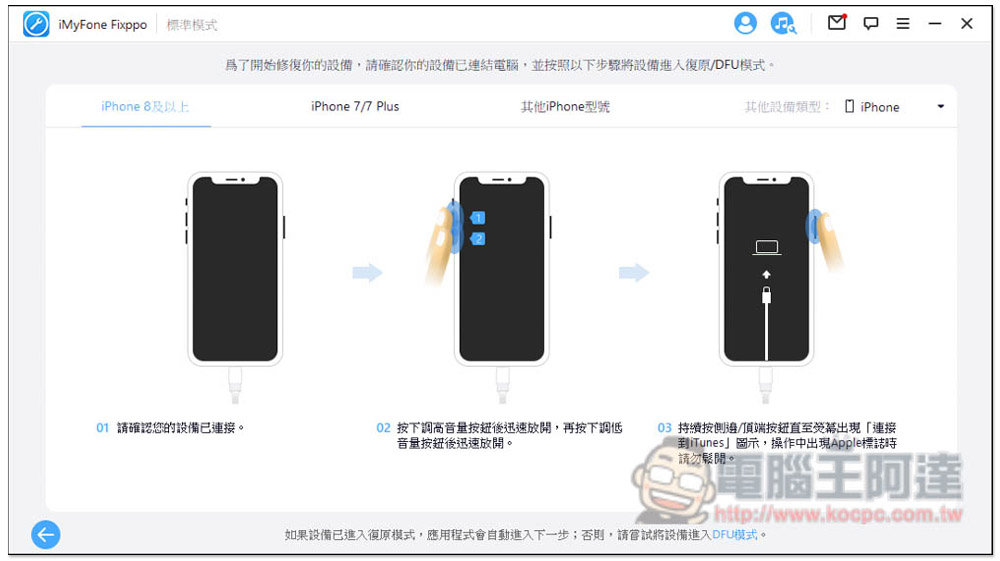
You have to put your iPhone into recovery/DFU mode, it’s easy and there are tutorials on the screen, so don’t worry. For iPhone 8 or above, quickly press the volume button + release, then quickly press the volume button – release, and long press the side button until the iPhone enters the connection screen to the computer. That’s it. iMyFone Fixppo will automatically enter the repair process:
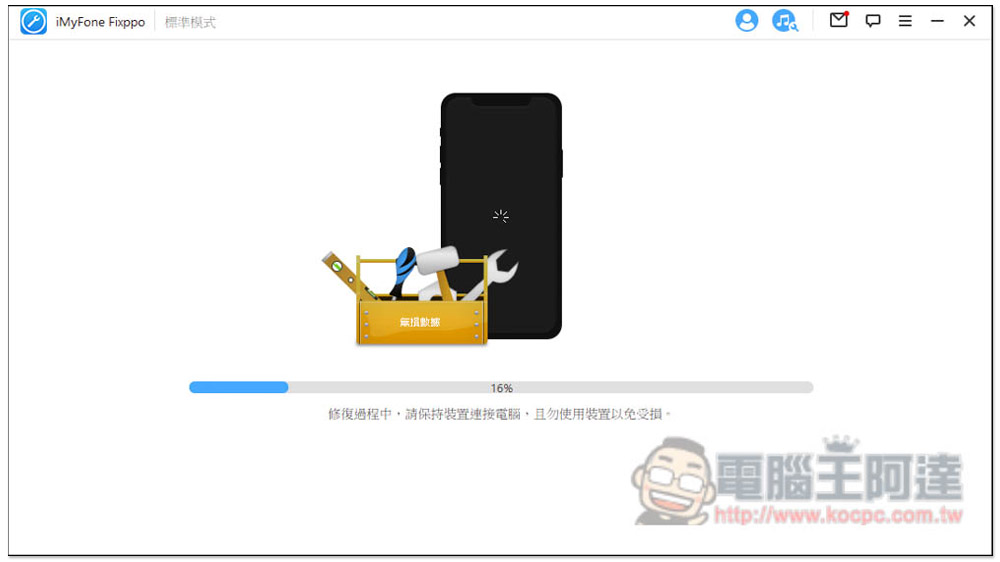
The fix will take a while, so please be patient:
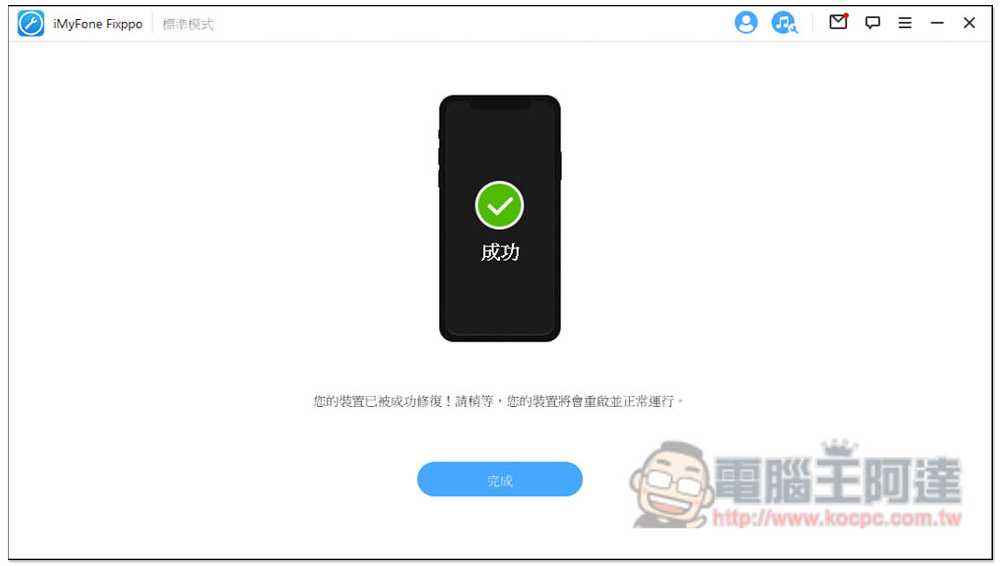
After this screen appears, the iMyFone repair process has been completed, but the iPhone part still needs to wait for the data to be restored. The iPhone enters the main screen to indicate that it is completely completed. I measured that it took about 15~20 minutes in total on my iPhone 13 Pro Max:
My original iPhone 13 Pro max was running iOS 15.6. After the repair, I successfully upgraded to iOS 16.0:
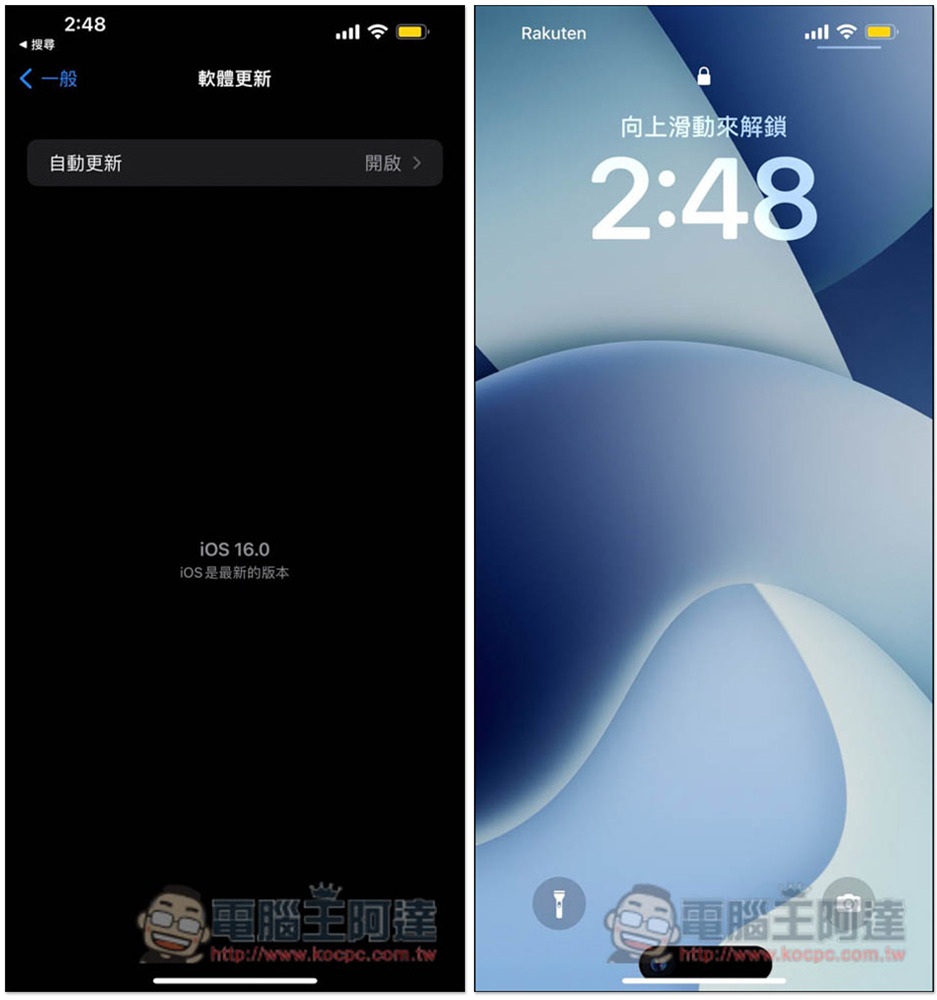
Therefore, if you don’t want to spend time and slowly test what the problem is, causing iOS 16 to fail to update normally, iMyFone Fixppo is highly recommended. Moreover, with this tool, any errors or problems encountered by the iPhone in the future can be easily solved.
Standard mode can fix iPhone white/black screen, iTunes errors, stuck on Apple logo, frozen or crashed, stuck in recovery mode, unable to turn on, keeps restarting, etc. Many problems can be fixed:
Advanced mode can be used if the standard mode cannot be repaired or if the screen lock password is forgotten. Please note that this mode will erase all data on the iPhone, so remember to back up the data before operation:
Official instructional video:
iMyFone Promotions
To celebrate the release of the iOS 16 system, iMyFone is also holding a big promotion recently. The Fixppo personal plan is available at up to 50% off, and the business version is also 20% off. There are many discounts, don’t miss it. There are three plans, and I recommend the lifetime plan most, because the permanent free upgrade to the latest version means that by paying once, any error problems encountered on the iPhone in the future can be easily fixed by yourself, not just iOS 16 update errors. The sale runs until October 12th.
Windows purchase page
Mac purchase page
Windows version, Mac version personal plan
- 1 month plan – special price NT$883
- 1-year plan – Special price NT$1,152
- Lifetime Plan – Special price NT$1,343

5 Common Ways to Fix iOS 16 Update Stuck
1. Check your network status
If your network is unstable, it may cause the download of the iOS 16 update package to be incomplete and easily interrupted. Therefore, it is recommended to download the update in an environment where the Wi-Fi wireless network is stable. In addition, it is recommended not to download other content at the same time when updating, such as apps, online files, etc.
2. Wait a few hours and try again
Sometimes it’s not your iPhone that’s the problem, but the Apple update server is flooded with too many users at once, which may cause the update to fail. The solution is simple, just wait a few hours and try the update again.
3. Reboot
Restarting the iPhone can solve many minor system errors. If the minor error conflicts with the iOS 16 update, this method can fix it. The operation of restarting each iPhone model is different. For those who don’t know how to operate, Apple’s official website has instructions.
4. Update iOS 16 via computer
If the iPhone always fails to update, you can also use the computer’s iTunes software. After the iPhone is connected to the computer and iTunes is opened, a prompt for an iOS version update will pop up on the screen, and then wait for the download to complete and update.
5. Manual update using IPSW
In addition to automatically downloading updates, you can also download the IPSW firmware and update manually. However, this is more recommended for people with mobile phones and technology products, because you must download the correct IPSW file, and you also need to use iTunes to update.
Will updating the iOS version cause data loss?
Normally, not at all. You can update with confidence. However, if the update process is interrupted due to sudden battery failure or errors, data may be lost. Therefore, the safest way is to back up the data before updating. Apple officials also recommend this, so that you will have a backup to retrieve it if it is lost.
Summarize
The above is the method to solve the problem of iOS 16 update stuck. As mentioned before, I recommend it the most iMyFone Fixppo apple repair tool, saving time and effort. If you have been an iPhone user for a long time, it is quite worthwhile to buy a set. This way, if you encounter any iPhone errors or malfunctions in the future, you will not have to ask for help. You can solve them by yourself, or even help your family and friends.
Source: KOCPC Chinese