


Many iPhone 14 Pro users have officially become the owners of “Dynamic Island” (congratulations). During the first wave of user experiences, many people seemed to think that Apple had completely abandoned the one-handed use experience of the iPhone. Now it seems that Apple’s island and the screen hole are indeed not “necessary connections” but just overlap (eh). Because through the latest iOS beta version, the system’s one-handed mode has officially included the capsule shortcut display bar of the dynamic island into the scope of auxiliary functions. Continue reading iPhone dynamic island can also support “one-handed mode”, turning into two islands (eh) report text.
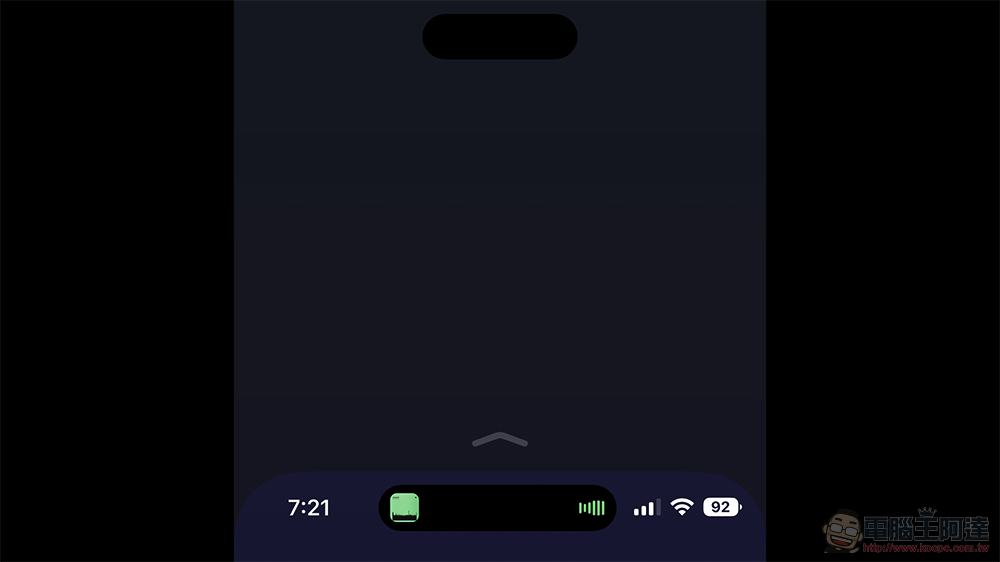
The iPhone dynamic island can also support “one-handed mode” and becomes two islands (eh)
As mentioned in our quick experience with iPhone 14 Pro Max, the capsule display function of Dynamic Island has long been seen in many corners of the Apple ecosystem. Therefore, I think that this kind of experience may not necessarily be tied to the “flaw” of the hole-punch screen that many people consider. However, Apple did not support such an experience with the one-handed touch-friendly “top-screen touch” auxiliary function when this new experience was first launched. It makes people think that maybe the so-called dynamic island is just a product of simply trying to cover the screen hole, which leads to the problem of inconsistent one-handed experience.
However, Apple quickly told everyone through the latest iOS beta version that everything is not what everyone imagined. Because the dynamic island experience allows you to dig holes away from the screen – Own two islands at once, earn it!
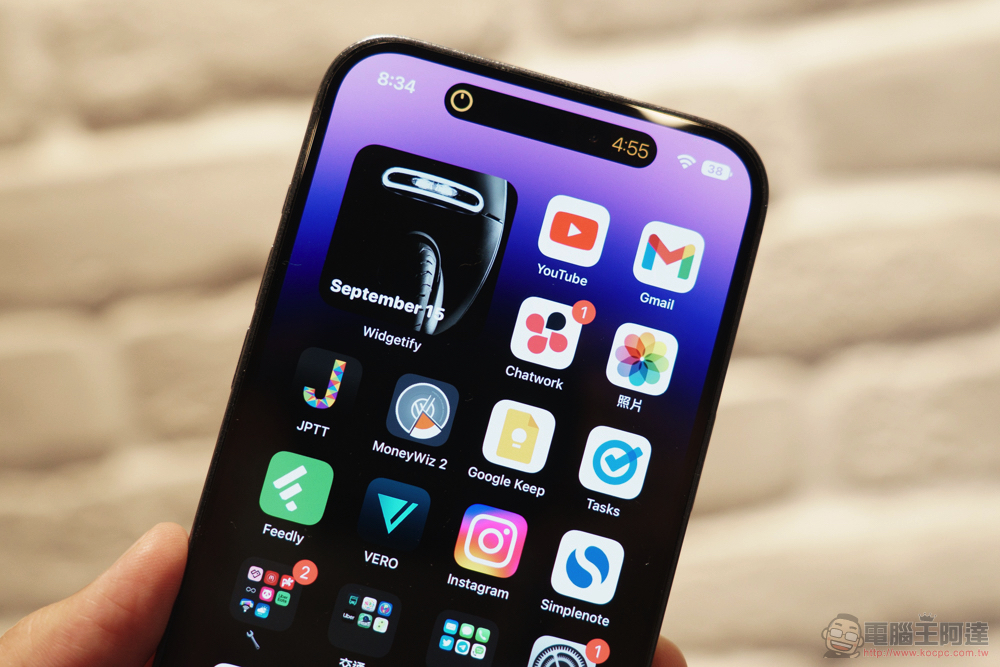
In the latest iOS 16.1 test version (Public Beta has also been pushed, and the editor has played it). As long as you have activated the system’s “Settings > Accessibility > Touch at the top of the screen” function. This gesture can be used to “slide down” on the system function bar at the bottom to move the upper half of the screen to the lower half, which is the so-called one-handed mode. The control display bar of dynamic islands is now also officially supported.
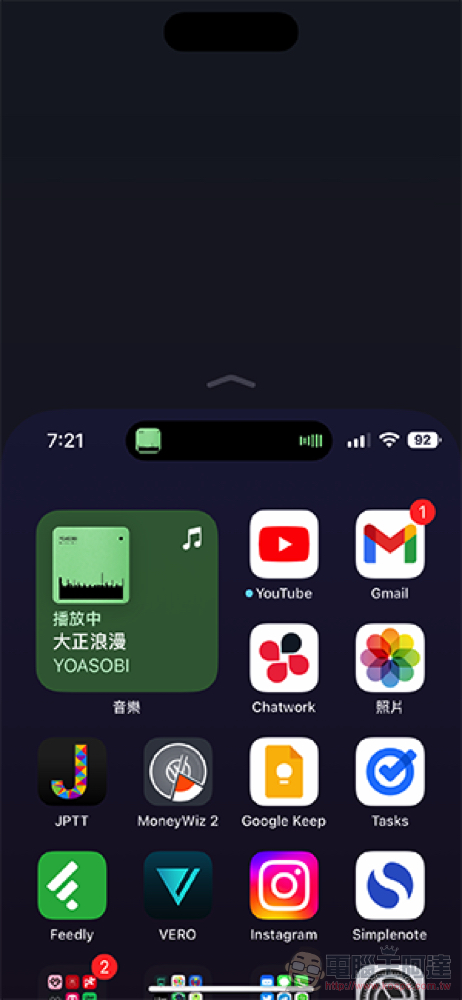
As for the implementation method, the black capsule area covering the bottom of the screen hole-digging area is moved down to the center of the screen. All the functions and displays that can be played on the dynamic island can also be achieved through this capsule – specifically speaking, the experience should be better, after all, the touch sensing range is more comprehensive, and the selfie lens will not be poked (does this solve the problem of fear of dirty lenses?).
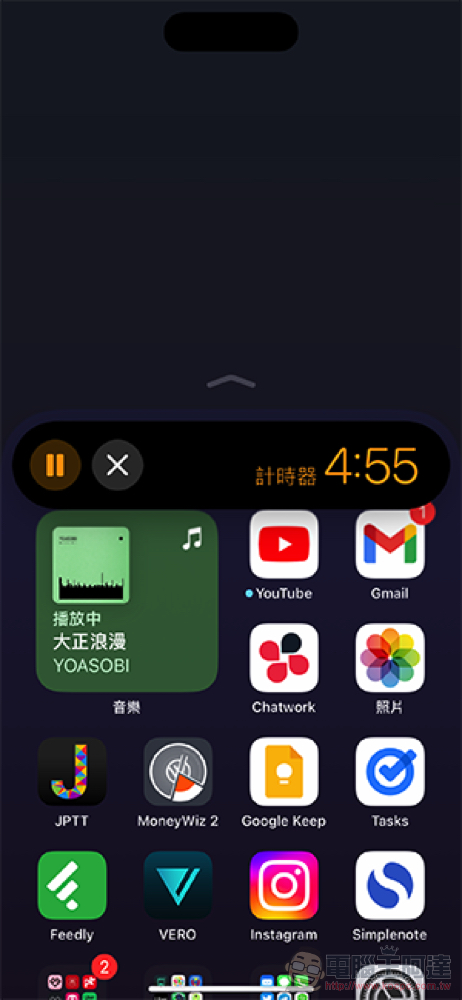
This kind of design not only relieves many people’s doubts about Apple’s innovation but does not consider the one-handed use experience of the large screen. On the other hand, since the dynamic island can exist without the hole-digging area, this means that it should be the same as the previous capsule notification experience of iOS or even watchOS. In the future, it may not be necessary to have a hole-digging screen to provide such a quick display function.
It is estimated that in the true full-screen era, Apple should also provide users with the option to hide or enable such a display and multi-tasking function, right?
Further reading:
Source: KOCPC Chinese