


It seems that the fight for the new generation of iOS 16 system is like the “lock screen” display of the Apple Watch interface C The battle for position has begun. After Facebook silently added support in this area (it can remind you of a friend’s birthday, like?), Google has updated support for the iOS lock screen experience for a series of its own iOS apps – so many apps are really impressive! Continue reading Google is very enthusiastic about iOS 16, and many apps have confirmed that they will support the new lock screen experience.
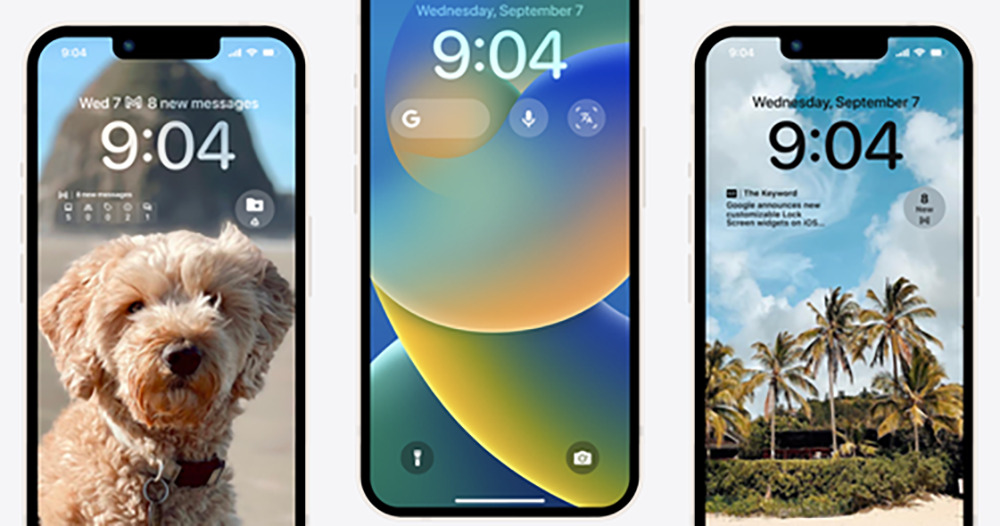
▲Photo source of this article: Google
Google is very supportive of iOS 16, and many apps have confirmed that they will support the new lock screen experience
Although many people may think that iOS is too “homage” to the lock screen of the Android system (even the Always-on Display interface?). But for now, it seems that Google doesn’t have much opinion. Even on the day when the official version of iOS 16 was released, the update brought support for lock screen to many of its iOS-supporting applications (very popular).
These applications include the signature Google search, Chrome browser, Google Drive, Gmail, Google News and Google Maps map navigation applications.
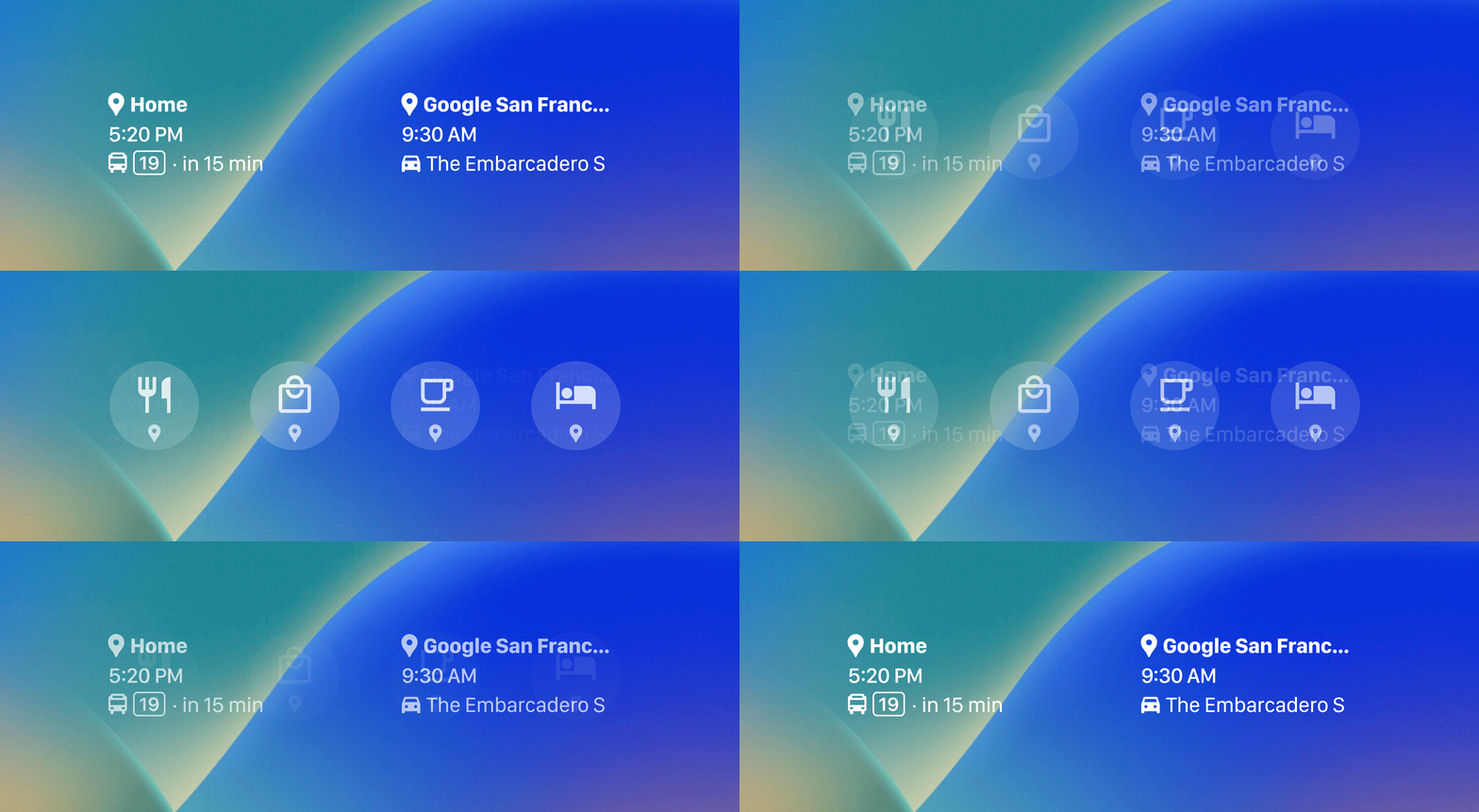
I mean, I don’t know if everyone immediately went to the iPhone’s App Store to update these apps when they saw the title. I would like to say that I’d like to give it a try right away. However, in my first attempt, I found that even if Google Maps happened to have been updated, I had not yet seen the related functions of Google apps appear in the Widget list on the lock screen.
Just… maybe we have to wait a little longer.
Through the simple preview provided by Google on the official page, you can see that Google search and Chrome browser are basically based on shortcut functions – you can quickly start a picture voice search or launch a private browser page. Other applications will be able to connect to related services to provide some real-time information – somewhat similar to the previous iOS Widget function (the concept of displaying in another place).
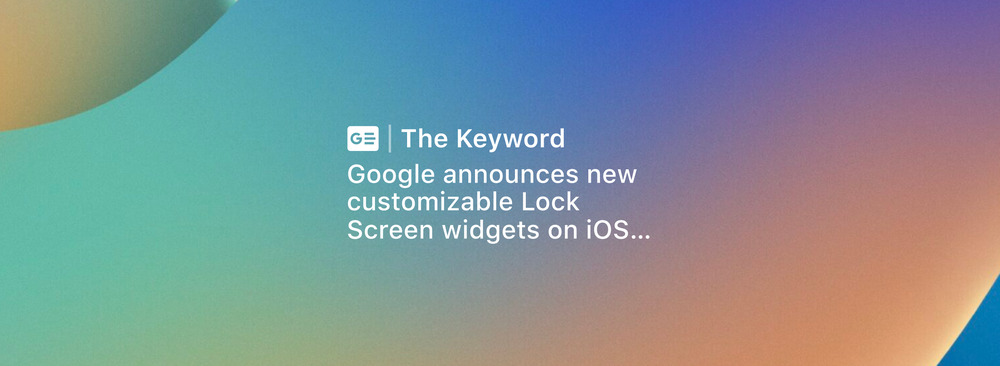
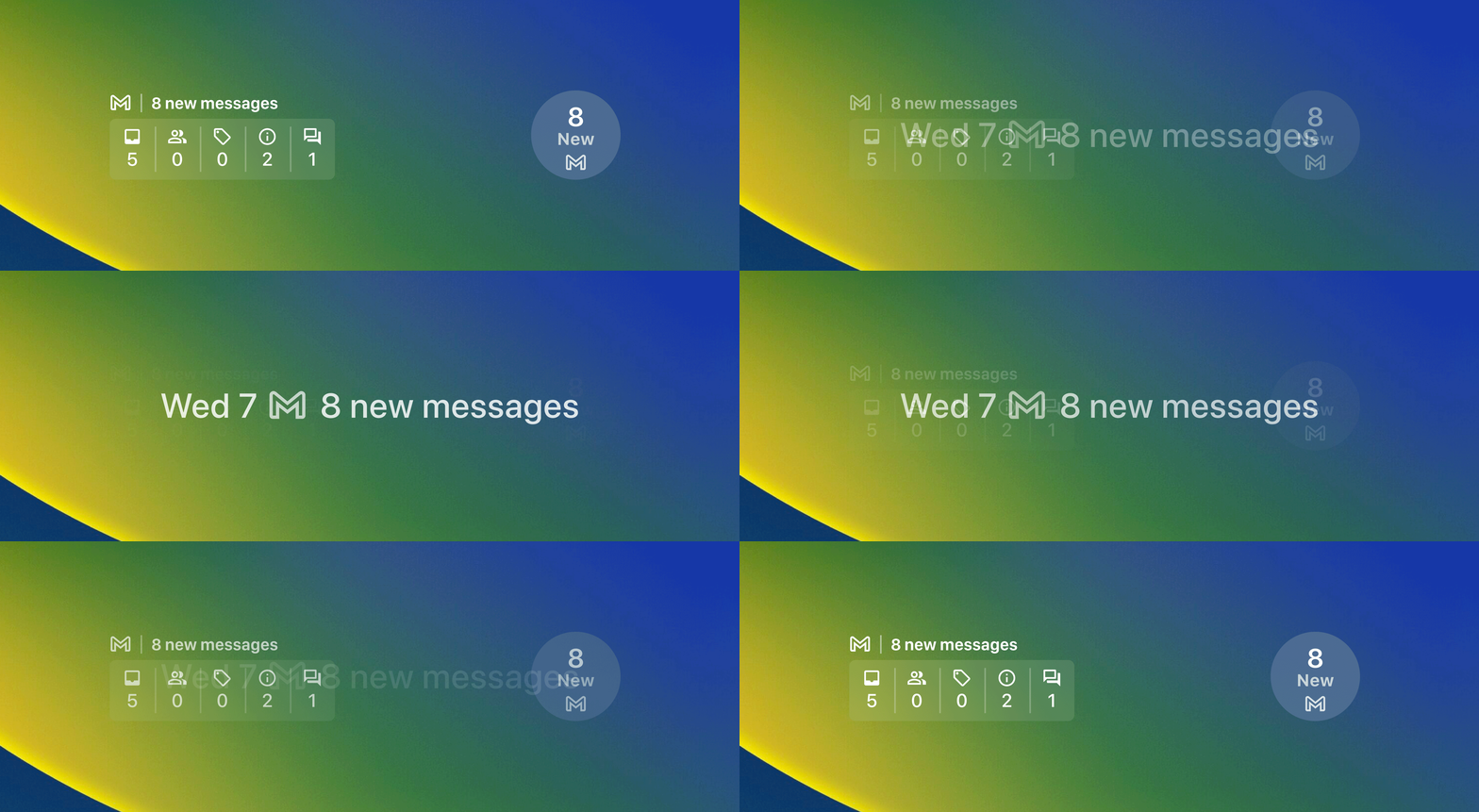
For example, Google Drive can provide suggested notifications through a two-frame lock screen widget; Google Maps can display the estimated time to a specific location; Gmail, which supports all lock screen formats, can provide new emails and other relevant update information; Google News is of course real-time keyword news!
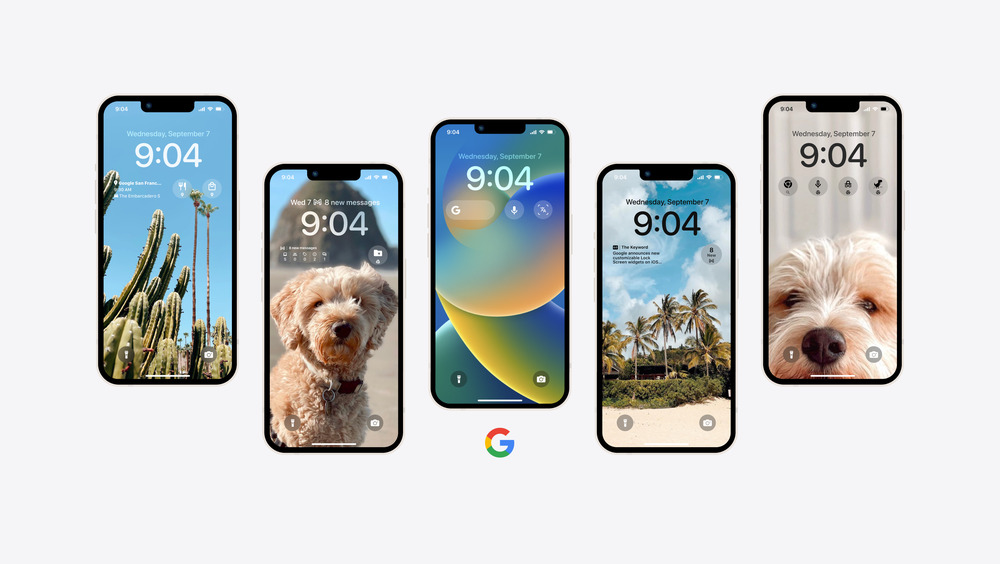
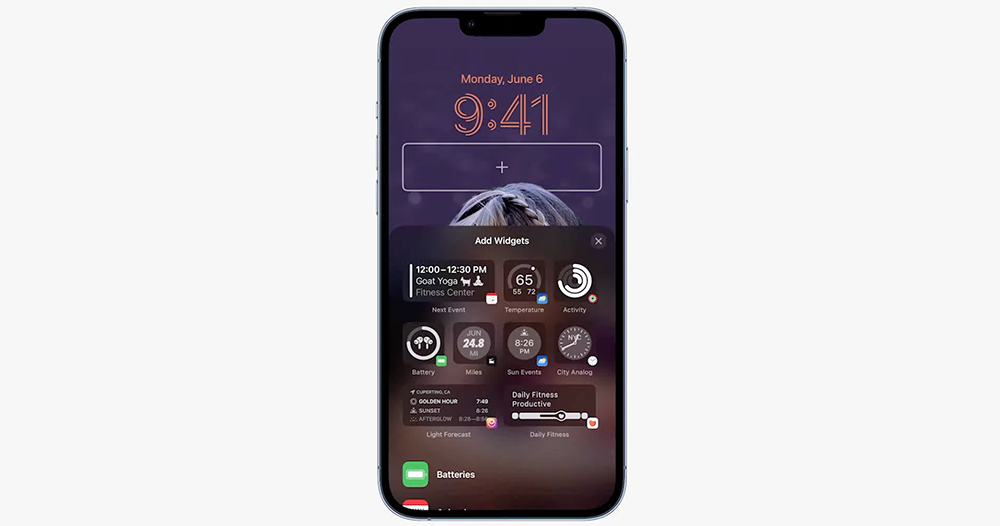
I have to say that Google really loves the iOS system experience. Although it may still be some time before the relevant feature updates are officially pushed, we can look forward to seeing convenient information on the lock screen in the future – I feel that after this series of updates are pushed, Google’s Widget list on the lock screen should also occupy a considerable area, right? However, who the user will choose among the currently limited five fields depends on his or her own ability!
Further reading:
The official version of iOS 16 is coming soon. Do you know what new features may be missing?
Source: KOCPC Chinese