


Nowadays, many people use YouTube to learn English. Whenever they see a word they don’t understand, if they don’t have the Chrome extension installed, most people should press pause first and then open the dictionary search. It’s quite troublesome to switch back and forth like this, especially when there are many words they don’t understand. Wordbook.pro, which I am going to introduce in this article, is an online service that claims to be specially designed for learning English on YouTube. You can look up words you don’t understand while watching YouTube videos, and you can look them up by just clicking on a word. It even provides a word library function that allows you to add words you don’t understand to facilitate future review. Those who need it can try it.
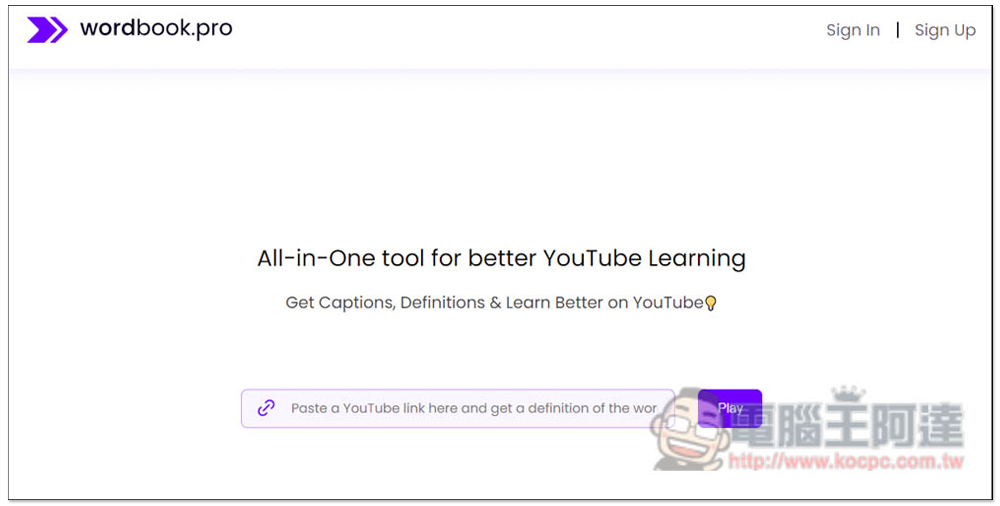
Wordbook.pro is an online service specially designed for learning English on YouTube. You can check the explanation of words you don’t understand with one click.
Before I start the introduction, let me remind you that this service was developed abroad, so the dictionary section only provides English explanations, which are more accurate than Chinese explanations, but for beginners, it may be difficult to use it at the beginning.
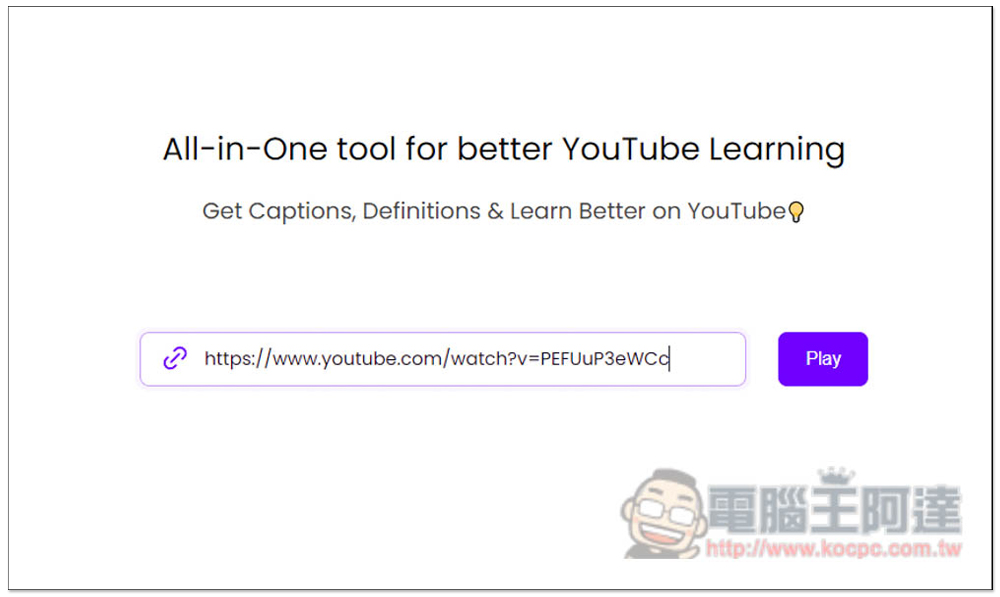
The method of use is very simple. After entering the Wordbook.pro website, paste the YouTube URL you want to watch, and then press Play:
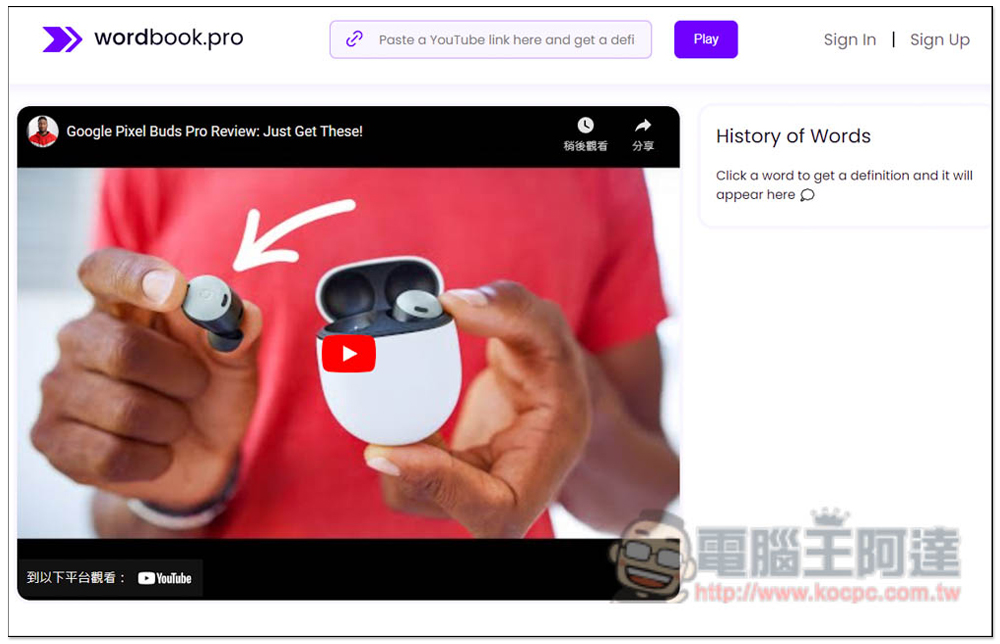
At this time, it will jump to the next page. The word history record you queried will be displayed on the right side, and the video will be on the left side. Click to play:
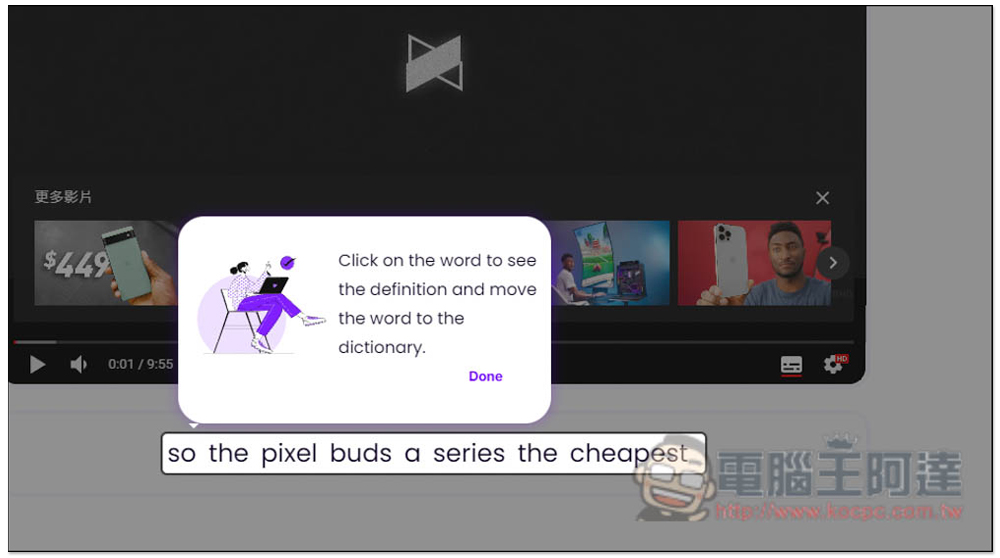
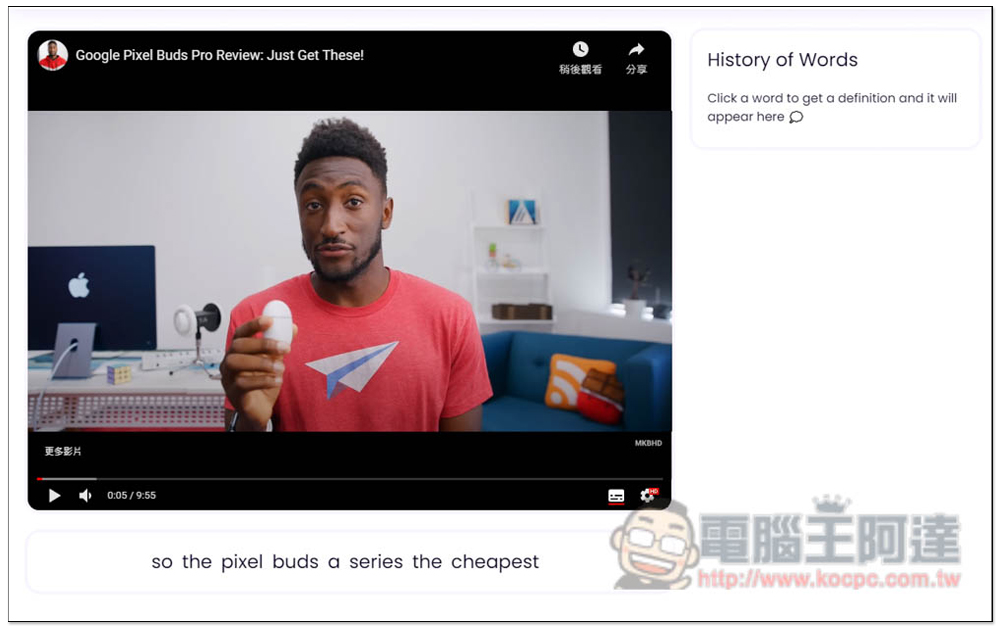
There will be a simple tutorial for the first time you use it, you can take a look. To put it simply, real-time subtitles will be displayed at the bottom. When you see a word you don’t understand, just click with your mouse to query the dictionary explanation:
The playback screen looks like this, and the real-time subtitles of the video will be displayed at the bottom:
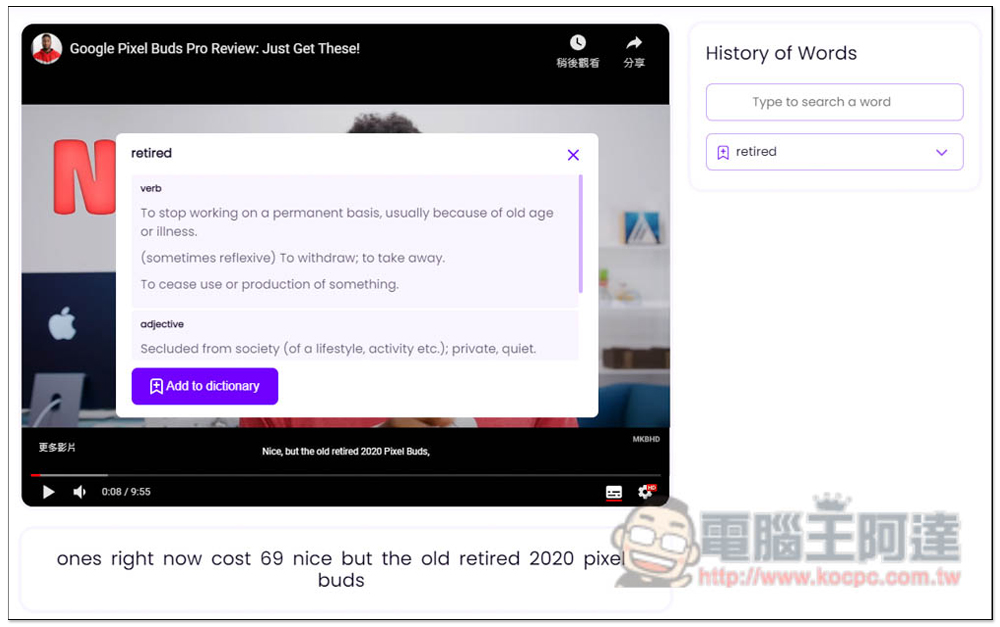
If you click on a word you don’t understand, a dictionary explanation will pop up. If there are different parts of speech, it will also tell you. For example: retired in the picture below has two types: verb and adjective. In addition, there is a word search function on the right side. You can also manually enter the word you are looking for:
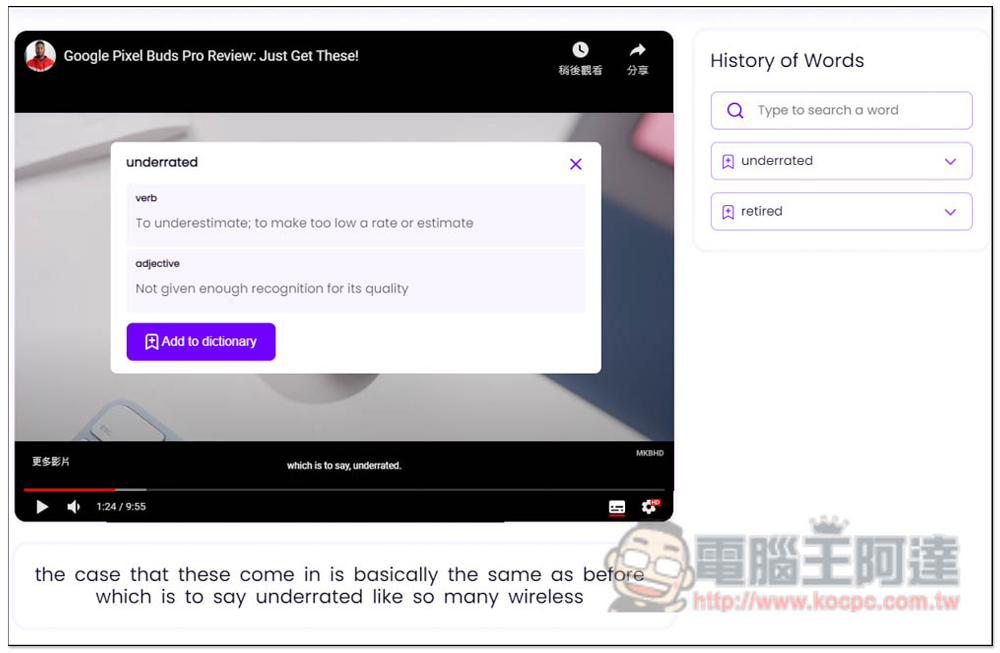
Those in need can also add their own word library, click Add to dictionary below:
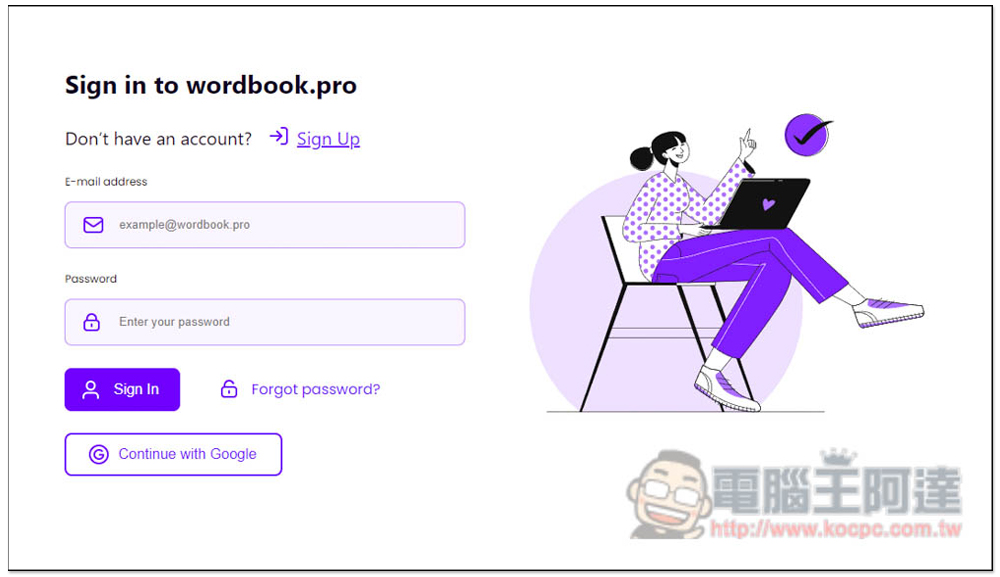
However, this function requires registration to use. To register, you only need to enter your email and password. People who do not want to expose their email can consider using a temporary mailbox, such as DuckDuckGo、Mail.io、Mail.tm:
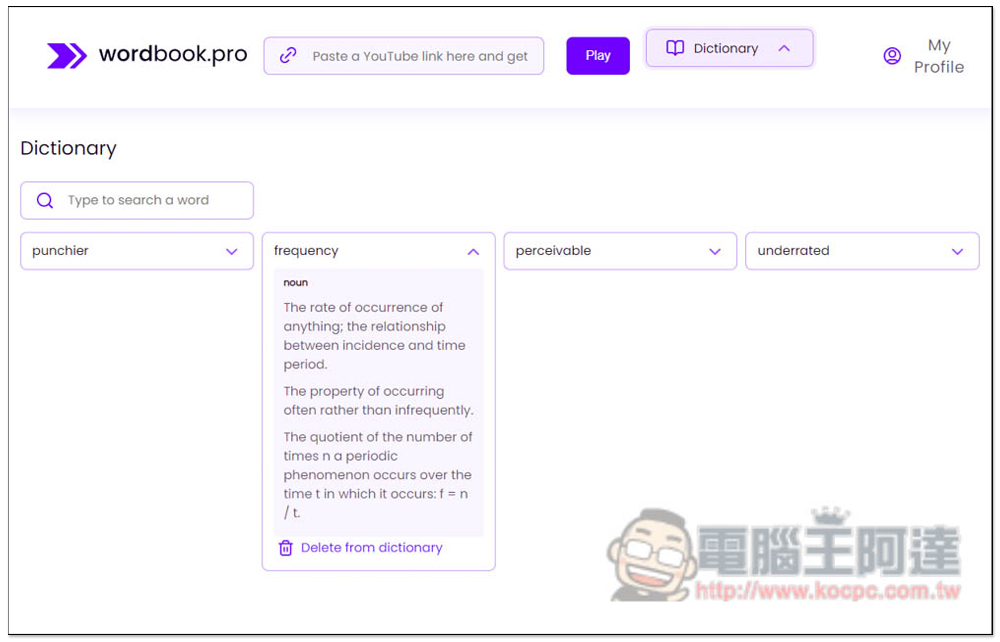
The word library looks like this. It will list all the words you added. Click to view the explanation:
It’s a pity that this tool is advertised as an All-in-One tool for better YouTube Learning, but it only has the function of looking up single words, which feels a bit lacking. It should also add full sentence translation, add the whole sentence to favorites, and related examples. It even has some better quiz functions (and it is paired with YouTube videos).
In addition to this one, we also introduced previously Language Reactor、you-tldr, YouGlish and other YouTube English learning tools are also good, you can try them.
Test Your Vocab Then you can test how many English words you currently know. It was also developed abroad, so the accuracy should be very high.
Source: KOCPC Chinese