


For those who do not have YouTube Premium members, or who often play mobile games, the screen needs to be turned on all the time, which is inconvenient in some situations. For example, if the screen of the mobile phone is on while sleeping, it may affect the quality of sleep. If you have this problem and are using an Android phone, this article will recommend a free app called FakeStandby that can achieve this effect and help you turn the screen completely black.

FakeStandby keeps the app running while turning off the screen (Android)
FakeStandby is not listed on the Play Store, but it is open source software, so it can be found on the GitHub website. After clicking the link above, please download the latest version of the APK file, which is currently v1.3.3:

After downloading, open it and you will enter the installation page, click “Install”:

After completion, open it. At first, you need to authorize some permissions to use it normally. Press the one circled in red on the upper right:
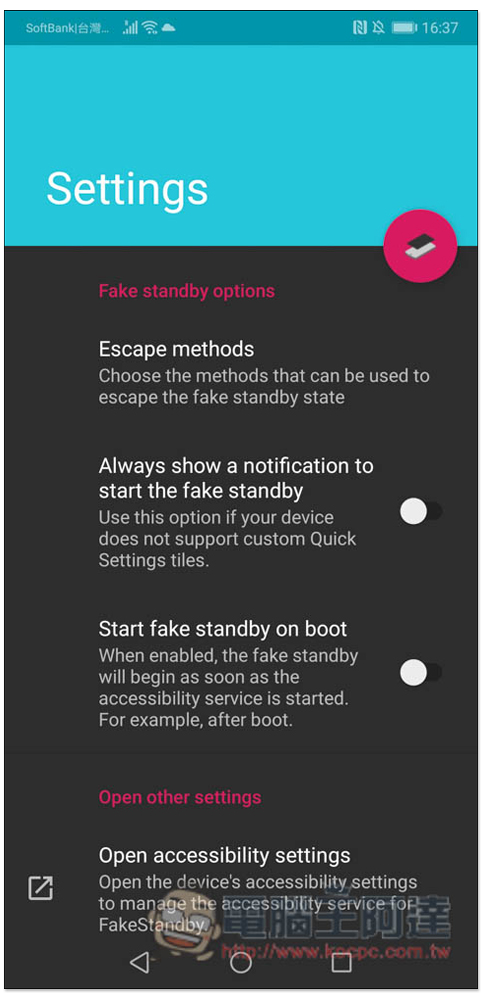
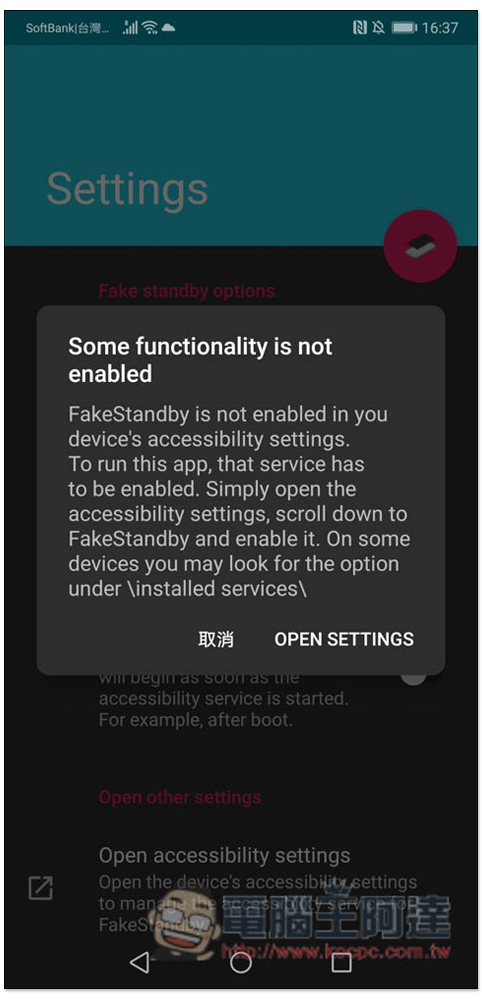
The first time you will be asked to enable accessibility services, click OPEN SETTING:
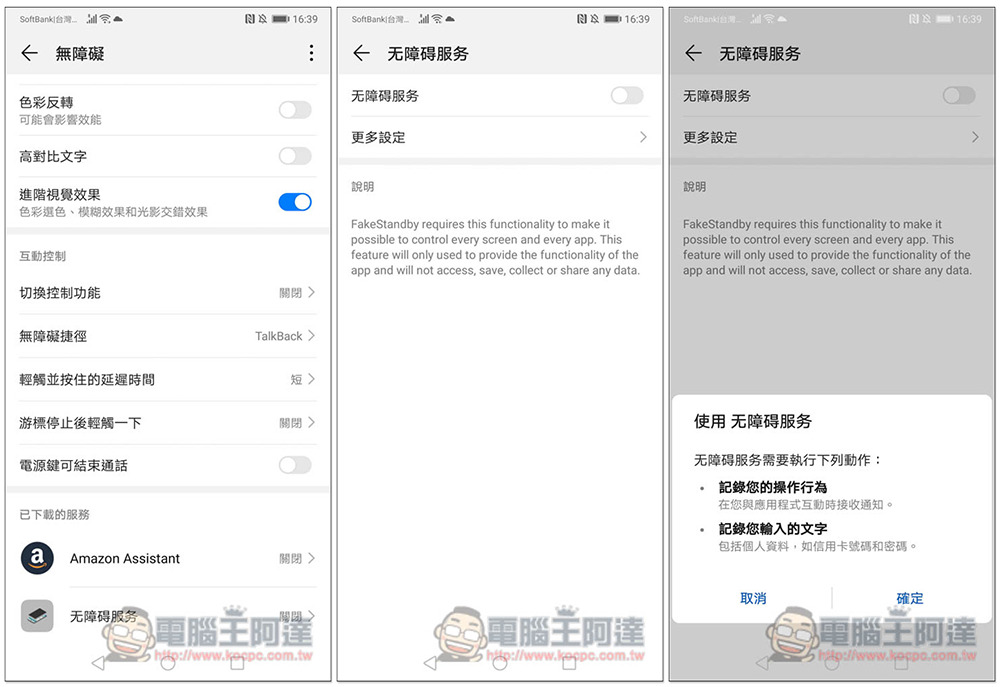
Then you will enter the accessibility settings, find “Accessibility Services” and turn on the function. A prompt will pop up to “record your operating behavior” and “record the text you enter”. If there is no problem, press OK:
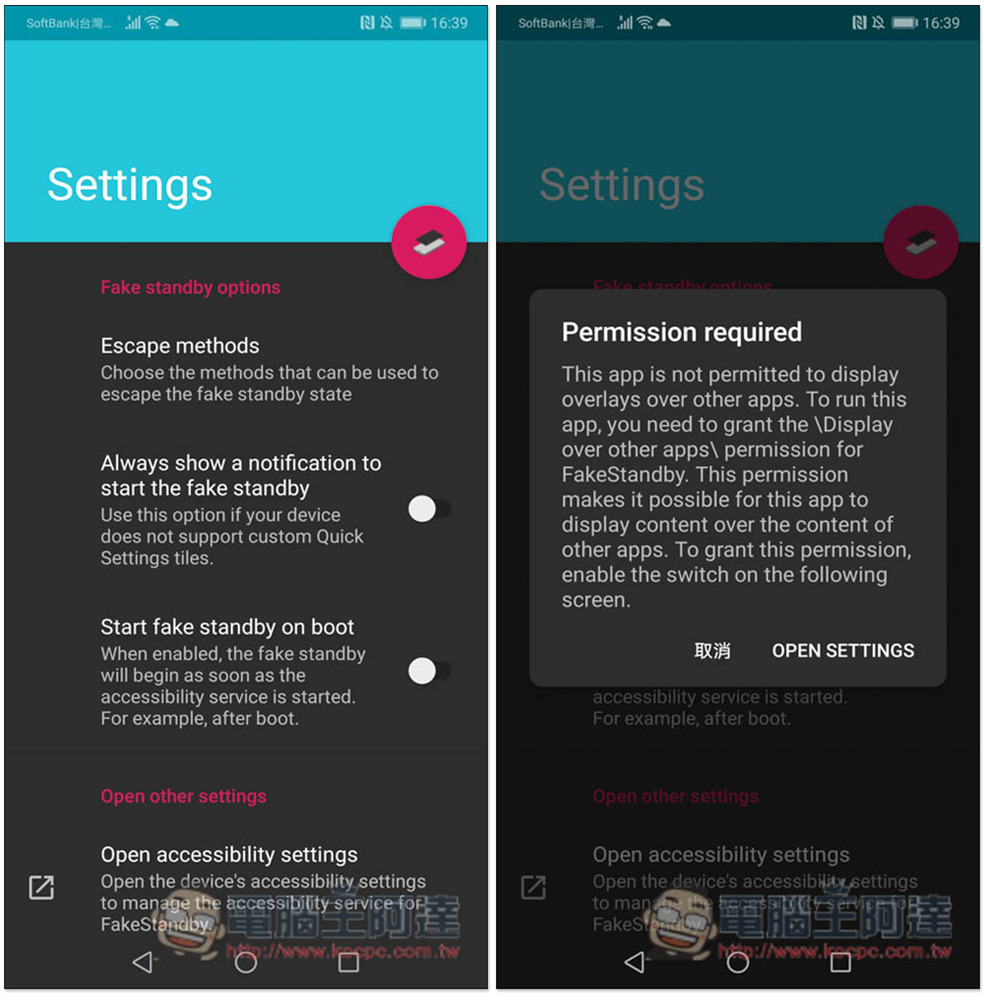
After opening, return to the App homepage. Please click the red circle icon in the upper right again. This time you will be asked to obtain permission to display the top layer. Press “OPEN SETTING”:
Turn on “Allow content to be drawn on top of other applications” so that the permissions are set and you can start using it:

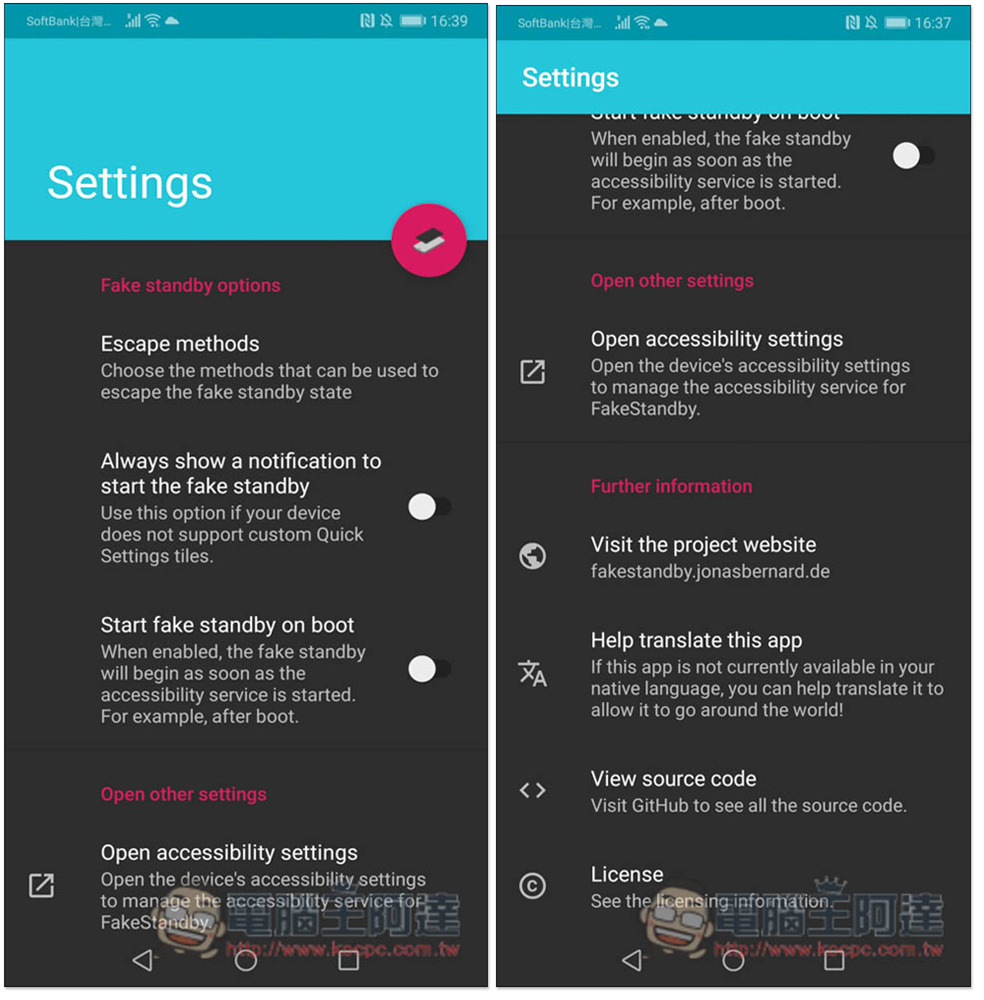
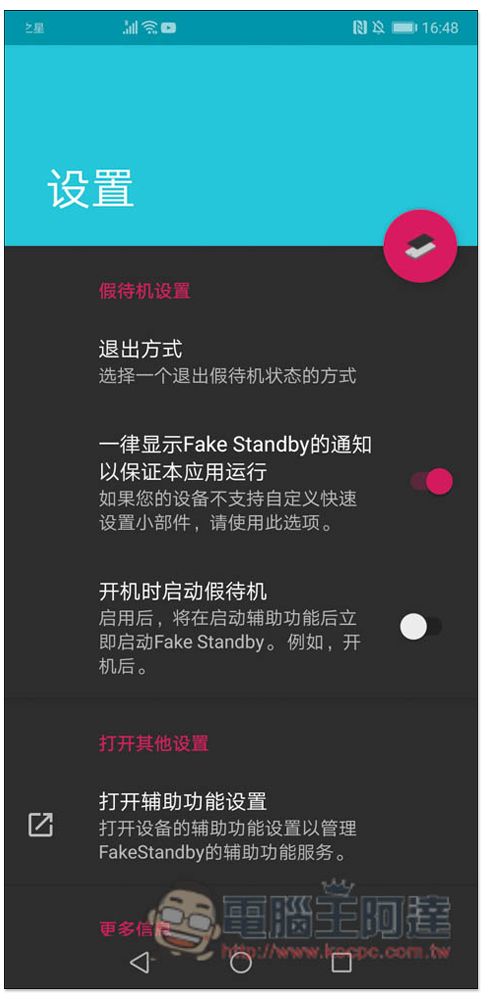
In the App home page settings, there are some functions that can be adjusted, such as “Always show a notification to start the fake standby” and “Start fake standby on boot”, which can be turned on by those who need it. In addition, this product actually supports Chinese, but it is Simplified Chinese. Your operating system must be changed to Simplified Chinese:
Chinese interface:
The method of use is also very simple. Depending on the phone, if the Fakestandby icon appears on the right side of your screen, you can click to use it directly. If it does not appear like me, you have to open it through the control center interface.
I take this YouTube video as an example, I want the black screen to listen to the song:

After opening the control center, you will see the FakeStandy prompt. Click it and it will run:

You will see that the entire phone screen turns black! According to the author, this blackening method actually just adds a black screen on the top layer, so technically speaking, you won’t notice that the phone is turned on. You may ask, can this method extend battery life? Basically it shouldn’t work. The author also added that please don’t expect any power saving effect:

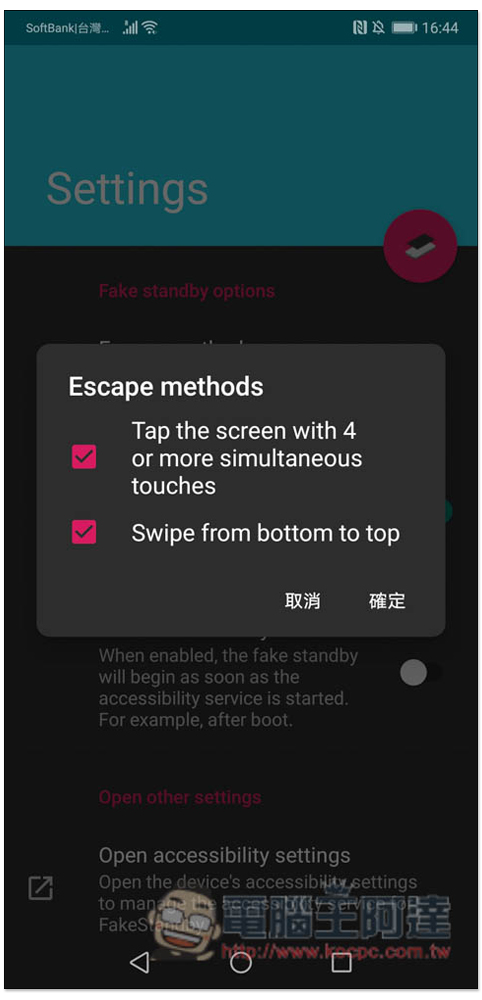
There are two ways to return to the normal use screen, “click the screen more than 4 times” or “swipe up from the bottom of the screen”:
Although this does not really turn off the screen, it at least avoids the brightness changes when the screen is on. As for whether it will consume more power, I don’t know. You can give it a try.
Source: KOCPC Chinese