


Apple ID is an indispensable account for accessing Apple services. It is also the unique identification used for all Apple devices and services, including logging in to devices, purchasing apps, and accessing iCloud storage content. Sometimes you have registered an Apple ID a long time ago, but you may have abandoned that mailbox over time or for various reasons. So how do you change it to a new mailbox?

How do I change my Apple ID to a new email?
If your abandoned email address is associated with your Apple ID, you may want to change it to your current email address to avoid missing future Apple verification requests and other important notification emails. Apple’s process for changing your Apple ID is very simple. Just follow us and you can complete it.
What is the difference between switching Apple IDs and changing Apple IDs?
First we need to understand the difference between these two statements.
Switching Apple IDs means using a different account on your iPhone or Mac. This makes it easy for different users to access the mobile app to use different content, sync settings, or make purchases. It’s also useful if you sell your old device to someone else.
Changing your Apple ID means using the same account but changing your email address and/or password. You can do this if you want to update contact information, log in with another device, or reset your password.

In comparison, switching ID is very simple, just log out and let others log in to Apple ID, so here we need to learn how to change Apple ID.
Things you need to know before changing your Apple ID
Before you want to change your Apple ID to a new email address, there are a few key points to note:
- If you try to change your Apple ID email address to “@icloud.com” that was created within the last 30 days, please wait 30 days before changing it again.
- When trying to change your Apple ID, if you see a notification that the address you’re trying to use is unavailable or is in use, make sure you or any of your family members aren’t already using that address.
- If you’re already using Apple’s Apple ID (the address suffix is @iCloud.com, @me.com, or @mac.com), you can’t switch back to a third-party email address.

How to change Apple ID to a new email?
Okay, after you have read the above notes, we have to get to the point!
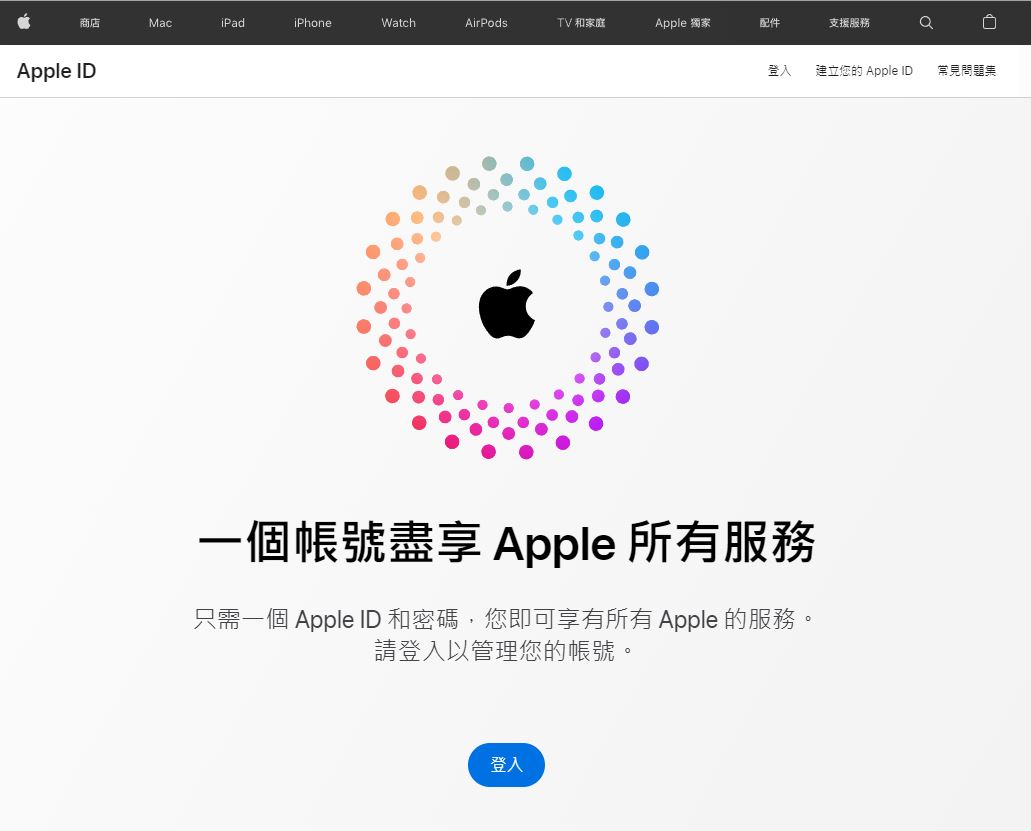
- Open with web browser Apple ID page, then log in with your original Apple ID.
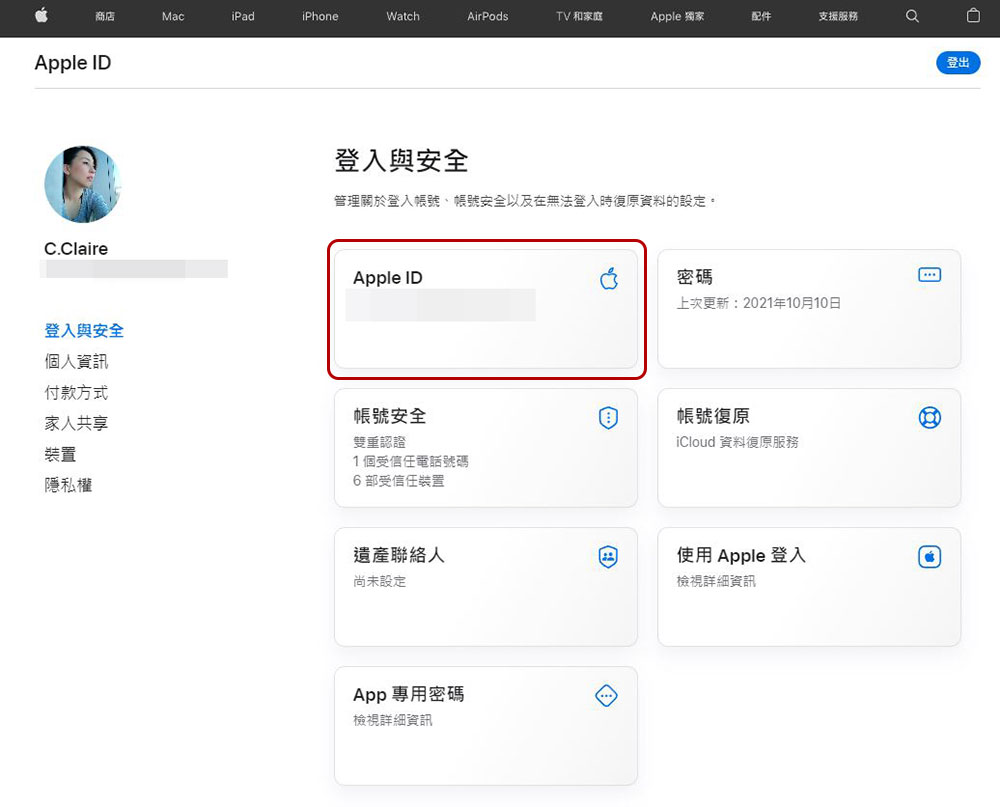
- After the login verification is passed, select the “Apple ID” item in the left function panel of the “Login and Security” item.
- In the pop-up “Apple ID” window, fill in the new mailbox you want to change in the Change Apple ID box.
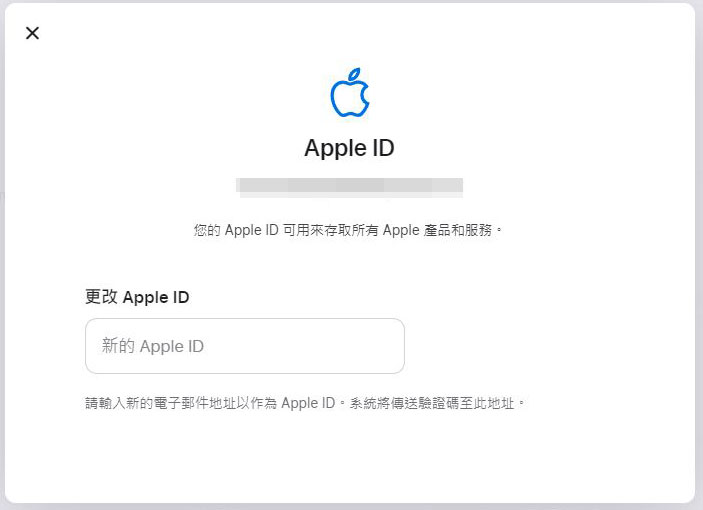
- Next, don’t close the website yet! Apple will send a verification code to the new email address you entered. You only need to copy and paste it into the “Enter Verification Code” field on the website, and then click Continue to complete the update.
After changing your Apple ID, don’t forget to log in with the updated account on all devices to avoid subsequent synchronization issues.
Source: KOCPC Chinese