


For Mac users who love using Meta’s Facebook social services, they should be familiar with the macOS desktop version of Facebook Messenger. Recently, they even updated to provide a very convenient bubble chat window function on the Android platform – this article will also briefly introduce it! However, unexpectedly, not long after the update, Facebook Messenger has recently released another update. From a functional perspective, there seems to be no change in the update. Little did they know, it was actually a major structural change! Officially supports Apple chip Macs! Continue reading The new version of Facebook Messenger officially supports Apple M1 / M2 Mac, and the response is fast! Report text.

The new version of Facebook Messenger officially supports Apple M1 / M2 Mac, and the response is fast!
Even though the latest update only mentions the very candid “New features! Messenger has a new look and provides more ways to connect with friends.” This kind of update description is not mentioned at all – in fact, the version numbers so far seem to be so the same (oh, actually, the previous description was in English, is it an improvement?), it is difficult to directly know what improvements have been made to this Mac desktop application that can quickly connect with Facebook users.

However, once you open the app after the latest version 158.0 update, I believe that for Mac computer users with Apple Silicon processors (M1 and M2), this version should have a significant improvement – the response to opening the app is much faster!
In this regard, foreign media confirmed that this macOS version update has basically officially supported Apple’s new generation chip architecture. Not only does it no longer require additional conversions to be turned on and used, it is reported that there should be considerable improvements in various aspects such as power consumption.
The author himselfVia App Store Updated this time for Facebook Messenger. On the MacBook Air with M1 SoC, this time it is said that the version that provides Universal support has been updated. The startup speed and response are indeed faster, and the use is really significantly different from the previous version. It feels like people are more willing to use it permanently on computers with Apple chips – I believe the rating of only 2.1 stars at the time of writing will also improve…

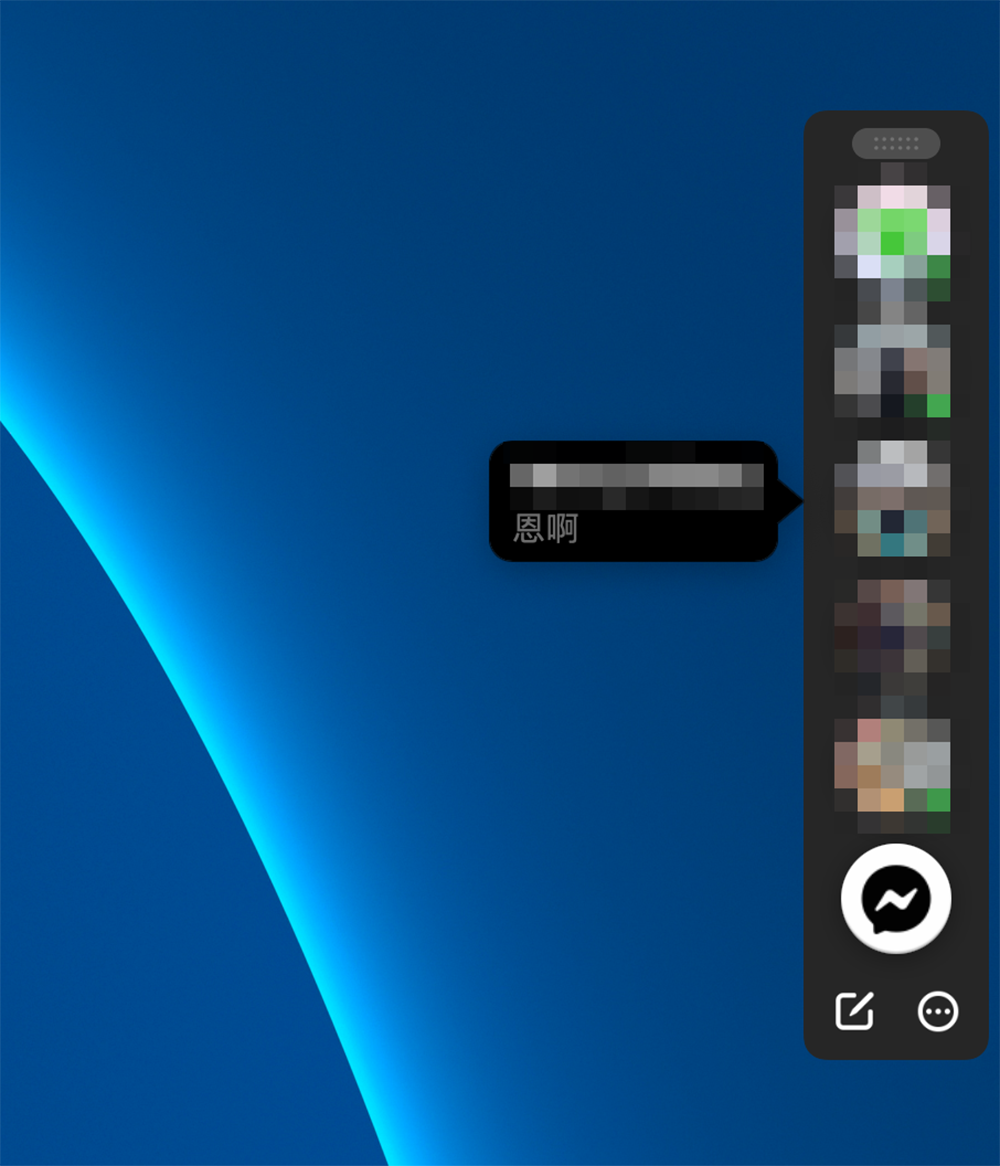
The macOS version of Facebook Messenger has just been updated, and the “chat bubble” function is quite familiar on mobile platforms (but I actually turn it off on Android XD). I have the impression that the Mac version will be turned on by default. When you press “X” to close the window, there will be a “strip” of bubbles permanently stationed on one of the left and right sides of the screen. Allows users to more quickly communicate with Facebook contacts through floating bubble windows.

This feature can also be used to reduce the presence of the top bubble as much as possible by selecting “Auto-collapse” through the “…” in the lower right corner – that is to say, it will not disappear by itself when watching the video in full screen, which seems a bit annoying. Fortunately, this interface will not appear unless you choose to close the window (or close the app completely). You can also choose to turn off this feature in the chat bubble options in the app’s preferences.
Further reading:

Source: KOCPC Chinese