


AI image generation website Krea has become more and more useful after over a year of updates. Previously, Krea added the Flux 1.1 Pro Ultra model to its platform, improving image generation quality. Recently, Krea also announced a partnership with DeepSeek to launch a new tool called “Krea Chat,” allowing users to access all of Krea’s features through the Krea Chat interface. Now everyone can use Krea Chat for free, so today I’m sharing what we can do with Krea Chat~
AI image generation website Krea launches new free tool “Krea Chat” powered by DeepSeek.
AI image generation website Krea announced its new feature “Krea Chat” on 1/30. Krea stated that Krea Chat is powered by DeepSeek, bringing all of Krea’s features into the Krea Chat interface, so users can complete both image generation and video generation in one place. Krea officially launched Krea Chat today and made it available for free. Today, we’ll share what you can do with Krea Chat. A friendly reminder: although it’s free to use, the number of free uses is limited, so we recommend reading this introduction before trying it out to avoid wasting your usage credits.
Krea Chat is here.
a brand new way of creating images and videos with AI.
open beta out now. pic.twitter.com/dbHX31l92A
— KREA AI (@krea_ai) February 7, 2025
Before we begin, we need to understand what generation services Krea offers. Currently, Krea provides image, video, animation, and real-time generation services, but for now we can only use the image and video generation features on Krea Chat.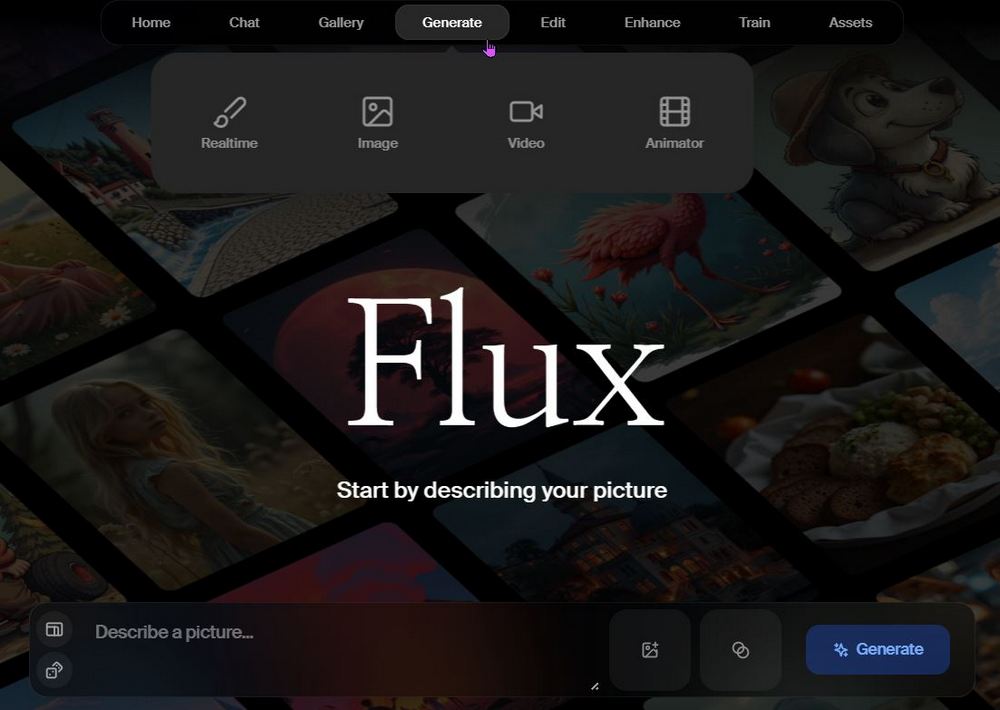
Visit the Krea website to use the new Krea Chat feature.
After clicking to go to the Krea website, you’ll need to log in to your account first. Once logged in, you can start using Krea Chat. You can upload an image and have Krea Chat generate content based on the style in the image. For example, the editor uploaded a cowboy-style Pikachu image and asked Krea Chat to generate a dog image in cowboy style. The generated result is as follows: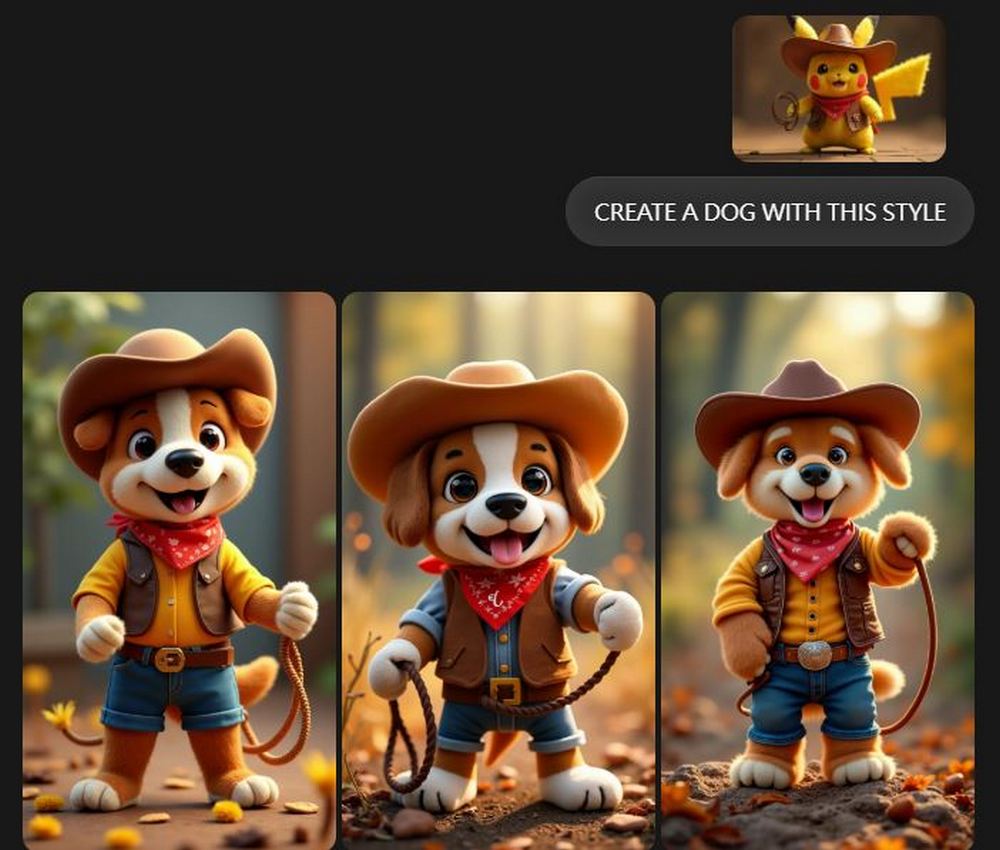
Additionally, I used an image of Einstein sitting on a beach chair in a floral shirt by the seaside and asked Krea Chat to generate a picture of a cat for me. The generated result is as follows: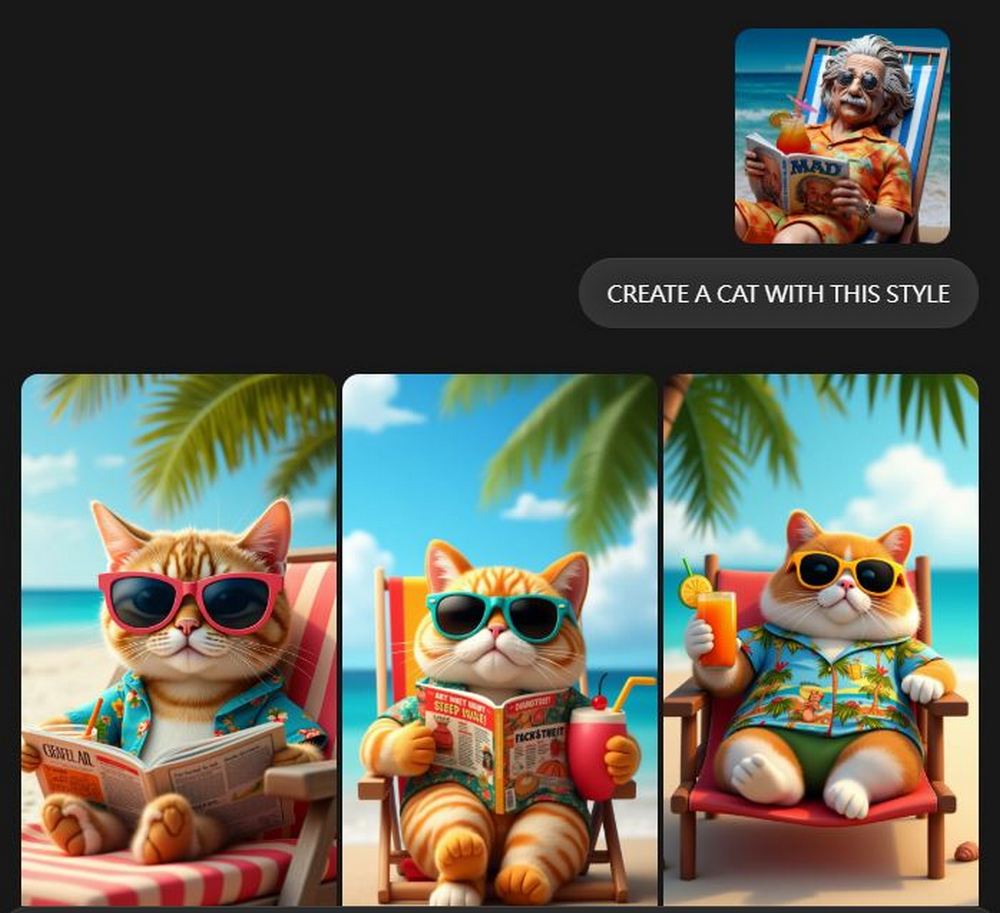
In addition to generating photos from images, you can also use Krea Chat for general text-to-image generation: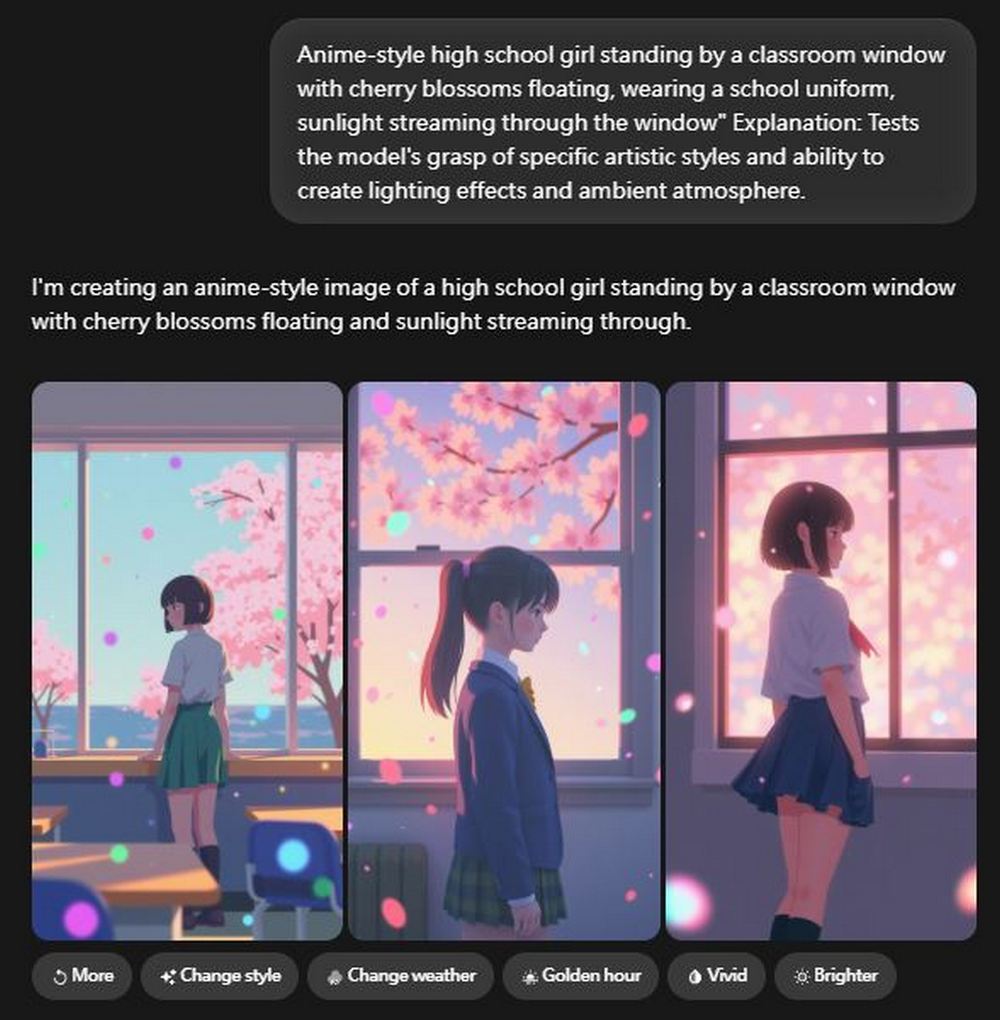
If you’re not entirely satisfied with what Krea Chat generates, you can click More below to generate additional photos. If you don’t like the subject being generated, you can also click Change style to switch things up.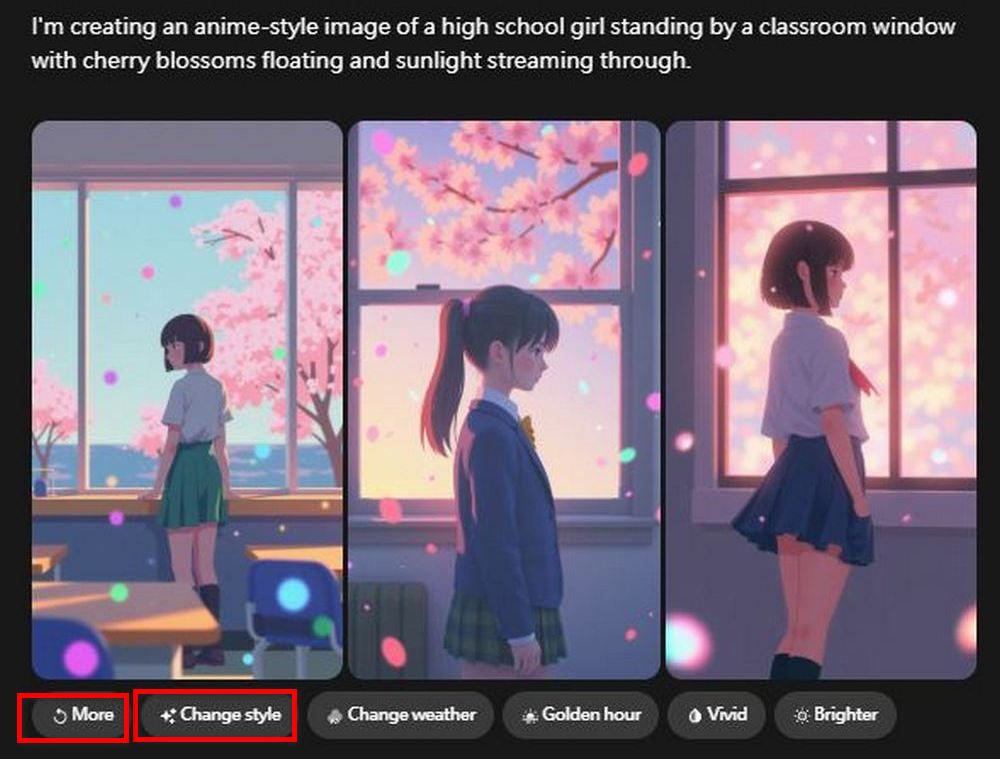
As mentioned earlier, Krea Chat can also help you generate videos directly in the chat interface. Based on my experience so far, the generated image needs to be resized to 16:9 before it can be used for video generation. Once you resize the image to 16:9, a “Make Video” option will appear below it. Click that option and Krea Chat will generate a video from that image for you.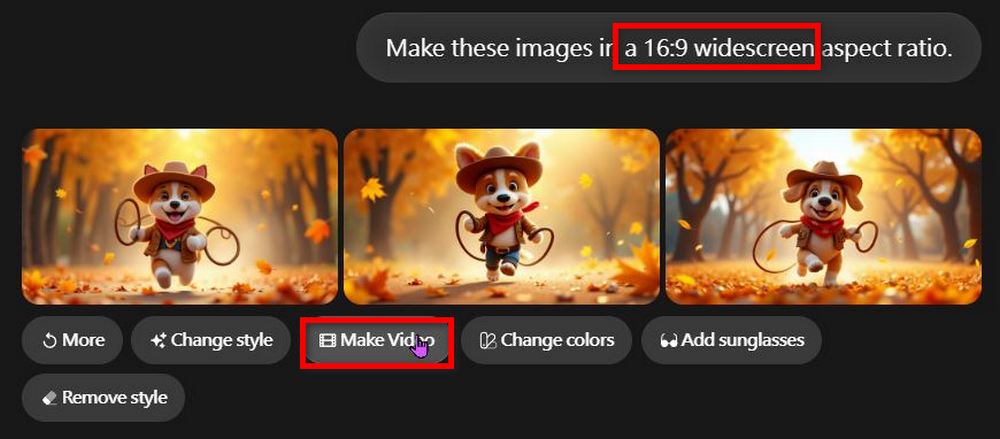
However, an unexpected situation occurred here. During testing, the editor generated 6 sets of images first, but when it was time to generate the video, the system notified that 80% of the computing time had already been used, and as a result, the video couldn’t be generated.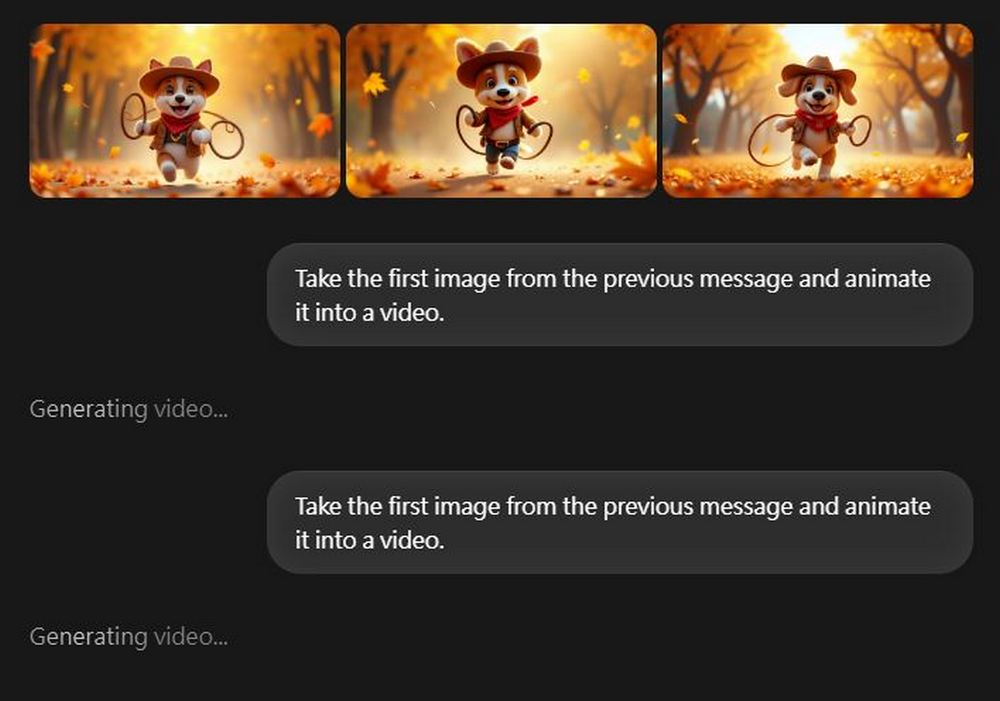
Although you can switch to another account to keep testing, the other account doesn’t seem to be able to generate videos either. It might be because too many people are using it right now. If you’d like to test it, you can try Krea Chat’s video generation feature again in a few days. For now, just test the image generation feature.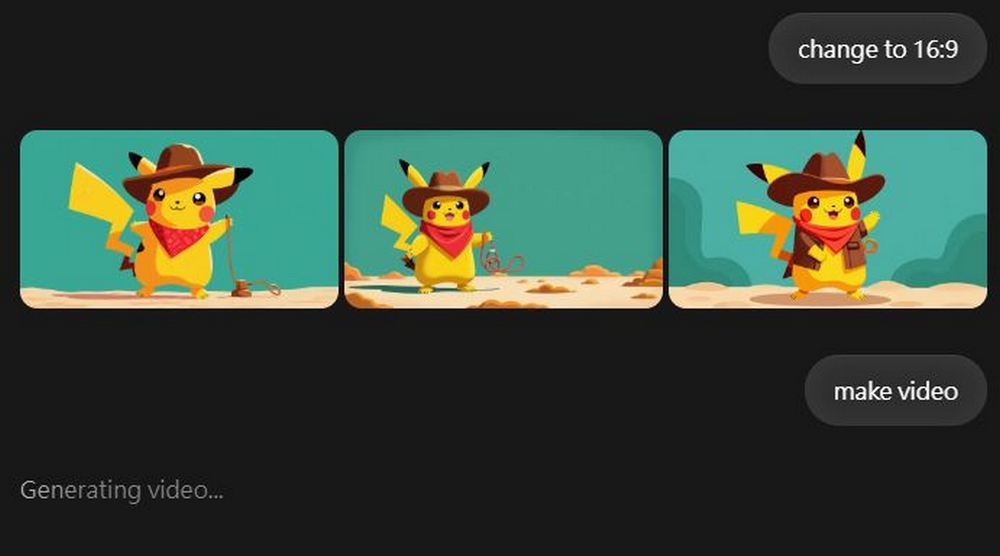
Source: KOCPC Chinese