


When downloading APK files online, many people will definitely worry about whether there are Trojan viruses or the like, although we have sorted them out before. 4 Safe and Reputable APK File Websites, but it is definitely better and safer if you can confirm it yourself. This article will introduce 2 websites that can scan Android APK files for viruses. You can use one of them to scan before installation to ensure that there are really no viruses.

2 Online Tools to Check Android APK Files for Viruses
Both of these are online tools, so they can be used without installation. Select the APK file and press scan to get the results.
1. OPSWAT MetaDefender Cloud

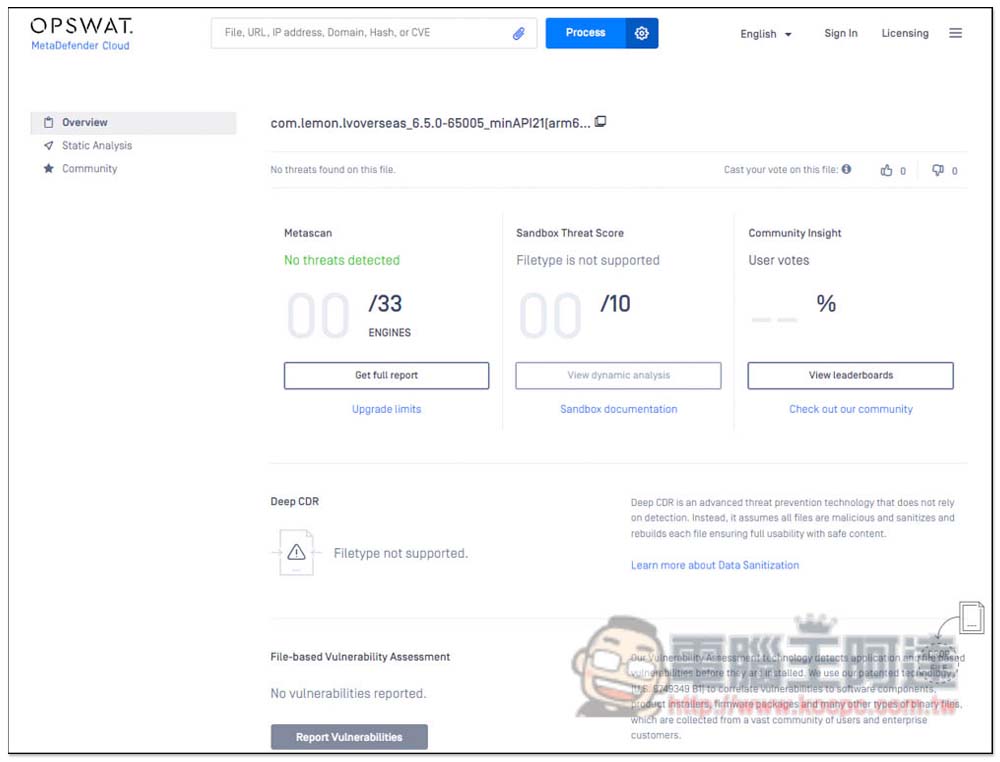
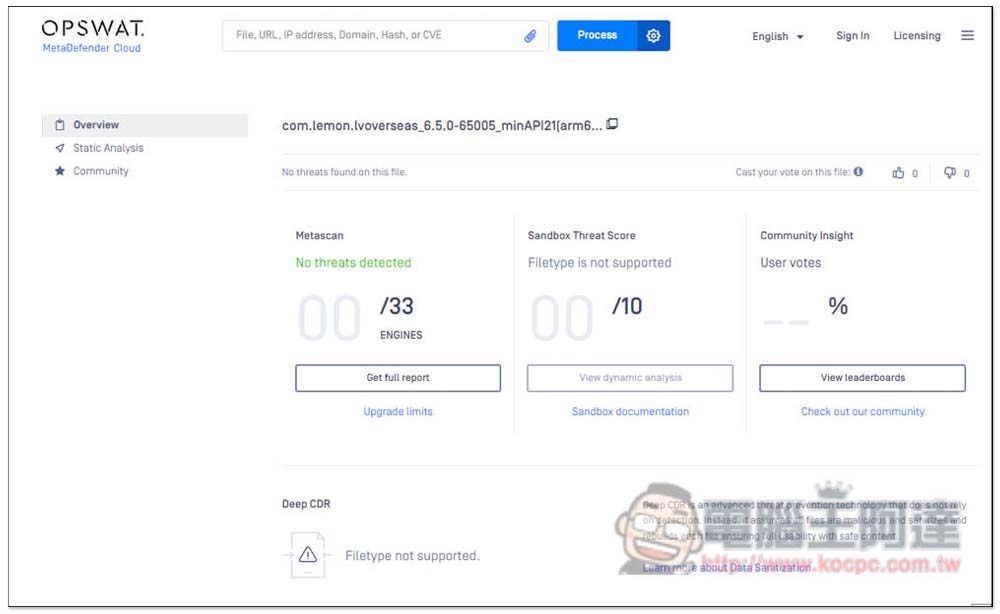
OPSWAT MetaDefender Cloud is a cloud protection tool that can scan files, URLs, hashes, IP addresses, and even CVEs. It can be used on both desktop and mobile phones. After selecting the APK file you want to scan, it will start uploading. After the upload is completed, it will automatically execute the anti-virus program (using several virus engines, such as: ESET, Bitdefender, Avira, AhnLab, etc.). The speed is quite fast. If there are no virus threats, Metascan and Sandbox Threat Score will be 0.
If necessary, you can also click in to view the complete scan report to understand the results of each virus engine scan.
Click here to go to OPSWAT MetaDefender Cloud virus scanning online tool
2. VIRUSTOTAL
VIRUSTOTAL is also an online protection tool that supports scanning multiple formats. In the APK file section, it will conduct detailed analysis to detect whether there are hidden viruses, malware, etc. It can be used on both desktop and mobile phones. Android can also download the App version from the Play Store. However, unlike the online version, the App can only scan applications installed on your Android phone and does not support manual selection of APK files.
In the SEARCH function, you can also scan URLs, IP addresses, domains, and hashes. Compared with the previous one, the report provided by VIRUSTOTAL is relatively simple. It is just a Community Score. A score of 0 means no virus. It is very safe. It also uses several well-known virus engines for scanning.
Click here to go to VIRUSTOTAL Virus Scanning Online Tool
How to scan APK files for viruses?
Here I use OPSWAT MetaDefender Cloud as an example. After entering the website, click the paperclip icon on the right side of the search bar to select the APK file:

Then the upload will start:
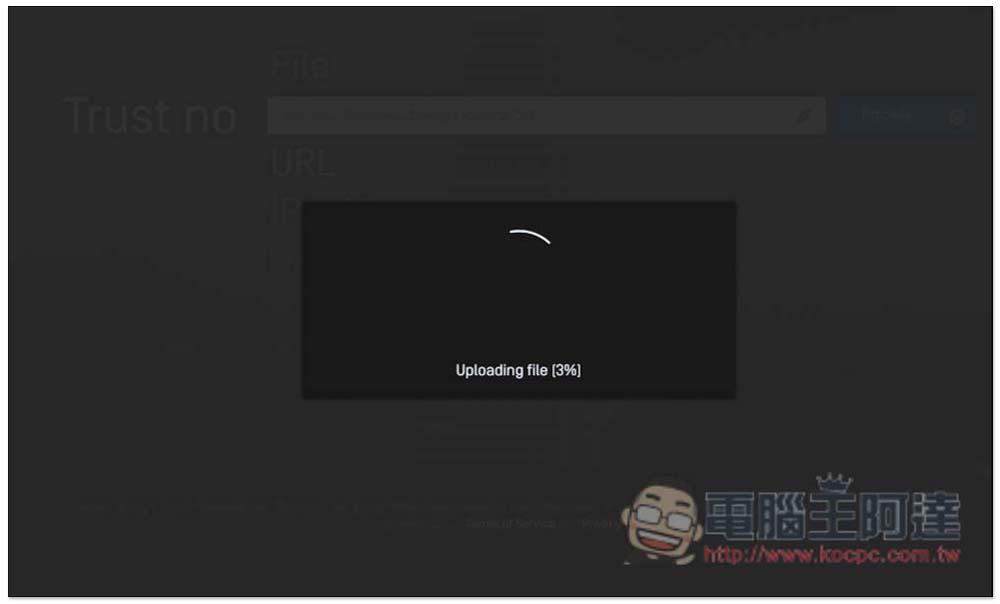
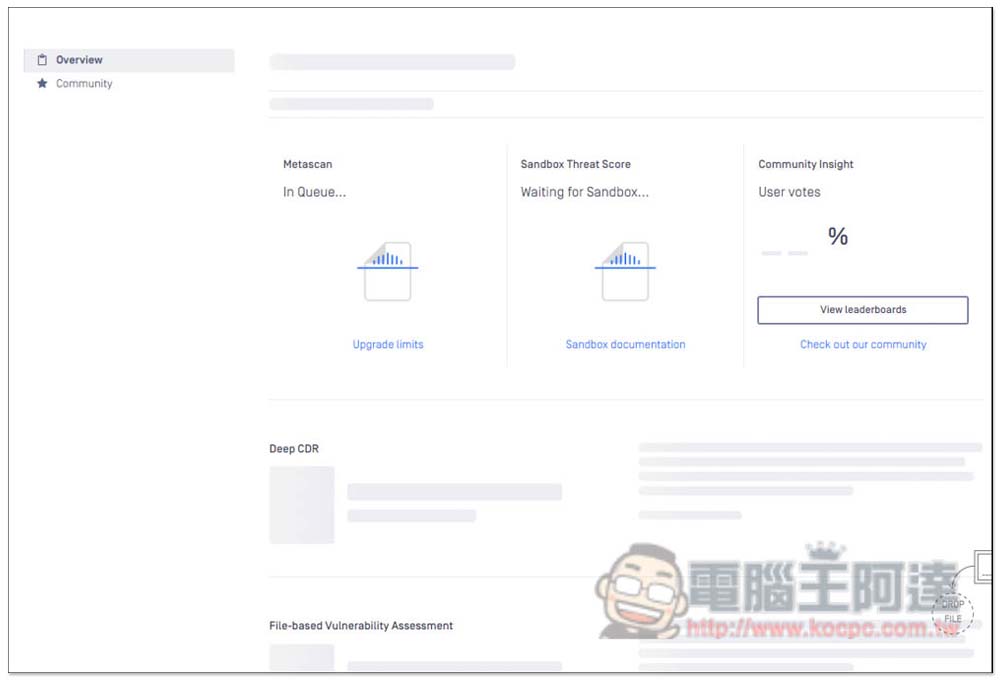
After the upload is completed, analysis and scanning will begin. You need to wait for a short period of time:
Once completed, you will get the result. Just pay attention to whether the number is 0. It does not mean there may be a threat:
Summarize
Compared with these two tools, I tested VIRUSTOTAL to be slightly faster. If you have many APK files to scan, I recommend using this one. Neither model supports scanning multiple files at one time and must be uploaded one by one.
Source: KOCPC Chinese