


Although Taiwan’s epidemic policies are now gradually in line with international standards and gradually moving towards normal life, I believe that in order to reduce the risk of contact as much as possible, many companies and schools still choose to replace some meetings or courses with video conferences – of course, this is also necessary when someone unfortunately has to “work/study from home”. However, although video apps or services may provide portrait depth blur functions or background removal functions, they often only have a few preset effects and background images.
Now, there is a “Virtual Backgrounds” that can provide you with various classified background images. It is free for a limited time. The Computer King Ada team also found the opportunity to download and experience it. Continue reading Video backgrounds are no longer the same. “Virtual Backgrounds” brings you a variety of useful virtual background pictures and reports.
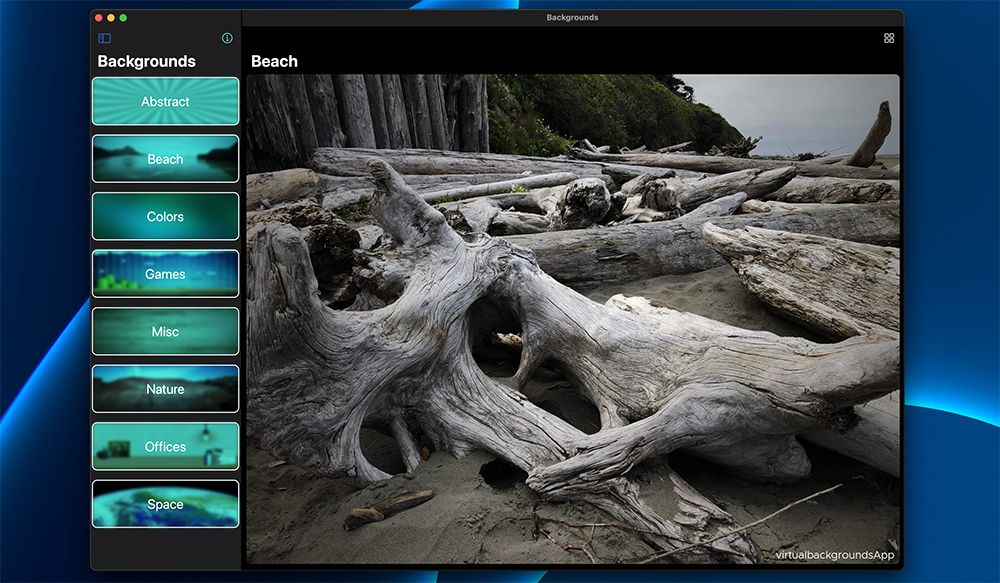
Video backgrounds are no longer the same. “Virtual Backgrounds” brings you a variety of useful virtual background images.
When the epidemic suddenly broke out, services such as Google Meet actually opened advanced features for users to use for free. However, today, two or three years later, I believe that everyone is already familiar with various video conferencing tools and preparations for online meetings. However, what you always see during meetings are those preset background pictures (Or a mystery movie background that you may find funny at first, but will get tired of it over time.) Always feel like you want to try different styles to change your mood?
Just, a bit like a mobile phone wallpaper. Moreover, when the background of the video conference is changed, everyone will feel fresh at the same time. Thinking about it, it is indeed worth studying?
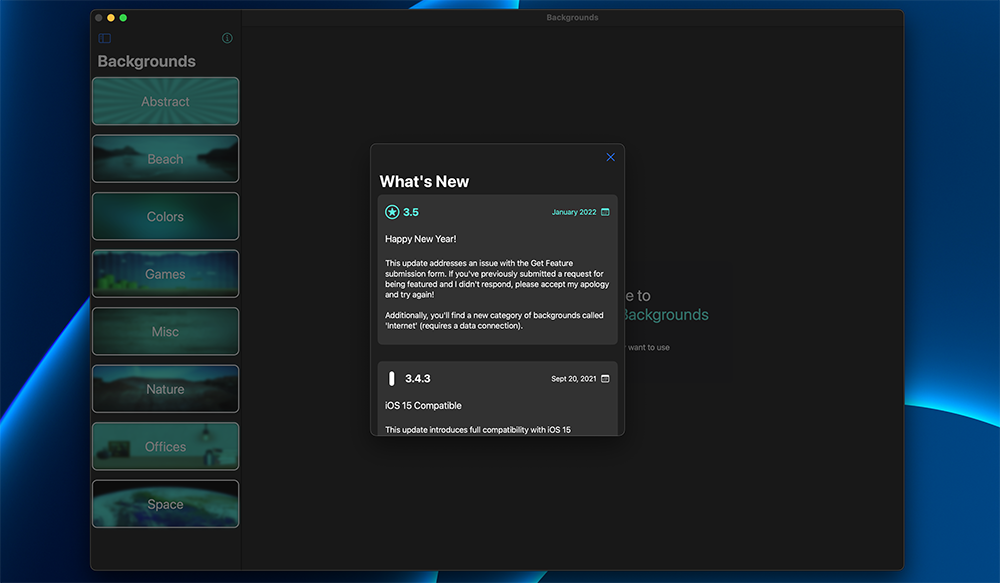
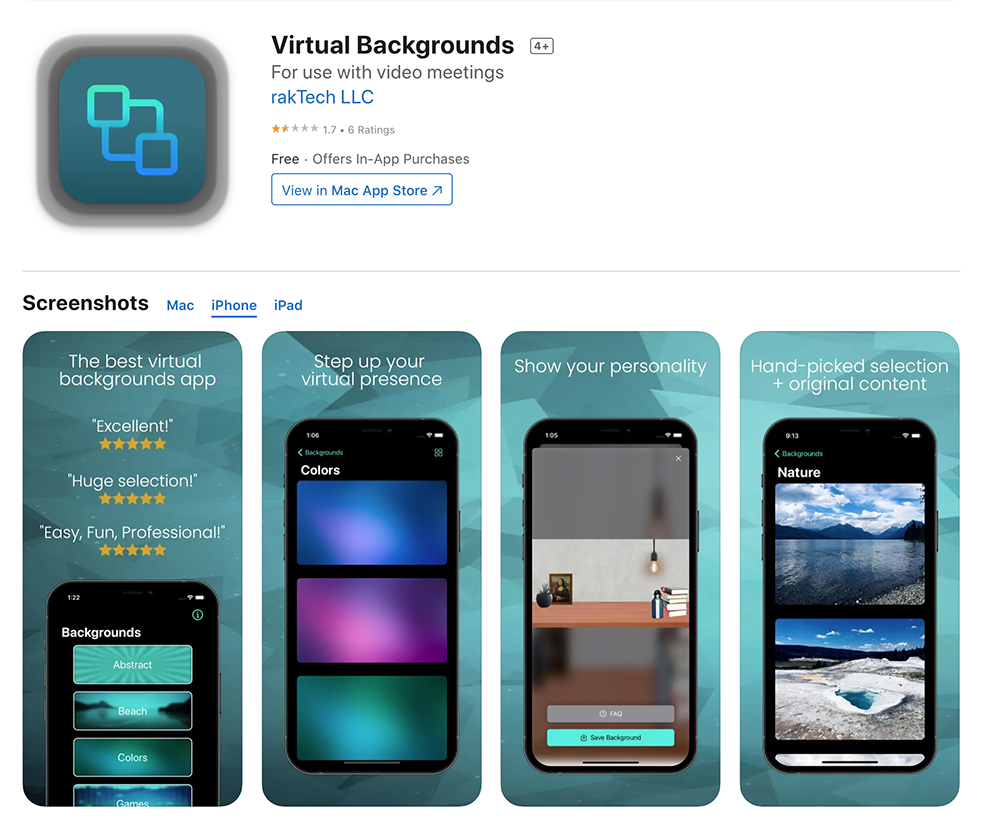
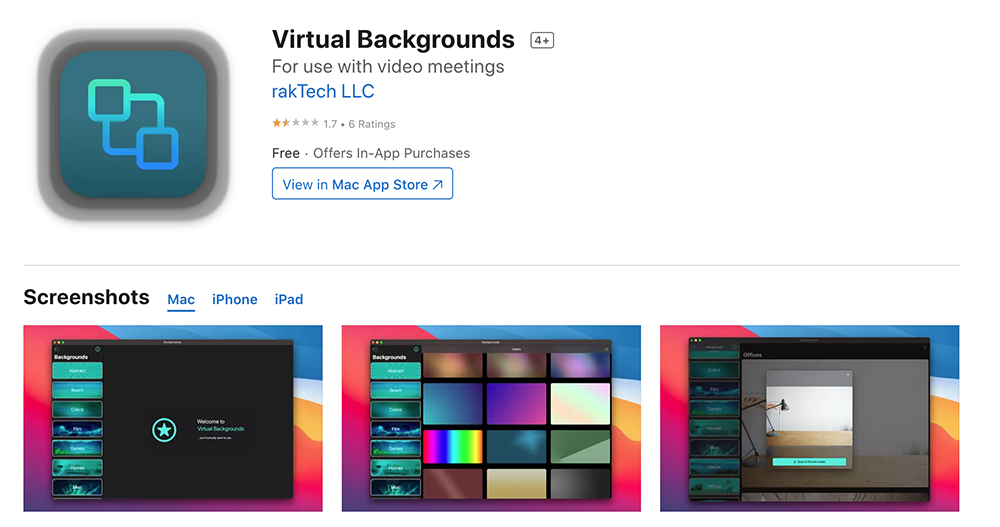
In this regard, our Computer King Ada team has previouslyCC0 online free licensed gallery has been introduced, basically, as long as you are willing to do your homework and search for pictures, you should easily be able to find thousands of background pictures to choose from. However, “Virtual Backgrounds”, which was recently launched on the App Store and supports macOS, iOS and iPadOS, directly integrates many different types of background image resources into the application. And there are also limited-time free offers in the past few days before the deadline.
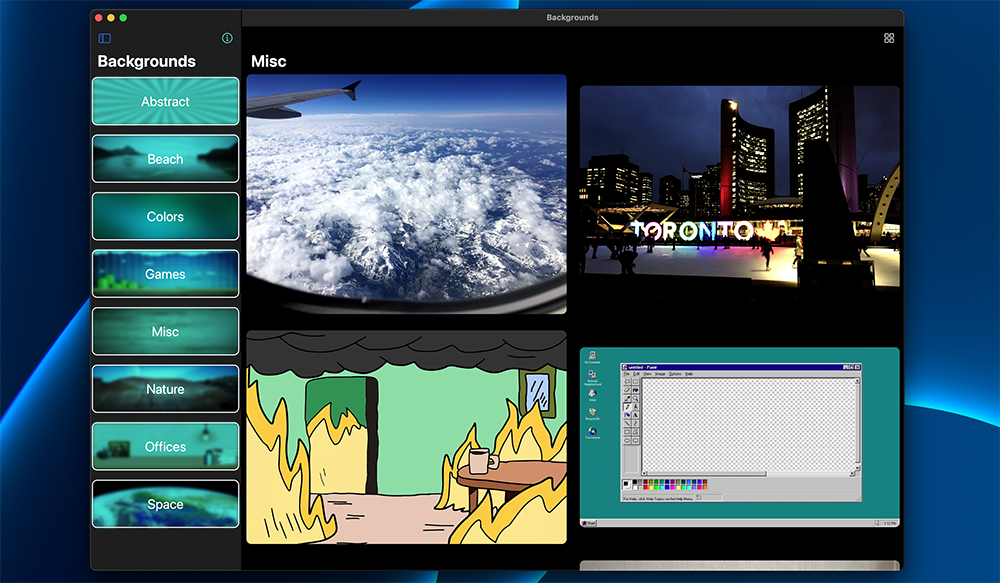
“Virtual Backgrounds” is actually very simple to use, just “find pictures > save pictures”. However, what is thoughtful about it is that it not only organizes interesting or interesting background pictures for video conferences, but also sorts them into categories such as “Beach”, “Games”, “Color”, “Nature”, “Space”, etc., so that those who are almost exhausted from the meeting can instantly find a good background picture that will refresh the whole room and even become a topic for chatting in the meeting.
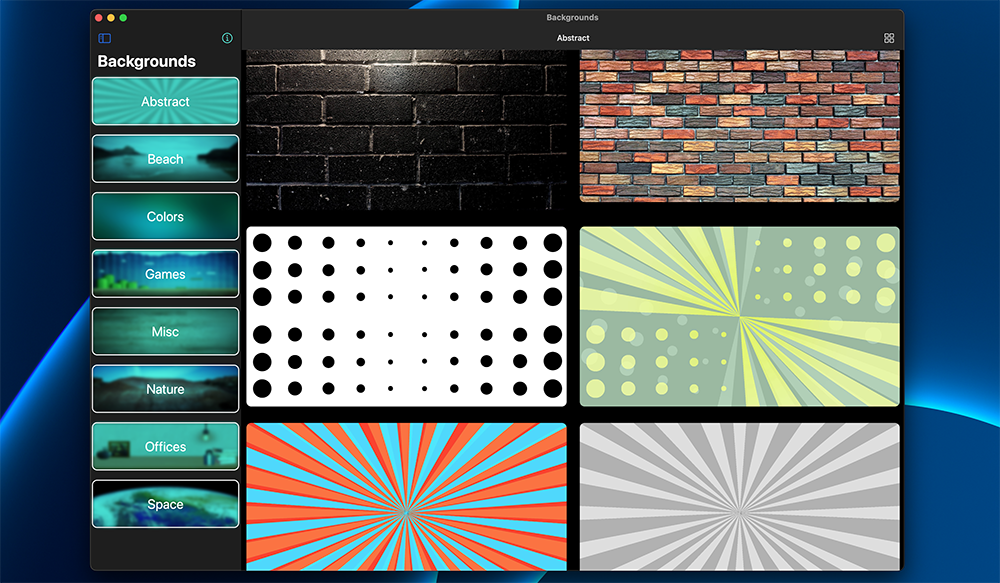
“Virtual Backgrounds” allows you to find background images for video by simply clicking on the category. The default is to enlarge the arrangement as much as possible, and you can also switch to thumbnail mode through the upper right corner for better control. Friends who are interested can download and use it from the App Store.
《Virtual Backgrounds》App Store Download portal (click me)
Further reading:

Source: KOCPC Chinese