


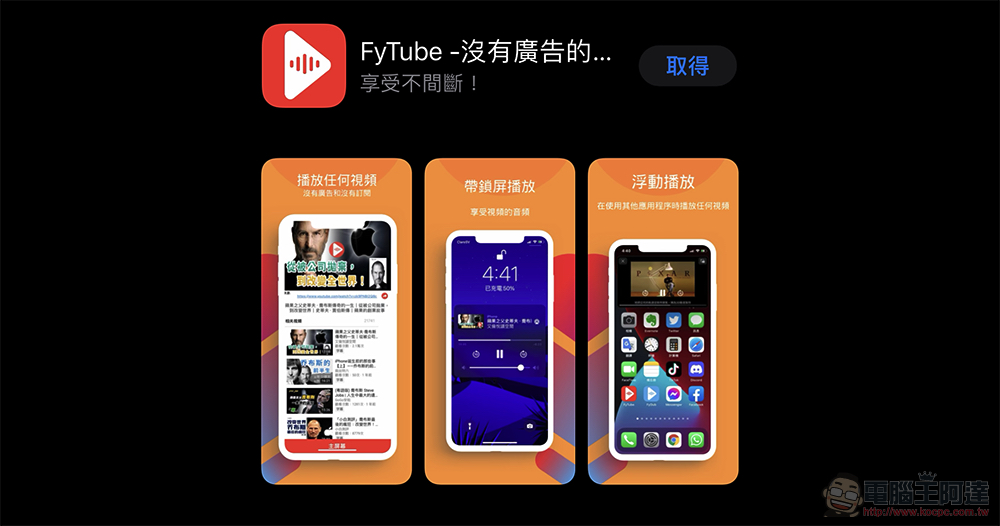
Although a YouTube Premium subscription is really not expensive (not to mention that there areOther ways to save money), but for users who only occasionally want to use advanced features, even if some user experience is sacrificed, maybe it would be good to use a similar web player framework to implement iOS floating windows or even ad-free video playback functions? Recently, the Computer King Ada team also found an opportunity to try such an app because they saw that there was a similar app that was free for a limited time. Continue reading the user experience report of “FyTube”, a YouTube player that supports iOS floating windows and no ads.
Experience using “FyTube”, a YouTube player that supports iOS floating windows and no ads
Although the lowest cross-region registration plan is available, you can actually enjoy a variety of advanced features and an ad-free YouTube Premium subscription. With the family plan, you can already get a monthly rental price of only NT$12 (see more:Cross-region Indian registration for Youtube Premium family plan is only NT$12/month per person). However, for those who occasionally want to watch YouTube videos without interruption or using multiple windows, the YouTube player “FyTube” will be a good choice.

Frankly speaking, the interface is super simple – basically it allows you to search for content and do simple filtering by a very basic “load date” which is a time range. Although not requiring login will prevent people from enjoying YouTube’s complete recommended playback recommendations, as well as the social experience of live chat and messages (in fact, there will be a link below the video playback, click to jump to the official YouTube App to use it).
However, to a certain extent, this method should be quite suitable for users who only occasionally use YouTube to watch videos. On the other hand, if you are worried that this type of application may have security risks, is it relatively safe to not have to log in?

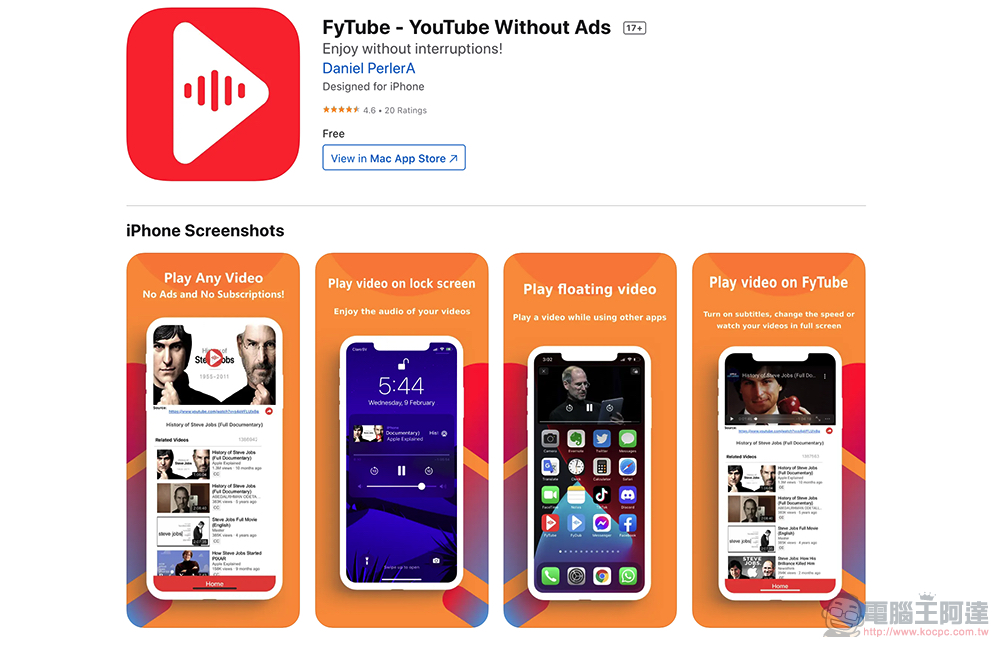
After searching and playing content in “FyTube”, you can jump out of the app directly in the iOS interface, and the floating window interface will be launched. It allows you to move the playback window at any time and hide or enlarge the playback screen instantly; ads that interfere with playback will also be skipped. That is to say, from the very simple “search and play” interface, “FyTube” should mainly implement these functions using the framework of the web version.

Compared with other similar applications, it feels like it lacks a lot of interactivity and advanced functions, but because of its relatively simple features, it can actually be considered a path of its own. “FyTube” can also support the function of continuously playing “sound effects” on the iOS lock screen. If you want to use it, please remember to switch to the floating window interface first and then close the lock screen.
“FyTube” download portal (App Store) Update: Limited exemption ends
Further reading:
Source: KOCPC Chinese