


Nowadays, many people listen to Lofi FM music while working or resting, and there are many on YouTube. If you like big pictures and can switch between different Lofi music more easily, the “Lofi FM Free Music Player” recommended in this article is quite good. You can start listening to Lofi music after opening the web page. There are also different types of playlists for you to choose from. More importantly, this player also supports manually adding YouTube music, which means you can also add the music you like to listen to.
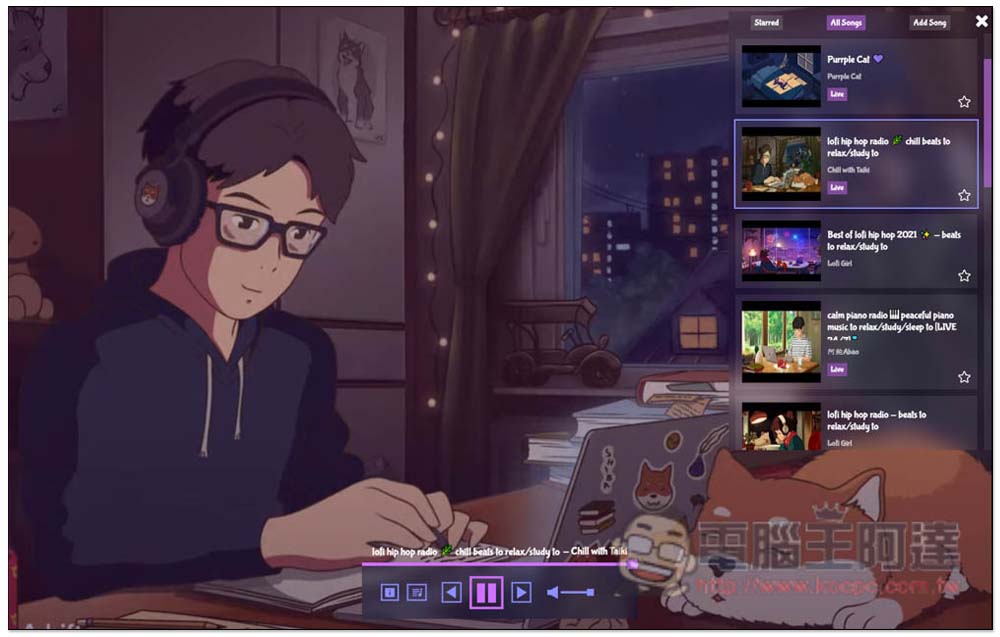
Introduction to Lofi FM Music Player, a free tool that supports manual addition of YouTube music
After entering the Lofi FM free music player website, press the play function below to start listening. The default is Purple Cat. In addition, the Lofi music here is all from YouTube, so if you always listen to YouTube Lofi music, it should be quite suitable:
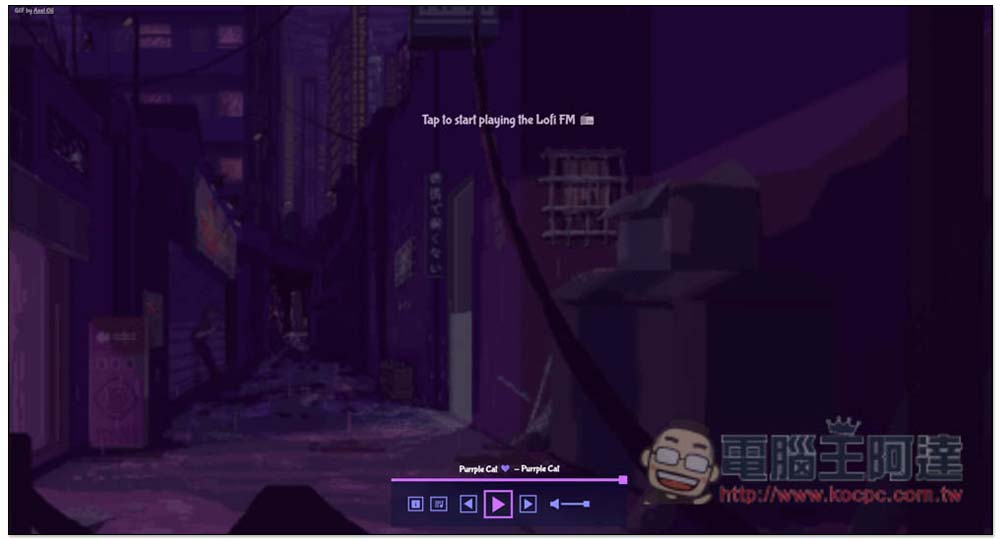
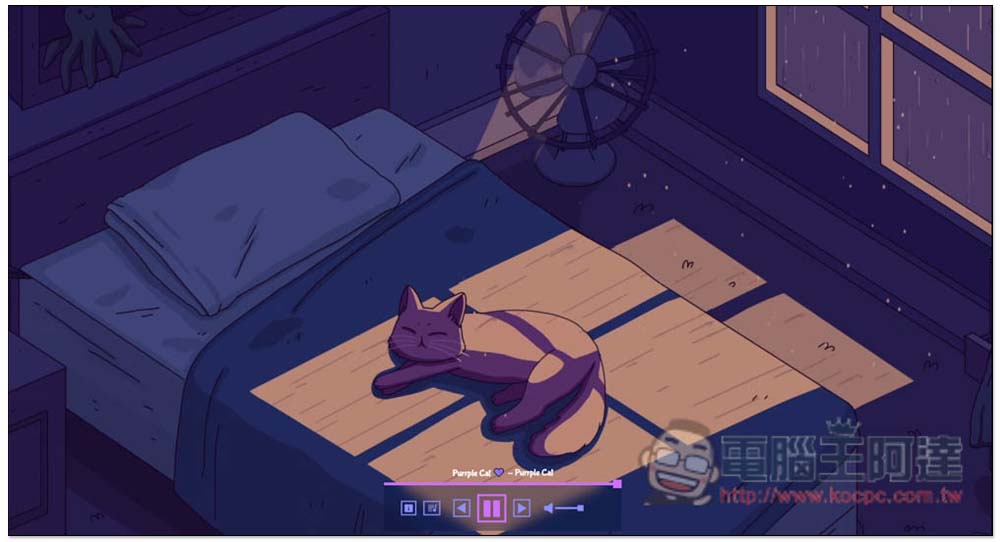
There will also be animation in the background of the webpage during playback. This is to directly enlarge the YouTube video screen to the entire webpage:
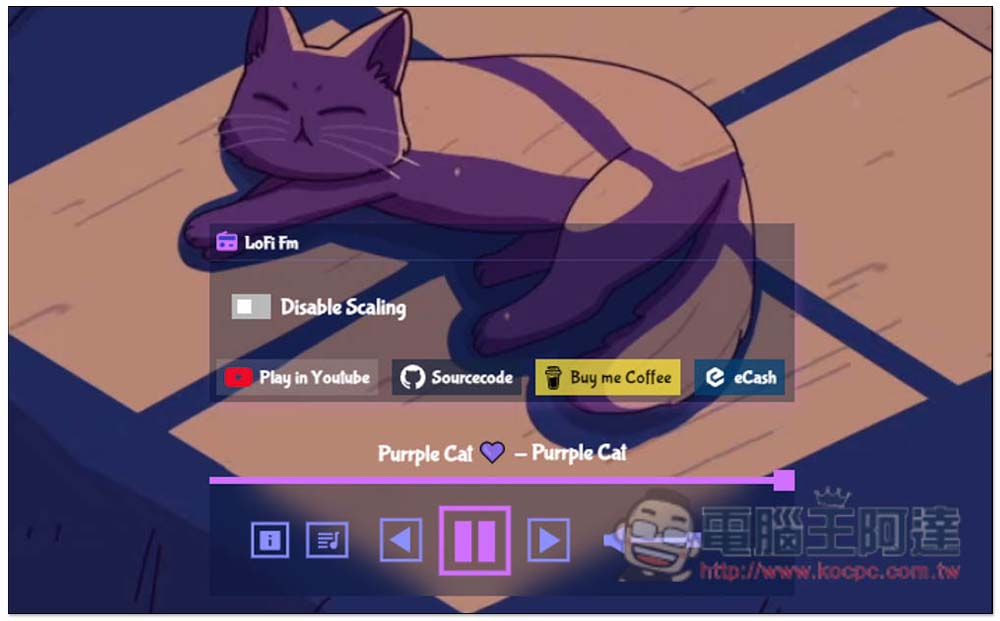
Click the function icon on the left to open the menu. In this menu you can find the YouTube video URL of this Lofi music. Click Play in YouTube to open it. The second Sourcecode is the original code, which will open the GitHub website. Yes, this is made through open code. On the right is the sponsorship to buy a cup of coffee (Buy me Coffee):
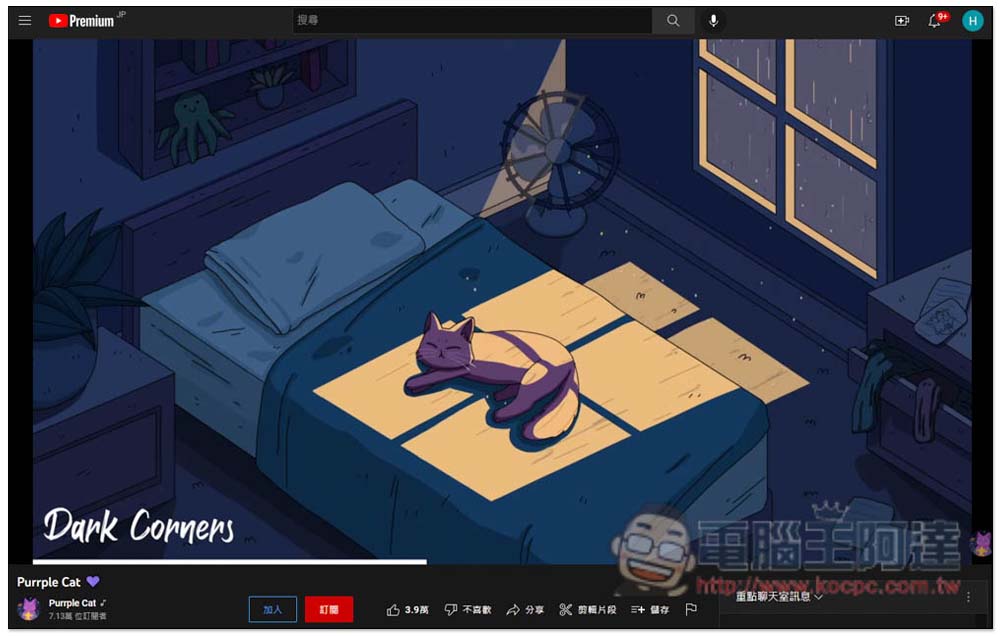
As shown below, the YouTube video of this song will be opened, both in live broadcast mode:
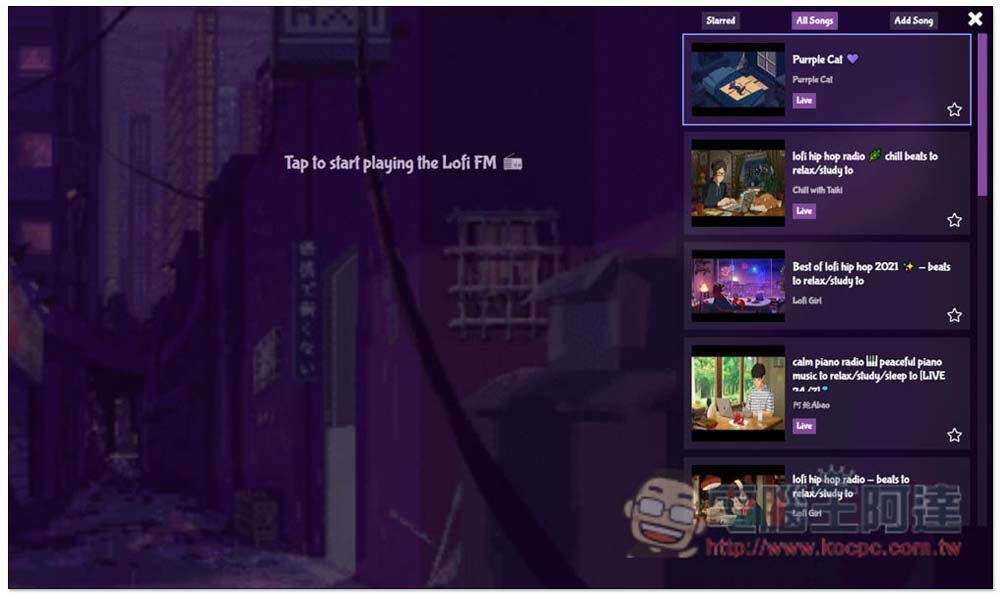
Click on the second function menu to open the music playlist. All Song will display all the Lofi music provided. There are many types, including Hip Hop, Piano, Chillhop, Coffee Shop, The Weeknd, and even Bollywood music:
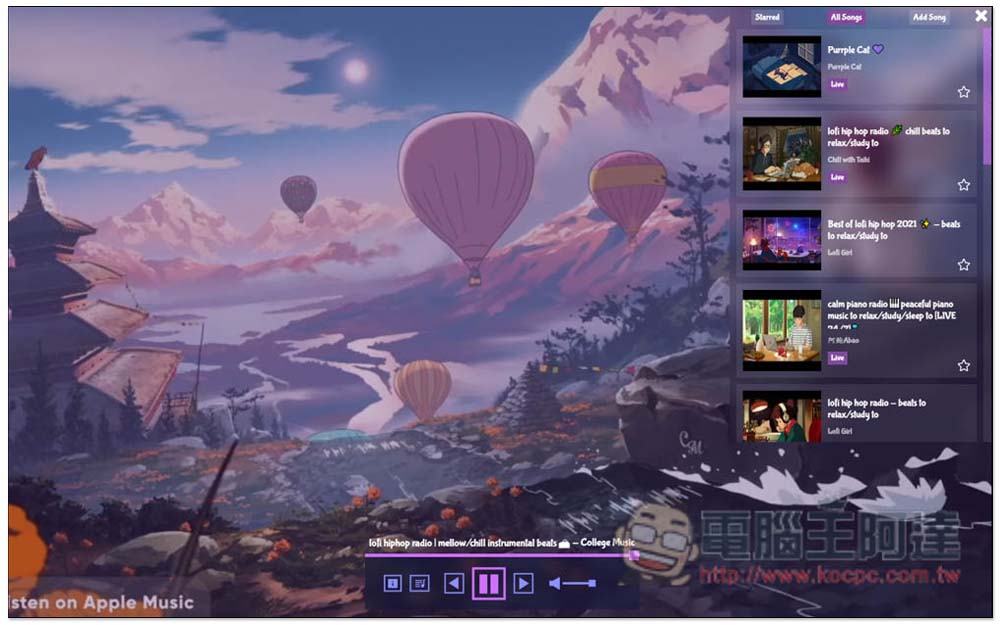
After clicking, it will switch and play, and the background animation of the web page will also change accordingly:
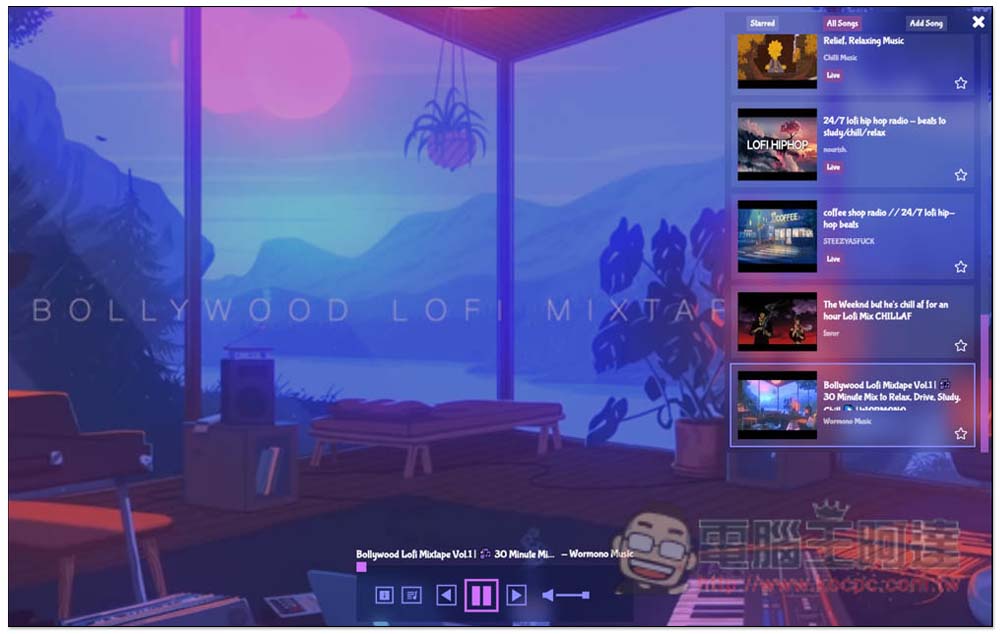
Like this, Bollywood Lofi music is quite special:
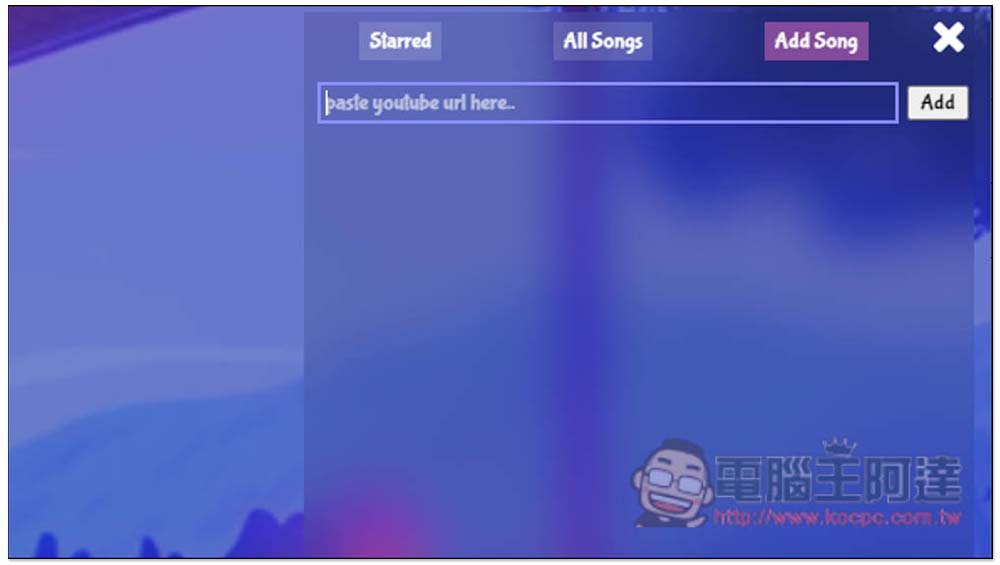
Sometimes you may get tired of listening to the preset Lofi music, and this player also provides a very convenient function: manually add YouTube music. After clicking Add Song, you will see the function of pasting the YouTube music URL. After pasting, click the Add function on the right:
And it can be any YouTube video music, like the fireworks I posted about Jay Chou missing:
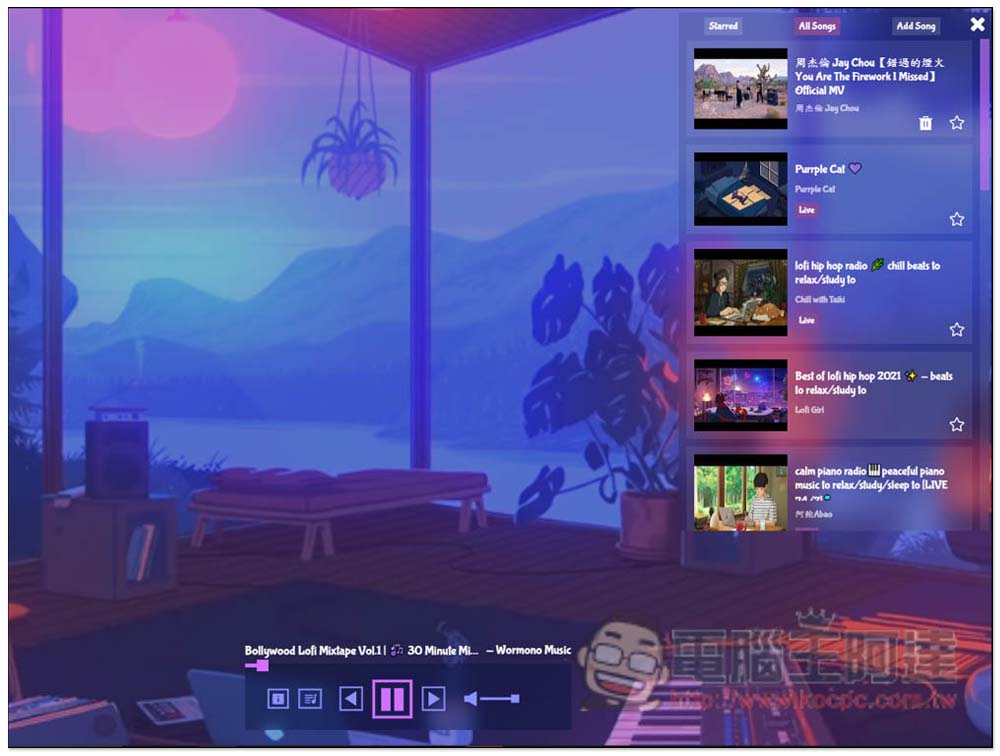
This also means that you can add all the music you usually listen to, so that when you no longer want to listen to Lofi music, you can easily switch to the music you often listen to with one click, without having to open the YouTube website separately, which is a lot more convenient.
If you want to try Lofi music player, we have introduced it before Lofi Generator、Lofi.cafe、LofiFocus You can try it later.
Source: KOCPC Chinese