


The Apple ID is your key to entering the high walls of Apple’s closed environment. Without it, you will not be able to access any of the company’s products and services. It is also a way to identify users and is associated with many personal sensitive data. This also means that if your Apple ID is compromised, you will face more risks. Today, let’s learn how to determine whether your Apple ID has been hacked, what to do if it is hacked, and how to protect yourself.
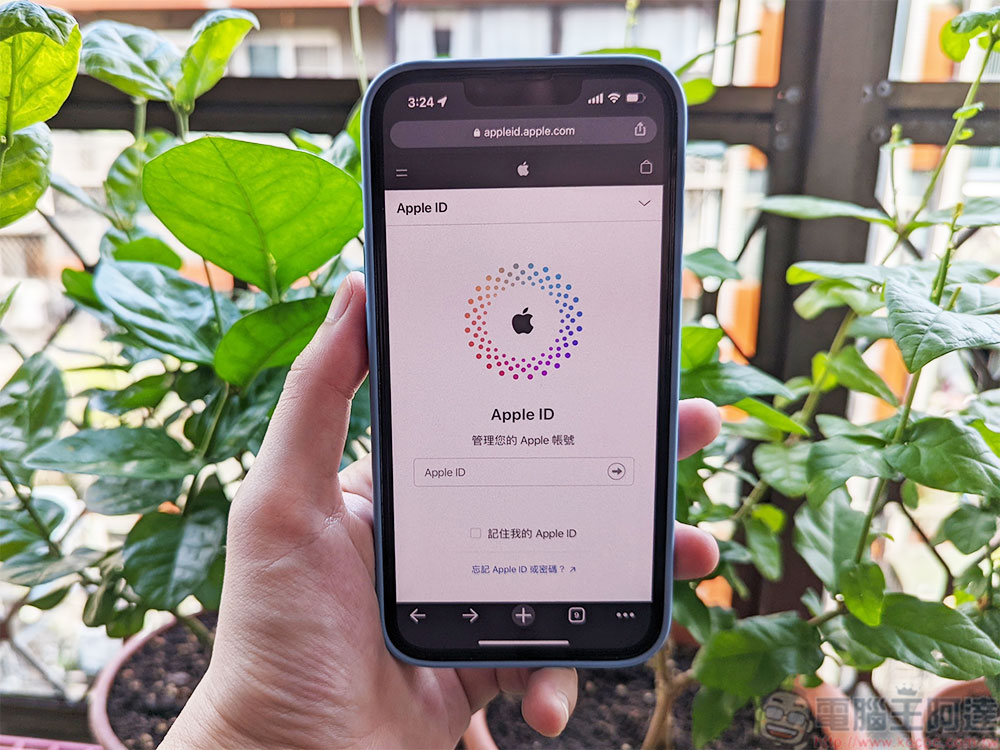
Has my Apple ID been hacked? What should I do next?
What will happen if your Apple ID is hacked? If you use an iCloud address, anyone with it can read your emails, send emails using your account, access your contacts, and view your calendar, photos, and videos. If you have the Find app enabled, an intruder can also view any files and notes saved to iCloud and capture your real-time GPS location. Not only is it a privacy violation, but even worse, it can also be used for identity theft. In this article, we’ll tell you how to tell if your Apple ID has been hacked, and how to protect your account and prevent such security issues from happening in the future.
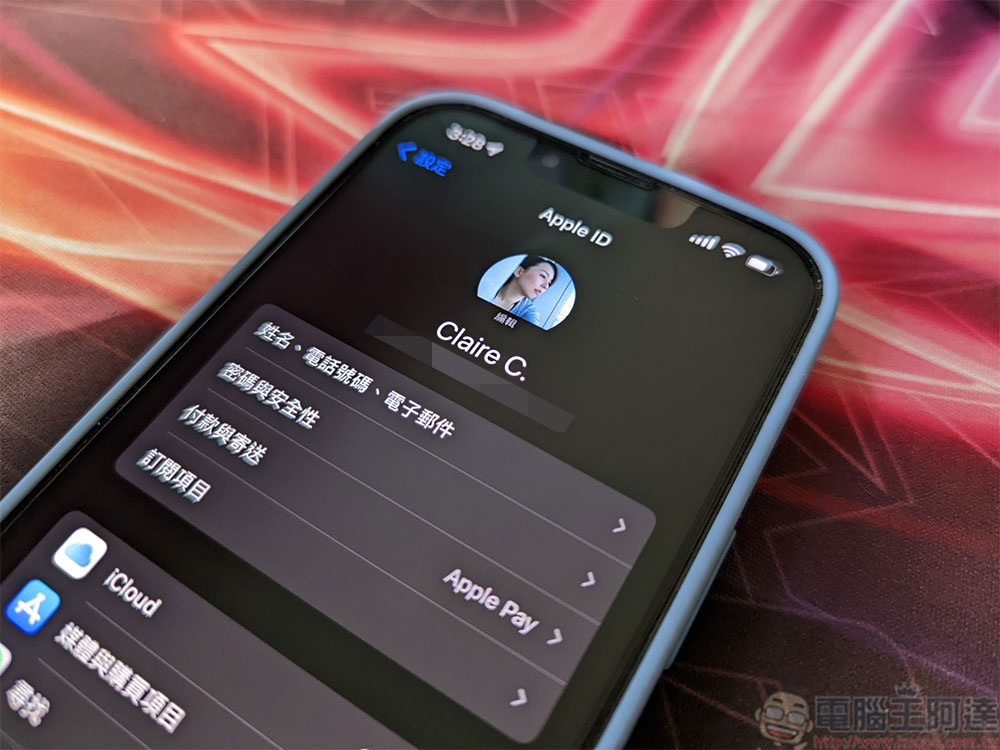
How to tell if your Apple ID has been compromised?
Apple has a reputation for providing good security, and when Apple believes your Apple ID has been compromised, you will receive a warning notification via email, iMessage, or at the top of the page when you log in to your personal ID at “appleid.apple.com”. Each of these threat notifications includes security recommendations for protecting your account. If there is suspicious activity on your Apple ID, Apple may even suspend your account until your identity is verified.
The easiest way to know if your personal Apple ID has been compromised is through the following two signs:
- Have you received any emails indicating that your account information has been modified, and you have not personally made any modifications.
- Have you received an email or notification telling you that your Apple ID was used to sign in to a device you don’t recognize or haven’t signed in to recently?
What should I do if my Apple ID is hacked?
If you have determined that your Apple ID has been stolen, you can use the following steps to recover your hacked Apple ID account:
- log in”appleid.apple.com”. If you have trouble performing this step or receive a notification that your account is locked or deactivated, try resetting the account from your iPhone or any Apple device you’ve signed in to in the past. Please go to “Settings” on your device, click on your profile picture, go to “Password & Security >> Change Password” and follow the prompts to reset it. You can also select “Forgot your Apple ID or password?” during the setup process to log in to the account from a new device.
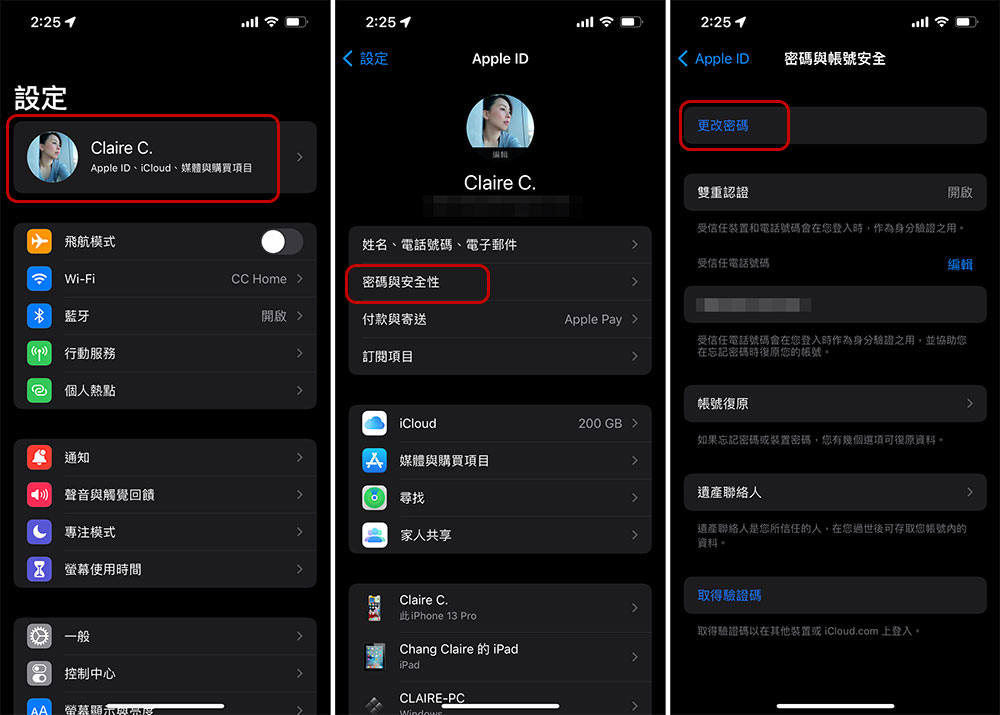
- Next, change your Apple ID password and make sure to choose a strong new password. If the password you use does not have a combination of uppercase and lowercase letters, numbers, symbols, and is not between 12 and 30 characters, then it is not considered strong.
- You should want to review all your personal details, including your name, primary Apple ID email, backup email, and phone number.
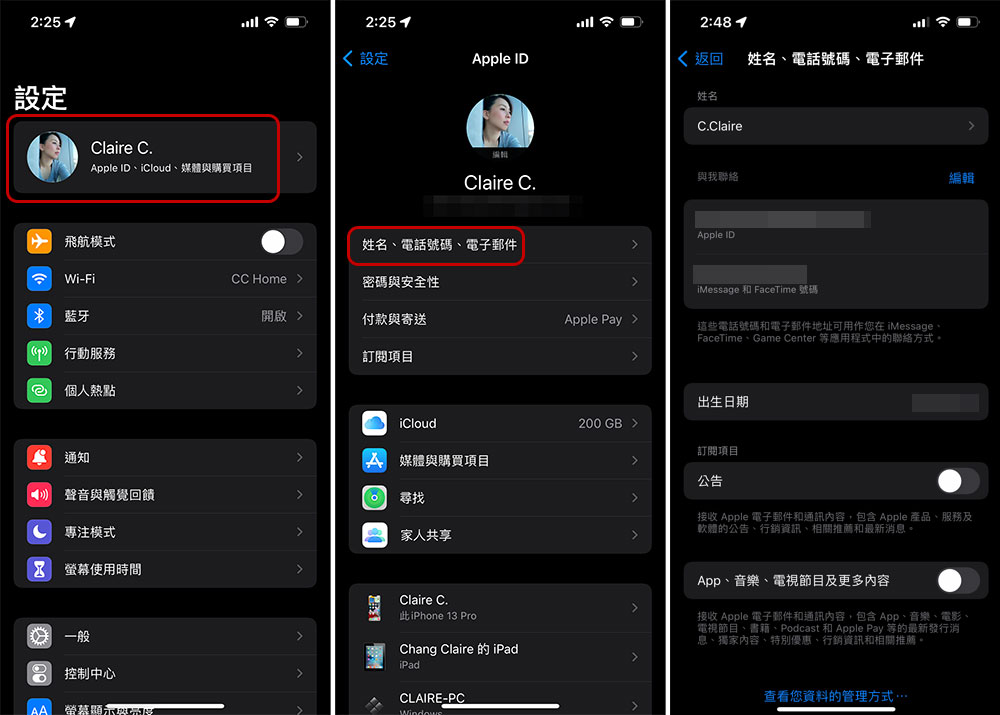
- Last but not least, set up two-factor authentication (2FA) for your Apple ID. Two-factor authentication adds an extra layer of security. Even if your first line of defense password is compromised, it can act as a second line of defense to prevent unscrupulous individuals from accessing your account. iPhone has a built-in two-factor authentication tool that you can enable for added security or use a third-party two-factor authentication app.
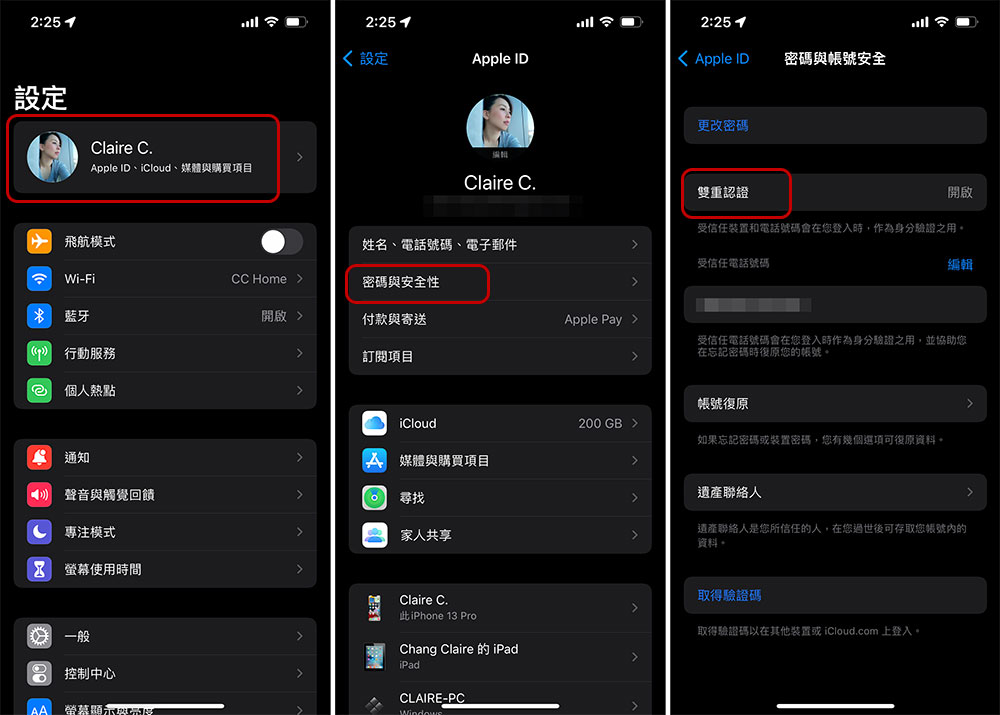
If none of the above works, you may have to contact Apple Support toGet instructions for recovering your personal Apple ID, the trouble is that this process can take multiple days to process.
How to protect your Apple ID?
To avoid being invaded and misappropriated, you must take the initiative and take personal protection first to ensure safety. If you do nothing, you are simply opening the door to unscrupulous people. While there is no way to completely prevent a personal online account from being compromised, following the guidelines below will greatly reduce the chance of someone else getting hold of your login information.
- Don’t share your Apple ID with anyone, not even family members. If you need a shared family subscription, Apple allows you to join via text message invitation, so if for some reason someone asks you for your Apple ID login, say no.
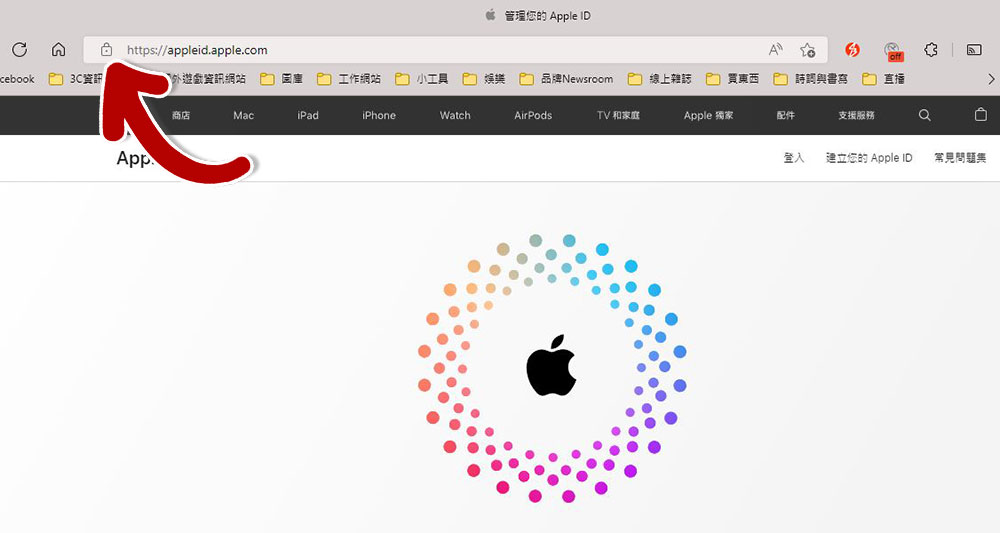
- When you enter an Apple ID application on your web browser, check the address bar for a lock icon to verify that the site is authentic and that you’re working safely.
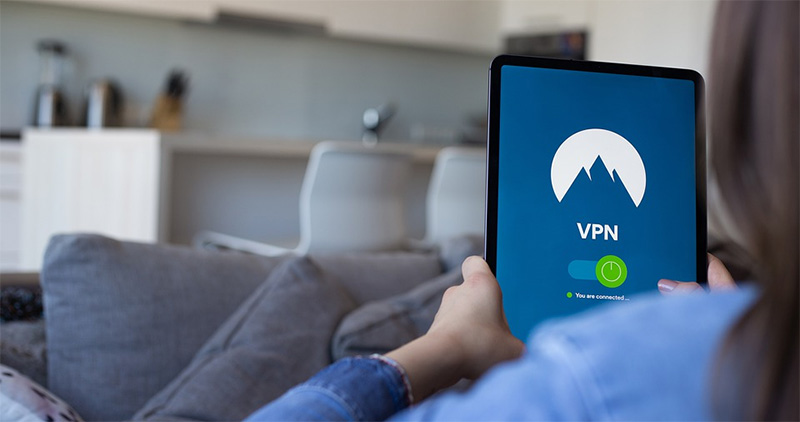
- If you ever use your Apple ID to log in on a public computer, remember to log out after use to prevent others from accessing your account. In addition, please avoid using public Wi-Fi as much as possible. If you must use it, try to connect through a VPN.
- Beware of phishing. Phishing is a common fraud tactic used by hackers to trick users into providing personal details. Taking Apple ID as an example, the most common method is to tell users that their iCloud account has been locked or leaked. Apple sometimes alerts users when their passwords are in danger of being compromised, and attackers use this mechanism to deceive users. Hackers often put a link in the message that redirects you to a malicious website where they can steal your data. To keep your information safe, avoid opening links in text messages or emails. Additionally, hover your mouse cursor over any link you receive in an email for one second to see a preview of the target website and be able to assess its authenticity before opening it.
The security measures we mentioned this time definitely apply to all other online accounts, not just Apple IDs. Keeping yourself and your data safe online is a top priority in the Internet age. The Internet is an amazing resource, but unfortunately, hackers and other malicious actors are everywhere online. We can’t make hackers give up their business, but you can definitely learn to protect yourself from any online attack. However, there is some good news: Microsoft, Google, and Apple are working to phase out passwords, which has great potential to improve users’ online security.
Source: KOCPC Chinese