


When sharing photos with others, you may want to mosaic the subject and other people in the photo. At this time, you may look for software, Apps, or online tools. However, installing things just for mosaic feels a bit of a waste of space. Online tools also require uploading photos, which also makes people worry about their security. This article recommends “Hide faces in your Pictures” is quite good. Although it is also an online free tool, it advertises that photos do not need to be uploaded and can be completed directly in the browser. It also automatically detects faces and adds mosaics (also for multiple people). It not only has common blur effects, but also some icon selections.
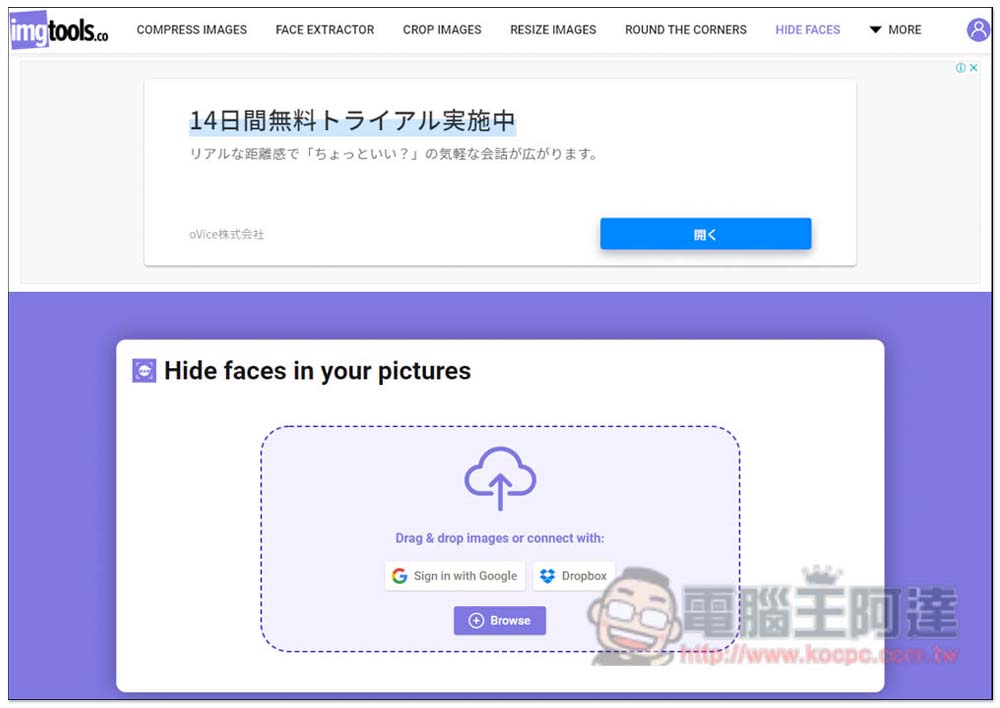
Hide faces in your pictures automatically adds various mosaics to the faces in your photos
After entering the Hide faces in your pictures website, drag in the photos you want to add to the mosaic, or click Browse to select them manually. In addition, it also supports selection from Google Drive and Dropbox clouds:
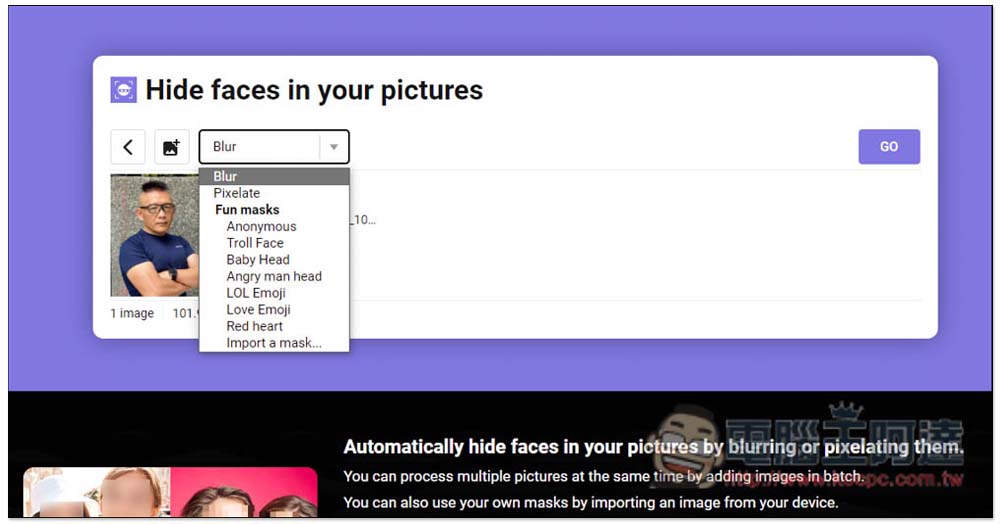
There is no need to upload a photo, so you will jump to this screen immediately after selecting the photo. There are 10 types of mosaics. The top Blur and Pixelate are the most common blurs and mosaics. The bottom Fun masks are cute stickers. There are 7 types in total, including Anonymous, Troll Face, Baby Head, Angry man head, LOL Emoji, Love Emoji and Red heart. Red heart, you can even import your own texture (Import a mask):
Then it will start to scan the face in the photo. Currently there is only one face in this photo:
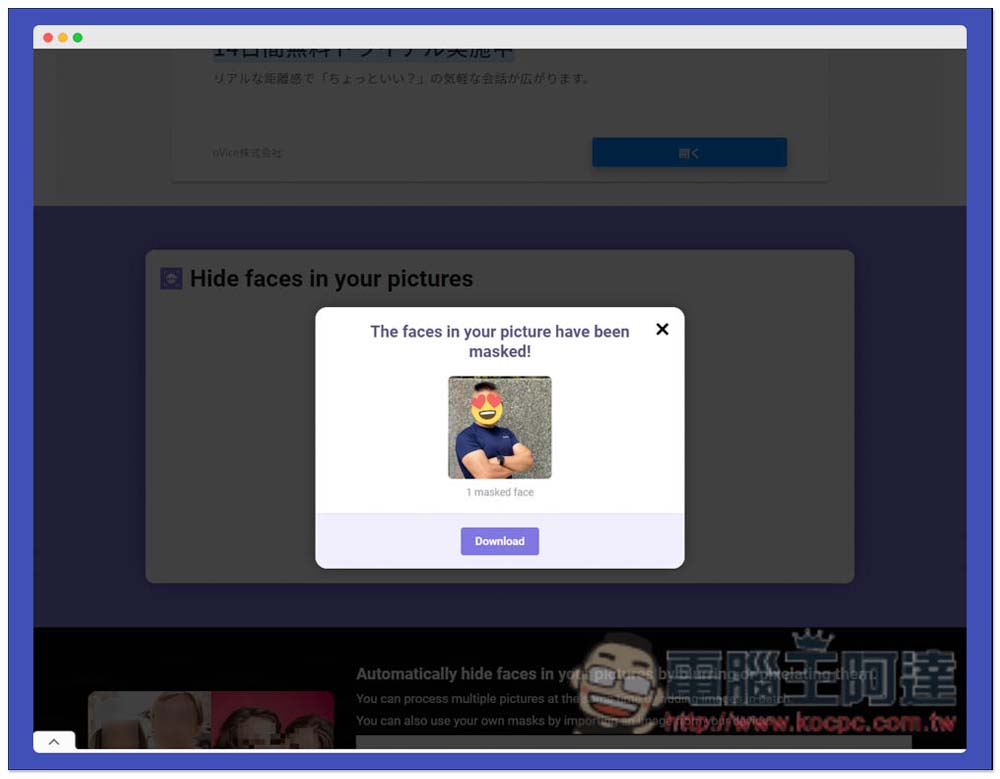
After it is completed, you will be shown the result first. It is really accurate. There is indeed only a mosaic face. If there is no problem, just click Download to download:
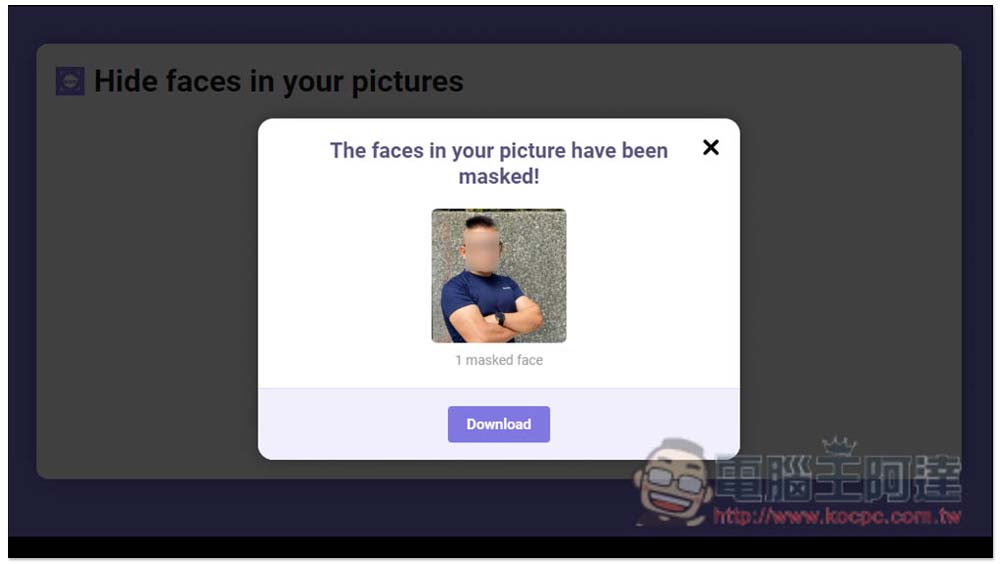
Troll Face meme smiley face is quite funny:
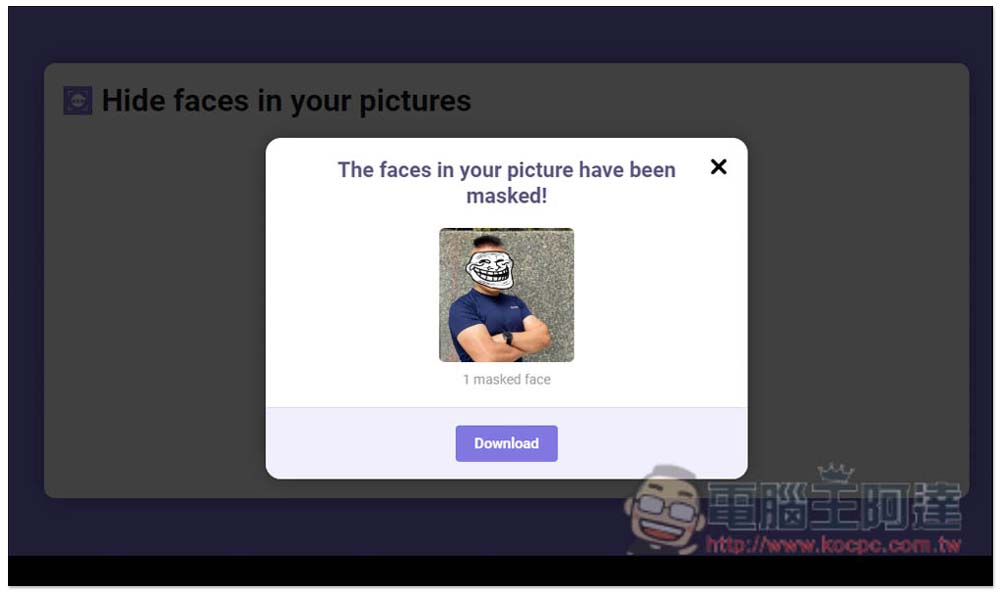
Baby Head There is an indescribable sense of disharmony on a baby’s head:
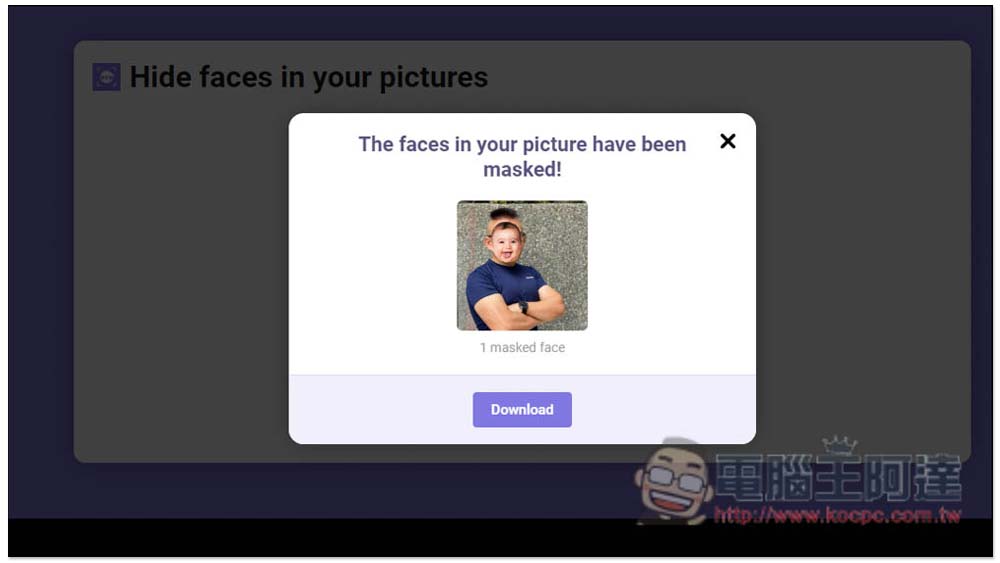
LOL Emoji The crying and laughing expression should be liked by many people:
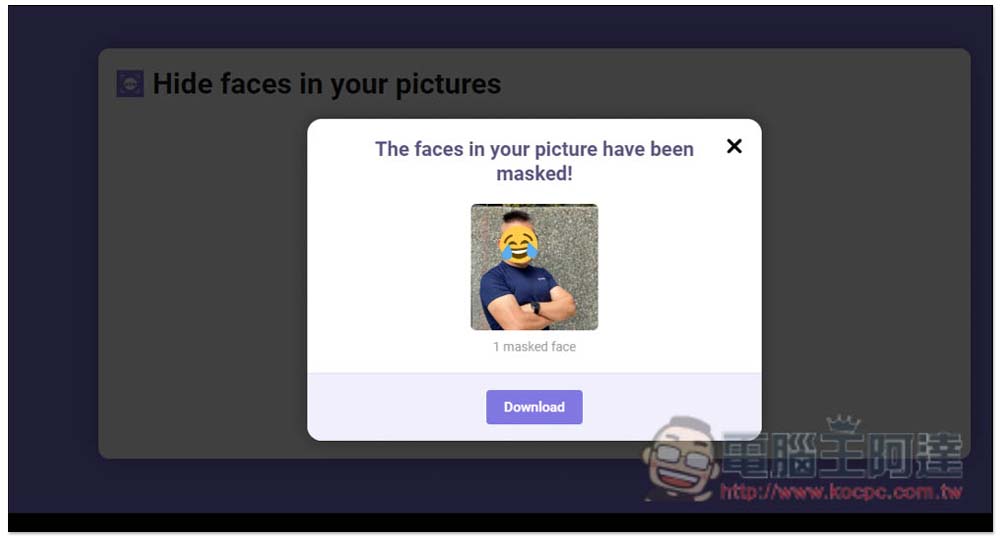
Downloaded images will not be compressed or reduced in size:
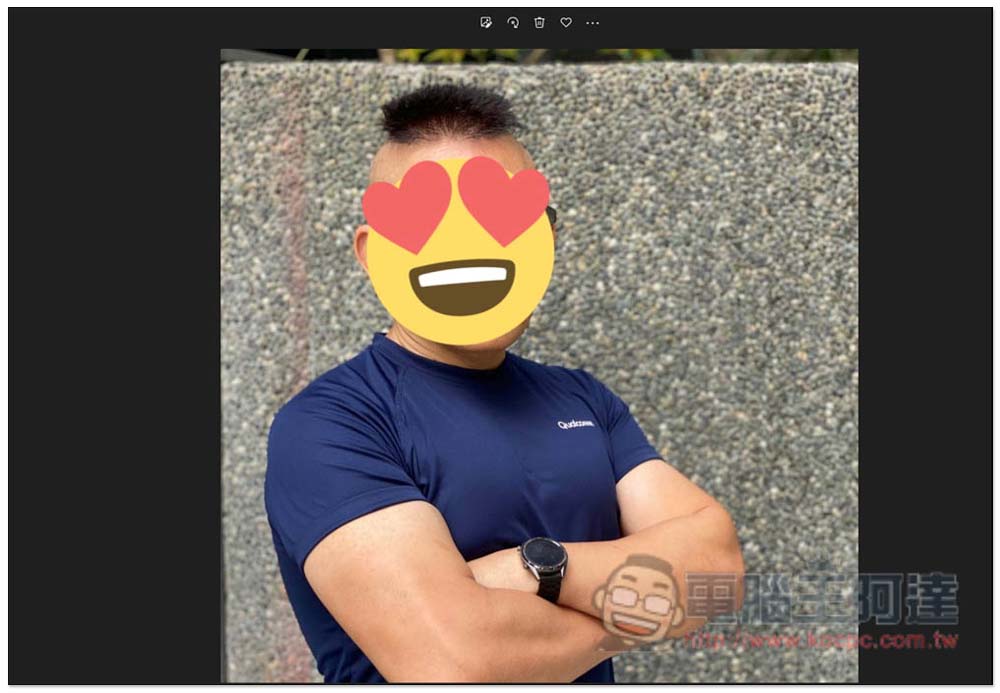
In addition, it also supports processing multiple photos at one time, which is pretty good. It doesn’t matter if the number of faces is different. It will detect and automatically add mosaics or cute emoticons one by one:
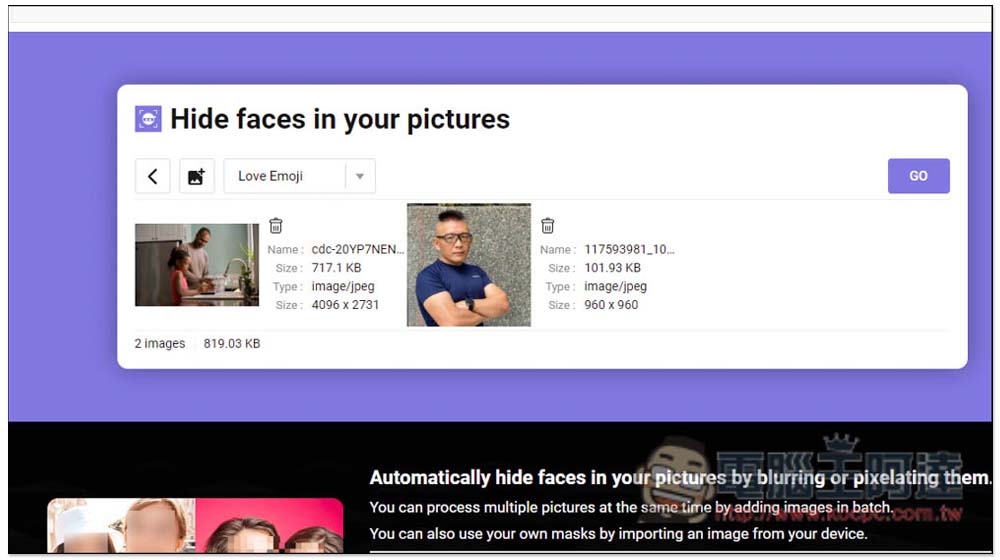
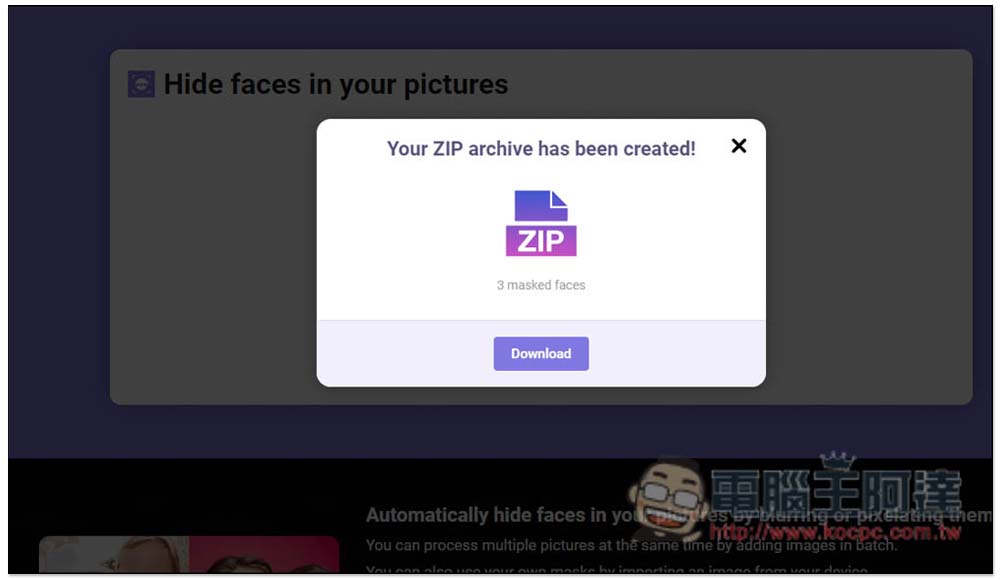
However, you cannot preview the images when processing multiple images at one time. You must package and download them before you can view them:
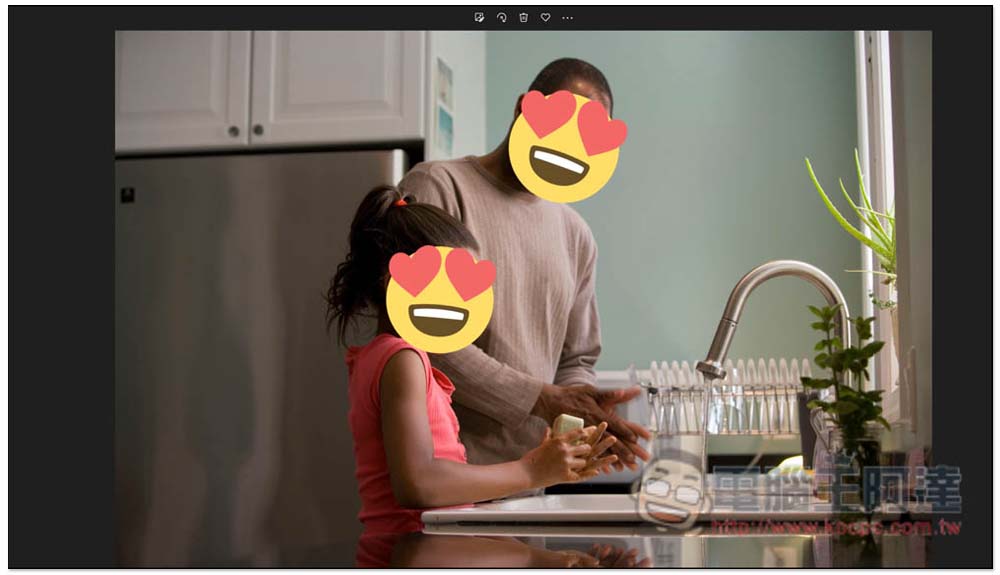
The recognition of multiple faces and profiles is also very accurate:
Therefore, if you need to mosaic photos of faces in the future, just use this set of online tools. There is no need to install or use other free tools that require uploading photos to protect the privacy of your photos.
In addition to this function, this online tool also provides functions such as compressing pictures, cropping pictures, resizing pictures, etc. Friends in need can also use it.
The image formats supported for uploading are:
- GIF
- PNG
- JPEG
- JPG
- SVG
- WEBP
- TIFF
- TIF
- PSD
Source: KOCPC Chinese