


It seems that Google and Samsung are very close in their cooperation on smart watches. To a certain extent, it wouldn’t be surprising if the Android system directly added support for stylus pens? However, when similar signs begin to occur, it seems that it will also remind people of whether Google will also follow the model launched by Pixel Watch, first importing software system support for other manufacturers, and then silently launch its own hardware products. Continue reading Stylus support will be added to Google Chrome for Android, are new Pixel features imminent? Report text.
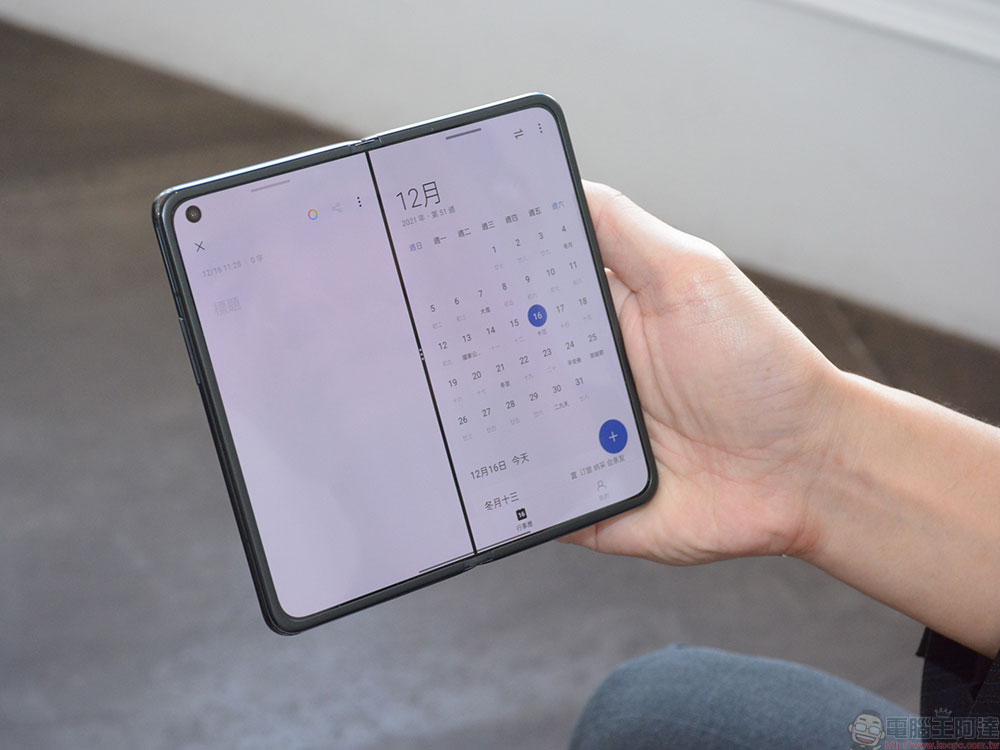
Stylus support will be added to Google Chrome for Android, are new Pixel features imminent?
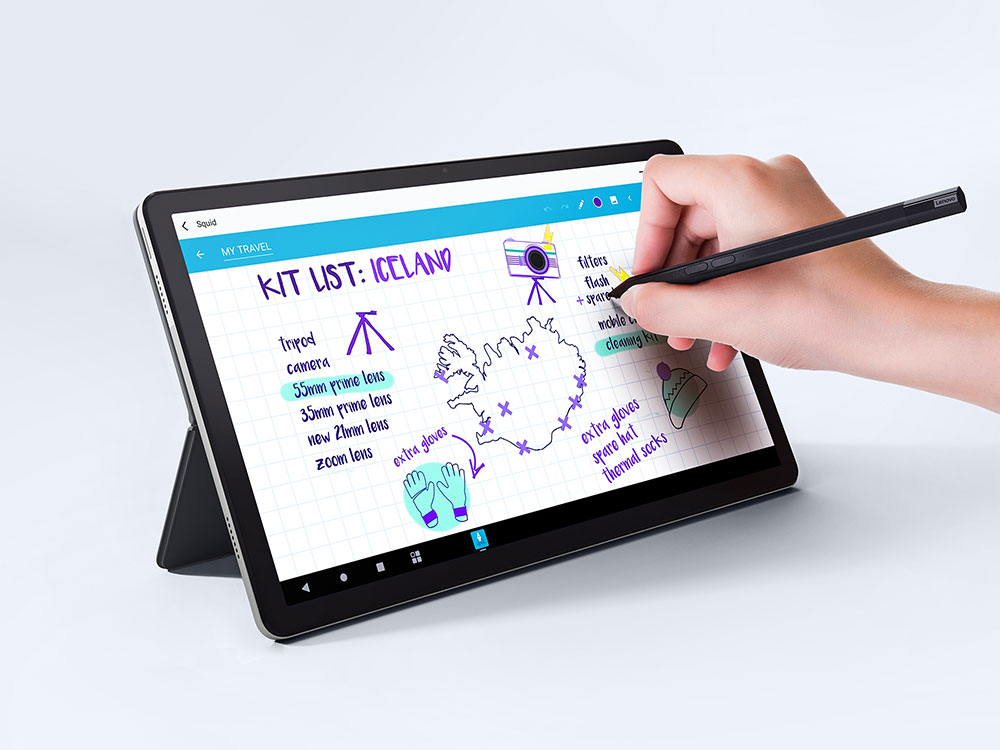
Stylus support, even on smartphones, is no longer a rare feature among Android-based devices. However, what is unexpected is that Google has only recently launched a software function dedicated to such a handwriting experience, allowing mobile devices with stylus pens such as Samsung, Motorola and various tablets to enjoy the convenience of directly inputting text with a stylus. The only problem is that it seems to only be seen in the Chrome browser.
Stylus input: If enabled, and on an appropriate platform, this feature will allow the user to input text using a stylus. This is available on Samsung devices that come with an S Pen, and on Android T+ devices. The stylus writing feature will have to be enabled in Android settings as well.
Yes, this Flag function was discovered by foreign media Chrome Story in Chromium Gerrit. The official seems to have no intention of covering up, and directly titled it “Stylus input (stylus input)”, mentioning that it supports the combination of mobile device stylus and Android T+ system devices, which will allow handwriting input of text data directly through the pen. It is also mentioned that not only Flag must be enabled, but also the relevant settings of the touch function must be enabled in the Android settings before it can be used.
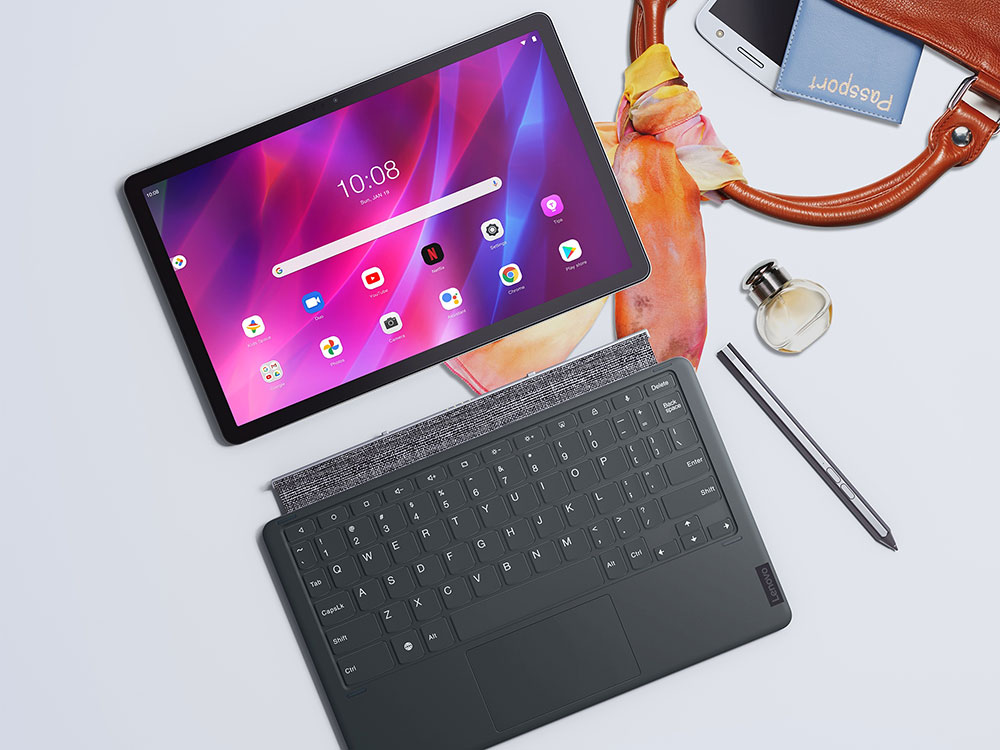
At present, it seems that this is likely to be the first time that Google has begun to introduce functions for stylus input in native Android system applications. Of course, we see that Android 12 L is actively working hard to provide a large-screen experience for tablets. One of the great things about tablet computers: the experience of using the stylus, it is not surprising that Google would also like to take care of it.
However, after Google’s own Chrome, whether there will be other experiences, it will gradually provide native system support for stylus pens. I always feel that it is inevitable that the so-called “biological” Pixel device will also bring more stylus support?
Further reading:

Source: KOCPC Chinese