


With the outbreak of the epidemic in the past two years, Google Meet is one of the first Buddha Heart video services that has been very early in helping people work/study at home and provide free access to the public. And under the baptism of these times, we seem to be more accustomed to the benefits of this kind of remote work and learning. However, there are still some meeting situations that cannot be realized due to functional limitations. Fortunately, after these two years, many video conferencing functions should be used by more people, and a lot of experience and suggestions have been gained. The latest feature released by Google Meet this time solves small problems that may be embarrassing due to democratic majority rule. Continue reading No more embarrassing decisions? Google Meet voting can also choose to anonymize the content of the report.

▲Image source: Google
No more embarrassing decisions? Google Meet voting now also has the option to be anonymous
Even small decisions in daily life such as “Would you like ramen or steak today?” may lead to dissatisfaction in the group. When it comes to important meetings that may determine the future jobs or fate of many people, anonymous voting becomes a very suitable solution – of course, the technical foul of subsequent inquiries about who voted for what, although it is difficult to rule out. However, this function is still a very worthwhile way to decide things.

In the past two years, everyone has become quite accustomed to WFH (Work from home) or studying at home. When it comes to favorite video conferencing software, I believe everyone will decide which tool they want to use based on various detailed factors, including connection stability, feature richness, or the popularity of the service. These tools also actively expanded their functionality and stability during this period.
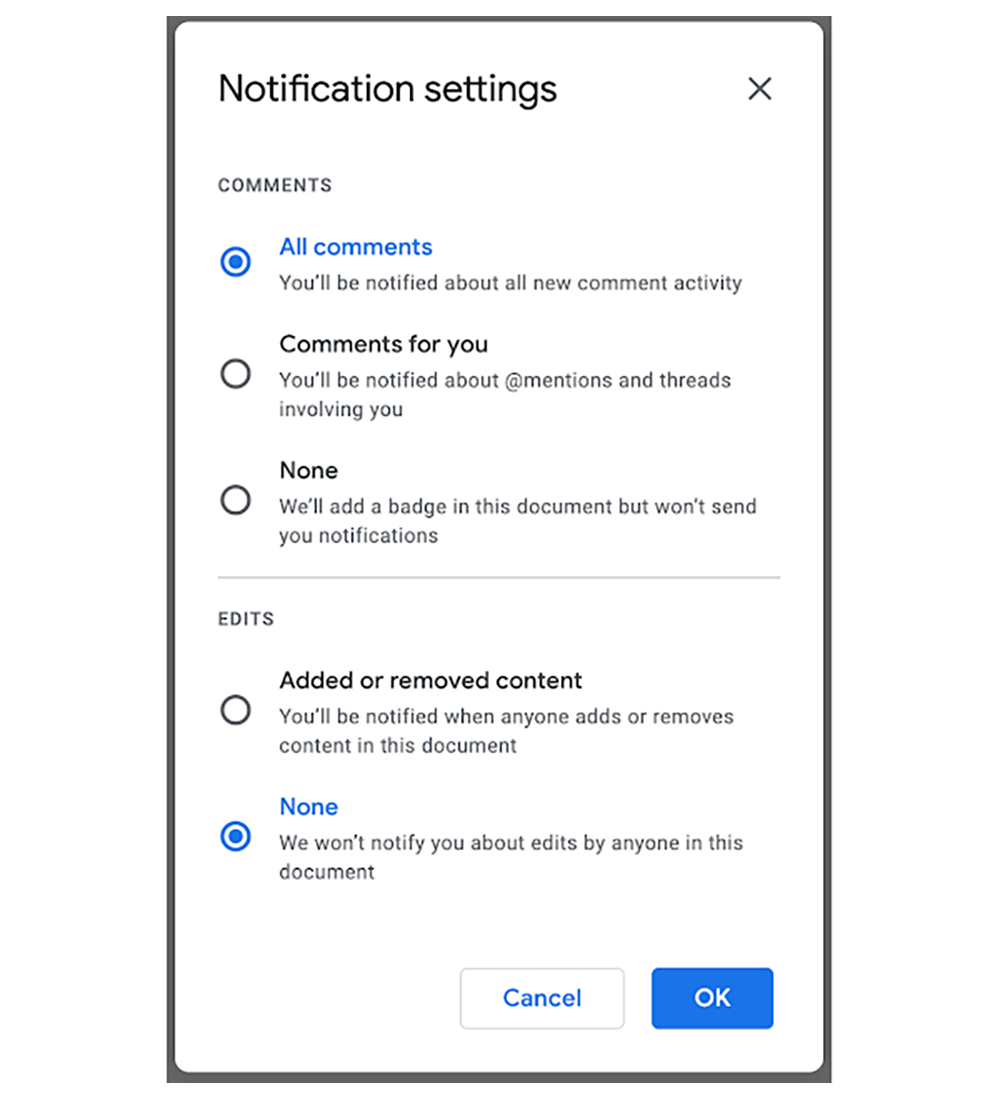
Google Meet recently announced that it will start rolling out new voting options to users within the next two weeks. This option can be found in the Q&A initiating option (Meeting Activities > Allow Questions in Q&A) to find “Allow Anonymous questions”, which is the function switch that allows anonymous voting.
After the administrator or moderator has set the voting options and functions for this time, you can find this anonymous switch at the bottom of various options. In this way, no matter what decision they make, voters will be relieved of the pressure to make their choices public.
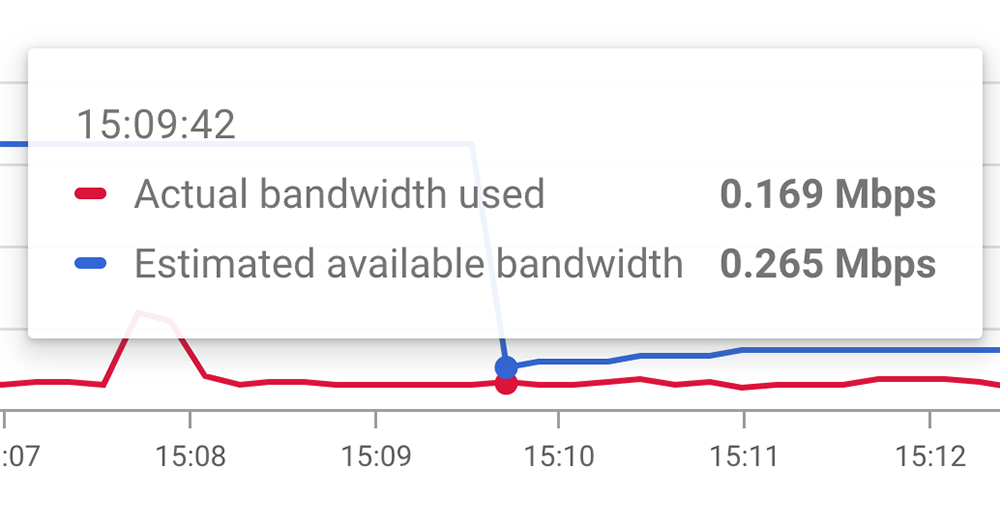
After Google Duo previously confirmed that it would be integrated into Google Meet, at the same time, officials also integrated documents, presentations, and spreadsheets to provide the function of quickly starting calls. It can be said that the important position of this service in the Google ecosystem has been fully established. In terms of functions, it can even support conference communication quality. It is obvious that whether it is a function for ordinary people or even professional management, Google Meet has a positive intention to take care of it.
From this, it seems that they really want to take advantage of the wave of remote working and learning to further consolidate their position in video conferencing and collaboration functions.
Further reading:
Gogoro Delight test drive experience: a new generation of electric trains starting from “her”

Source: KOCPC Chinese