


Now that LINE data backup, which is considered the “devil of switching devices” by many Taiwanese people, already has a cross-platform solution (see more:Instructions on how to manually and completely back up all chat history in the PC version of LINE Windows/Mac). Now Google has also “just in time” prepared a convenient application for users who want to switch from iOS to Android. The Switch To Android app is officially launched on the App Store! Continue reading the text of the report that Google launches “Switch to Android/Switch to Android app” for iPhone users.
▲Image source: Google
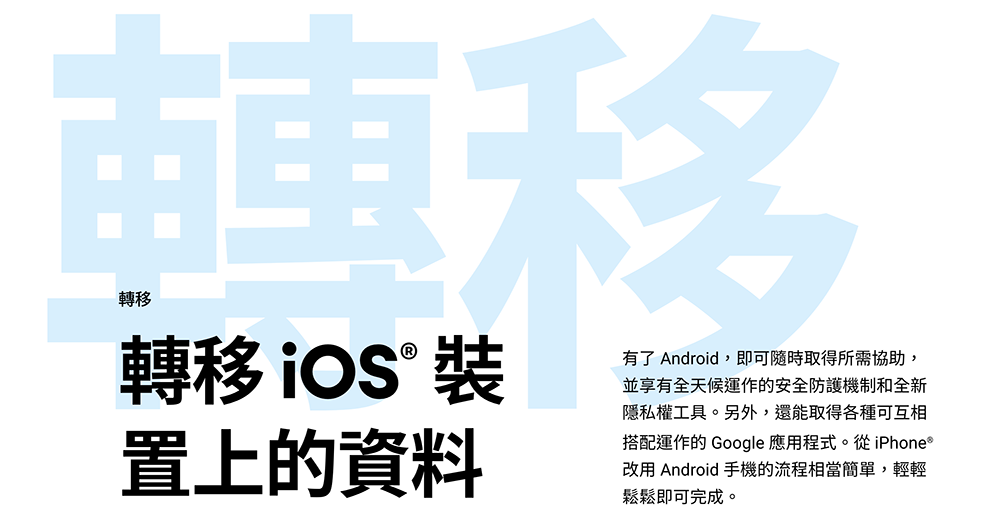
Google launches “Switch to Android/Switch to Android app” for iPhone users
Although other Android mobile phone brands basically have similar transfer applications; Apple is also very considerate and has put a “migrate to iOS” application in the Google Play app store early. The solution provided by Google will also only be “Move to Android” The four steps provided by the official page – including teaching you how to use Google Drive to back up data and turn off iMessage / FaceTime to avoid missing messages and calls.
Now finally, after a long period of deliberation, it is officiallyOur own Switch To Android app is available on Apple’s App Store (click me for the portal)。
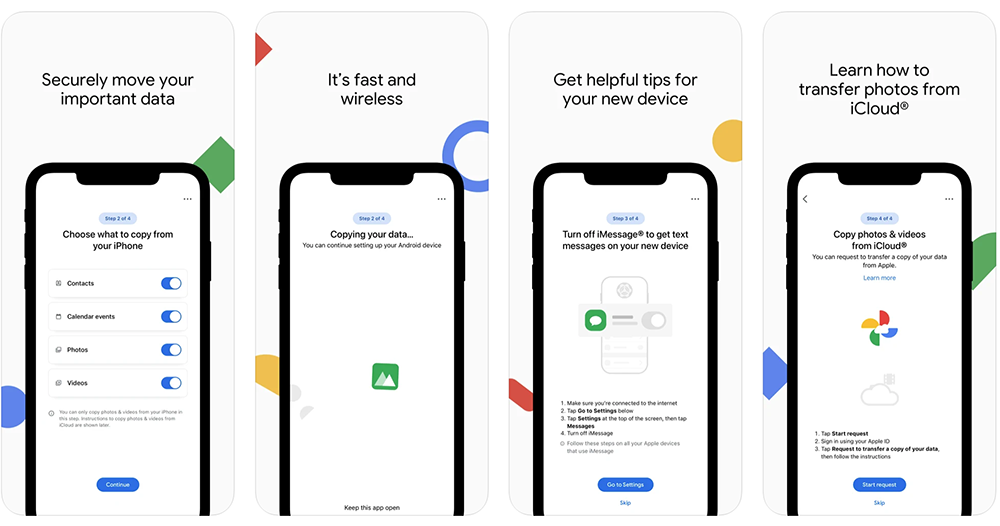
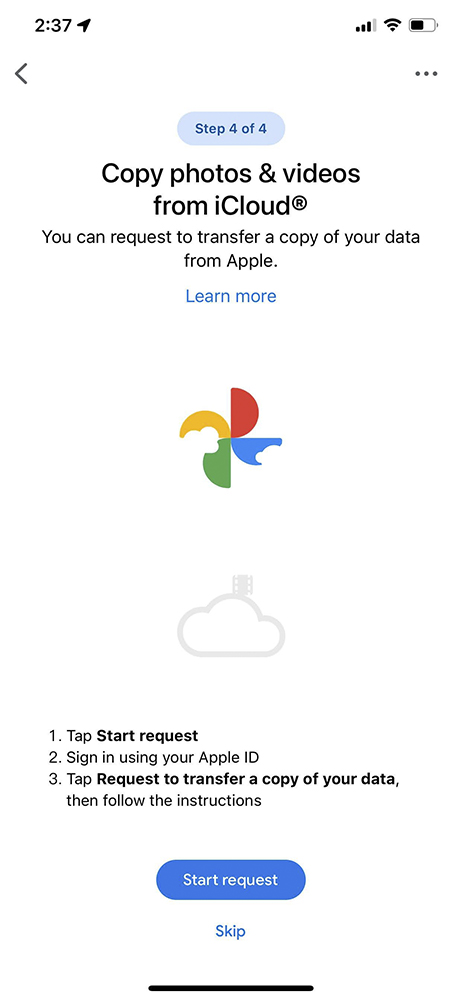
Through this app, users who purchase a new Android phone and prepare to make a big move from iOS will have a better transfer experience. It not only integrates the steps previously marked on the official website into the application, but also wirelessly transmits data including contacts, calendars, videos and photos. Steps to copy photo movie data from iCloud are also provided. During the transfer process, you can also scan the QR code directly on the Android device for quick pairing – it can also be directed to connect to DIRECT WIFI for connection.
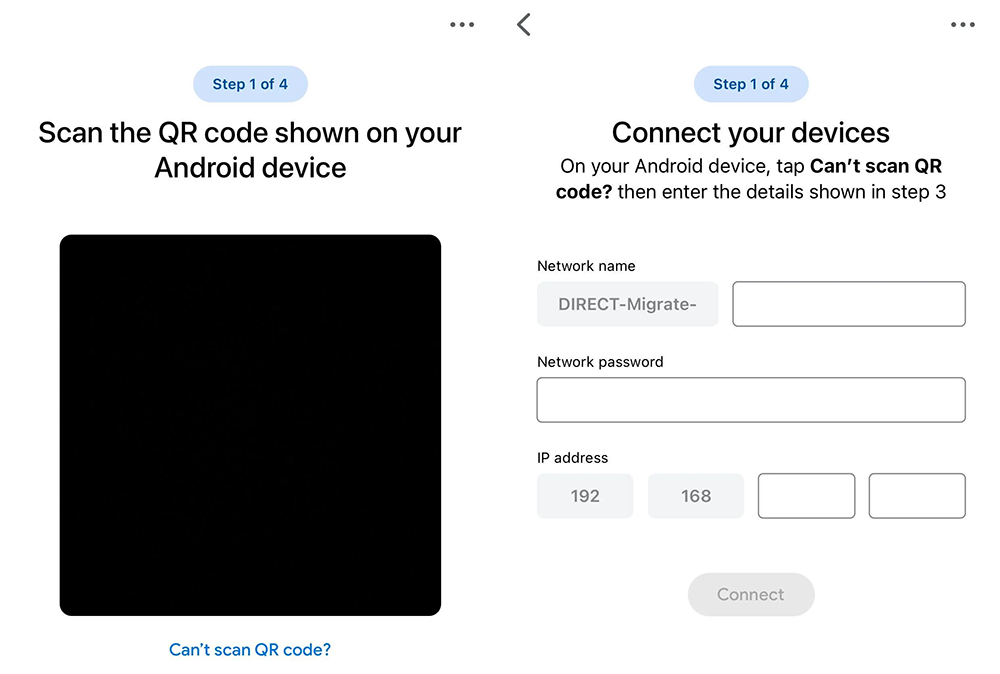
While the same as the previous official page for moving to Android, the Switch To Android app also offers four main steps. However, the backup step also separates the local part from the iCloud cloud space that assists in backing up Apple ID. However, there is still a section that guides you to turn off iMessage/FaceTime – what is omitted is the “log in to account on new phone” step that originally seemed unnecessary.
Although this App does not provide installation recommendations for the Android system for applications on the device, it is not yet certain how stable and complete the application is. But I have to say that this transfer function can be officially provided by Google. I believe it can definitely solve the pain points of many friends who are considering moving from iOS to Android system.
Further reading:
Apple Studio Display actually hides major clues about the new Mac mini!
Source: KOCPC Chinese