


The Ministry of Interior launched the “Mobile Natural Person Credential APP” on the 16th. After people download the APP on mobile devices such as mobile phones or tablets and complete the registration, they can use the APP to identify themselves or sign online using biometric methods such as fingerprints or faces, and apply for tax returns and other government services. No need to insert a card or account password.
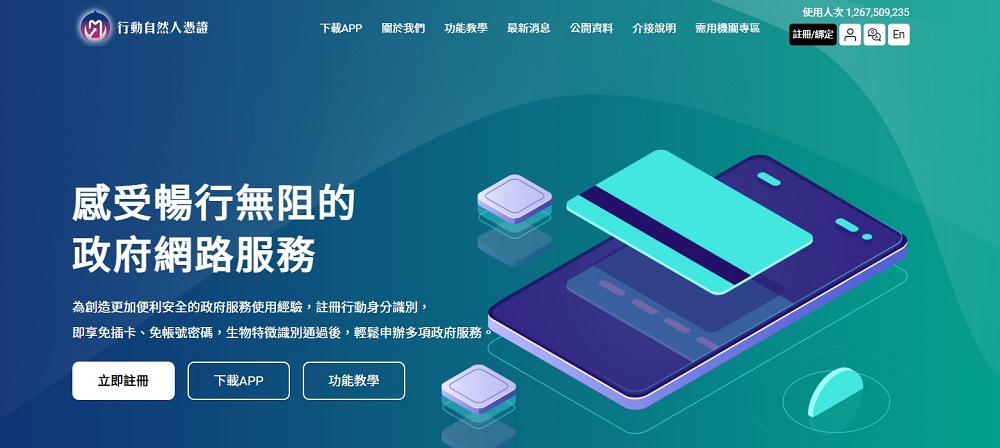
The Ministry of Interior launches the “Mobile Natural Person Credential APP” that can be quickly used using biometric identification methods such as fingerprints or faces.
The “Mobile Natural Person Credential APP” mainly “integrates the identity recognition function of the original Taiwan Mobile Identification APP and mobilizes the signature of natural person credentials.” As long as users with natural person credentials register for the first time and bind their mobile devices, they can use the APP to verify their identity using biometric identification and use many government services.
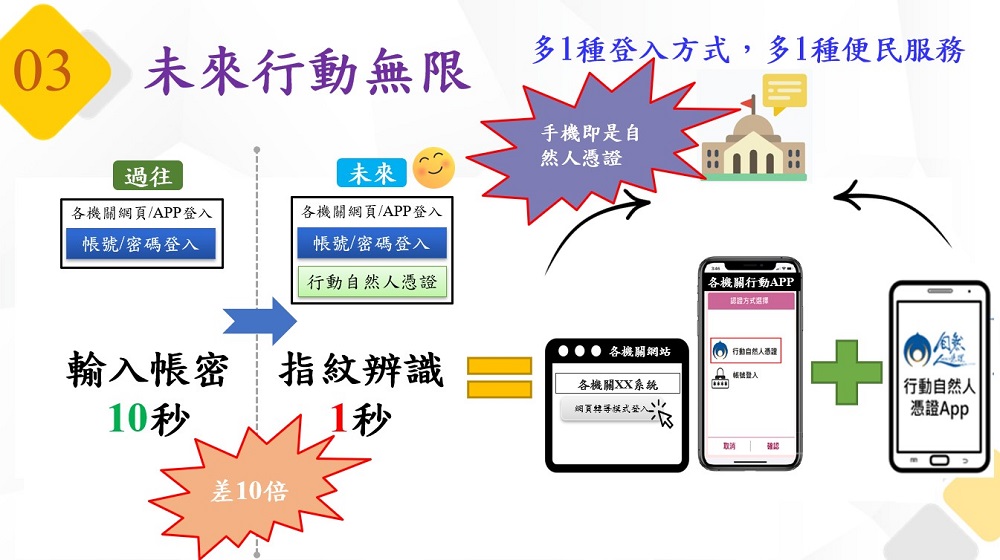
If you want to use the signature mobile service of the “Mobile Natural Person Certificate APP”, you must first prepare a card reader and the physical card of the natural person certificate, and open the “Mobile Natural Person Certificate” webpage of the Ministry of Interior on a computer with a cross-platform web component installed.
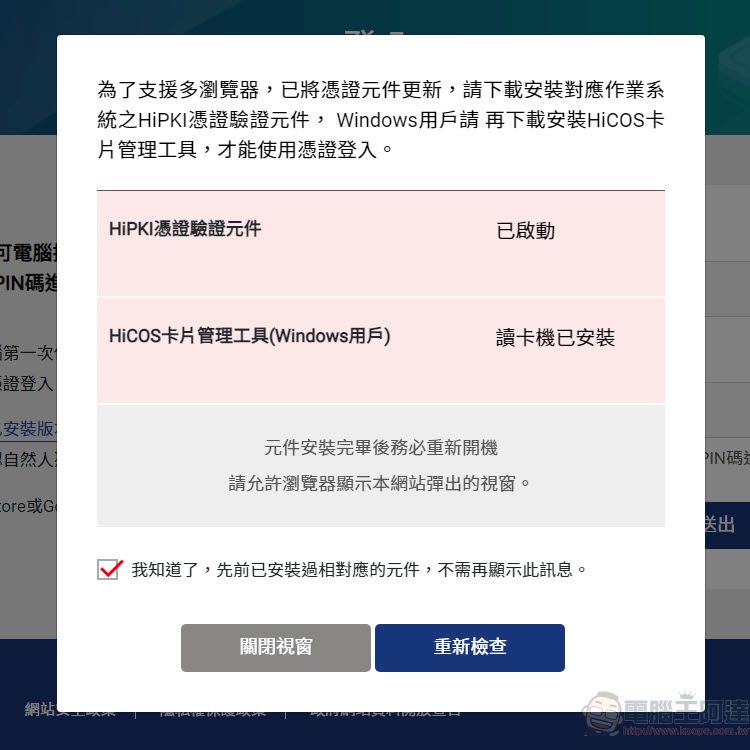
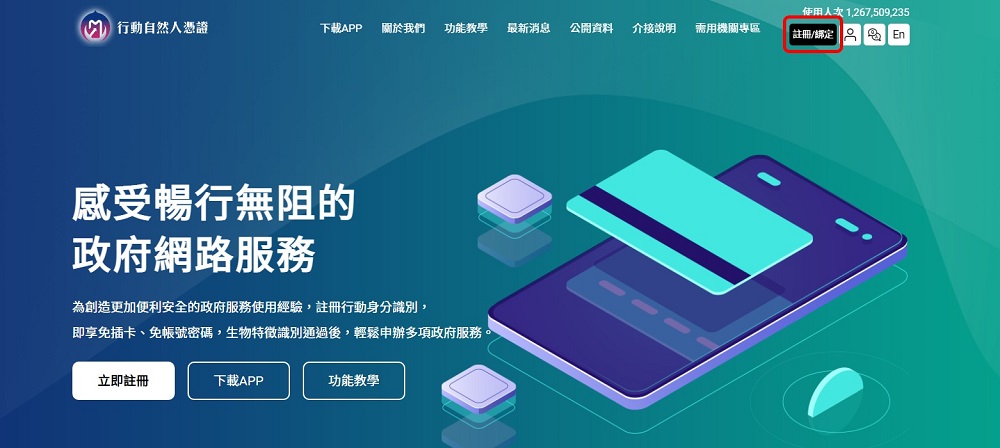
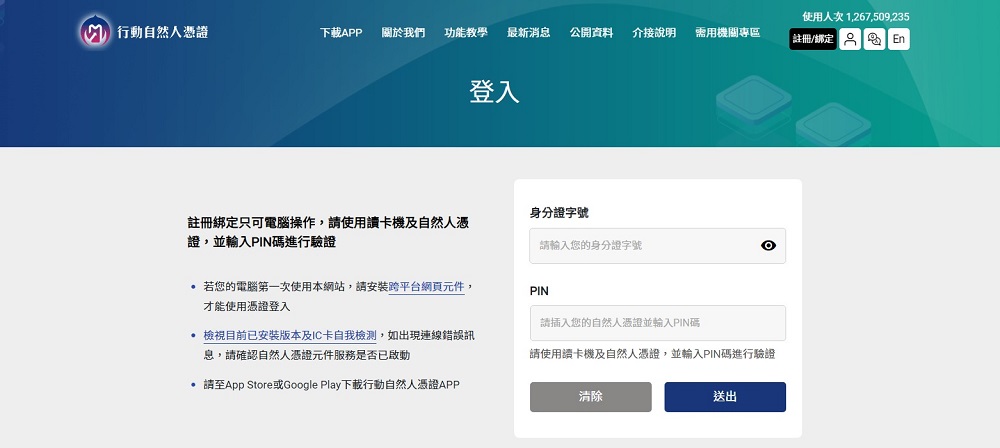
Click “Register/Bind” and log in with “Natural Person Credentials”.
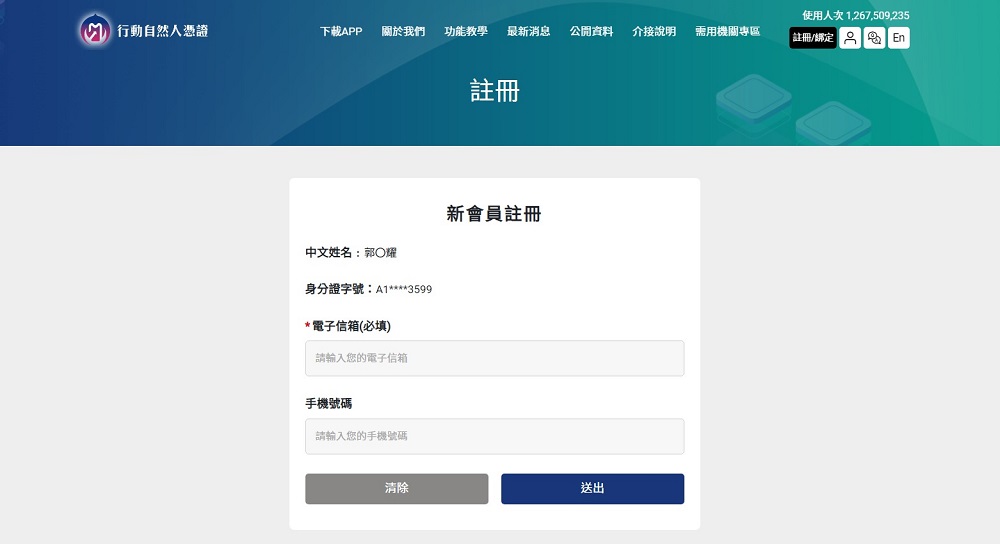
After logging in successfully, fill in your email address and mobile phone number. Your email address is required, but your mobile phone number is optional.
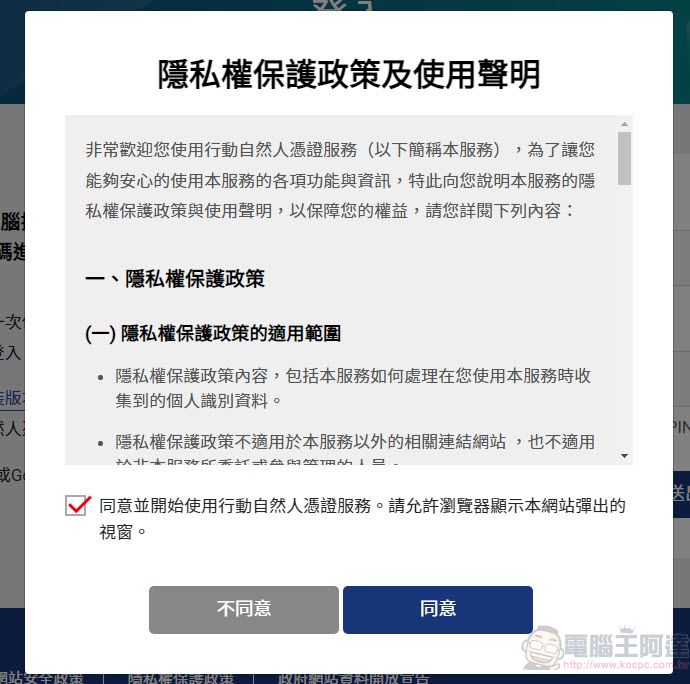
Then agree to the “Privacy Protection Policy and Instructions for Use”.
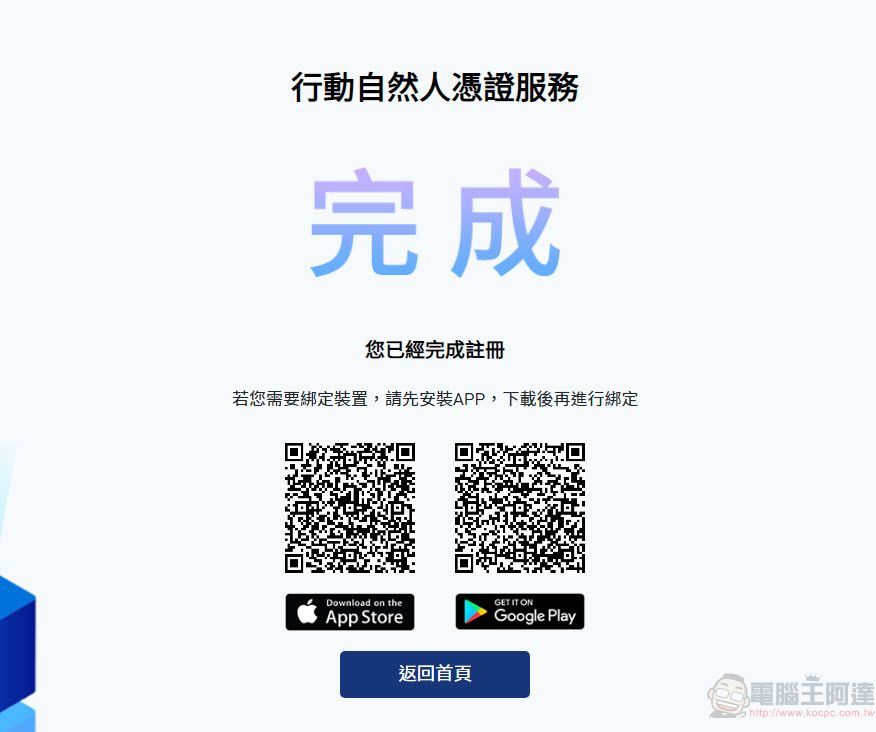
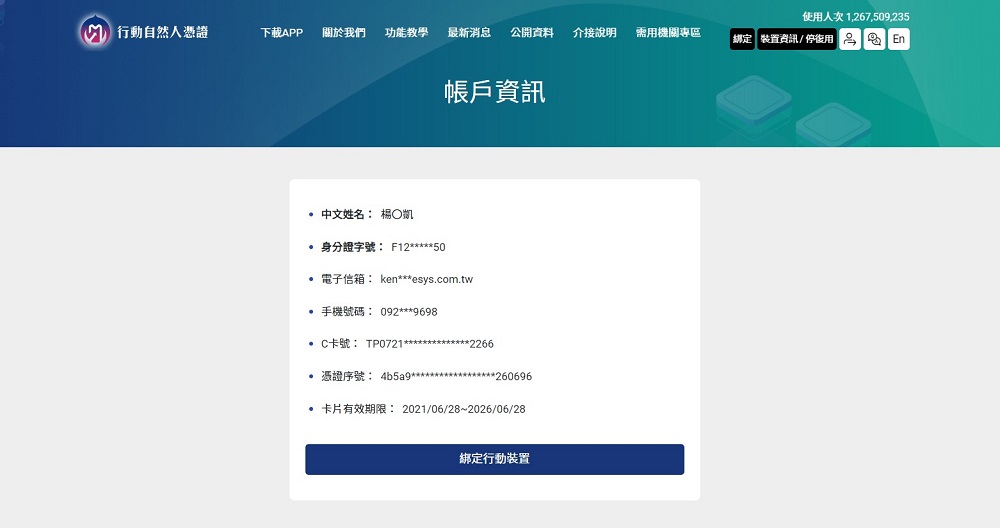
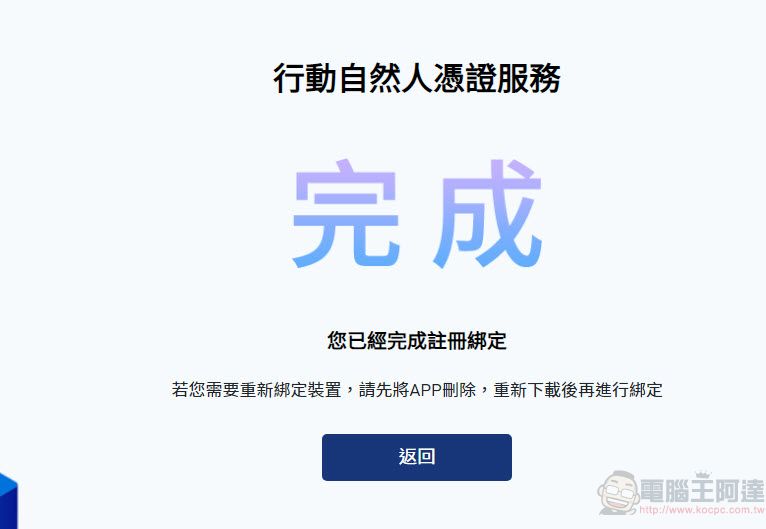
After successful registration, a completion window will be displayed, and you can confirm the information in your personal account and continue to bind the device.
To bind a device, first log in to your personal account on the “Mobile Natural Person Credentials” webpage, and click “Bind Mobile Device” under the account information.
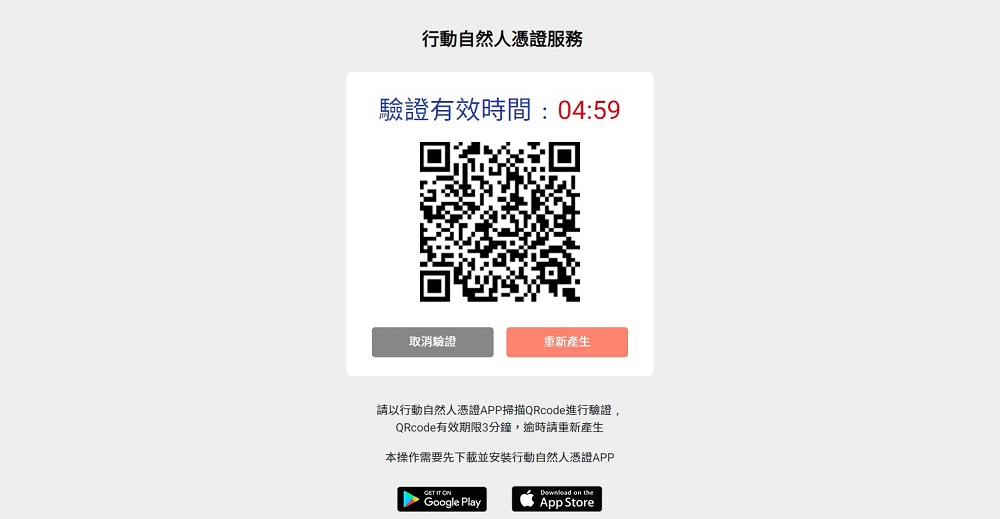
A QRcode is displayed on the screen, and the binding needs to be completed within 3 minutes. If it times out, it will be generated again.
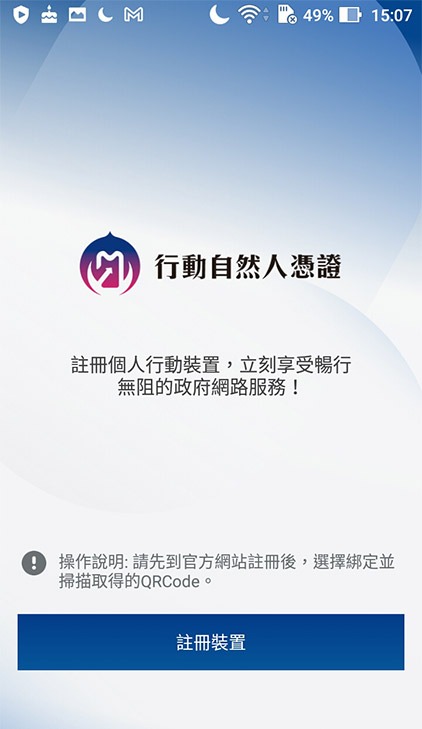
The device you want to bind must first download the “Mobile Natural Person Certificate APP”, open the APP, click “Register Device”, and scan the QRcode generated on the screen.
After scanning, confirm that you will enable biometric identification. If biometric identification fails to be enabled, you will need to enter a PIN code for verification.
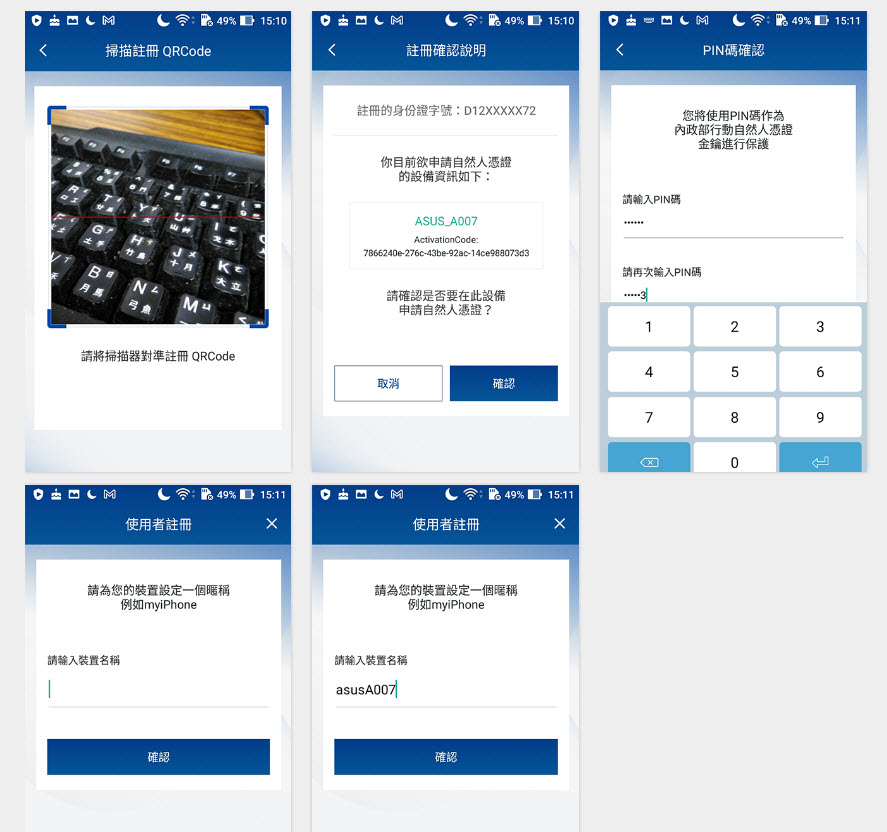
After successful verification, complete binding the new device.
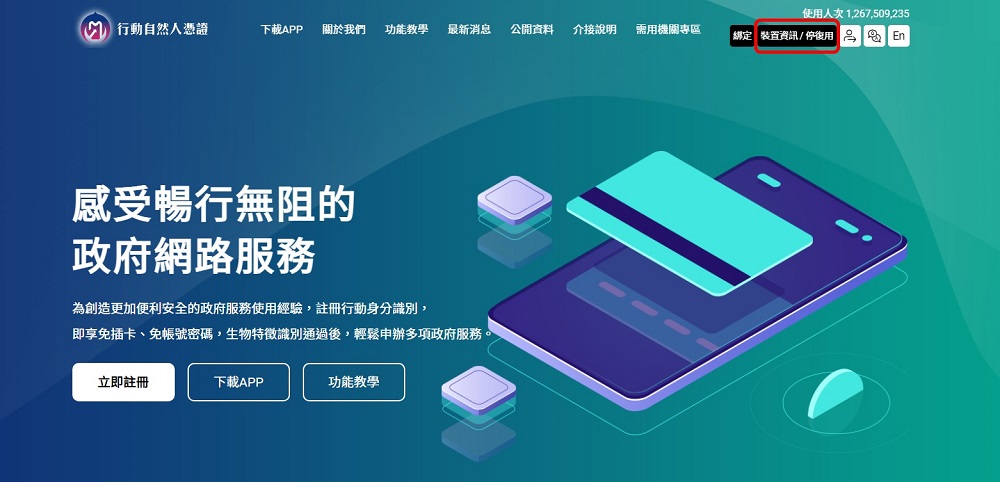
If you want to check the bound device, you can log in successfully on the “Mobile Natural Person Certificate” website and click “Device Information/Disable Reuse” in the upper option.
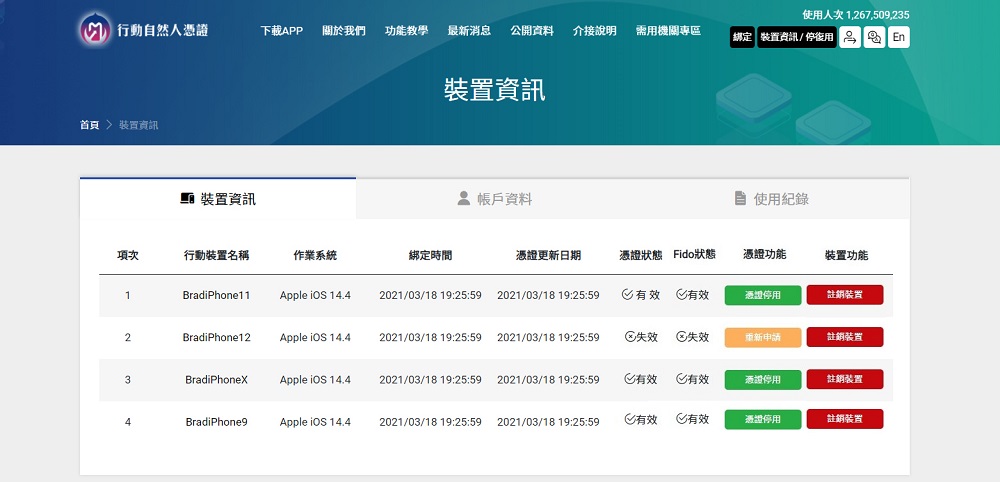
If you want to cancel the binding, you must first log in to your personal page with the “Natural Person Credential” on the “Mobile Natural Person Credential” web page.
After successfully logging in, click “Device Information/Disable Reuse” in the upper option.
The device information page displays a list of bound devices. Click “Certificate Deactivation/Revocation” behind the field of the device you want to cancel. If you need to rebind the device, you need to delete the APP first, re-download it and then bind it.
Anyone who has used a natural person certificate should think that it is a bit troublesome to prepare a card reader and a physical card at the same time, and to use it on a computer with cross-platform web components installed. Now there is an additional option with the “Mobile Natural Person Certificate APP”, but the APP does not seem to have a logout function. To unbind, you can only go to the “Mobile Natural Person Certificate” personal page.
“Mobile Natural Person Certificate” official website
Source: KOCPC Chinese