


As Google announced it wouldMake Android Auto fade out of your phone screenFinally, although it seems that they do not plan to forcefully delete existing Android users immediately, they did not say that they will not start with new phones (surprise). Friends who have recently purchased a Pixel 6/Pixel 6 Pro series mobile phone, after unboxing it happily, did not know that the Android Auto that they were used to in the past disappeared directly from the application list. Fortunately, there is still a way to call up the settings. Continue reading Android Auto disappears in Pixel 6? In fact, you can also find out the content of the (teaching) report.
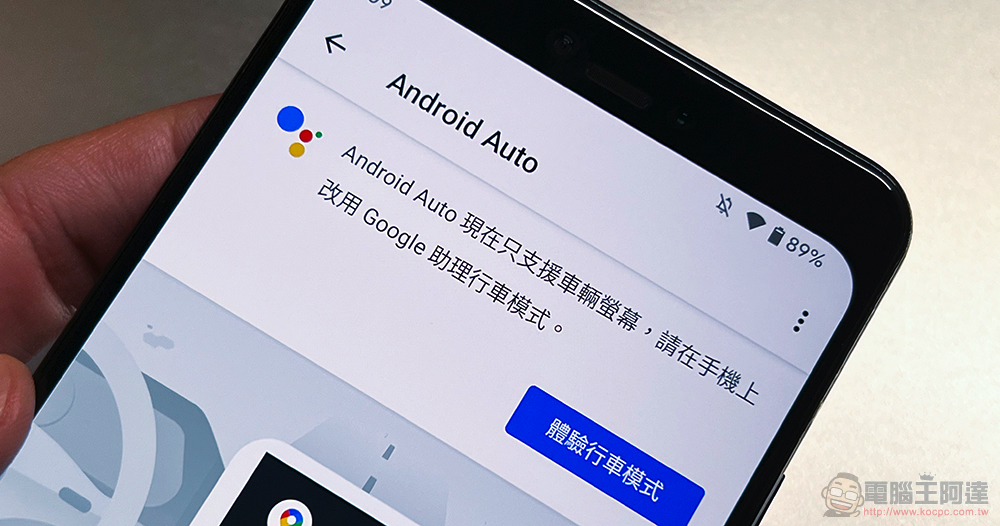
Android Auto app disappears on Pixel 6? In fact, you can still find it
Although even on phones that can still search for Android Auto, it has been confirmed that the Android Auto application will only support the vehicle screen. In fact, you will still be asked to select “Experience Driving Mode” and will not let you use the previous functions. However, some people still want to set up some related car functions through their mobile phones first – I don’t know why Google directly canceled the display of the Android Auto app on the Pixel 6. If you have to guess, maybe you also hope that people will stop thinking of it as an “App”, right?
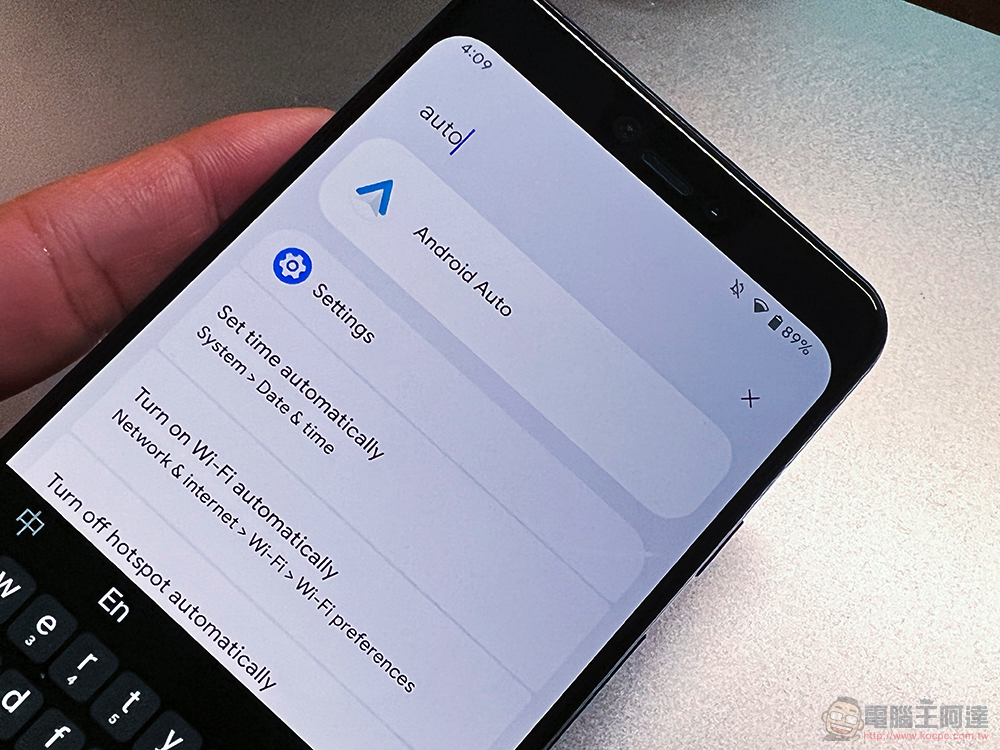
In short, if you have a phone after Pixel 6, you want to find this “settings” function that has retreated behind the scenes. Now some people have also found a way, which is to go to “Settings > Connected Devices > Connection Preferences” in Android 12. Find this settings page again. Now that it has been turned into a setting option, you can actually quickly find it in Android Auto through the search bar at the top of the setting.
I wonder if you will miss this App very much? Or do you think the Google Maps driving mode interface is very useful?
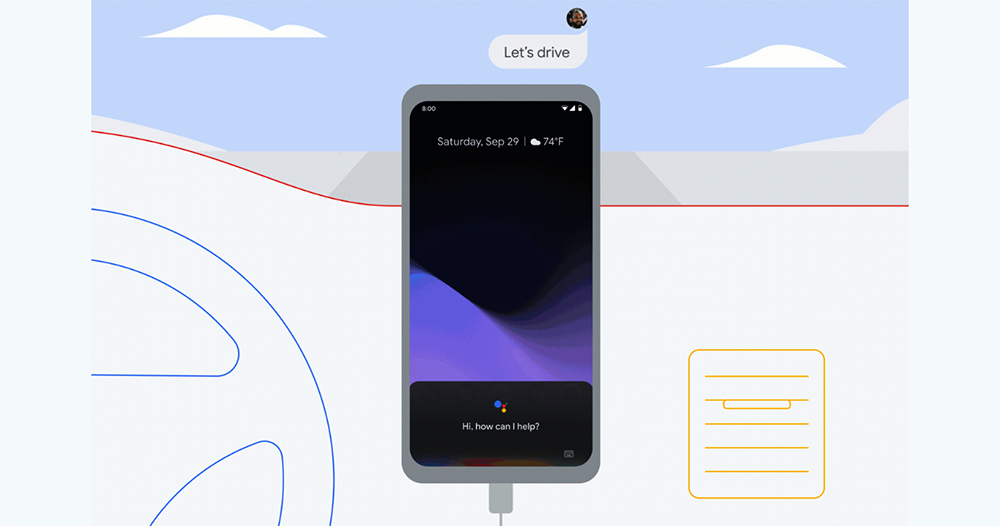
▲Image source: Google
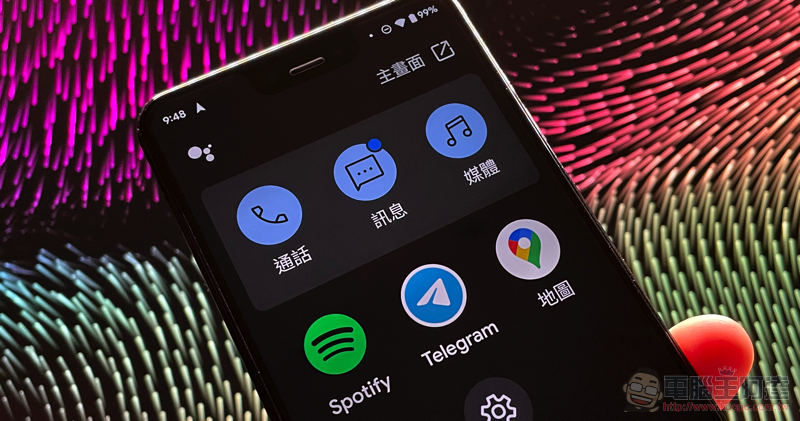
If you want to turn on the driving mode interface of Google Maps, you can go to the settings of Google Maps and find “Navigation Settings > Google Assistant Settings” to start enabling the relevant function permissions of driving mode. After navigating, you can directly use this new interface that integrates calls, text messages, and three-party apps.
Further reading:
Source: KOCPC Chinese