


This ZapBG online back removal tool is quite simple. You don’t need to operate complex Photoshop software, nor do you need to trouble professionals to remove the background. You only need to upload the photo to the ZapBG website, and the portrait and background can be automatically removed through AI calculations. The update can be completed directly without any action. Basically, it is completed after uploading. If the user still needs to manually repair the background image in detail, it can be operated directly online, and the existing template background can be directly applied.
How to use ZapBG to quickly remove your back
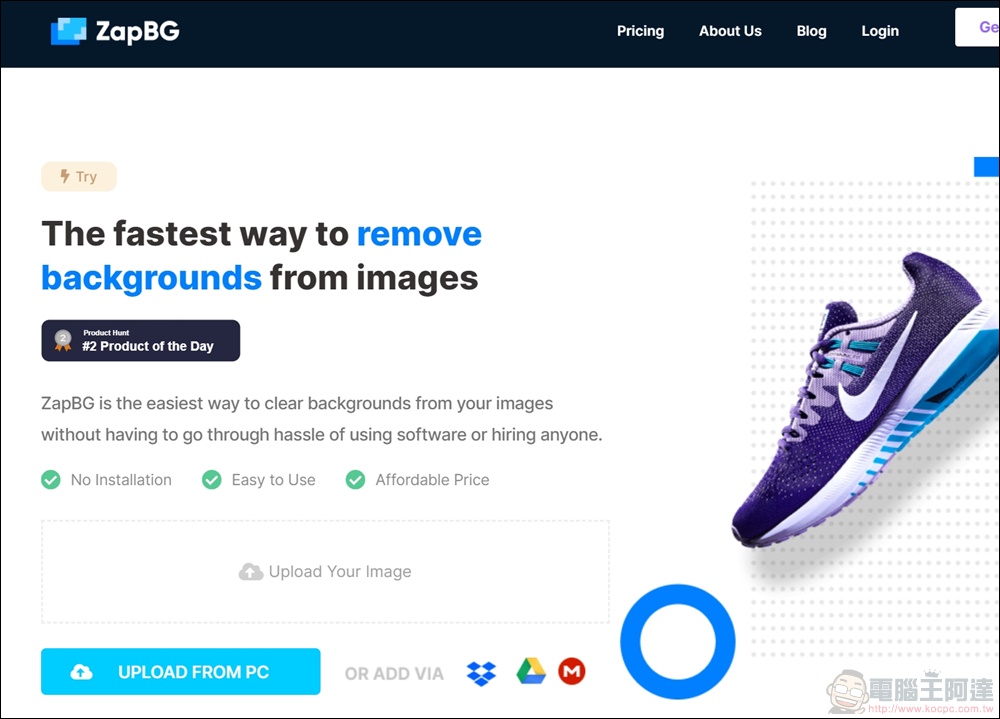
First, go to the ZapBG official website and press the “Upload Your Images” button to upload the images you want to memorize, or import image files for editing through Dropbox, Google Drive, or MEGA.
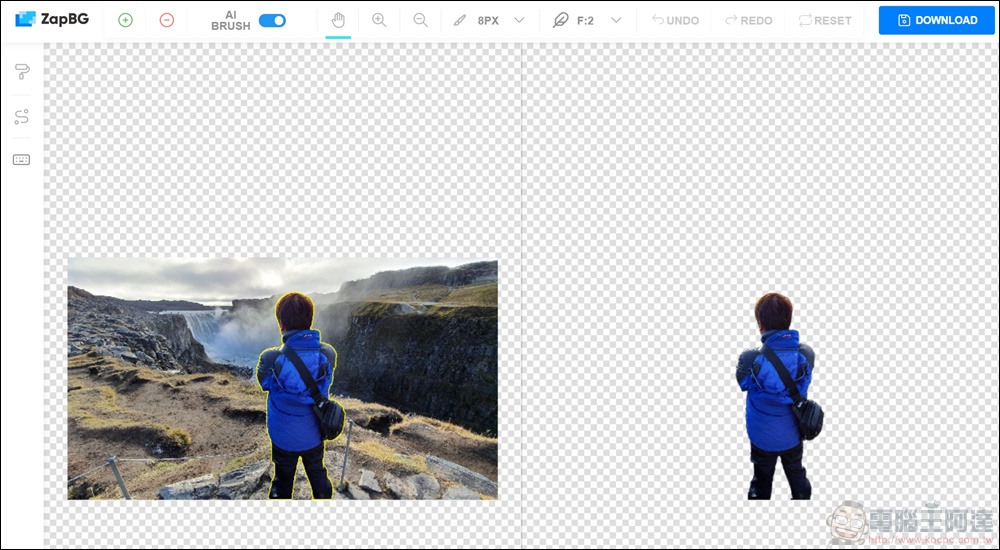
After the upload is completed, the user’s photos will be de-backed directly. After AI calculation processing, the accuracy of the photo de-backing is really super strong. The original picture is marked with a yellow line on the left, and the completed picture is on the right. The overall detailed effect of the de-backing is quite accurate, and the editor himself was shocked.
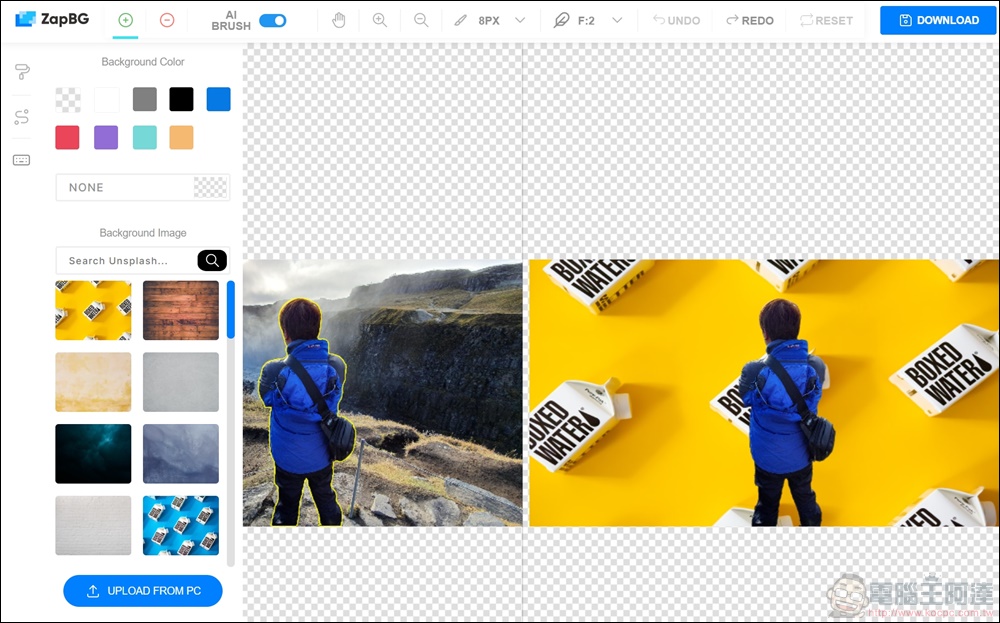
There is a brush icon on the left. You can directly apply the existing background color and picture, or you can upload the picture you want as the background.
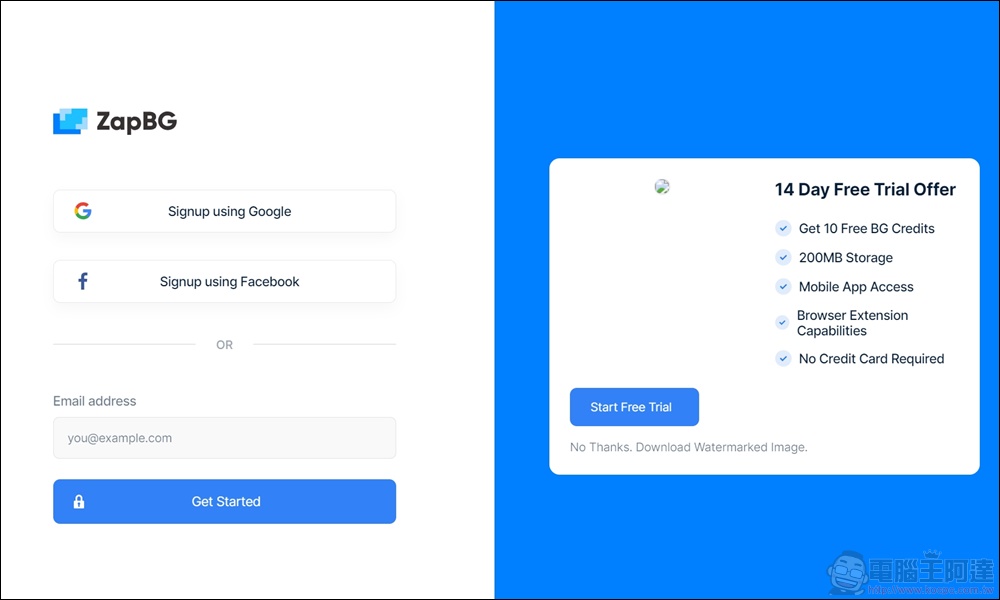
Before downloading, you must first register as a member of ZapBG. For free registration, you can log in using Google or Facebook. After registration is completed, you can download.
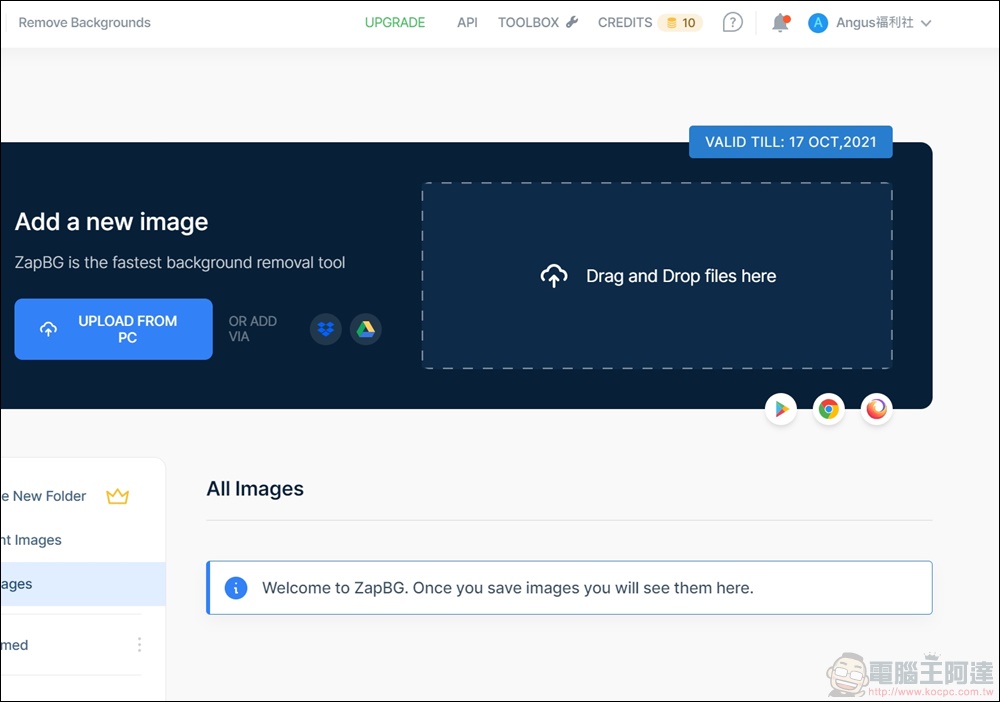
After registering and logging in, you can see the “Credits” balance of 10 points in the upper right corner. Users who register for free can process 10 pictures to memorize. It is a pretty good tool.
- ZapBG Go to the official website:https://www.zapbg.com/
Source: KOCPC Chinese