


In recent years, many merchants or group purchasers have used LINE groups to allow everyone to buy products in groups on LINE. LINE also announced the launch of a new function “LINE Group Buying” yesterday (4th), which allows LINE users to quickly start groups in LINE group chat rooms. In addition to making it more convenient to compile the items that everyone wants to order, it also integrates LINE Pay Money and LINE Bank to make payment collection easier, so that the payment status of all group buying orders can be seen at a glance.
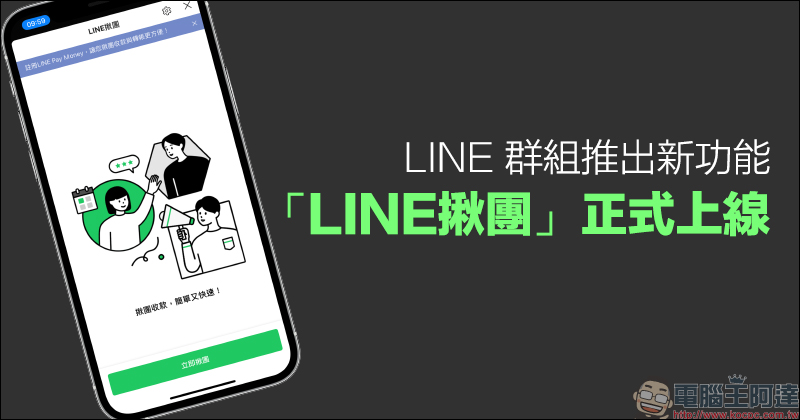
LINE Group launches new function: “LINE Group Grab” is officially launched! It’s super convenient to open a group purchase and collect payment
Nowadays, many people or businesses use LINE groups to find people to buy things together. However, in the past, when setting up groups on their own in LINE groups, they often encountered many difficulties, such as missing +1 messages from group members, miscalculating the cost of group purchases, etc. Therefore, LINE also announced yesterday (4th) that it has added a new function “LINE Group Grab” to LINE groups to make it easier to open groups, list products, and manage group purchases.

▲Picture source:LINE
The LINE group buying function is located in the function menu of the LINE group chat room. All LINE group members can initiate group buying activities on their own. The group leader who starts a group can set the group purchase items, graphic descriptions, prices and purchase dates by himself. Group members can freely register to participate. After registration, the system will also automatically compile group purchase list and other information.
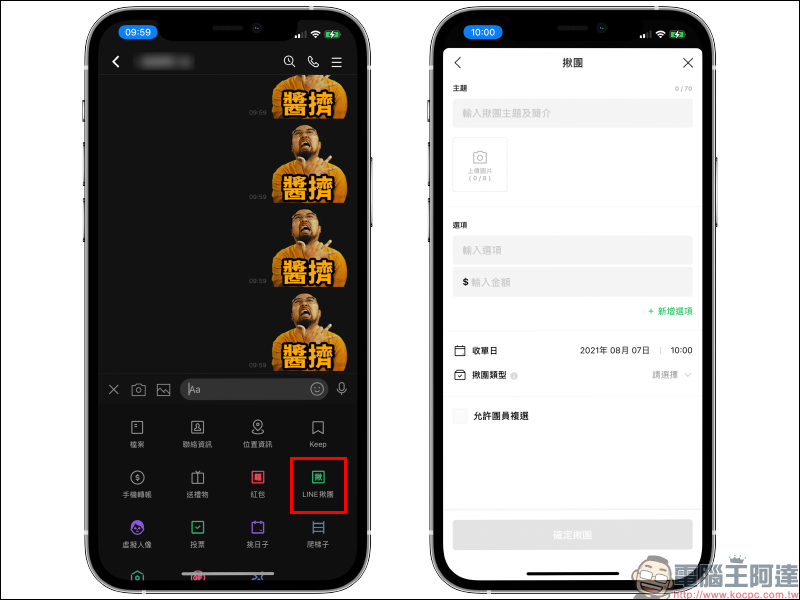
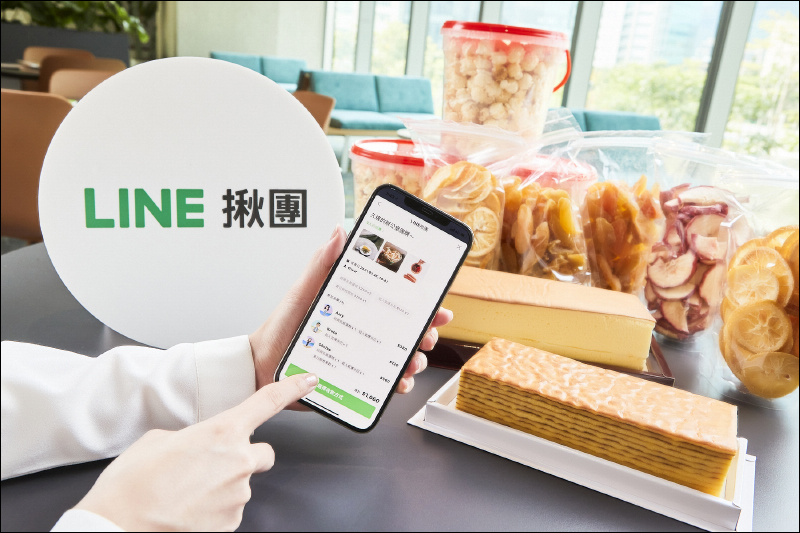
▲Picture source:LINE
After the group purchase is established, the arduous collection process follows. LINE Tuan currently also supports two major payment methods, LINE Pay Money and LINE Bank, making it easier for group leaders to collect payments and reconcile accounts. If the group leader chooses to receive payment through LINE Bank, group members can still use ATM or other online banking to remit money to the group leader’s LINE Bank virtual account even if they have not opened LINE Bank. In addition, LINE Pay Money can transfer funds through this method as long as the group leader and group members are LINE Pay Money users.

▲Picture source:LINE
The following is a summary of the key functions of LINE Tuan. It can be used by all versions of LINE App 9.14 (inclusive) and above, and is suitable for smartphones with iOS 11.0 (inclusive) and above, and Android 5.0 (inclusive) and above.
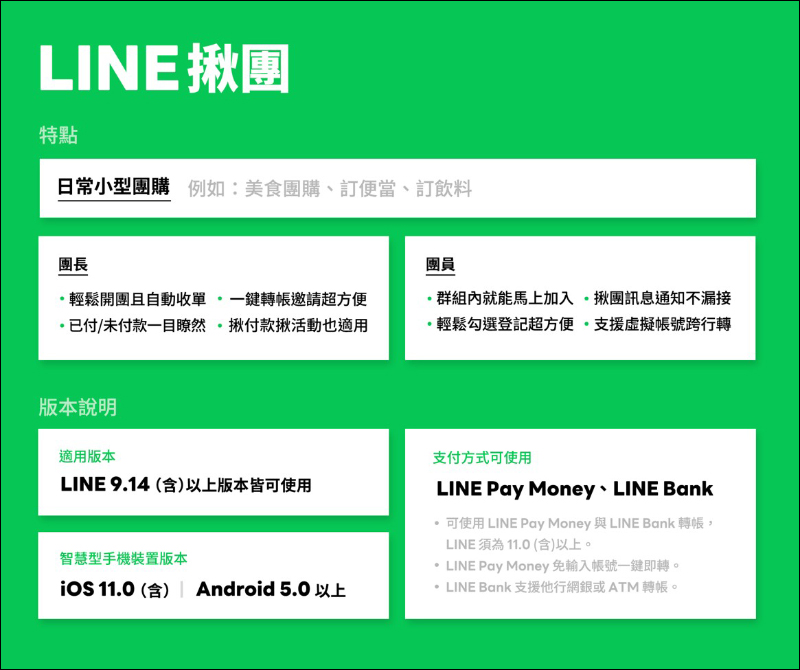
▲Picture source:LINE
For more introduction and usage methods of LINE Grouping, you can also refer to the following tutorials on LINE’s official blog:
- [LINE Group Buying] Comprehensive introduction: Easily complete group buying in the group (Click here to go)
- [LINE Grouping] A long article for enthusiastic groups: one-click transfer invitation, and considerate reconciliation at any time (Click here to go)
- [LINE Grouping] Happy Group Membership: Quickly register and join the group like this (Click here to go)
Source:LINE
Further reading:
Xiaomi MIX 4 is confirmed to be launched at the 8/10 new product launch conference: it was leaked in advance that it will be equipped with the world’s first under-screen front lens flexible curved screen

Source: KOCPC Chinese