


Splashtop is a very well-received app that “turns your iPad into your second screen”. It is implemented through a wired connection, so the transfer speed is very good. The HD version also boasts that it can achieve 1080p 60fps effect. In the past, this app had to be paid. The HD version was US$19.99, and the regular version was 9.9 US dollars, all are now free for a limited time, you can easily get it without spending a dime, don’t miss it if you need it. Both Windows or macOS can be extended.
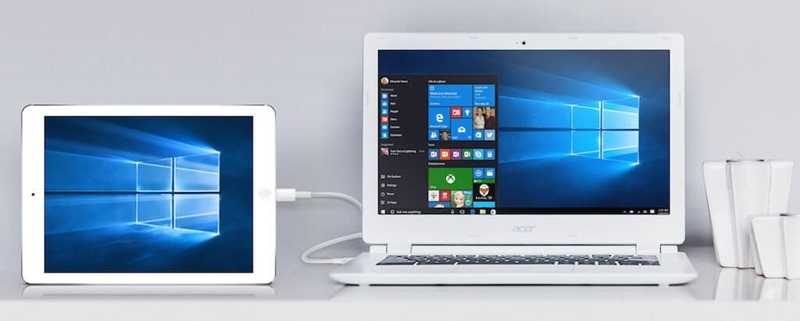
Splashtop Wired XDisplay Limited Free Promotion Introduction
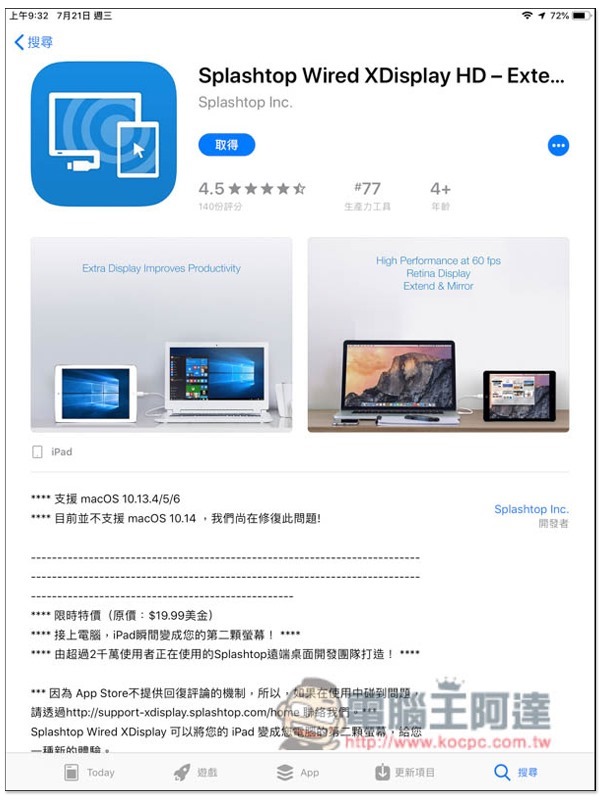
Now after entering the Splashtop Wired XDisplay App download page, you will see the free message. The developer did not mention how long the free period will be, so it is recommended to get it as soon as you have time:
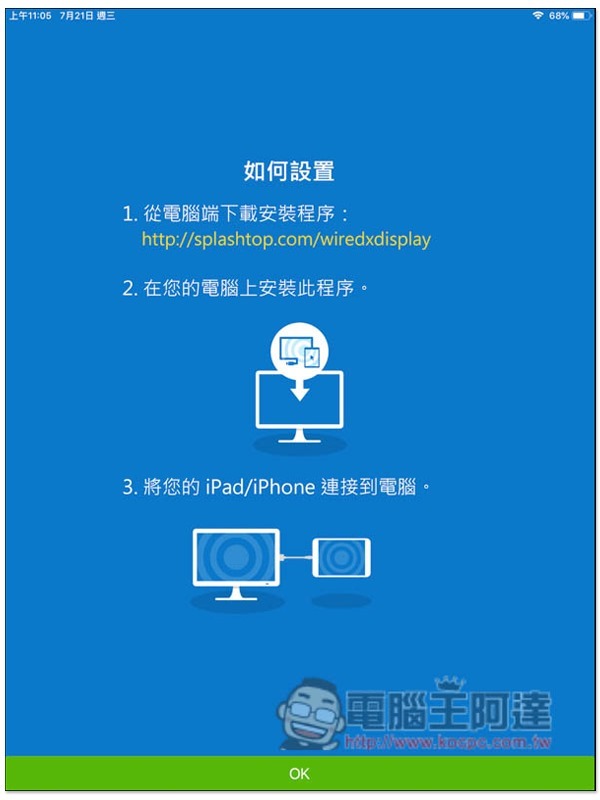
To use it, you need to install the desktop version of Splashtop on your Windows or macOS computer.Official websiteIt’s free to download, I’m taking the Windows version as an example.
After opening, the screen refresh rate and image quality defaults are normal. Those who want a higher rate can manually adjust it to “high”:

After opening the Splashtop Wired XDisplay App on iPad, the screen will also prompt that the computer needs to install the application. If you have already completed it, please click OK directly:
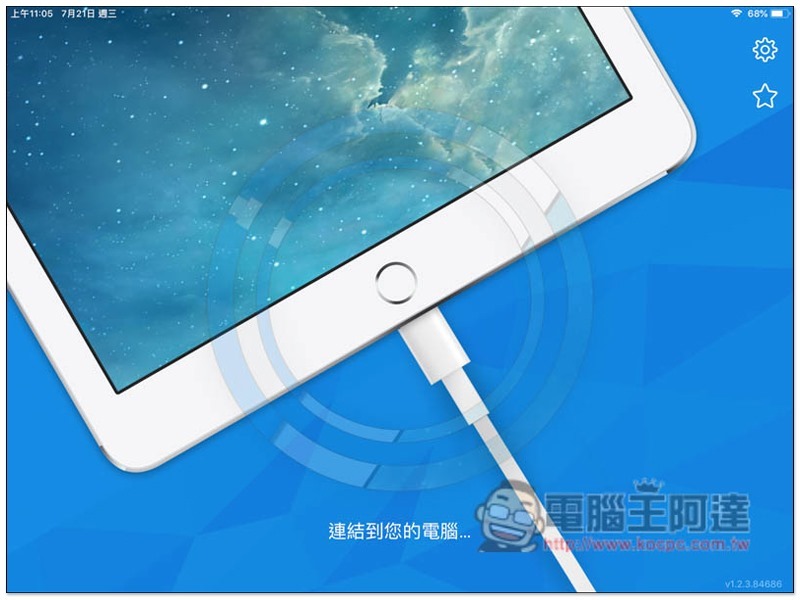
Then connect the Lightning cable to the iPad and computer:
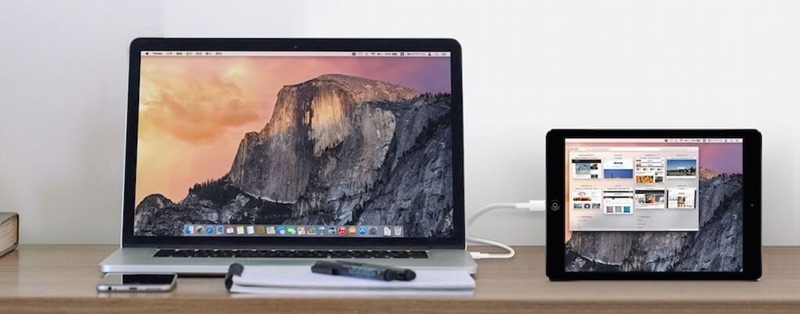
After the setting is completed, the iPad screen will become the second screen of the computer. The default is extended, and it can also be changed to mirror mode, depending on your needs:
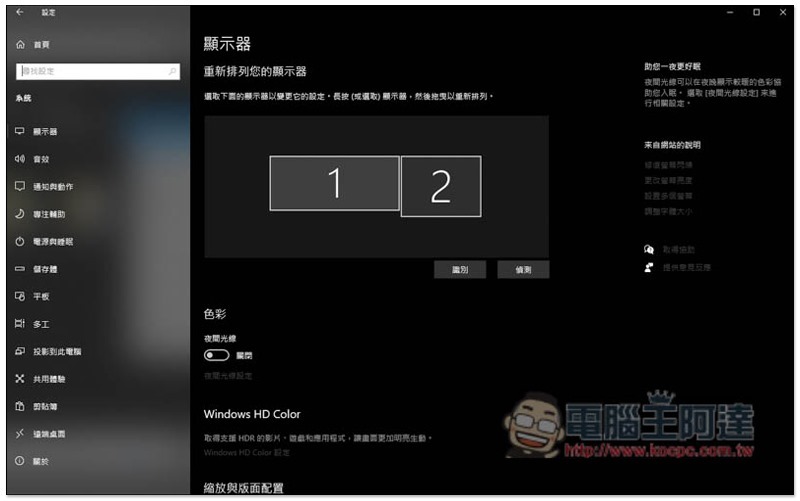
The computer’s monitor settings can also adjust the arrangement:
This set actually also has an Android version, but you still need to pay to use it, and the iPhone version is free. However, I personally feel that the iPhone is a bit small and difficult to use as a second screen for a computer, and the iPad is still easier to use.
Source: KOCPC Chinese