


Let me introduce to you a very magical and easy-to-use editing software: “Jianying”. This software was originally a mobile video editing app in China. It launched a computer version at the end of last year. It is super simple and easy to use, has a lot of free materials/filters/special effects resources, and can also help you automatically add subtitles! ! However, the subtitles generated are in Simplified Chinese. This time Ada will introduce to you the basic operations, how to convert the subtitles from Simplified to Traditional Chinese, and even export SRT files for use by other editing software, which is very powerful.
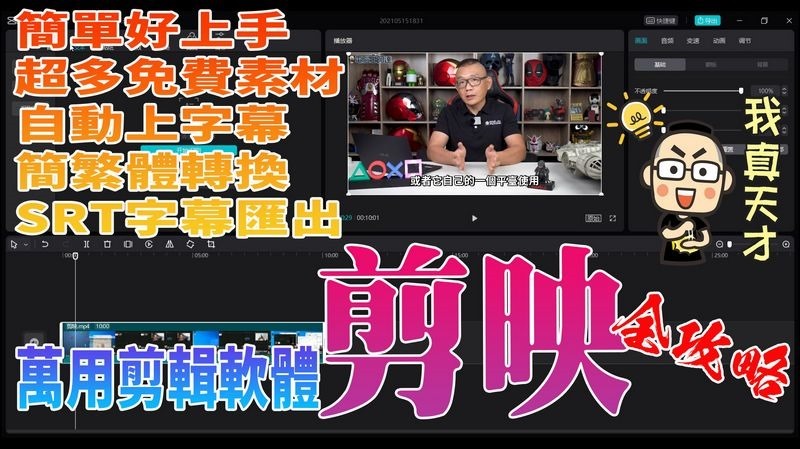
Brainlessly automatically generate subtitles and use the complete guide to editing
Because there is a lot of content, Ada directly makes videos to teach. Please directwatch videos, you are also welcome to subscribe to the Computer King Ada channel (please click me), to put it simply, it is simpler than Adobe Premiere, easier to use than Power Director, and a free editing software with a variety of free multimedia materials:
Editing related resources
Cutting official website:https://lv.ulikecam.com/
Download version 1.2.1 of the clip:https://lf3-faceucdn-tos.pstatp.com/obj/faceu-packages/Jianying_Pro_1_2_1_822_0.exe
Convert Simplified to Traditional Fonts:https://drive.google.com/file/d/1armU0xVmo2d3VgKRKzkCkhnZwNRr2-UR/edit
SRT subtitle transfer tool:https://guihet.com/jianyingsrt.html
※For the latest version of the actual measured clip, you can directly choose the simplified to traditional font, so you can update and use it with confidence.
This piece of subtitles was identified and corrected using clipping, and it was done in less than ten minutes:
Source: KOCPC Chinese