


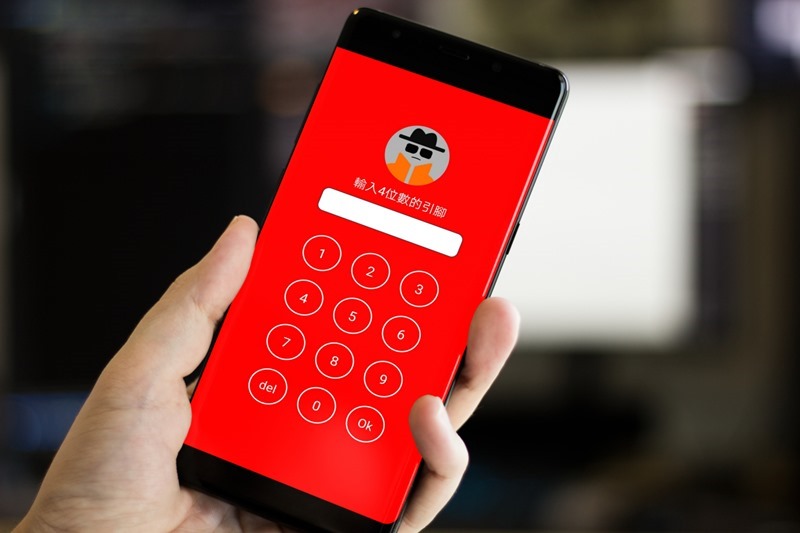
Previously we introducedPrevent others from stealing iPhone articles, many readers asked, is there an Android version? Of course there is. This is the “Don’t Touch My Phone: Phone Anti-Theft Alarm” app. It has richer functions. It not only prevents theft, but also can set the alarm to sound if the charger is unplugged, stolen by pickpockets, or someone fails to unlock it too many times. Even the ringing music can be changed, completely free of charge.
Also, let me remind you that this app has a lot of ads, and they will pop up almost every time you click on a function.
Do Not Touch My Phone: Phone Anti-Theft Alarm App Introduction
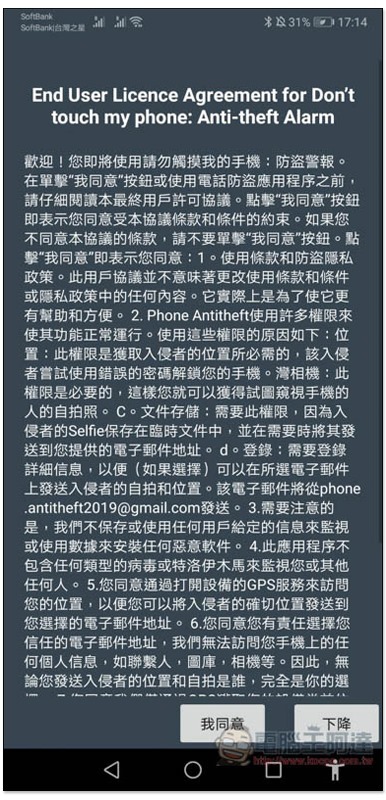
When you open the Do Not Touch My Phone: Phone Anti-Theft Alarm App for the first time, there will be a description of the user license agreement. Simply put, in order to ensure that all functions can operate normally, it will ask for some permissions, including “location, camera, file storage, etc.” You can read it in detail. Each permission has a description of what it is used for. No problem, just click I agree:
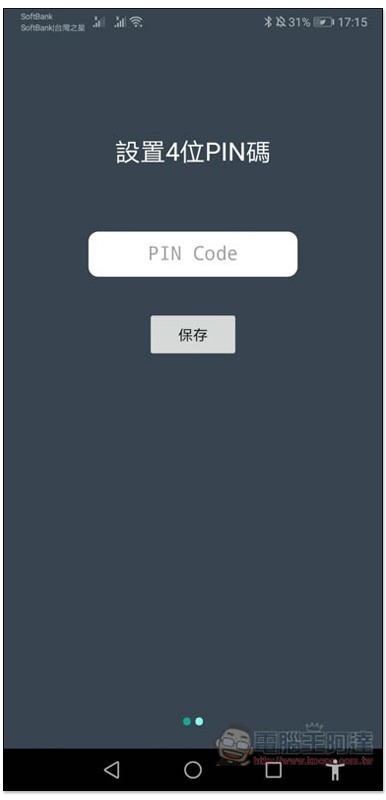
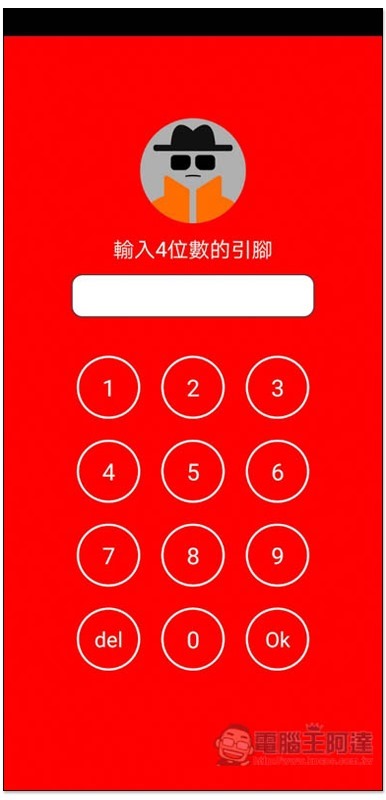
Set a 4-digit PIN code that will be used to disarm the alarm when it sounds:
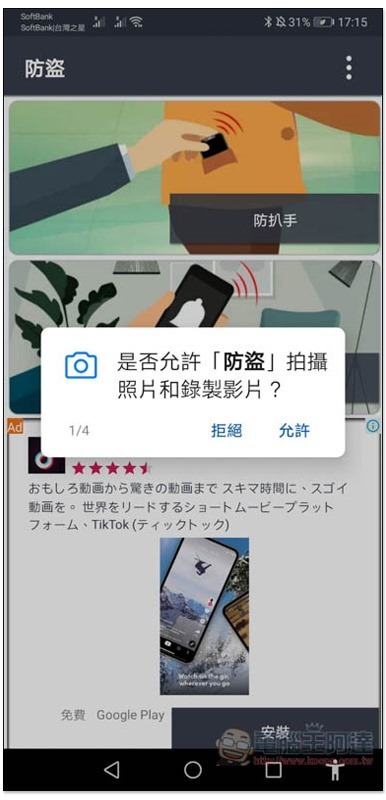
Then it will start asking for permissions:
There are four modes, namely “anti-pickpocket” and “charger clear alarm”:
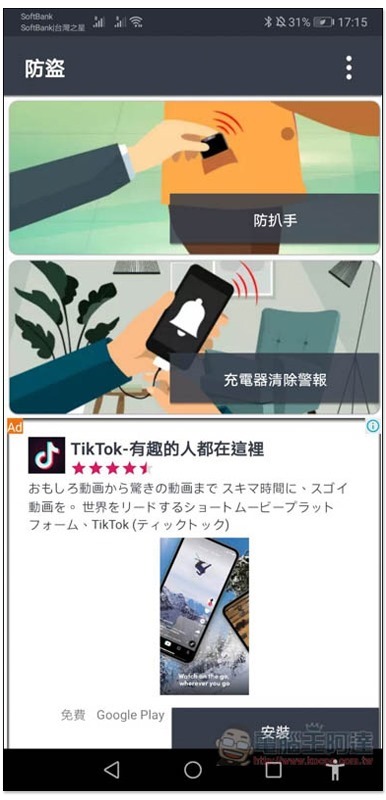
“Anti-Motion (Moved)” and “Change PING Code”:
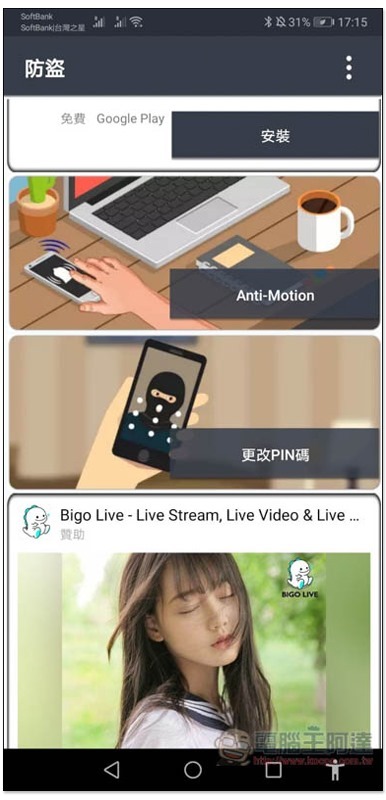
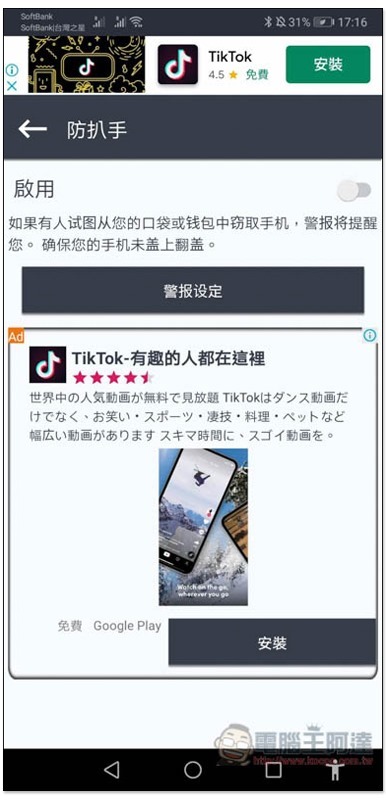
To prevent pickpockets, after entering, turn on the switch on the right side. When a friend tries to steal the phone from your pocket or wallet, the alarm will sound immediately, even if you switch to silent mode:
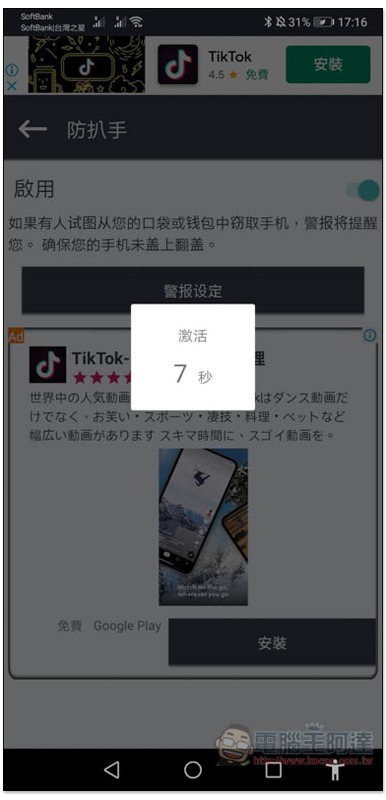
There will be a countdown before activation to get you ready:
When someone steals, this screen will appear, and the alarm sound will be super loud. People who want to test it should be mentally prepared first. Enter a PING code to stop the alarm:
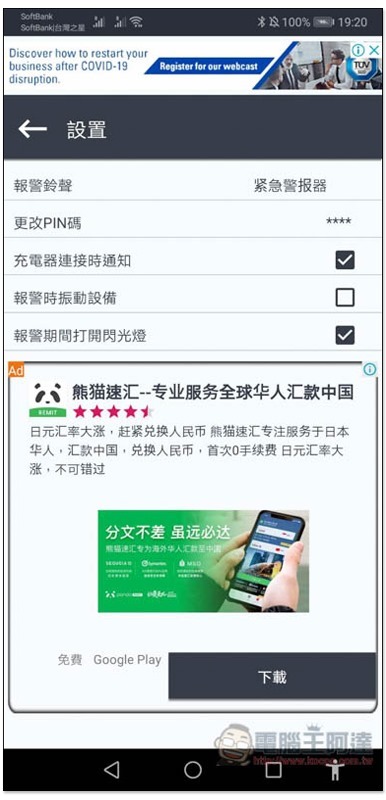
If you feel the preset alarm tone is too harsh, you can change it to another one. By default, in addition to the alarm, the flash will also light up and the vibration function will be turned off. If necessary, you can check the box on the right:
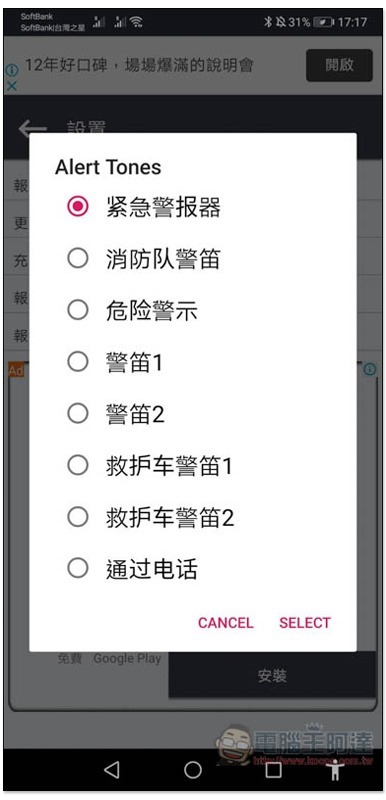
There are many alarm tones to choose from, and you can also choose from the music library in your phone (via phone):
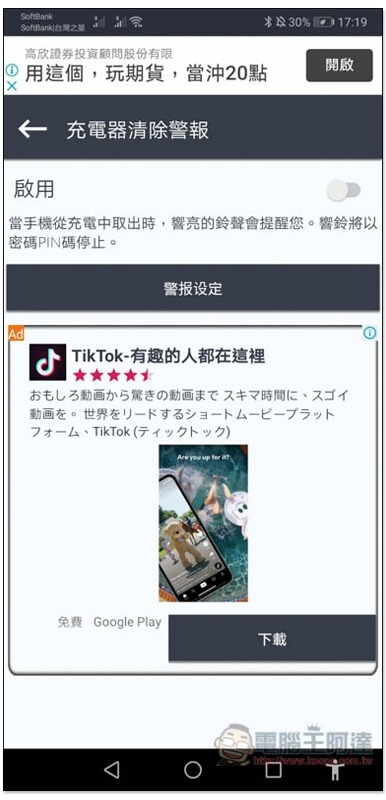
The charger clear alarm is, when someone unplugs the charger, the alarm will sound:
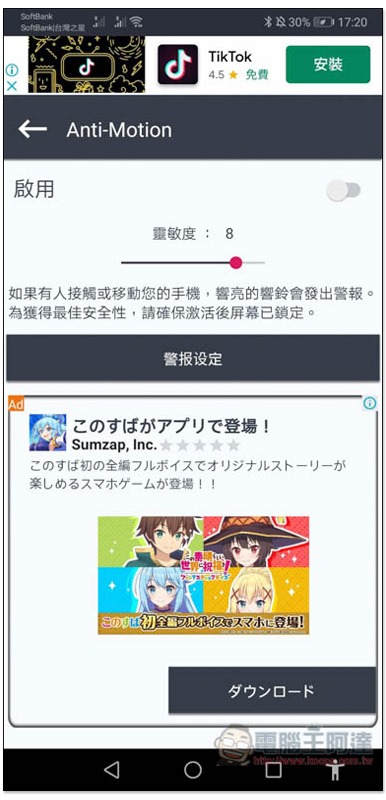
Anti-Motion can set the sensitivity, the default is 8, it is recommended to lower it a little, otherwise it will sound if you touch it lightly:
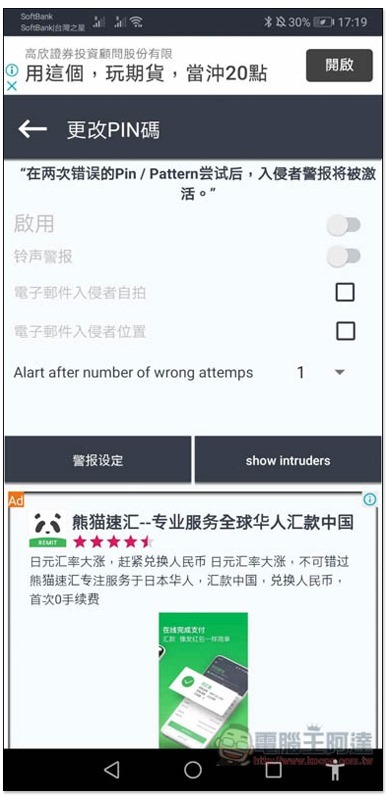
Change PIN, which will sound an alarm if someone tries the wrong PIN or pattern twice, automatically enable front camera selfies and record location, delivered to your email:
When using this set, remember to keep it open, otherwise it will not work if it is closed.
Supplementary information
- App Name: Do Not Touch My Phone: Phone Anti-Theft Alarm
- Nature: Free
- Support system: Android
- Google Play download page
Source: KOCPC Chinese