


When taking photos in life, you will encounter hand tremor to some extent. If you notice it at the moment, it’s okay and you can retake the picture immediately. But many times, you only discover it after checking after taking the picture. Even if you ask a stranger to help you take the picture, you are embarrassed to say that you have to retake the picture with hand tremor. And now that technology is so advanced, of course there are apps that can solve this problem. The “Remini-AI Photo Enhancer” recommended in this article is very powerful. It can make the pictures with slight hand shake clear with one click. The actual test results are quite good, which means that any hand shake photos in the future can be solved by throwing them into this app for processing. I recommend it to everyone. It is available in iOS and Android versions.
Remini-AI Photo Enhancer App Introduction
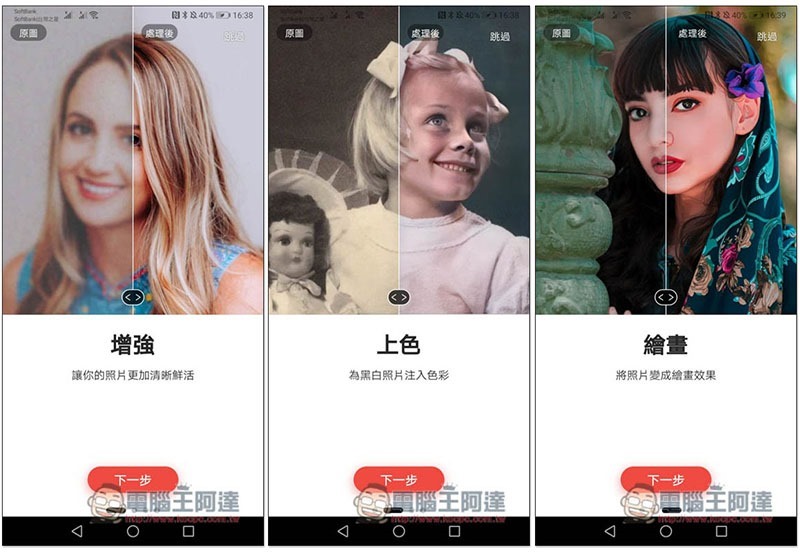
This app supports Traditional Chinese interface, I use the Android version as an example. In addition to making blurry photos clearer in this article, this product also has other good functions, such as colorizing old photos, modifying them into painting styles, etc.:
You need to register an account before use. You can enter it yourself or use the third-party login below (Facebook, Google):

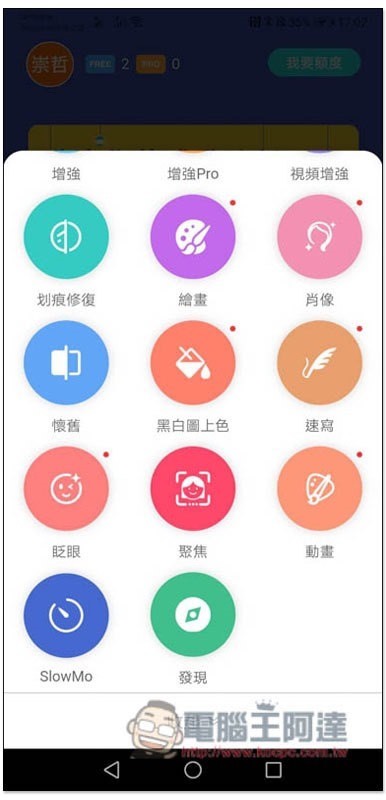
Then you will enter the main screen of the App. Each account will get 5 free uses at the beginning (5 is written as FREE at the top), and the first enhancement below is the function of making blurry photos clearer. Others include Enhancement Pro (Professional version, you need to pay for the credit), video enhancement, scratch repair, and painting:

There are also portrait, nostalgia, black and white coloring, sketching, blinking, focus, animation, SlowMo, and discovery in the more menu. The functions are quite rich, so remember to allocate the 5 free times:
Take enhancement as an example, click on it and select the photo you want to make clearer:
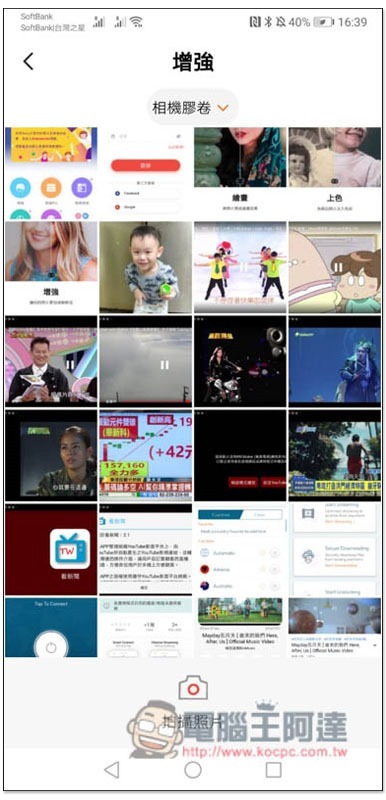
This photo is completely blurry. Click the check box below to start automatic processing, and ads will pop up during the waiting time:
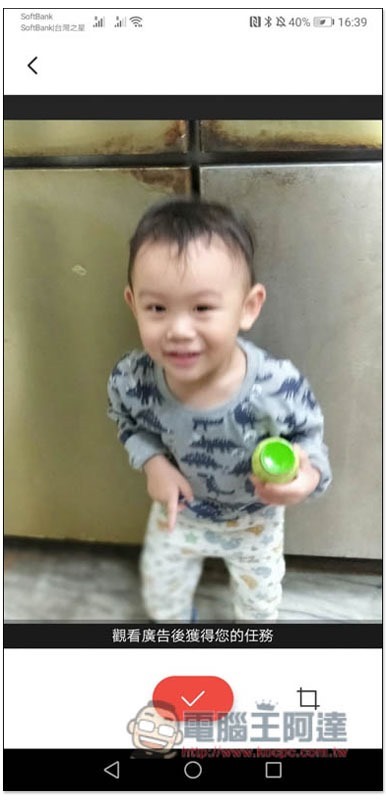
The task creation screen will pop up first:
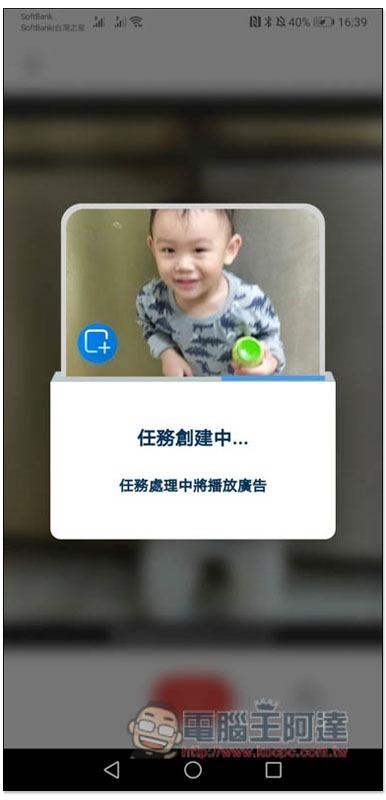
Then the advertisement will be played. After the seconds in the upper right corner run out, you can press X to close it:

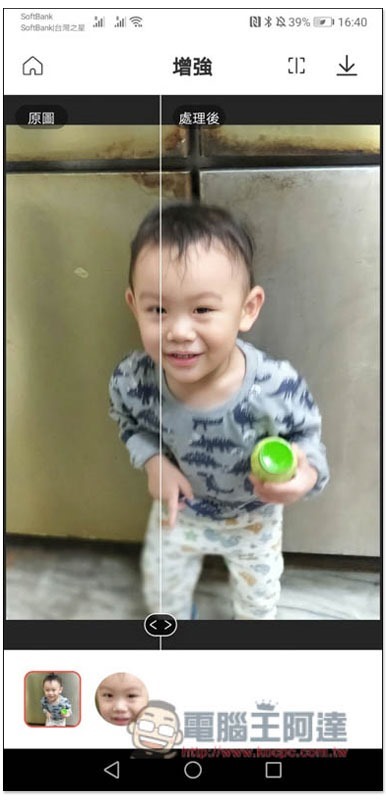
The originally blurry face becomes clear in an instant, which is really amazing. Slide the middle slider left and right to see the difference between the original image and the processed one. If you have no problem, click the upper right button to download the icon:
This is the original picture I tested:
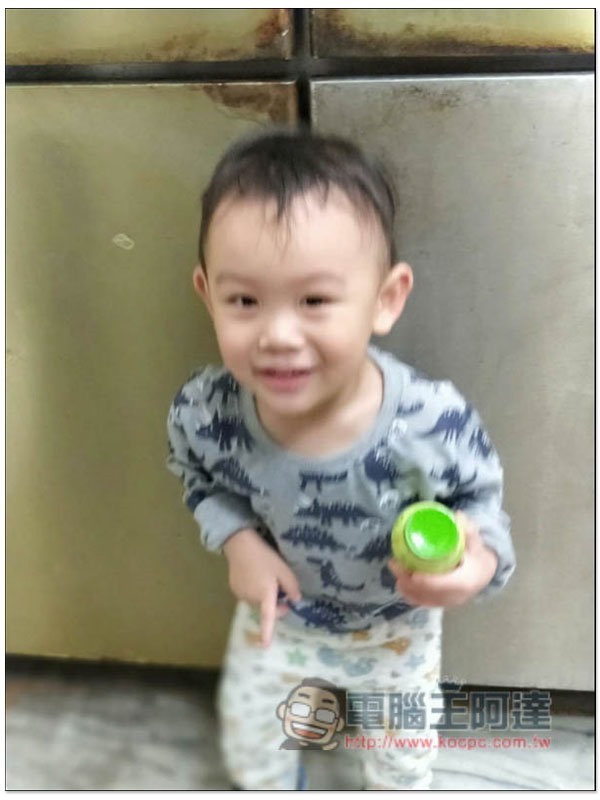
After enhancement, although there are still areas that are blurry, the effect is satisfactory and the face becomes much clearer:
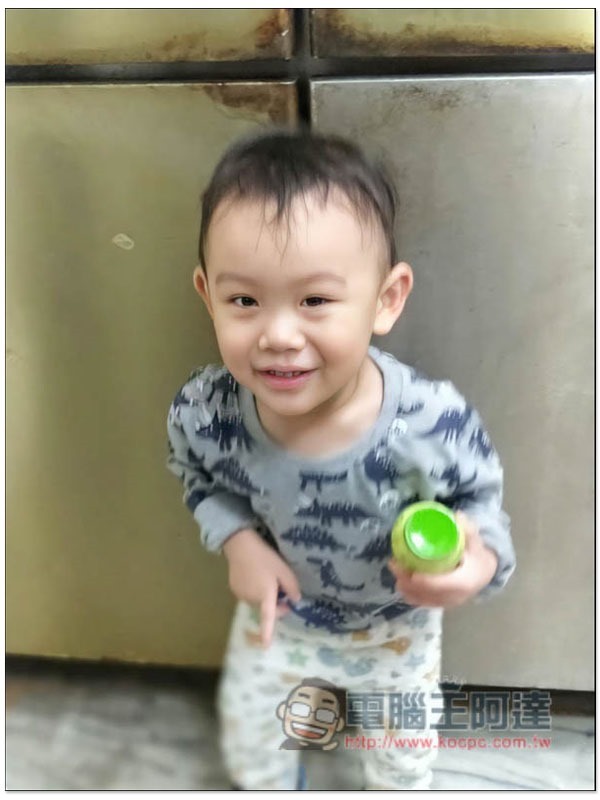
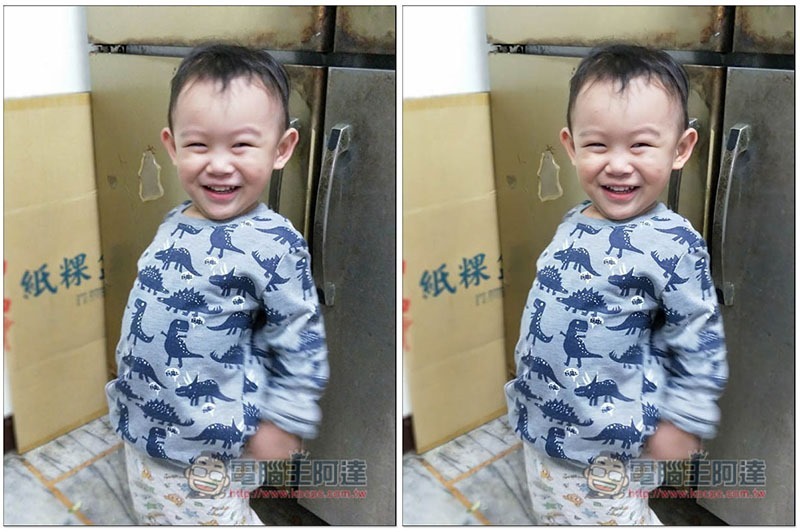
I also tested another one. In this picture, the child’s body is clear, but the face is blurred:
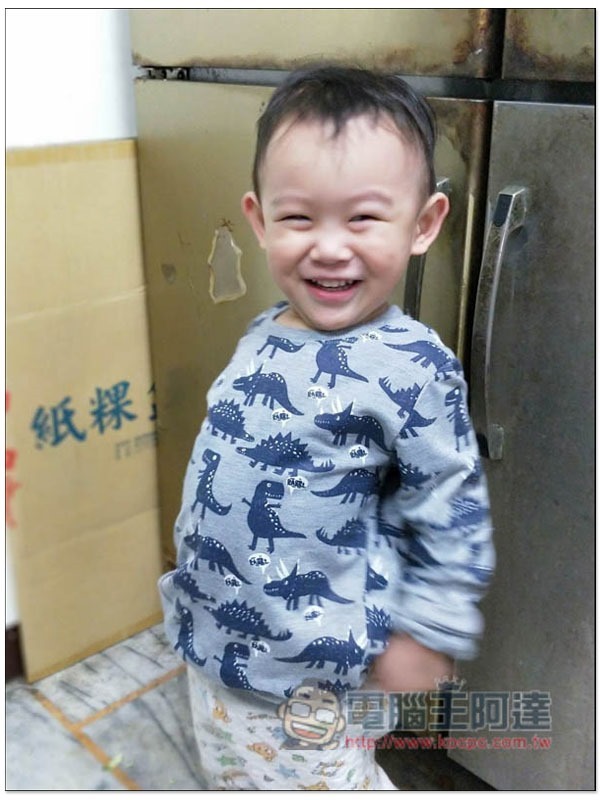
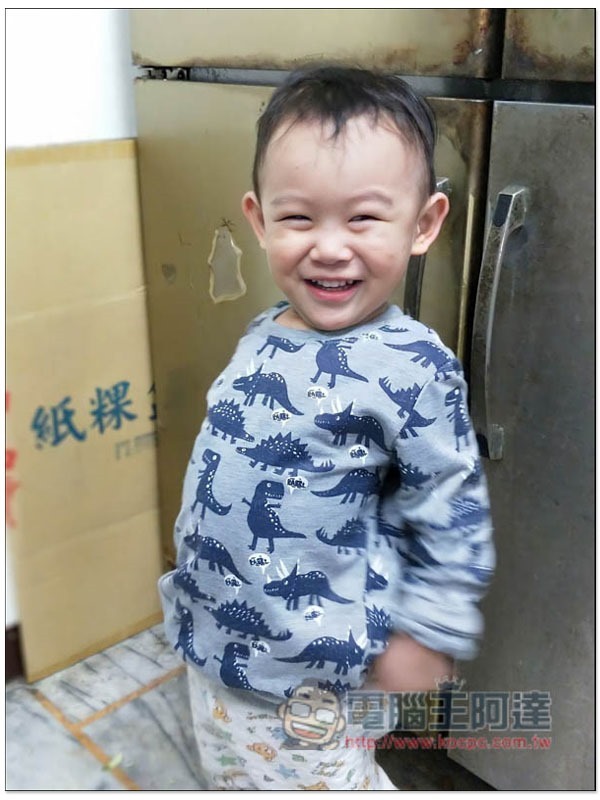
After using this set of enhancements, I immediately rescued them. This app is really suitable for taking photos of rescued children:
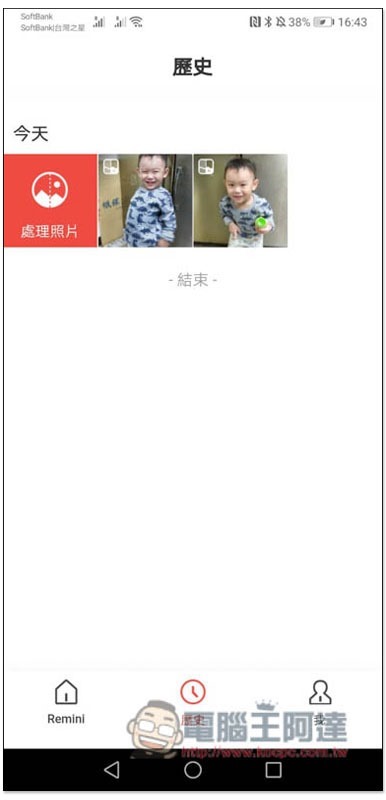
The history menu at the bottom allows you to check photos that have been modified in the past:
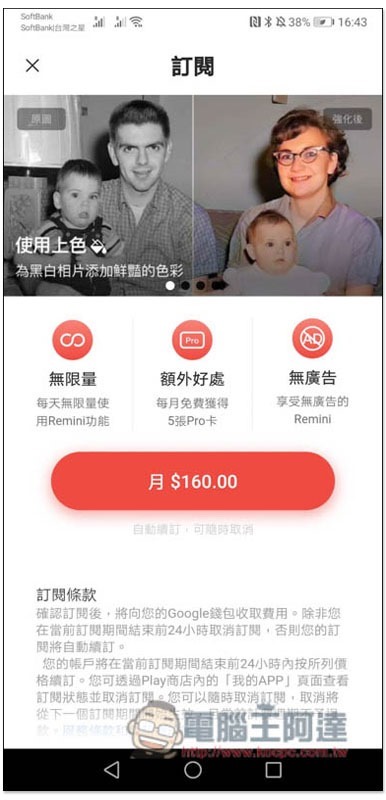
After the free quota is used up, if you want to continue using it, you must pay for a subscription. I think the price is a bit expensive, and you pay monthly, so it is recommended to wait until there are a lot of photos before subscribing. In addition, if you don’t want to use it after subscribing, remember to cancel the subscription, otherwise the payment will be automatically deducted every month:
Supplementary information
- App Store download page:Click here to go
- Google Play download page:Click here to go
Source: KOCPC Chinese