


Although Android 11 is sure to have a new operation function of double-clicking (knocking) on the back of the phone, but it seems to be limited to the Pixel series at present, and not every Android phone can be upgraded to Android 11, so most people should not be able to enjoy this practical new feature. The good news is that foreign developers have ported this feature to Android 11. Just install this Tap, Tap, and your Android phone can get double-click without ROOT cracking.
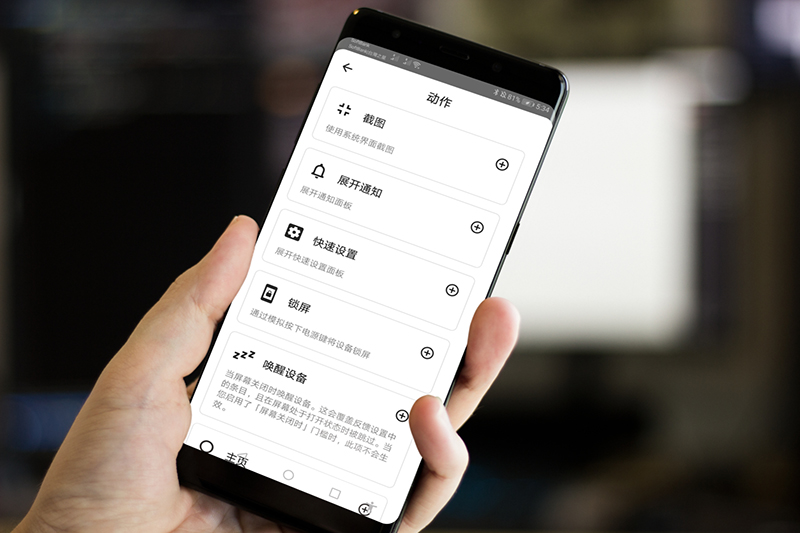
Tap, Tap introduction and operation tutorial
This Tap, Tap is an open source App. It is placed on the foreign GitHub website and the APK file is also available, so pleaseClick me to download from GitHub(Not available on Google Play).
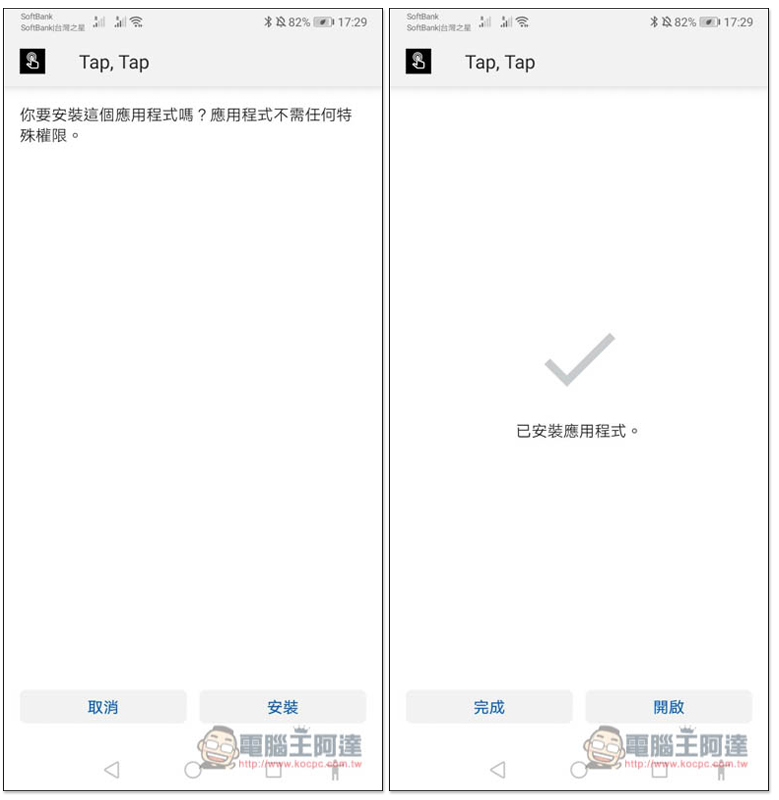
The installation method is the same as a normal APK file. Open it after completion:
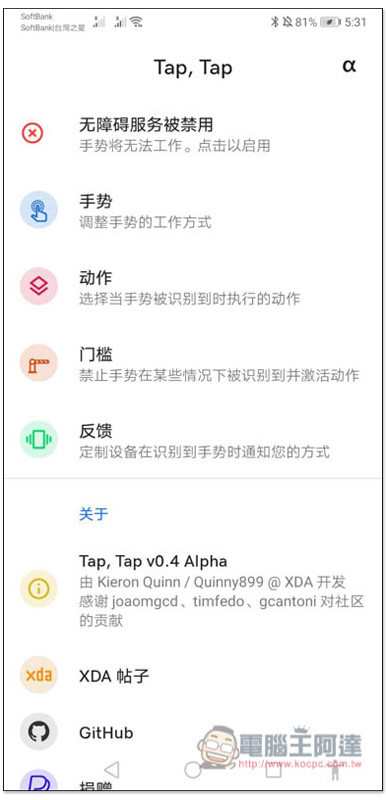
This actually supports Chinese interface, but the language setting of the phone is Traditional Chinese, which will display English. If you find it difficult to use or can’t understand it, change the language to Simplified Chinese, and it will become Chinese:
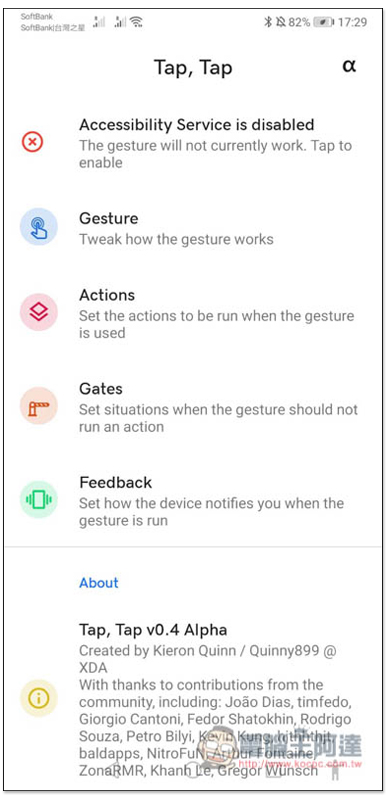
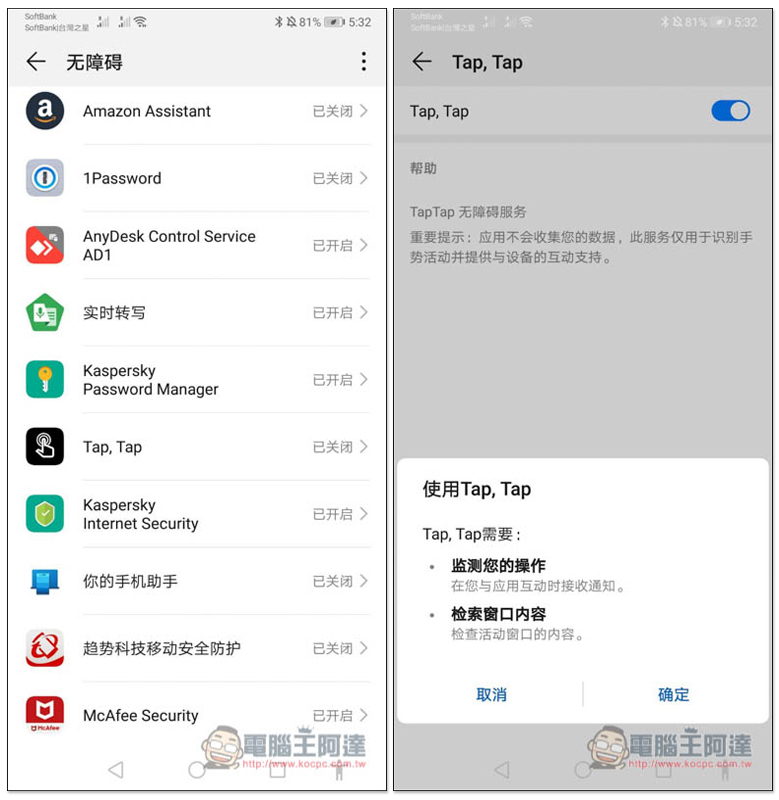
As shown in the picture below, my personal suggestion is to change it to Simplified Chinese first, and then change it back to Traditional Chinese after the settings are adjusted. The double-click gesture cannot be used at first. It must be enabled in the accessibility service. Click on the first “Accessibility service is disabled”:
Scroll down to find the App, then turn the switch on and press OK, and you’re done:
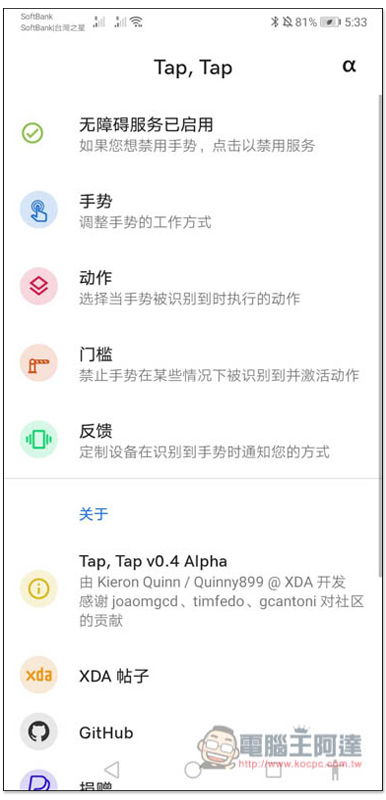
When you return to the app, the first option will also change to “Accessibility Services Enabled”. Then please set the action and click “Action”:
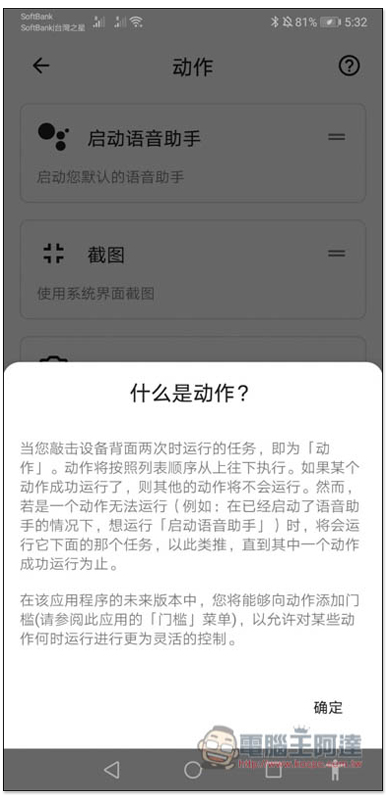
Each option has a detailed description to tell you what it does, so people who don’t understand can take a look:
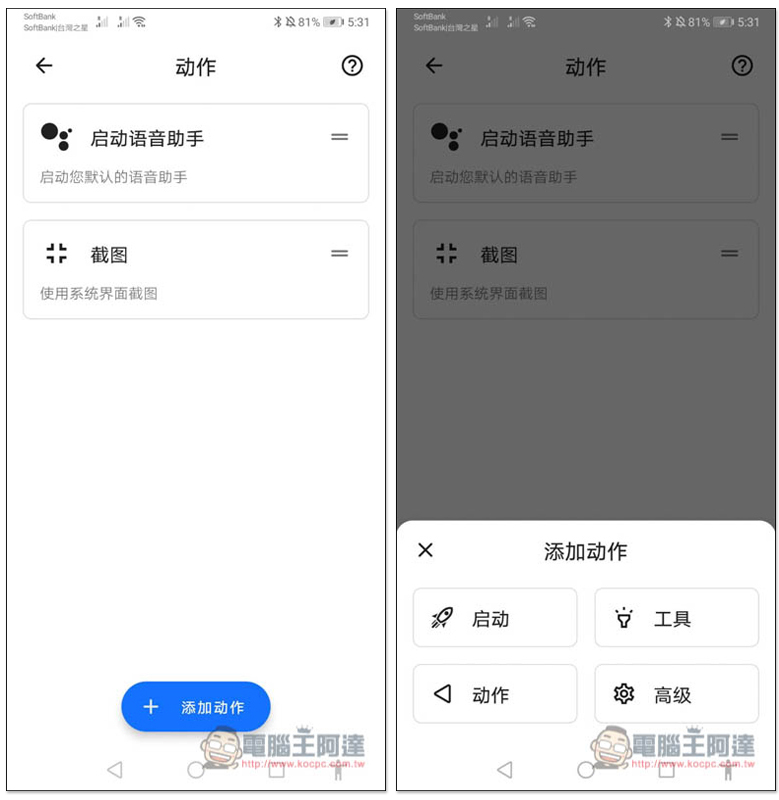
By default, voice assistant and screenshots are enabled. Click “Add Action” below, and four options will pop up: “Startup, Tools, Actions and Advanced”:
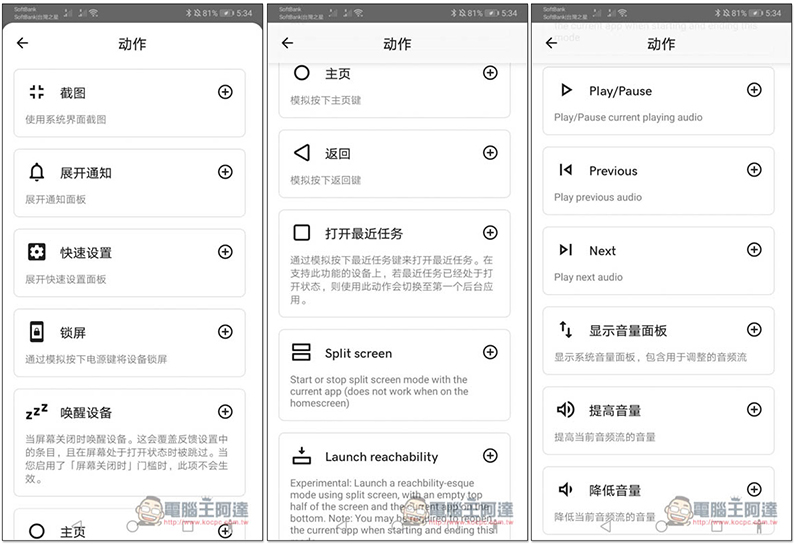
There are many actions that can be set, such as:
- screenshot
- Expand notification
- Quick settings
- lock screen
- wake device
- Return to main screen
- return
- Open recent tasks
- play/pause
- Show volume panel etc.
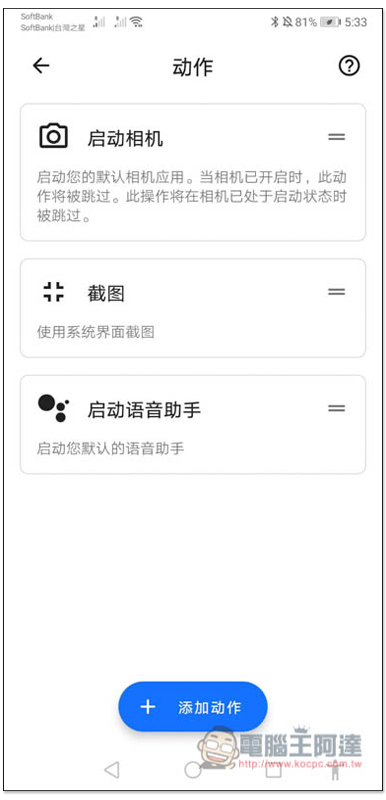
I set the camera to be enabled, and the order can be changed. When the camera is turned on, double-click the back of the phone, and it will become a screenshot, and so on:
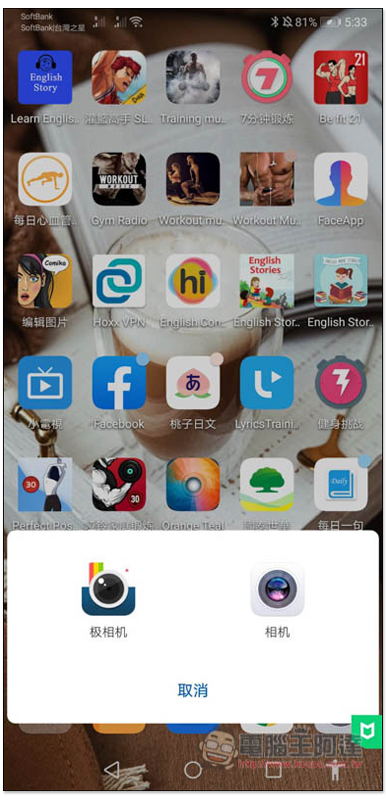
As shown below, I click twice on the back of the phone to enable the camera function:
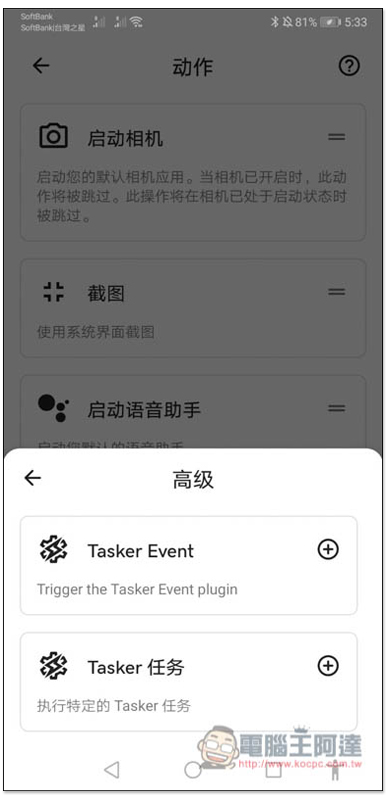
Advanced functionality in actions allows setting up Tasker Events and specific Tasker tasks:
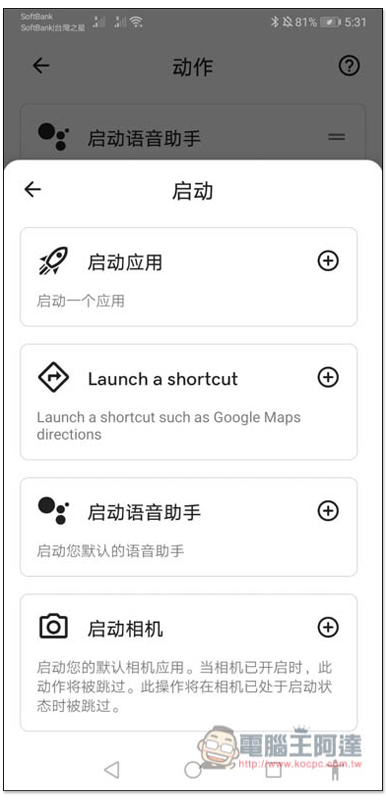
At startup, you can choose to “Open an application”, “Enable a shortcut”, etc.:
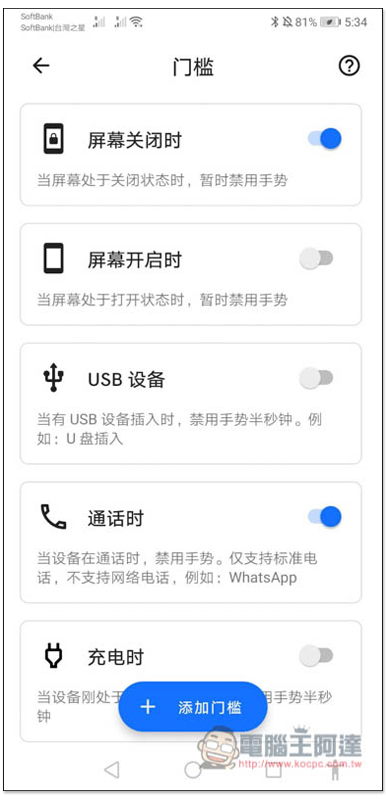
In the threshold menu, you can set the circumstances under which gestures are temporarily disabled (for example: when the screen is turned off or on):
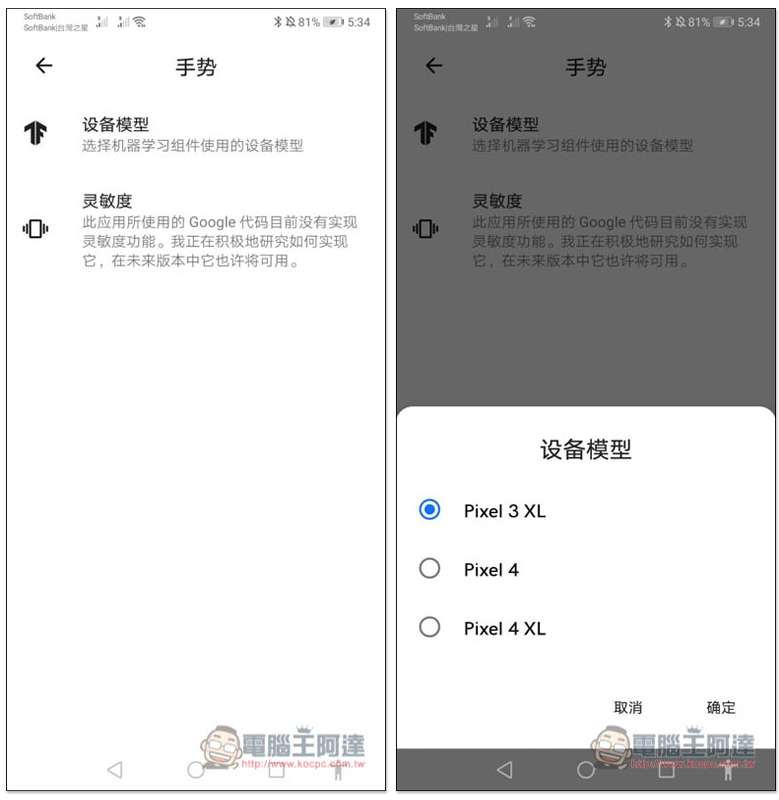
In the gesture menu, you can set the device model to use, such as Pixel 3XL, Pixel 4 or Pixel 4 XL:
This app also has a lot of adjustment functions, and you can play with the rest by yourself.
Supplementary information
- App Name: Tap, Tap
- Nature: Free
- Download page:Click here to go
Source: KOCPC Chinese