


Although most mobile phones now have built-in filter effects, they may not necessarily give you the feeling you want. The Orange Teal recommended in this article is well worth trying. It adopts the favorite tones of Hollywood movies. It is easy to operate and has no watermark. The actual filter effect is really good. The photo instantly becomes a movie-style feeling. It also provides some advanced adjustment functions for you to change manually. Both iOS and Android versions are available.

Introduction to Orange Teal
The use of Orange Teal is very simple. After entering the main screen, the first page is the most classic Orange and Teal filter. Click the Load Picture function below to select the photo you want to apply this filter to. Unlock Pro is a paid version that unlocks the ad-free version. Personally, I don’t think it is necessary. After all, there are not many ads. However, those who want to support developers can also pay:
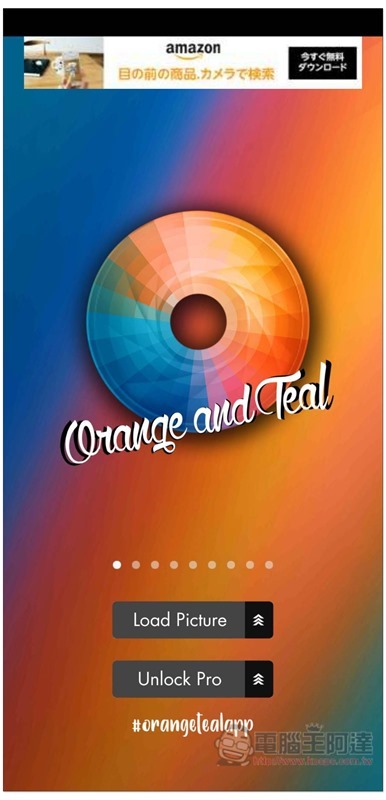
Swipe the screen left or right to switch to other filter effects, such as Aqua and Brown in the picture below:
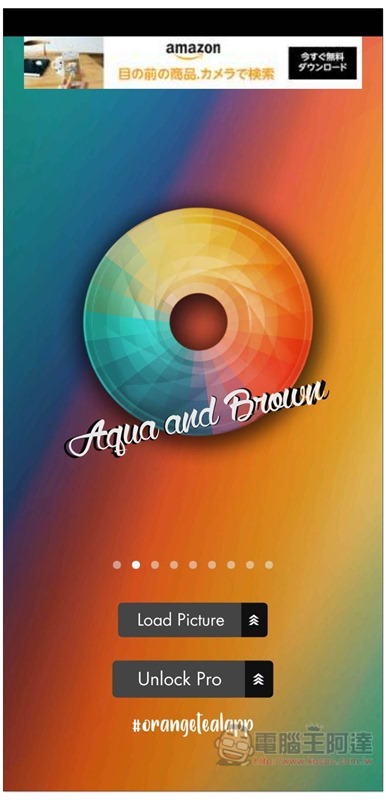
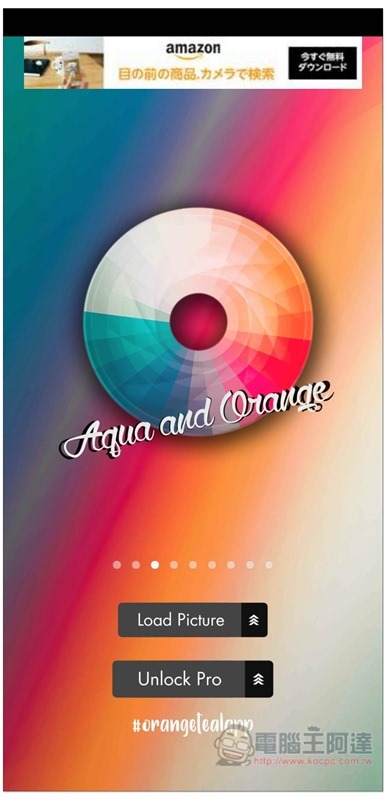
Aqua and Orange, there are 9 filter effects in total. You can choose any one at first, and you can switch at any time when you enter the post-production adjustment screen:
I use this photo as an example (Source: Unsplash):

Then you will enter the post-production screen. You will see a horizontal slider below. The current application effect is zero. Slide it to the right to the state you are satisfied with:
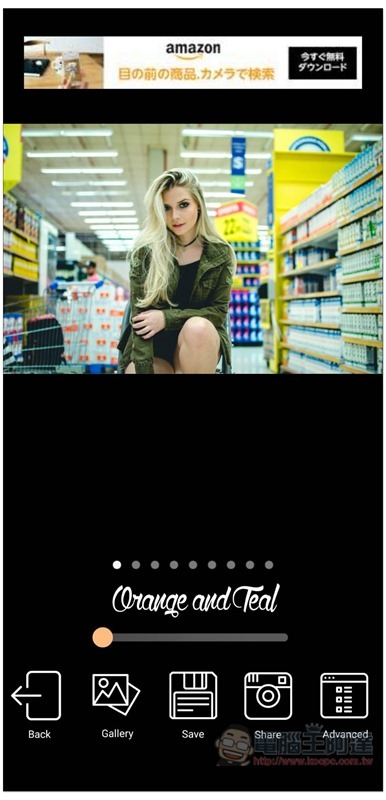
Even if it is adjusted to full, it will not exceed:
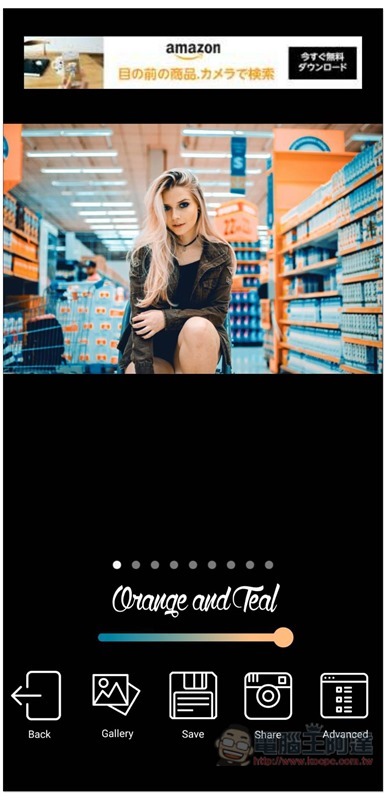
If you don’t like the current filter effects, you can also swipe left or right to switch to other filters:
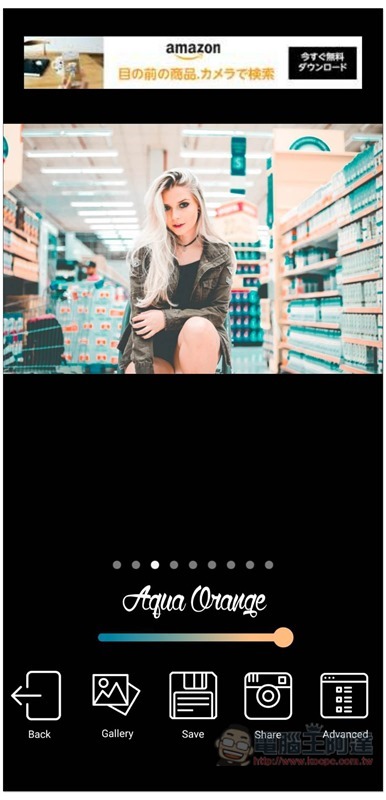
This Moody Brown filter has a retro movie style feel (horror movies also have this color tone?):
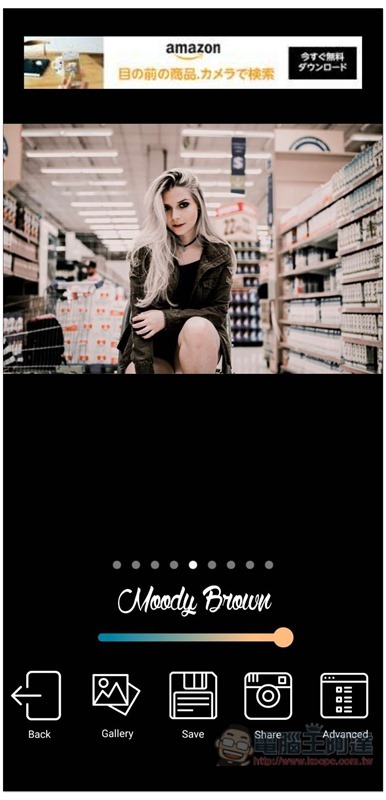
Maddy Dark is also good, similar to the literary youth movie style:
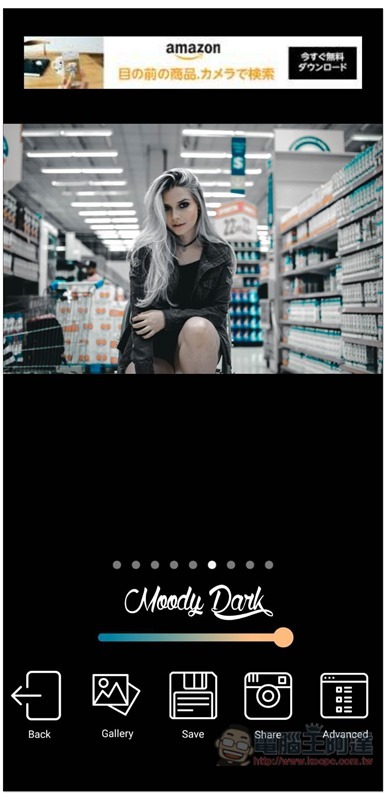
Those who like to manually adjust the effect can click Advanced in the lower right corner to enter the advanced function, which provides three options: Saturation, Highlights, and Shadows:
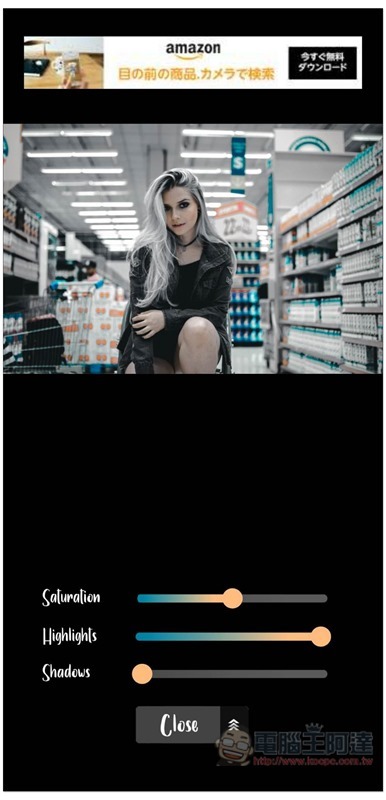
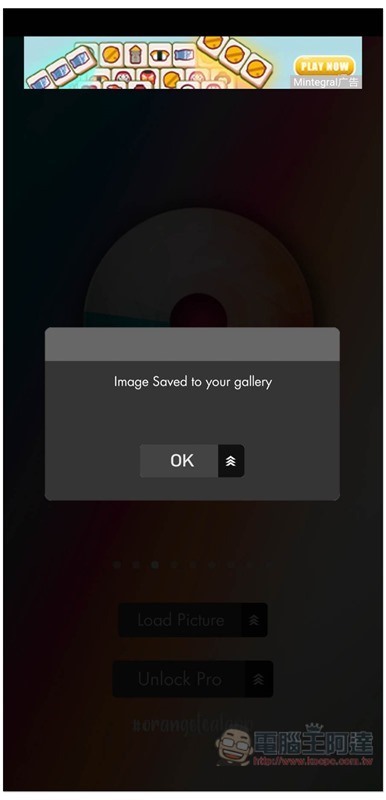
Once there is no problem, press Save at the bottom and it will be saved to the phone album:
The picture below is the filter effect I finally chose, without the watermark:

I have to say that this app is really Buddhist-friendly, the filter effect is very good, it is free, there is no watermark, and there are few ads. I highly recommend everyone to download it and give it a try.
Supplementary information
- App Name: Orange Teal
- Nature: Free
- Supported operating systems: iOS, Android
- Download page:App Store、Google Play
Source: KOCPC Chinese