


For computer workers, they have to sit in front of the computer and look at the screen for a long time, so the care and protection of the eyes is very important. Some people may wear blue light filter glasses, or just close their eyes to rest after working for a while. If you are using an Android phone, there is actually a pretty good Eye Care Plus free app in Google Play that you can try. It provides a comprehensive eye care and learning application to protect your eyes and even improve your vision through simple exercise training.
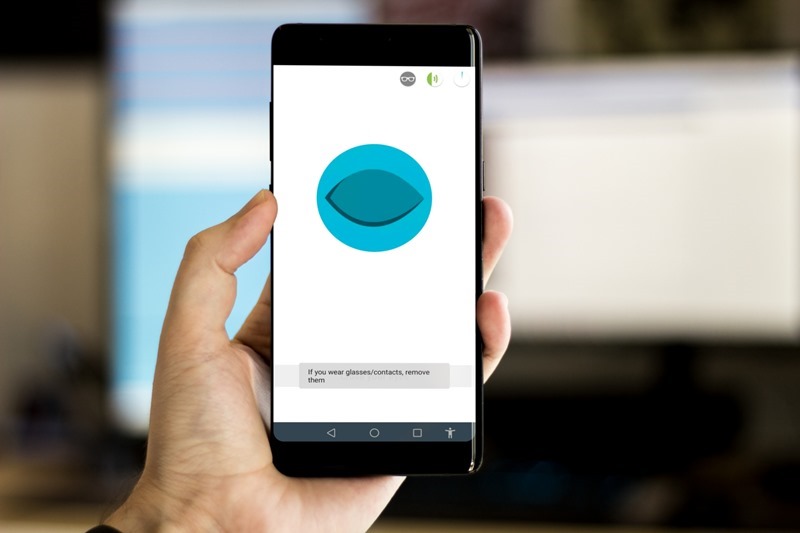
Eye Care Plus Eye Care Guard App Introduction
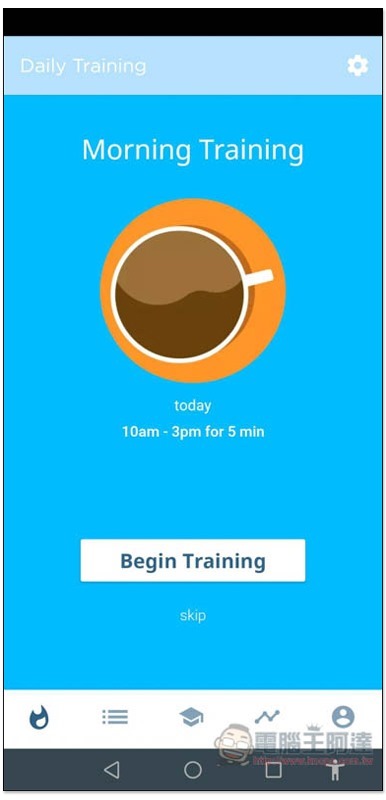
The screenshot of the Google Play page of Eye Care Plus is in Chinese, but I don’t know why it is in English after I downloaded and installed it, and there is no place to modify it. However, it is quite simple to use. It currently provides about 20 types of eye and vision training content, and also has built-in practice modes for morning training, afternoon training and other times. You only need to follow the instructions on the screen and do the actions. You do not need to choose the training content yourself:
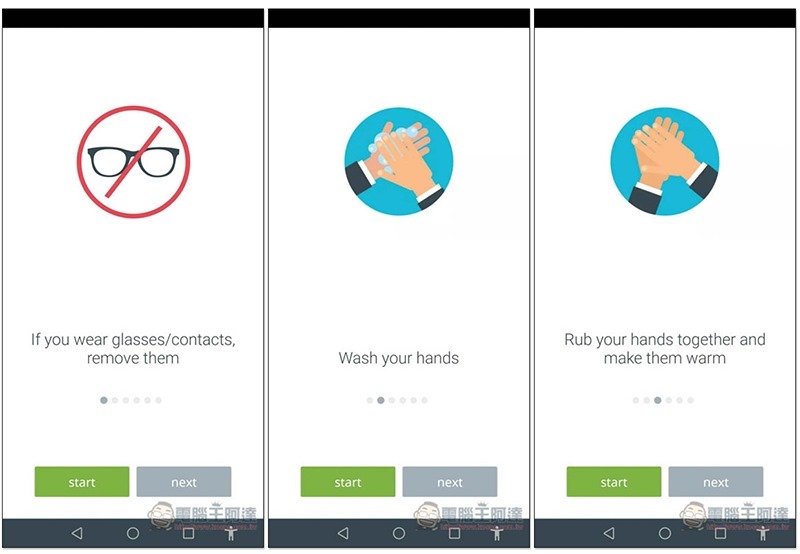
Before the training begins, we will tell you what preparations you need to make. For example, if you wear glasses, please take them off, wash your hands, and rub your hands to warm them up:
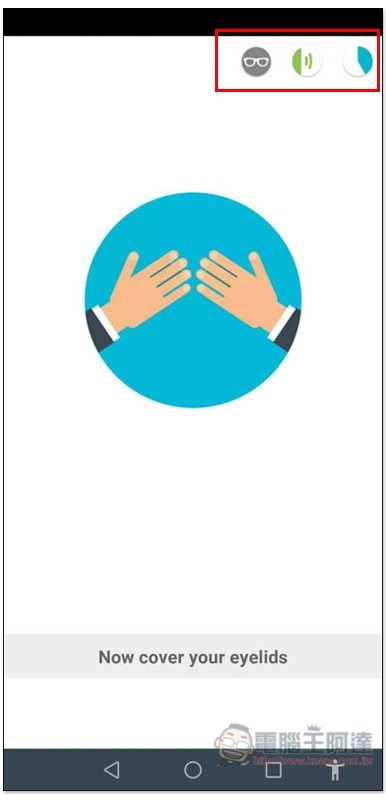
Then it will start, and there will be voice guidance (but only in English), so basically you don’t need to look at the screen, just listen to the voice and do the actions. For example, the first step is to close the eyes, the second step is to cover the eyes with both hands, and the third step is to rub the hands together:
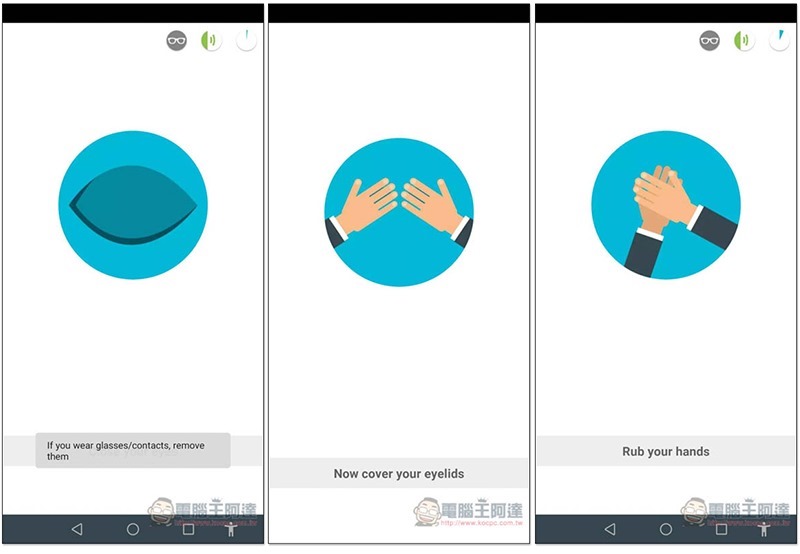
You can refer to the pie chart in the upper right corner for the remaining time. When the blue fills up, it means the end:
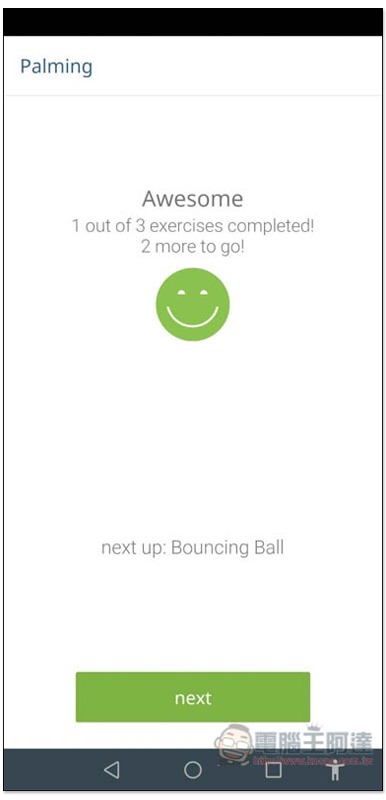
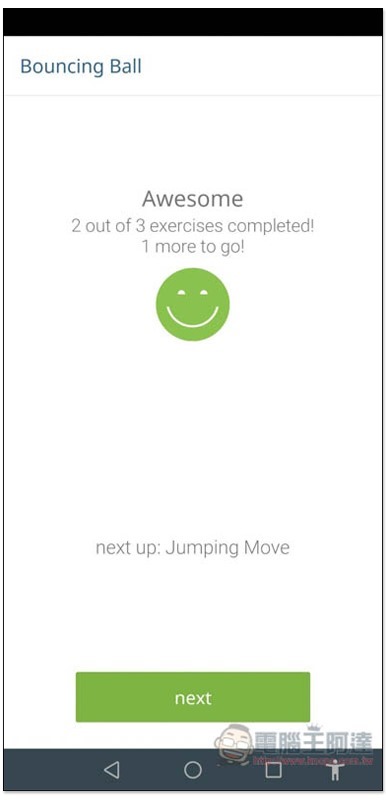
Each practice mode has multiple eye protection exercises. After completing the above, there are 2 more exercises (3 in total):
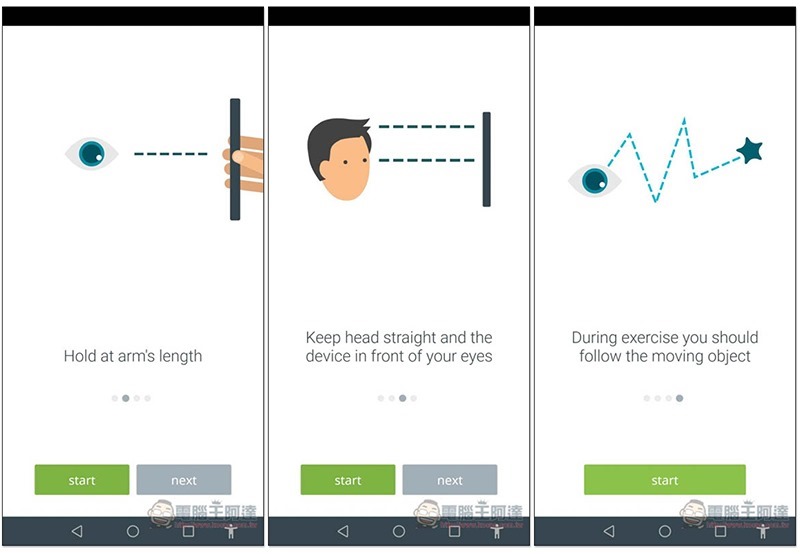
We will also explain some precautions at the beginning and what to prepare for. For the second exercise, you need to stare at the screen and keep a good distance, about one arm’s length:
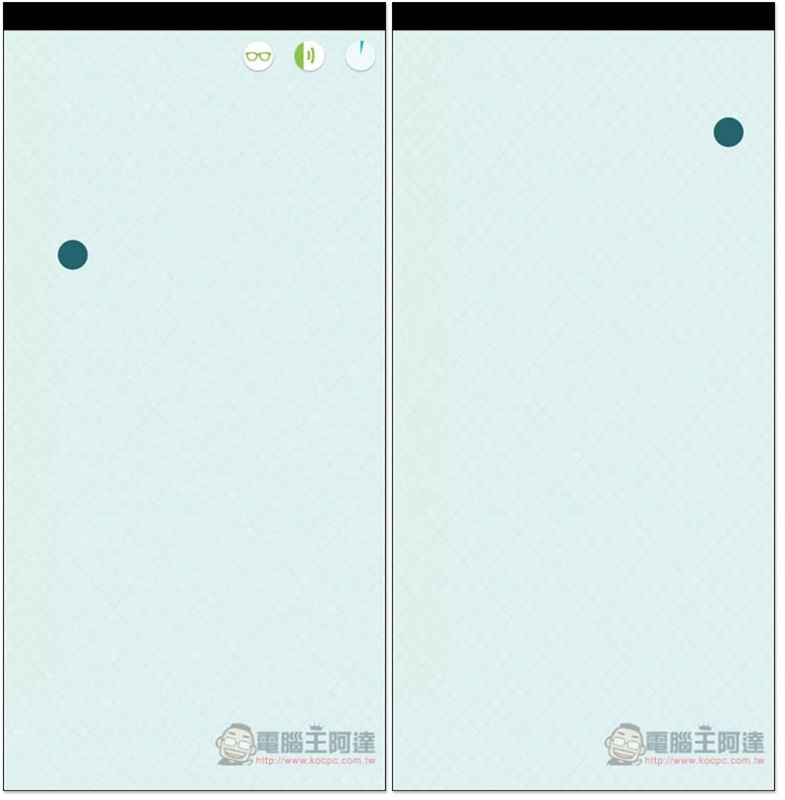
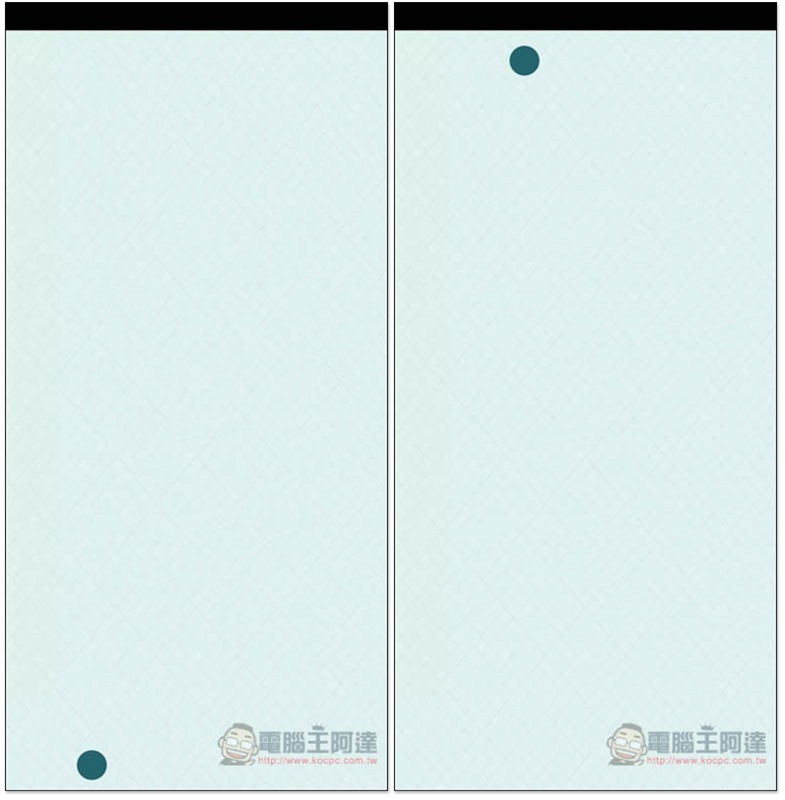
The second exercise is to keep watching the ball on the screen moving up and down:
Next comes the last movement:
The same thing is staring at the ball, but the ball will appear and disappear in turn on the upper and lower edges:
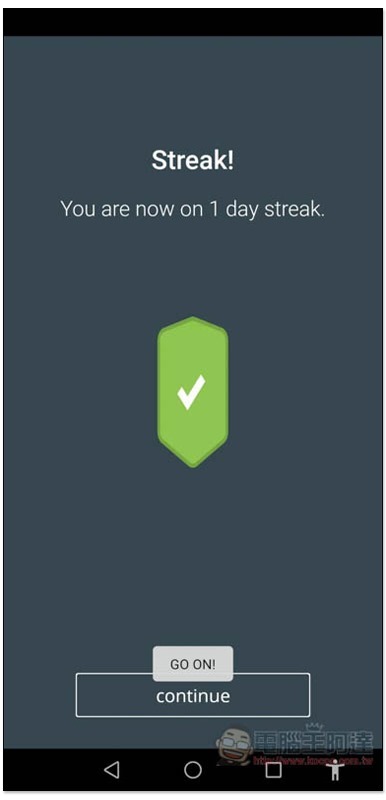
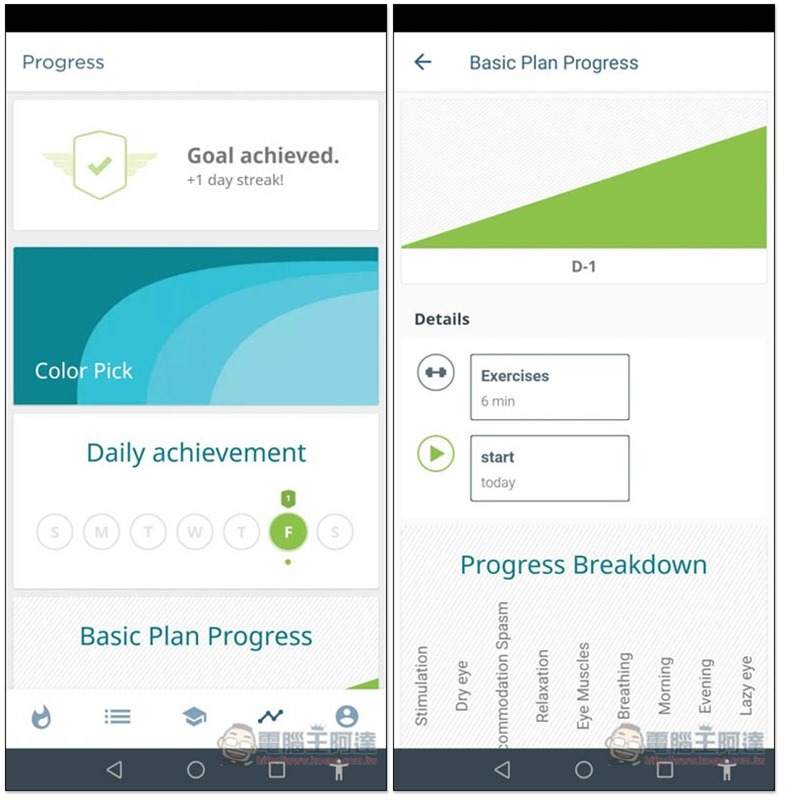
Once all the eye protection exercises are completed, the day will be marked:
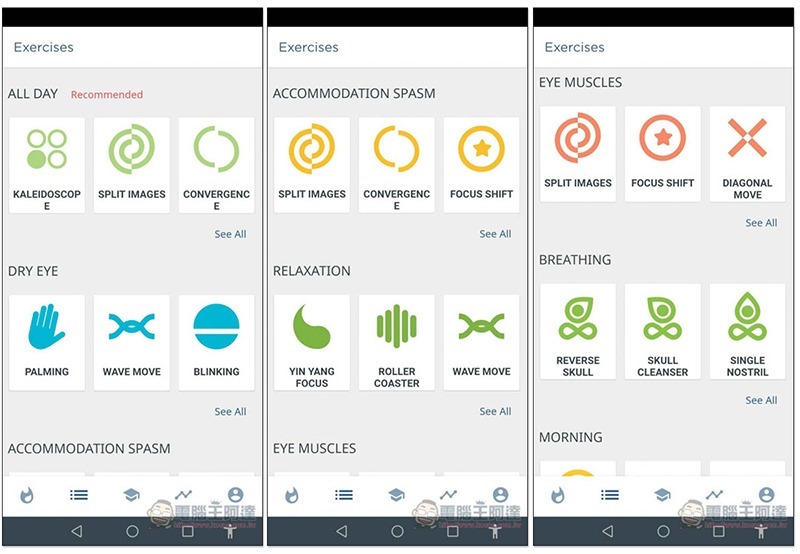
In the Exercises menu, you can find all the eye-protection exercises provided by this app:
Warm-up training:
- palm therapy
- blink
Relaxation training:
- mode focus
- lights flashing
- two objects
Heart-brain training:
- moving objects
- color vision arrangement
- Volume view (coming soon)
- two objects
Eye muscle and focus training:
- random move
- Move left and right
- circle focus
- Move with eyes closed
- close tightly
- Tibetan eye chart
There is also a record form of past exercises:
Supplementary information
- App name: Eye Care Plus Eye Care Guard
- Nature: Free
- Download page:Click here to go
Source: KOCPC Chinese