


Although there are a lot of free music MVs on YouTube, most of them contain human voices. Therefore, it is somewhat inconvenient for people who want to practice their singing skills, or use them in their own private videos, karaoke software, etc. This article will introduce Lalal.ai, which uses AI artificial intelligence technology to automatically separate human voices and soundtracks in music, allowing you to easily obtain pure soundtrack music. The results in my actual testing are quite good, and the operation is very simple, so I will quickly introduce it to you below.
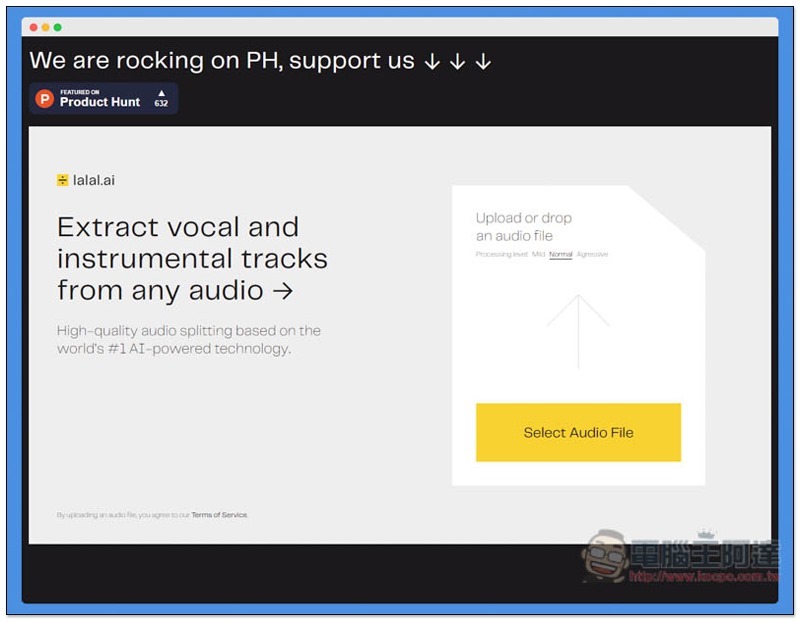
Lalal.ai operation tutorial and introduction
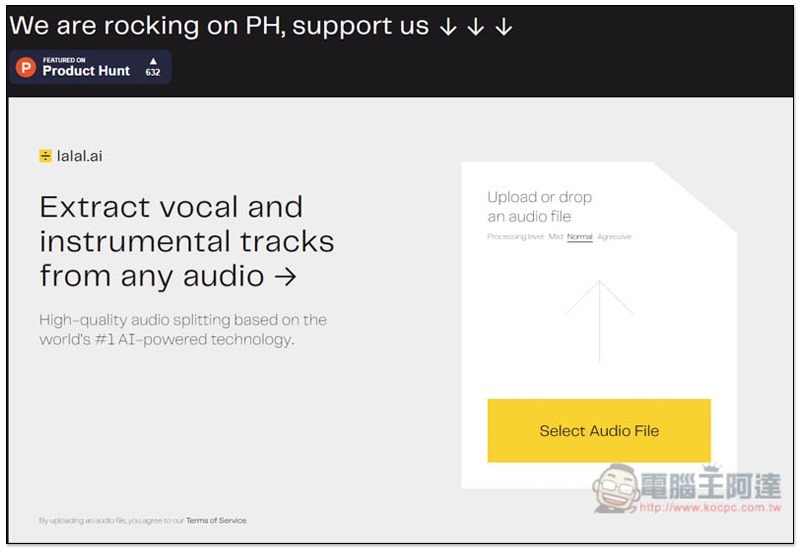
After clicking me to enter the Lalal.ai website, you can drag in the music files you want to separate. Not sure which formats are supported, but I tested MP3 and it had no problem. I guess all mainstream audio formats should be OK. In addition, you can notice that under Upload or drop on the right, you can select the processing level (Processing level). There are three, “Mild”, “Normal” and “Agressive”. The further to the right, the higher the level, and the relative processing time will be slightly longer:
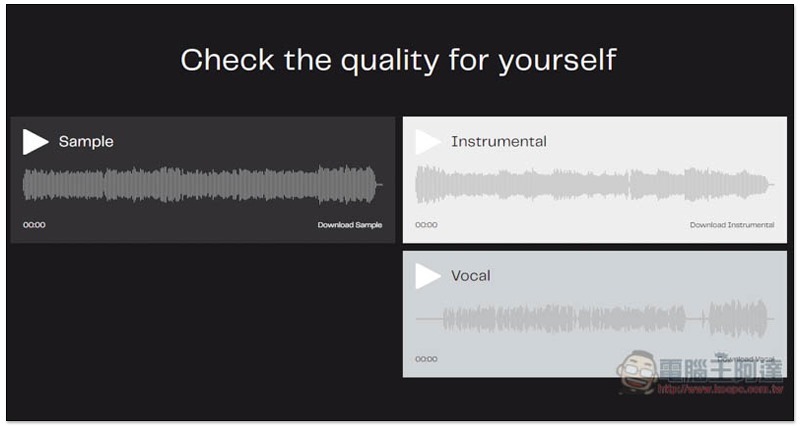
There are also samples below for you to listen to. Smaple is the original file, Instrumental is the pure soundtrack file after separation, and Vocal is the pure human voice:
Only one file can be uploaded at a time, and the speed is quite fast:
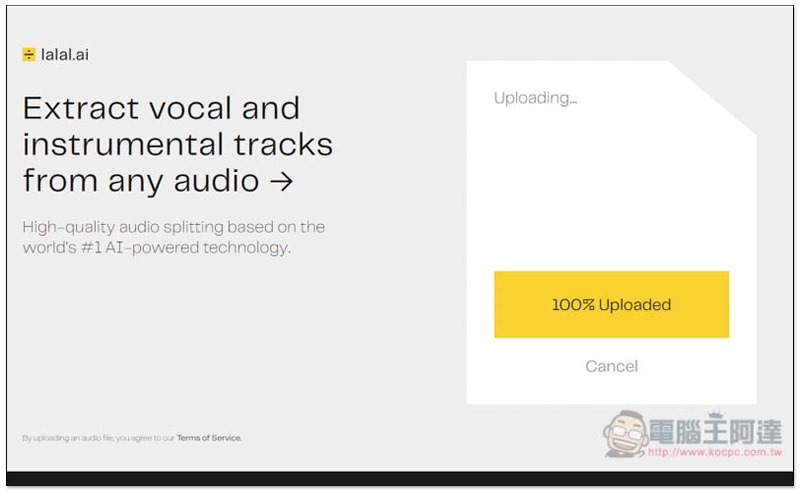
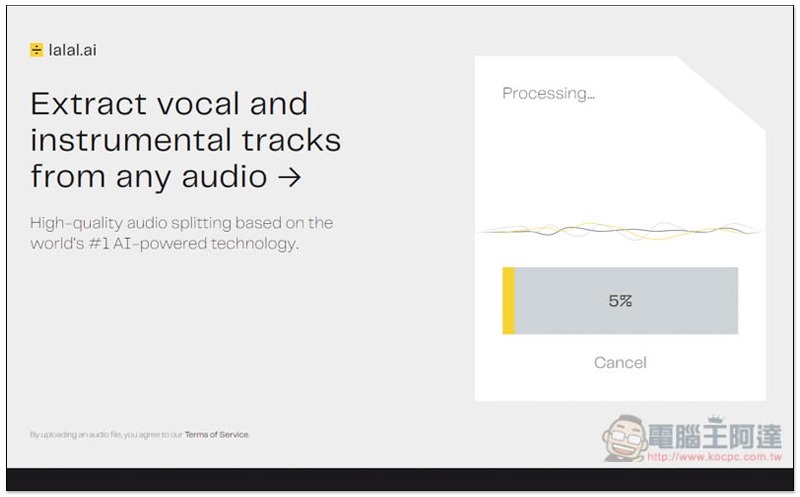
Processing will begin after uploading and will be completed in about a minute, depending on the length and difficulty of your music:
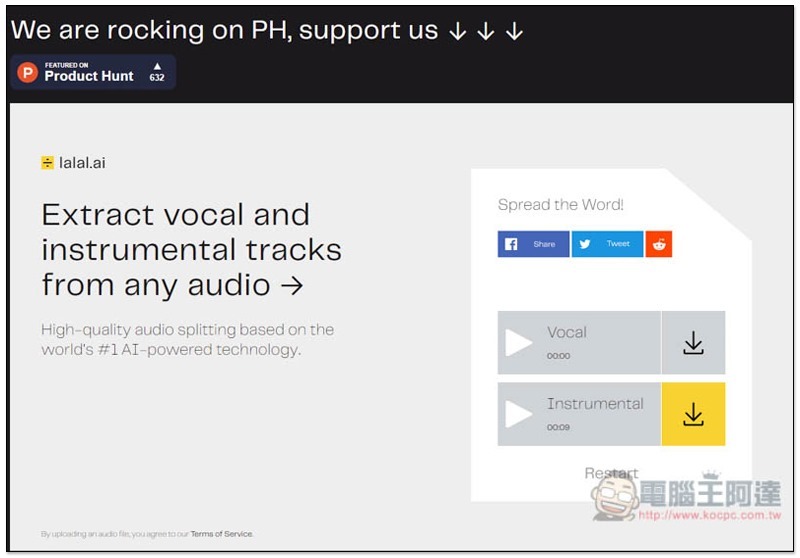
After completion, you will see two files: Vocal and Instrumental:
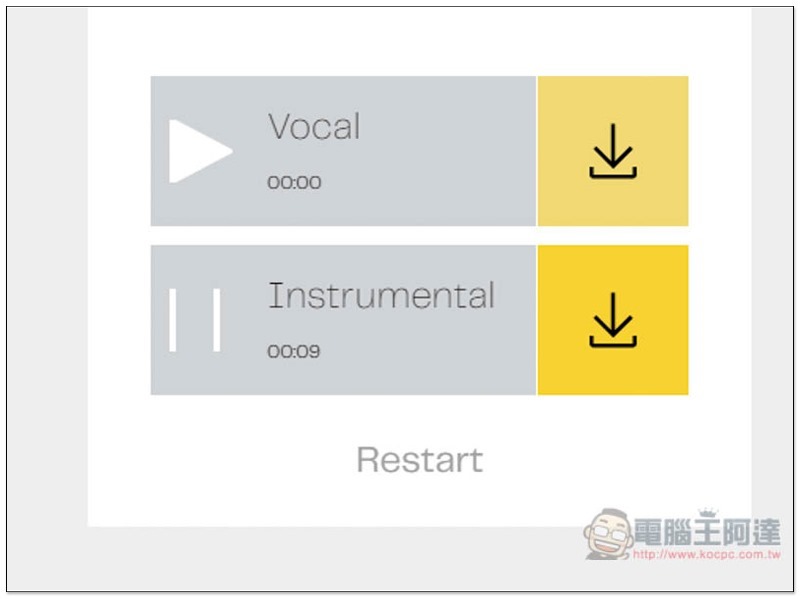
You can click the play button on the left to listen to it first. If you are satisfied with the effect, if you think it is good, then click the download icon on the right to save it to your computer. In my actual test, it is indeed very good. The soundtrack file has no human voice at all:
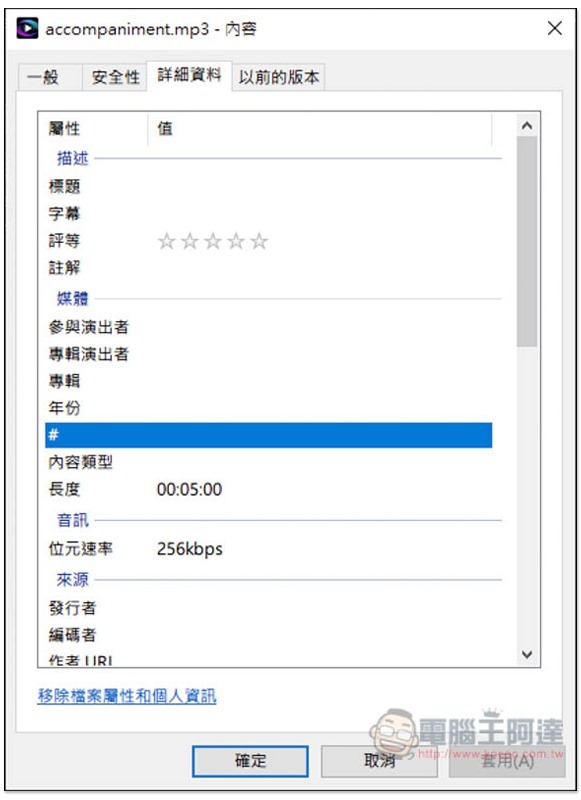
I uploaded this song, the original sound quality is 256kbps:
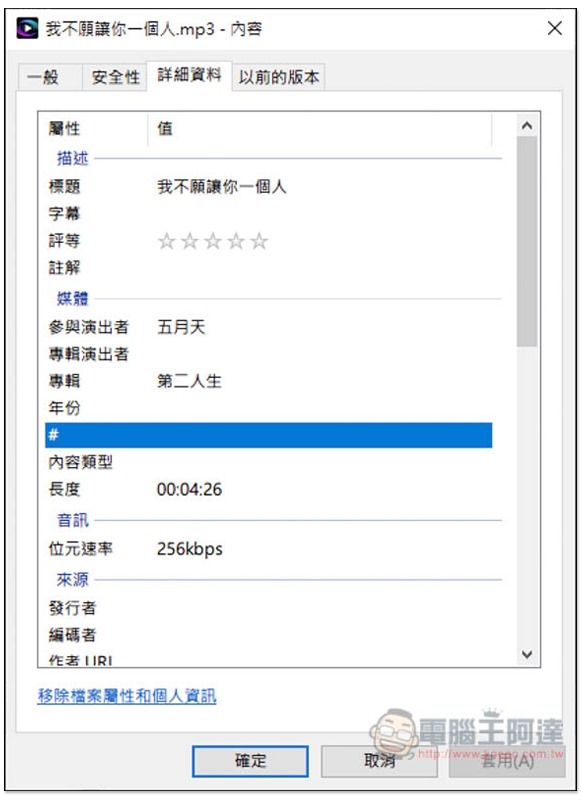
After using Normal processing level, the download still has 256kbps:
It’s a pity that this product does not support direct reading of YouTube music and can only be uploaded manually, which means you must have the music file of this song. If you still don’t know how to download YouTube music on your computer, this product MP3jam Free software is very useful.
You can also try another one we have introduced Moises.ai Separate the vocals and soundtrack, and this set supports YouTube.
Supplementary information
- Online tool name: Lalal.ai
- Nature: Free
- URL:Click here to go
Source: KOCPC Chinese