


Although many MOD and Radio 4 services now provide program schedule functions, it is still not as convenient to use a mobile phone to check the TV program. There is a very easy-to-use nio tvQ TV program schedule free app in the App Store and Google Play. In addition to being supported by almost all Taiwanese services, it also has a built-in appointment reminder function. After setting, as soon as the time is up, a notification will be sent to you immediately to prevent you from forgetting. Let’s quickly introduce it to you.

nio tvQ TV program schedule introduction
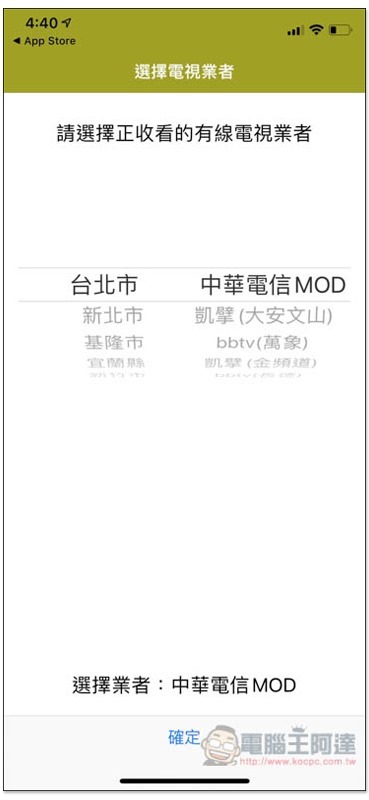
When you open the nio tvQ TV program schedule for the first time, you need to select the cable TV provider you are using. Remember to select the right one, otherwise the program will be different. I use Chunghwa Telecom MOD as an example:
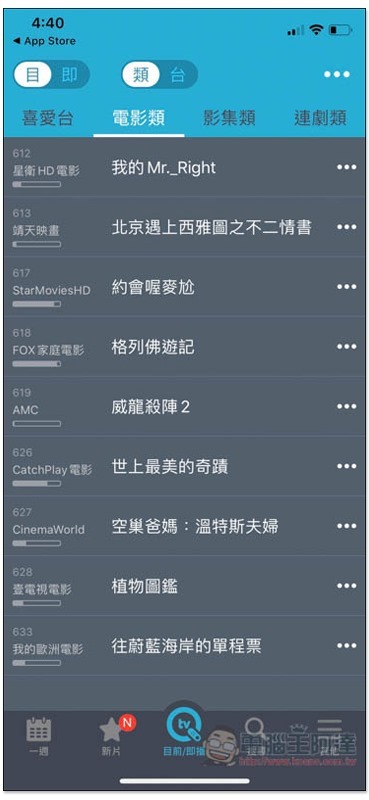
Then you can start querying. The current/now playing menu will display the currently popular programs of various types and channels, such as movies, albums, and dramas. There is also a small bar on the left side of each channel to remind you how many programs have been broadcast so far. This is very convenient:
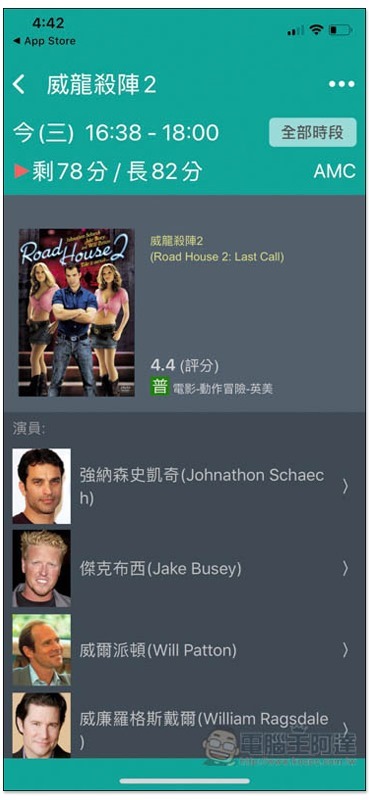
Each program has a detailed description. For Dragon Warrior 2 shown below, it has ratings, movie ratings, and actors:
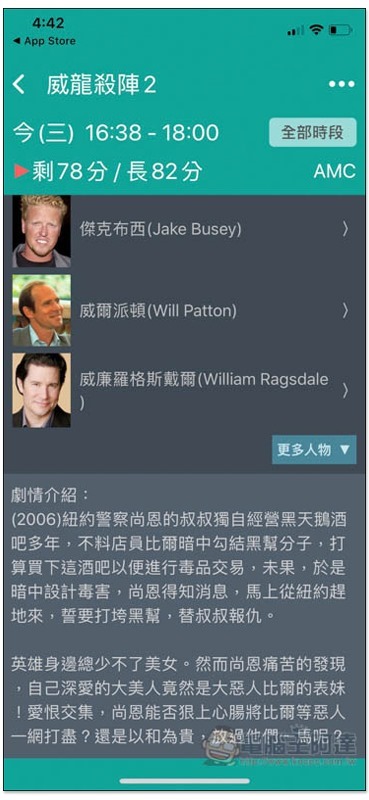
There is even a plot introduction when you scroll down. If you are not sure whether you like this show or not, you can read the introduction first:
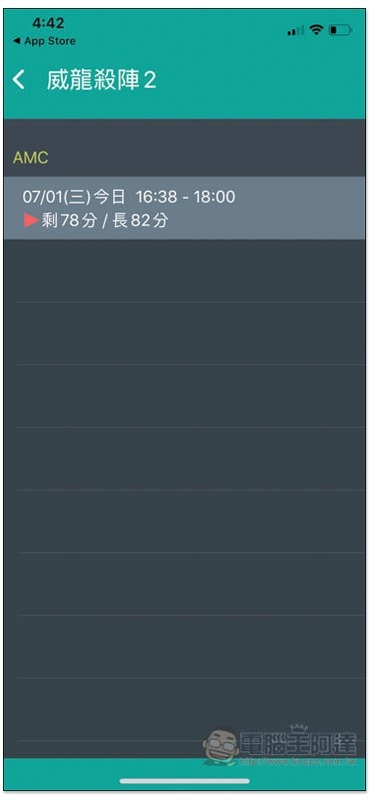
Click on the All Times function in the upper right corner to view the broadcast times of this program today and in the following days:
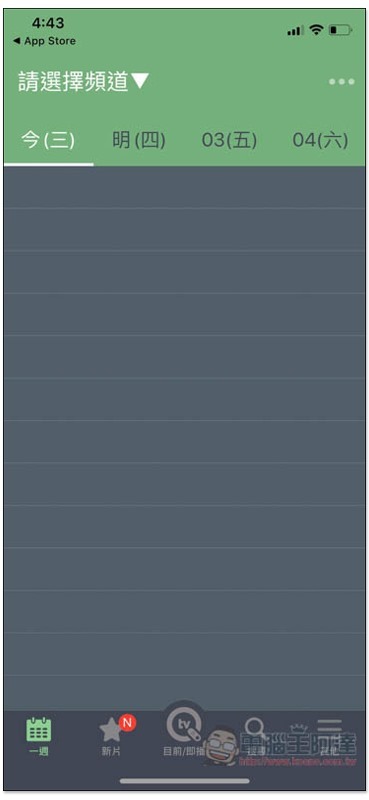
In the general menu in the lower left corner, you can check the program schedules of today’s and future channels. Click the upper left corner to select the channel you want to check:
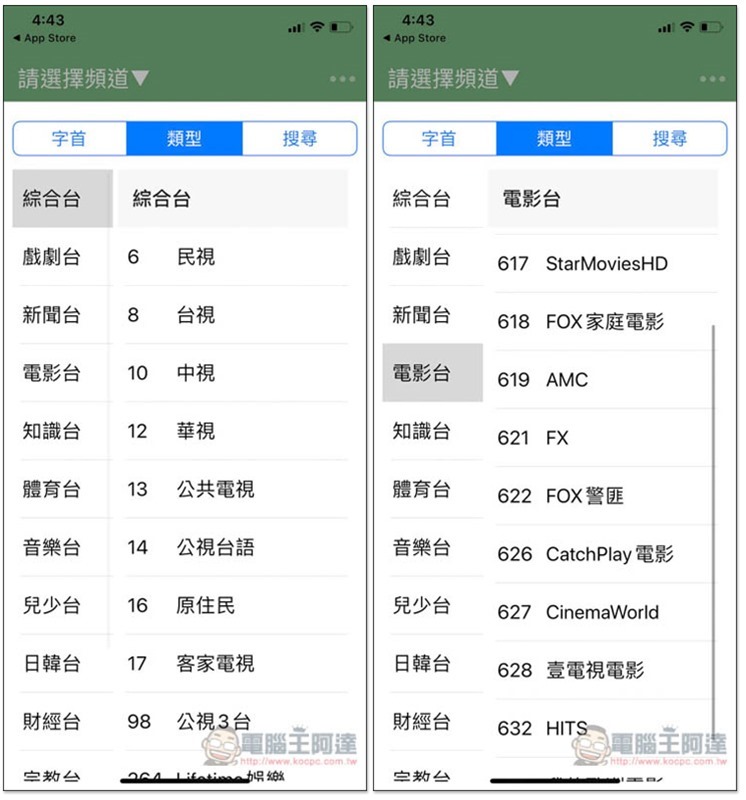
There is also a classification function to help you quickly find:
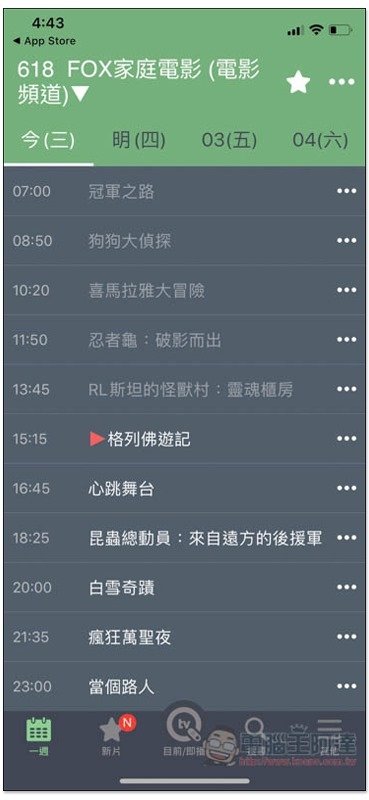
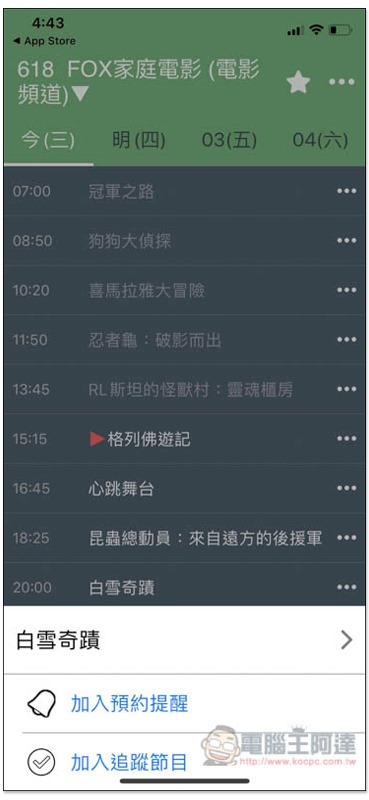
In the case of FOX Home Movies, today’s show would have darkened if it had ended. You can also check the program schedule of this channel for tomorrow, Friday, and Saturday. If you see a program you are interested in and want to set a reminder function if you are afraid of missing it, please click on the right…:
Two functions, “Join Appointment Reminder” and “Join Tracking Program”, will pop up below. Click the first one:
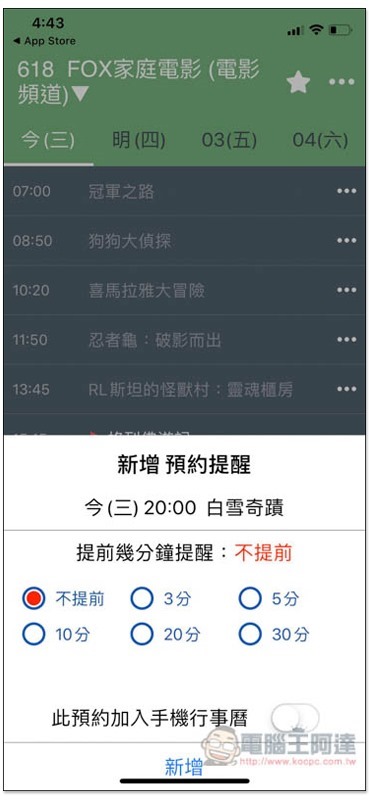
It provides six options: “No advance”, “3 minutes”, “5 minutes”, “10 minutes”, “20 minutes” or “30 minutes”, and can even be added to the mobile calendar:
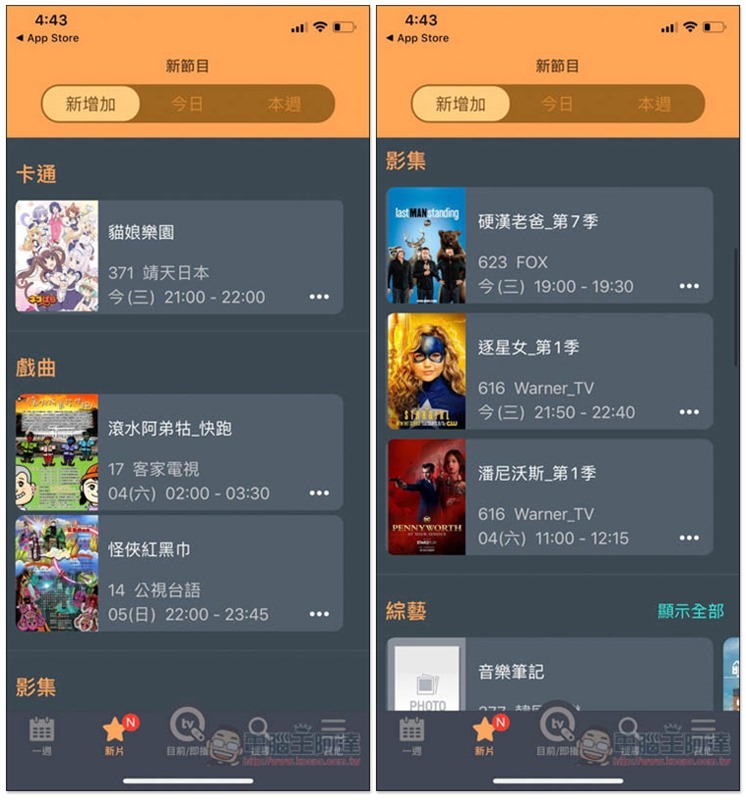
In the new film menu below, you can view the newly added programs today and this week, including cartoons, albums, movies, etc.:
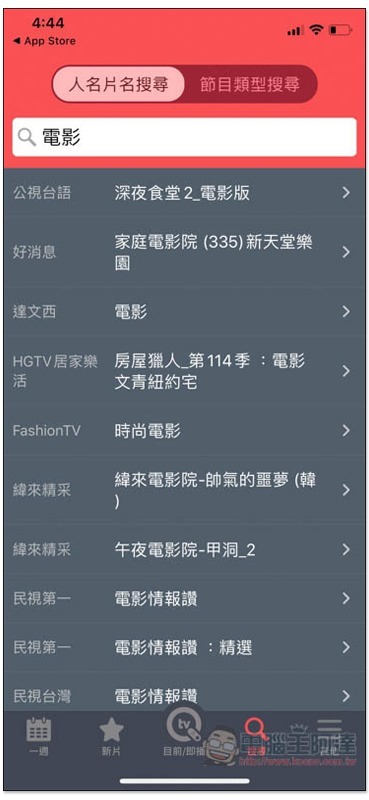
It also provides a search function. You can enter keywords to see if there are any channels that will broadcast this program recently:
You can switch to other TV providers in the Other menu (if you need):
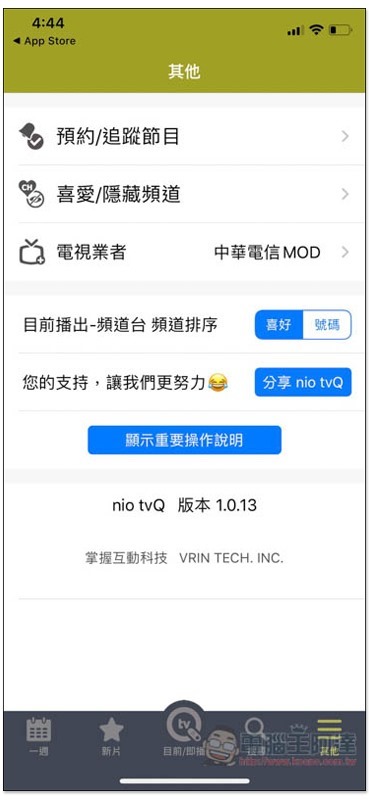
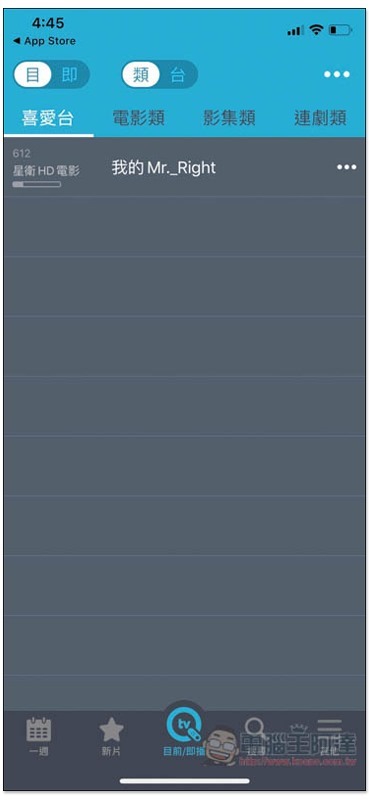
You can also add your favorite channels and programs to your favorites:
Supplementary information
- App name: nio tvQ TV schedule
- Nature: Free
- Download page:App Store / Google Play
Source: KOCPC Chinese