


Today I’m going to introduce ColorPick, a chrome extension Eyedropper, this extension function is also very simple. It is an extension program that allows you to directly query colors on Chrome web pages. For designers, sometimes when they see works designed by others on the Internet, they feel that the color design is great. If they want to imitate it, they have to slowly adjust to catch the color. You can also save the image to a drawing software to directly absorb the color. However, if you encounter a website that cannot save images, you have to rely on screenshots, which is a bit troublesome! ColorPick introduced today Eyedropper can display RGB/HSL colors directly on the web page:

(Download URL)
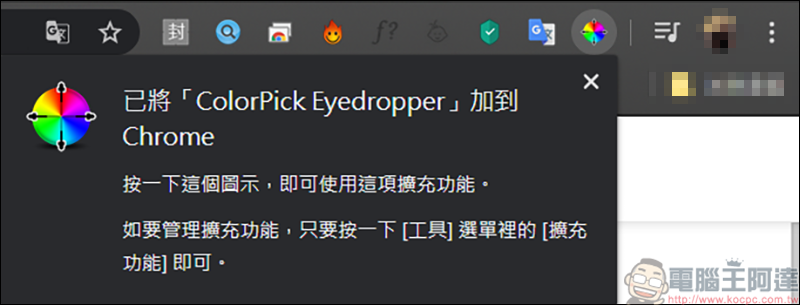
First, add ColorPick Eyedropper to the extension function:
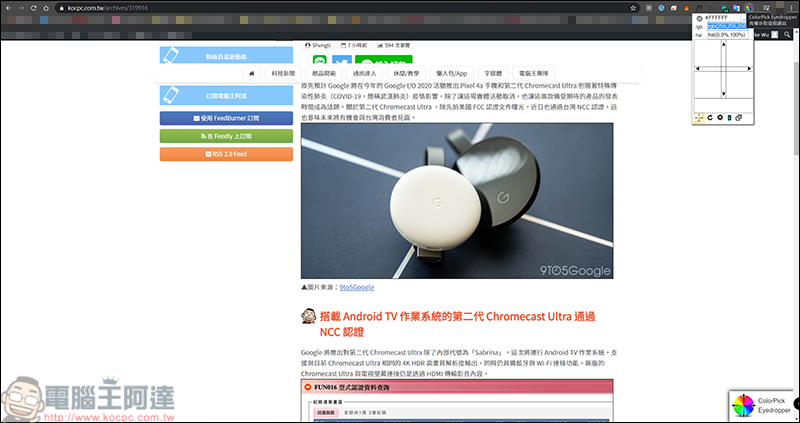
Just click on it and a small window of color gamut will appear:
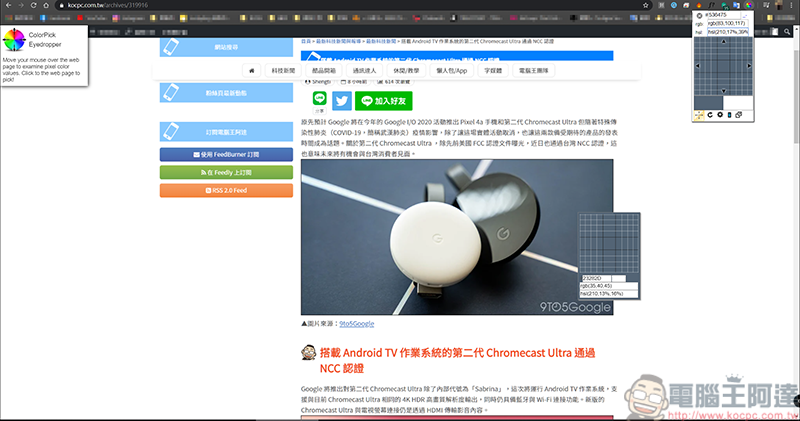
Move your mouse over the color you want to know and information will appear:
Click the left mouse button on the color you want to query, and the color information will come out. When the ColorPick Eyedropper function is turned on, it is normal for the text to be slightly blurred. Click the icon of the color palette to enter the background settings:
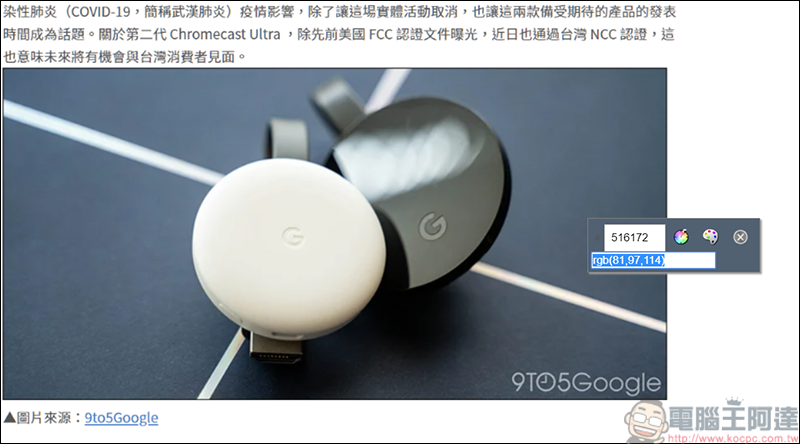
In the background settings, you can adjust whether to display RGB or HSL, or both can appear simultaneously. In addition, the previously queried colors will also have a historical record saved: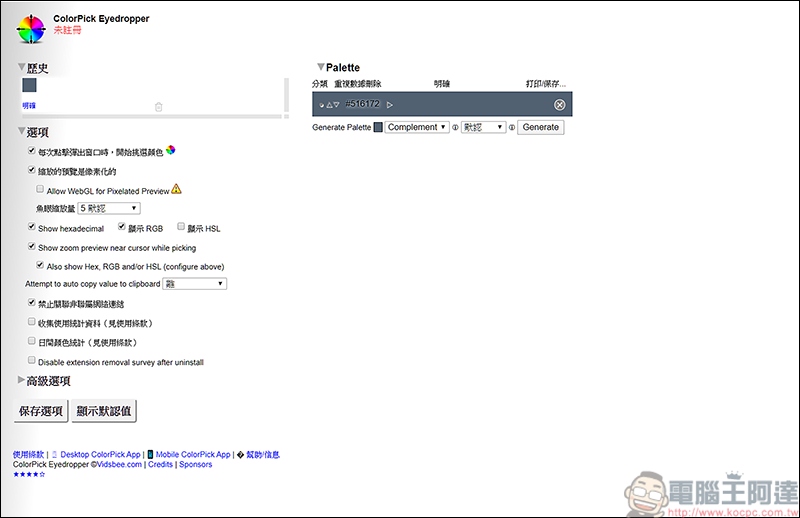
In addition, when under this function, as long as you press the right button of the mouse, you can save the current chrome page or copy the image, and it will only take a screenshot of the chrome page, and the win tool list will not appear. It can also be regarded as an alternative web screenshot tool XD: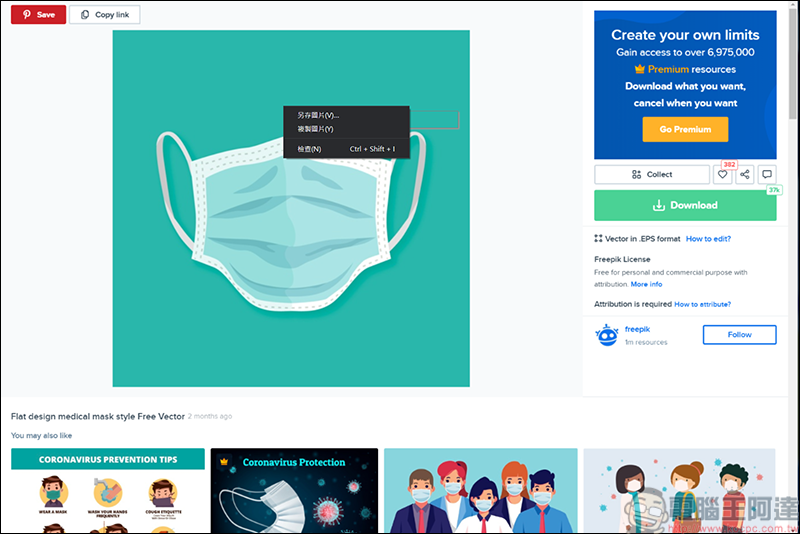
Source: KOCPC Chinese