


There are many local ones on the internet now.Voice to Subtitlesa tool, but anyone who has used it knows that if you use… CPU The conversion speeds are all slow, and the interface is also somewhat difficult for beginners who aren’t very computer-savvy to get the hang of. And the tool this article will introduce, ‘Qwen3 “ASR MiniTool” is a great new option that provides a portable version—you can download and use it directly without downloading any models or configuring anything. More importantly, even when running on CPU only, it is very fast at converting subtitles and speech recognition, so it’s highly recommended for everyone to try. Currently only Windows edition.
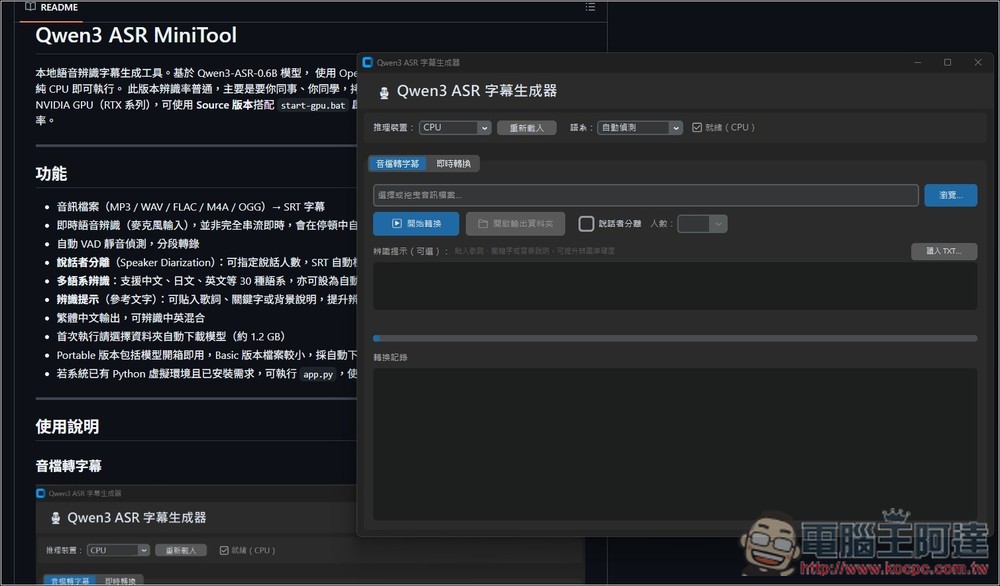
Qwen3 ASR MiniTool: Introduction and Tutorial for a Free Local Speech-to-Subtitle Tool
Qwen3 ASR MiniTool is a free, open-source tool focused on local speech recognition and subtitle generation. Built on the Qwen3-ASR model and powered by OpenVINO INT8 quantization, it runs smoothly on ordinary CPUs, letting you convert speech to text quickly without an expensive graphics card. It’s a solid free solution for anyone creating video subtitles, meeting transcripts, podcast transcripts, or simply doing everyday voice input. The author is a pro on FB.Master Songyin:
It supports multiple audio formats such as MP3, WAV, FLAC, M4A, OGG, and more. Users simply need to import their audio files to automatically generate SRT subtitle files, making it simple and intuitive to use. It also offers real-time microphone subtitle recognition that transcribes your speech directly. Naturally, it’s still a bit slower than voice-to-text input tools like Typeless.
Another highlight is the speaker diarization feature: Qwen3 ASR MiniTool can identify different speakers and label them in the subtitles as “Speaker 1,” “Speaker 2,” and so on, making it ideal for interviews, meetings, or talk shows. It supports speech recognition for 30 languages, including Chinese, Japanese, and English, and can be set to auto-detect the language. If you have an NVIDIA RTX graphics card, GPU mode can also be enabled.
Key Features
- On-device AI voice recognition — no internet required.
- Runs on CPU alone, with low hardware requirements.
- Supports converting multiple audio formats to SRT subtitles.
- Real-time microphone speech-to-text feature
- Speaker-separated subtitle labeling feature
- Supports 30 languages and automatic language detection.
- Provides a portable EXE version with a low barrier to entry.
After clicking the link above to go to the Qwen3 ASR MiniTool download page, if you want the portable version, please download the file named Portable:
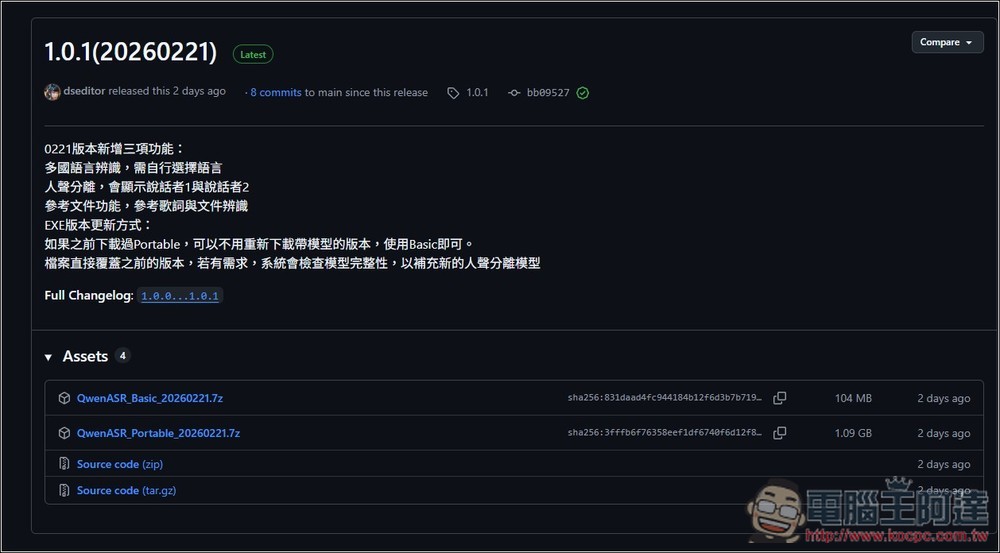
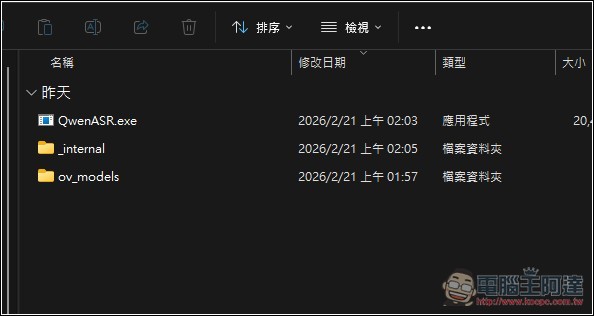
After downloading, extract the archive. There are three files; double-click QwenASR.exe to run it.
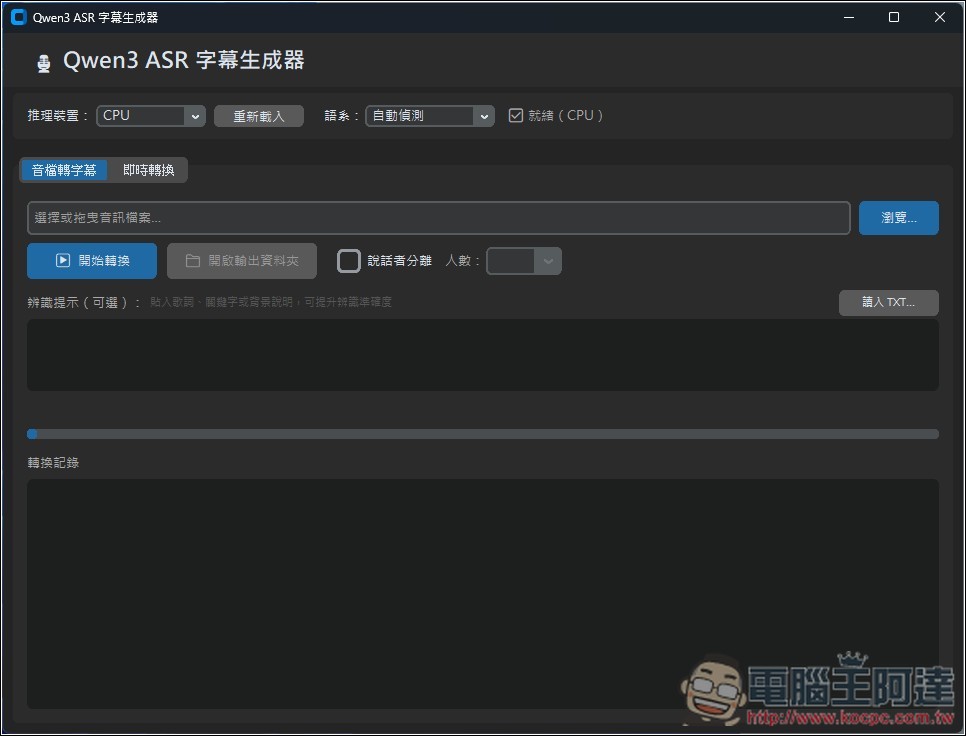
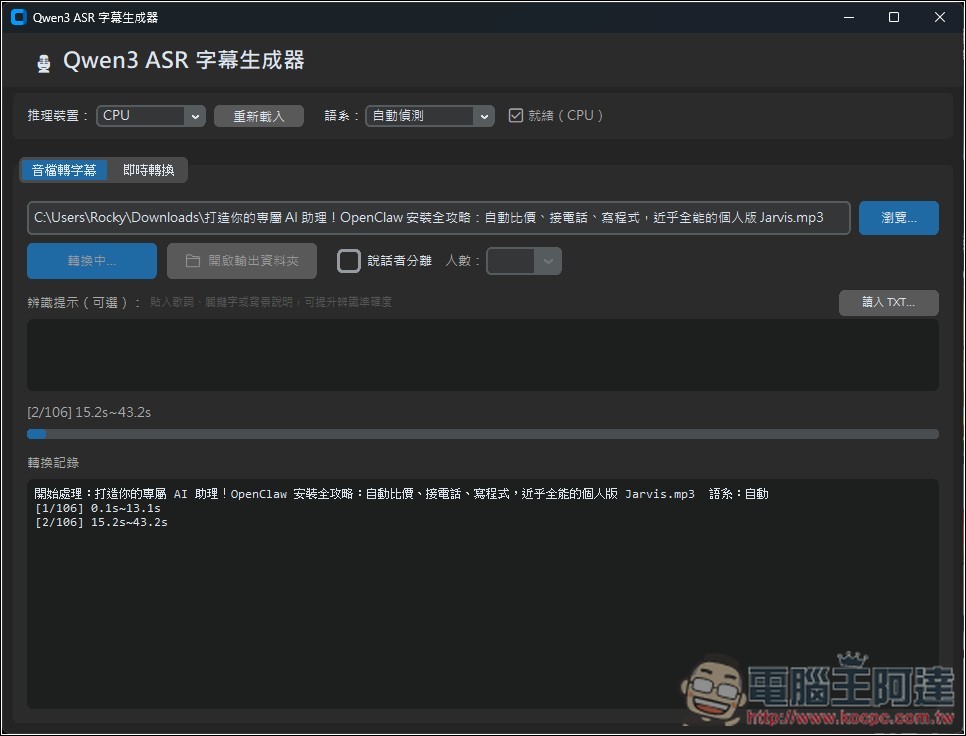
The interface is straightforward. It runs on the CPU by default, and you can basically just leave the language set to auto-detect—change it only if you feel the recognition is off. There are two modes: “Audio-to-Subtitle” and “Real-time Conversion”:
After importing the audio file, press the “Start Conversion” button to begin; the latest status will be shown below:
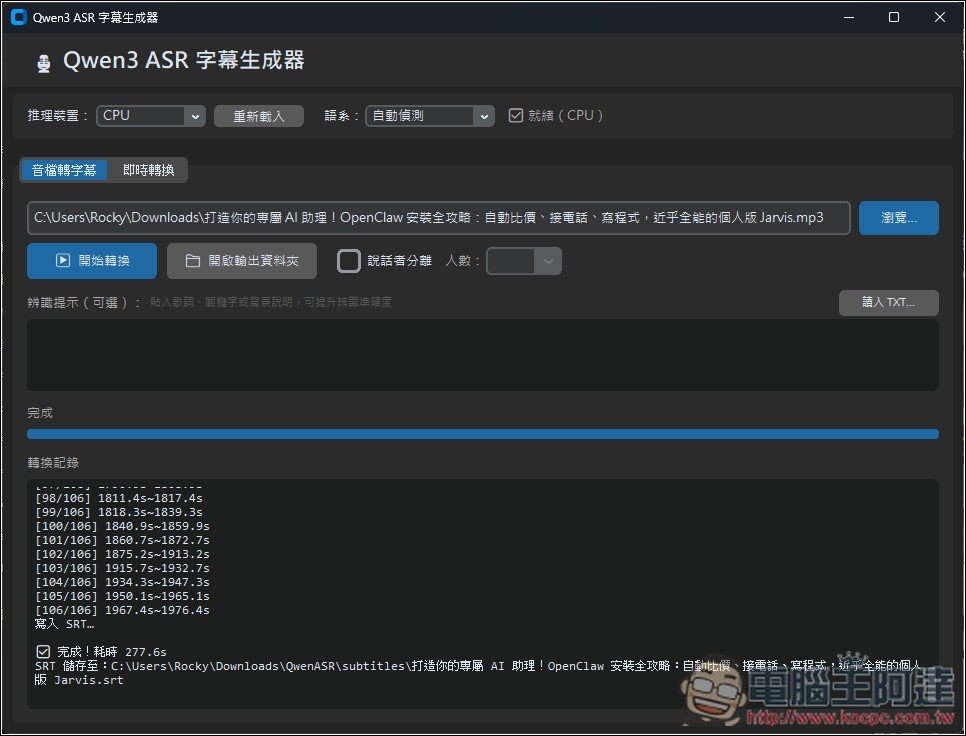
The audio file I transcribed is 33 minutes long. Even using the CPU to generate subtitles, it only took 277.6 seconds, or just over 4 minutes. That’s really fast:
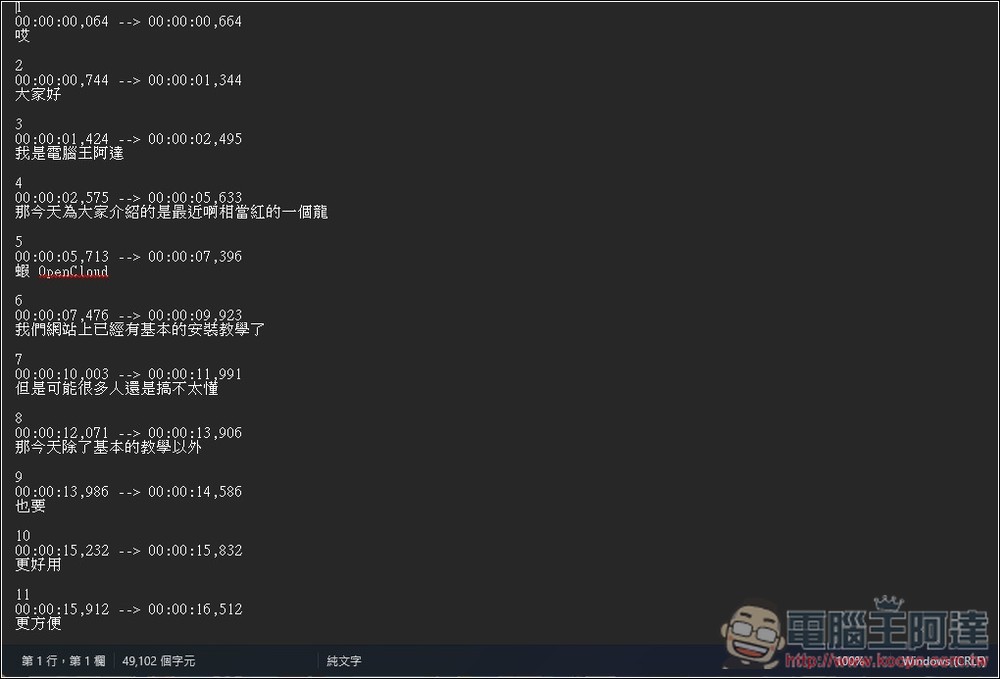
Recognition works well overall, but English can sometimes be misrecognized. For example, the “OpenCloud” shown below should be “OpenClaw”:
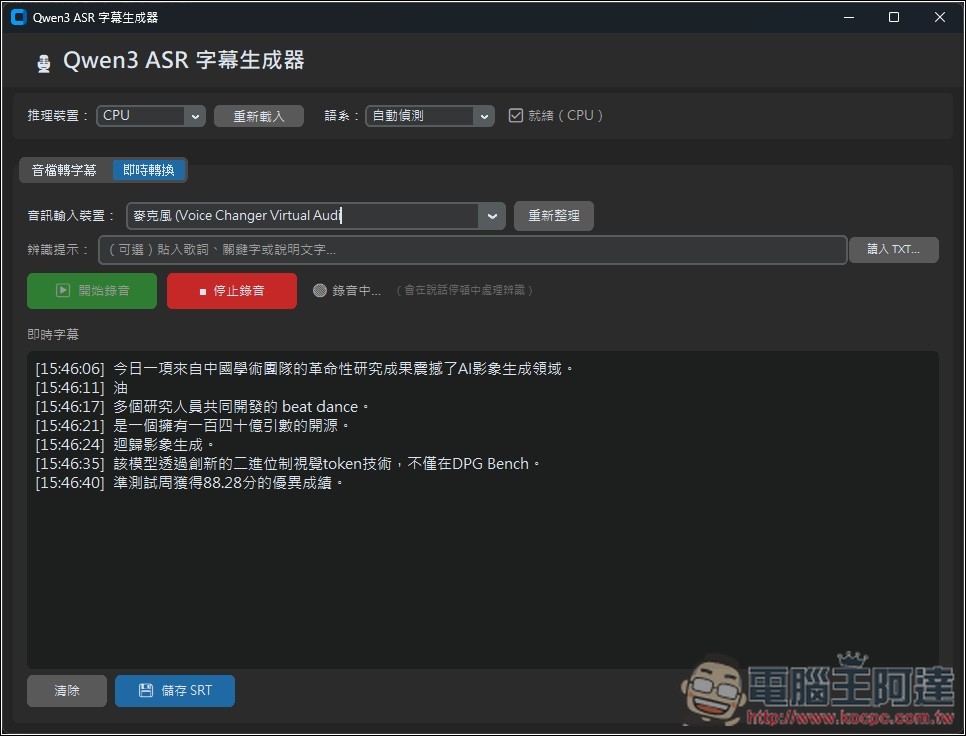
The “Live Conversion” mode converts whatever the microphone records into subtitles in real time. As for the speed, I still feel it’s a bit slow — after you finish speaking, you have to wait about 1–2 seconds for it to complete, and when there’s a lot of content, it may also drop words:
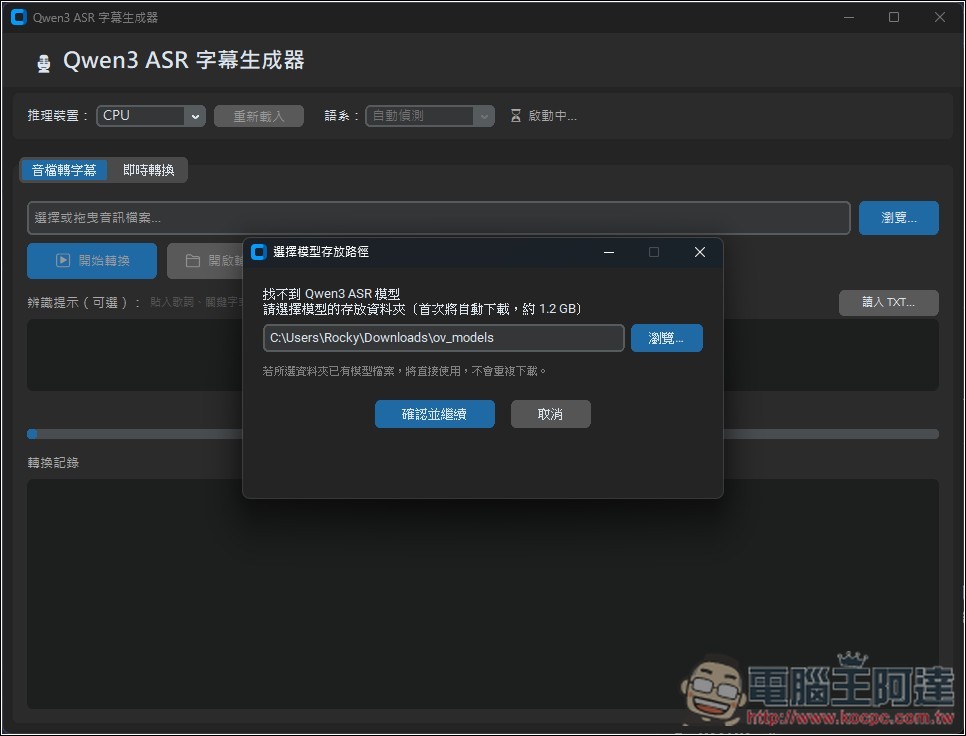
If you downloaded the installer, the Qwen3 ASR model will be automatically downloaded on first run:
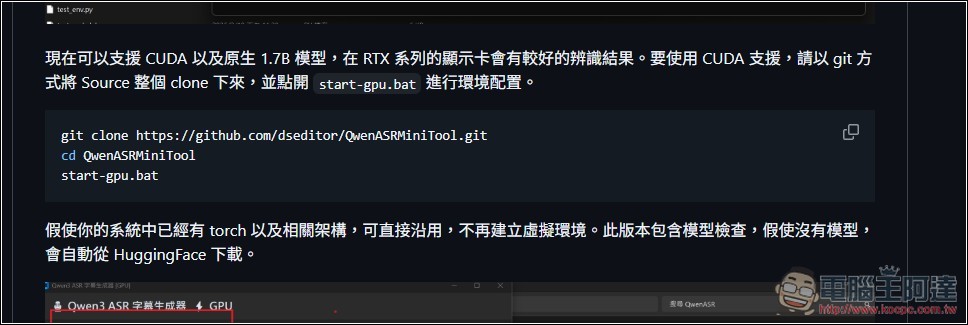
Enabling the GPU requires cloning the entire source using Git, which is a bit more complicated:
Source: KOCPC Chinese