


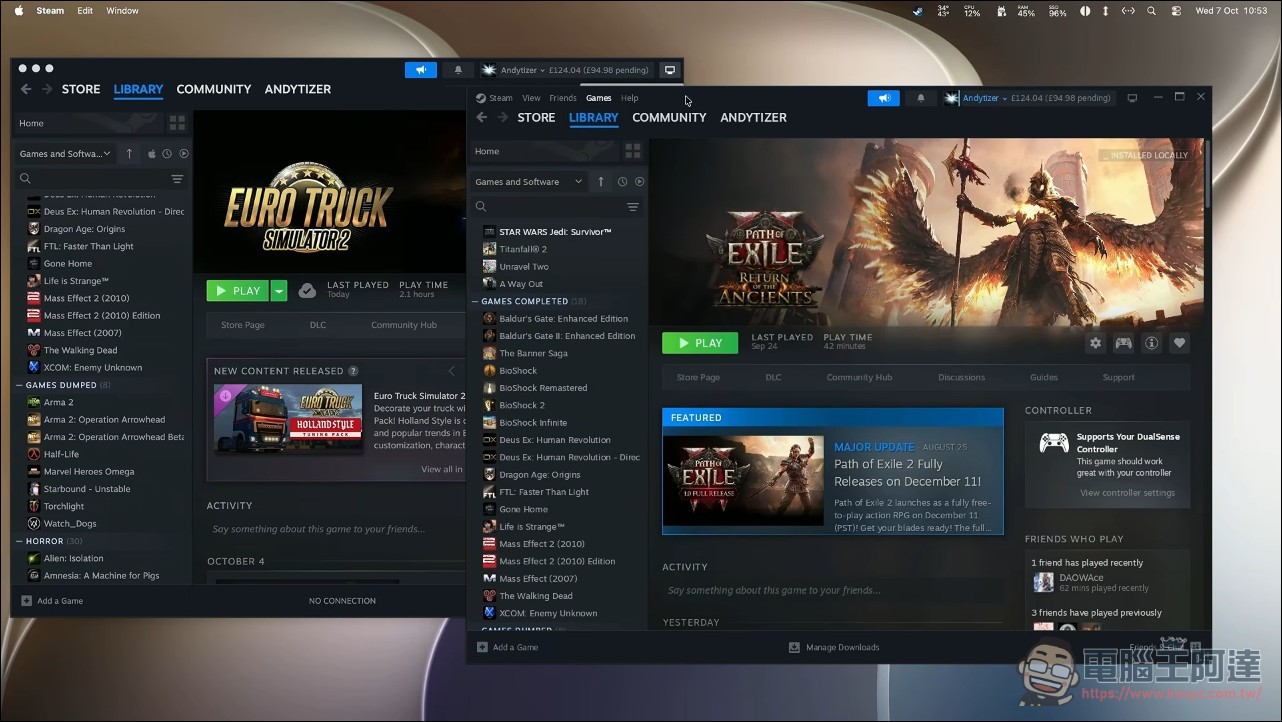
In the past, if you said you wanted to play Windows games on a Mac, you might get pitying, concerned looks as if you were intellectually disabled, but thanks to the efforts of the open-source community, the experience has now truly caught up to the Steam Deck. NotProton plants Linux Steam’s Steam Play directly into the macOS Steam client: once installed, with just one click, Windows games launch straight from your library, with no CrossOver window and no need to open a second Windows version of Steam, just like the press-and-play experience on the Steam Deck.
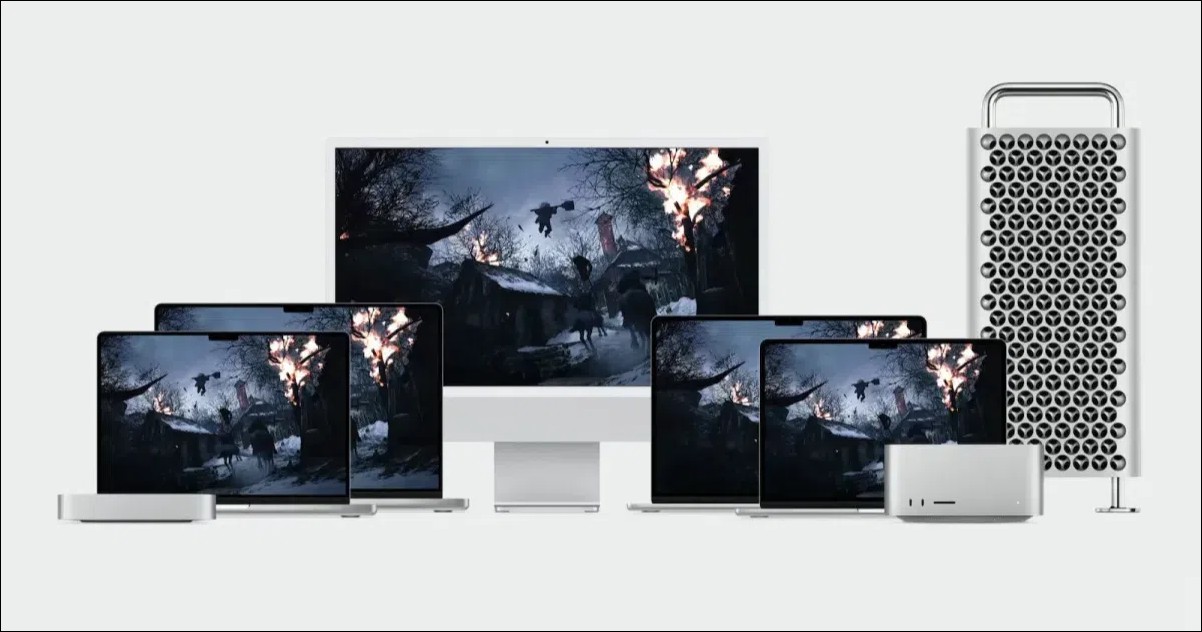
MacOS gaming takes another step forward! NotProton turns Mac into a Steam Deck
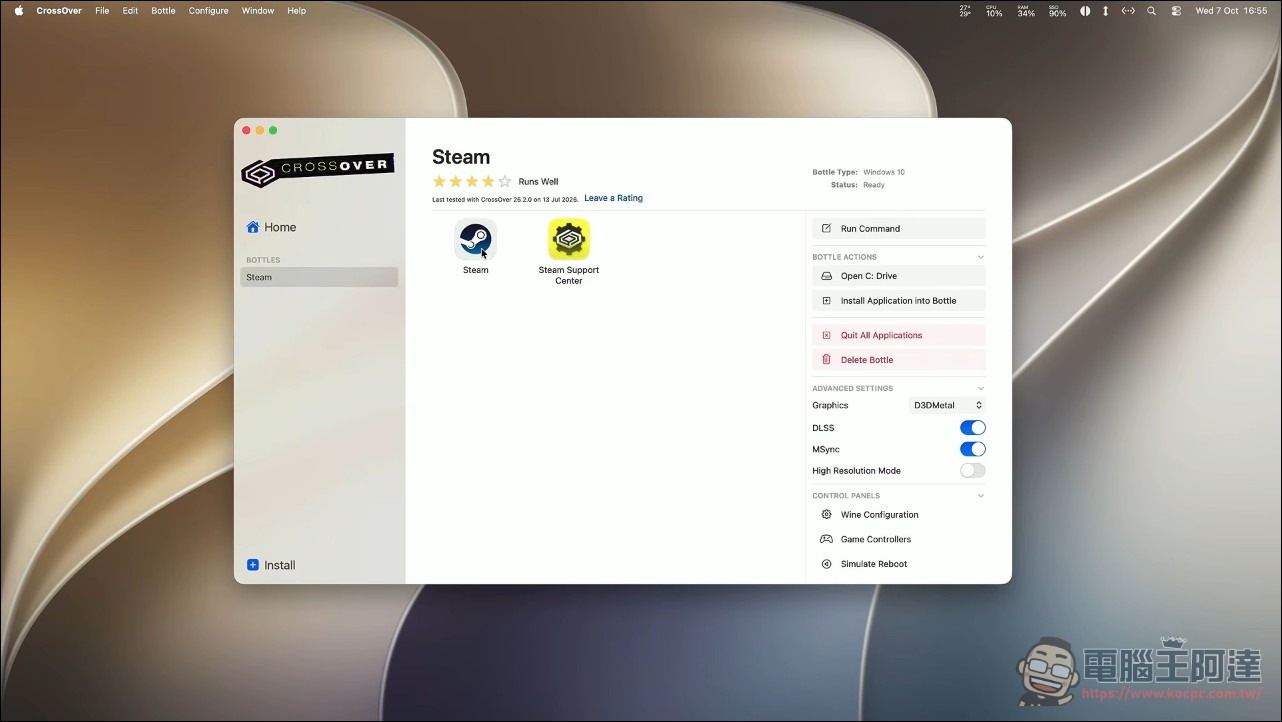
In fact, the macOS version of Steam has Steam Play code built in, but it’s dormant, and Valve has never turned it on; NotProton, on one hand, forcibly wakes this sleeping functionality, and on the other hand ports some Valve Proton components to macOS: the core logic goes into a dylib, lsteamclient is a macOS port of Valve’s component of the same name, steam-shim comes from Proton’s steam-helper, and finally ntdll-patch is used to modify the copy of CrossOver on the local machine so that it’s willing to load lsteamclien. The execution engine is still CrossOver, and NotProton hooks it in as Steam’s compatibility layer tool, essentially reenacting Proton’s role on Linux on the Mac. The origin of this dormant code isn’t hard to understand: the Steam client shares one codebase across platforms to begin with, and the Steam Play logic present in the Linux version remains untouched in the Mac version—there’s just no switch to turn it on.
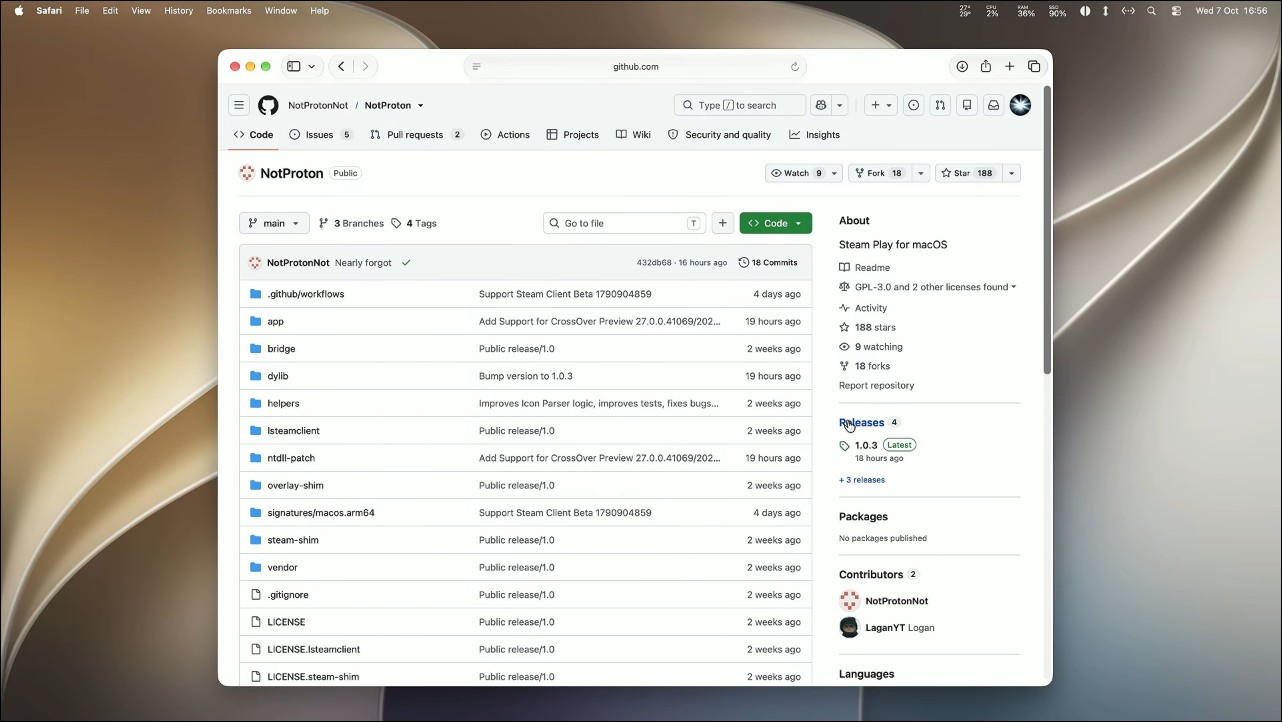
The version requirements are pretty locked down, so if you want to try it out, you have to follow the instructions exactly: the Steam client must be stable version 1788652215 or beta version 1791686101, CrossOver must be 26.3 or Preview 20261006/2026082, and both FEX and Rosetta builds are supported. The author recommends the FEX version of Preview 20261006 as the default, then switching FEX on a per-game basis. To install, download from GitHub (73 MB) or use a one-line Homebrew command. Open the app, click Install, choose a CrossOver version and click Set up, grant it App Management permission along the way, and you’re done.
Game management is more granular than you’d expect. Each game lives in its own prefix, with its own Windows C: drive, complete with Windows DLLs and config files—the same approach as the Proton architecture Linux players know. Like CrossOver bottles, each is self-contained, and games don’t interfere with one another. If you want to reset a game’s graphics settings, just go into its C: drive and delete the config file; it’s as intuitive as clearing AppData. Per-game compatibility options are all in Steam’s built-in Properties menu: the graphics layer can be chosen among D3D Metal, DXMT, DXVK, and WineD3D, and you can assign a different CrossOver version to individual games. In testing, players used Control as an example: when D3D Metal 4.0 had a bug, they fell back to CrossOver 26.3 and ran it with D3D Metal 3. When a game also has a native Mac version, Steam defaults to the native version; you have to go to Compatibility and check “Force the use of a specific Steam Play compatibility tool” before it will download the Windows version.
Anyone wanting to learn about NotProton’s performance can refer to the testing insights in this video:
Of course, it’s not a silver bullet, and its limitations need to be laid out clearly: First is anti-cheat: VAC games (like CS2) aren’t supported; launching them only puts you in Insecure Mode, and you can’t matchmake. Proton on Linux doesn’t support VAC either; Valve’s approach is to release native Linux versions of its own games. Second, there’s currently no official game compatibility list, so you have to test for yourself which games run smoothly. The issue with two-player co-op games and connecting two controllers is also still open on Issues waiting for a fix (#147)—that’s just the daily reality of early tools. Third, this is a completely unofficial route: it modifies Steam client internals, plus a patched copy of CrossOver itself. Any update to Steam or CrossOver could break everything; on the licensing side, only NotProton’s own code (GPL-3.0) is protected, while the modified CrossOver copy it uses sits in a gray area.
GitHub – NotProton
So that raises the question: Wine is free and open source anyway, so why not just use free alternatives like Wine and Whisky instead of paid CrossOver? The developer gave the answer himself in GitHub issue #37: currently you can’t, and that’s deliberate. He cited the open letter from Whisky author Isaac Marovitz when he stopped maintaining it, saying he “didn’t want to take much and give little,” and even less wanted to harm CodeWeavers: “CodeWeavers is the only reason Wine can exist on macOS.” Don’t forget that CrossOver is the commercial version of Wine, and CodeWeavers is also the main maintainer of the open-source Wine project. The company was founded specifically to fund Wine development, unlike ordinary companies that just extract resources. (Simply put, support the paid version of CrossOver.)
Looking back at the whole context, this is a catch-up that is years overdue. Valve stopped maintaining Steam Play for macOS after the Proton beta, even before Apple Silicon arrived; the Steam Play code in Mac Steam was already there, and Valve was just one final push away from official support. The author of NotProton thanks the pioneers in the README: Nat Brown of Kaon, mont127 of Neutron, and Gio, who experimented with Steam Play before he did. The same author also went ahead and fixed online multiplayer for Minecraft Dungeons 2 on Apple Silicon; in the hands-on video, even matchmaking battles are playable.
In the past, playing Windows games on a Mac meant keeping Windows Steam open inside CrossOver and running games with two Steam clients side by side; friends, achievements, and cloud saves each lived in their own separate world. NotProton brings them back into a single window: Steamworks connects directly to Mac Steam through lsteamclient, and the gaming experience keeps getting better. This step is almost a decade overdue, but now it looks like it may really be within reach.
Source: KOCPC Chinese