


In recent years, knowledge management tools centered on generative AI have flourished. Among them, Gemini Notebook (formerly Google NotebookLM) has quickly become a popular choice among knowledge workers and researchers, thanks to its excellent topic research, multi-source document analysis, and high-quality AI-driven summarization capabilities. However, in the face of this wave of AI note-taking tools, Microsoft has also launched a competitor, Copilot Notebooks, showing a strong ambition to come from behind and take the lead.
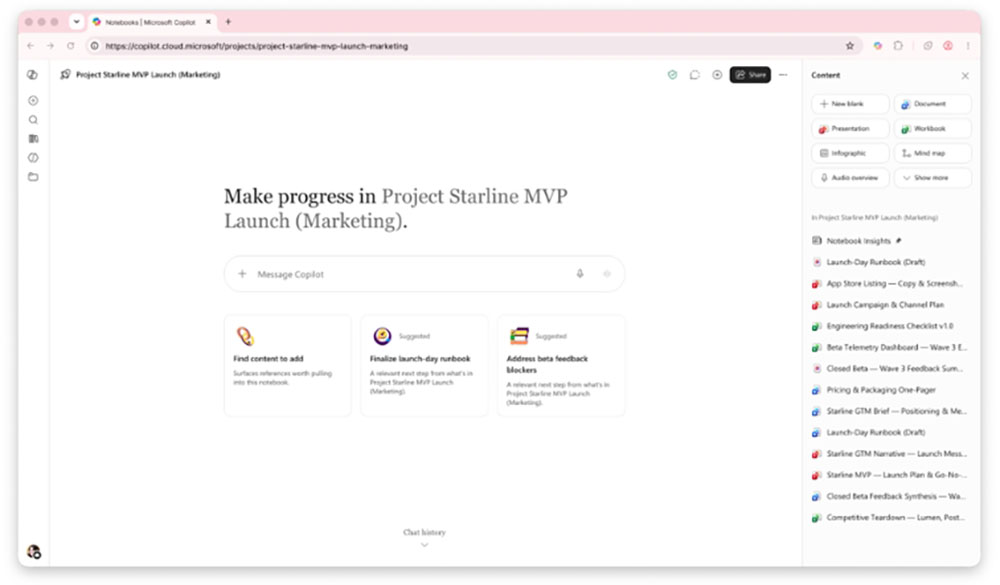
Microsoft launches major upgrade to Copilot Notebooks, challenging Google’s NotebookLM
The core positioning of Copilot Notebooks is to allow users to deeply integrate various daily work materials, including Word/PDF documents, emails, Teams meeting notes, and project memos, into a single digital workspace. Users can not only engage in Q&A interactions with these materials, but also easily generate Audio Overviews, create personalized study guides, and even directly produce Word reports and PowerPoint presentations.
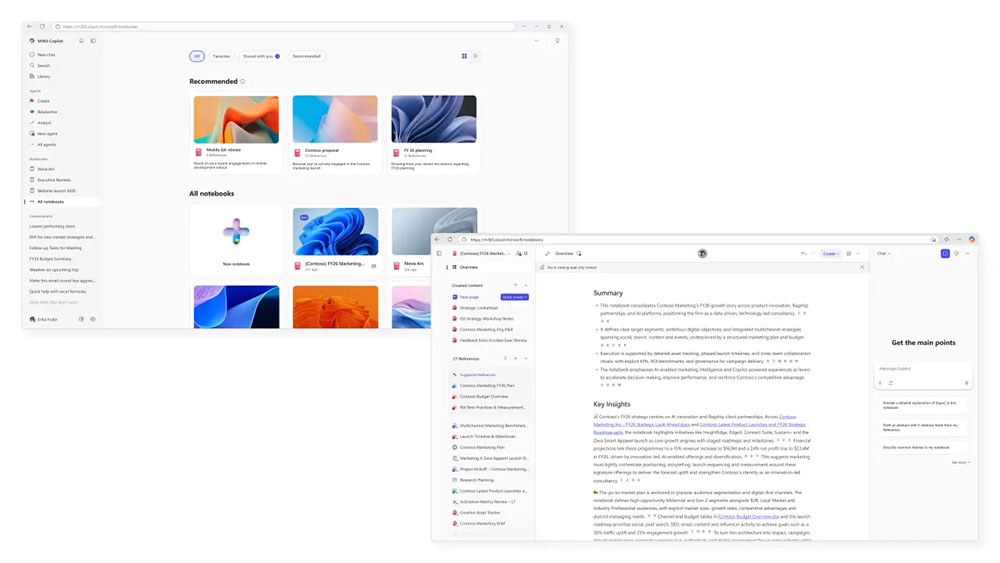
Earlier this year, Microsoft rolled out several signature features designed to compete with Google NotebookLM, such as mind map generation, flashcards (memory cards), interactive quizzes, and podcast-style two-person conversational audio summaries. However, Microsoft did not stop there. If Google NotebookLM’s development focus is mainly on “helping users search, organize, and understand complex information,” Microsoft is elevating Copilot Notebooks to a completely different dimension—upgrading notebooks from a simple “knowledge retrieval library” into an intelligent workspace (Workspace) with “content creation, document editing, and automated workflows.”
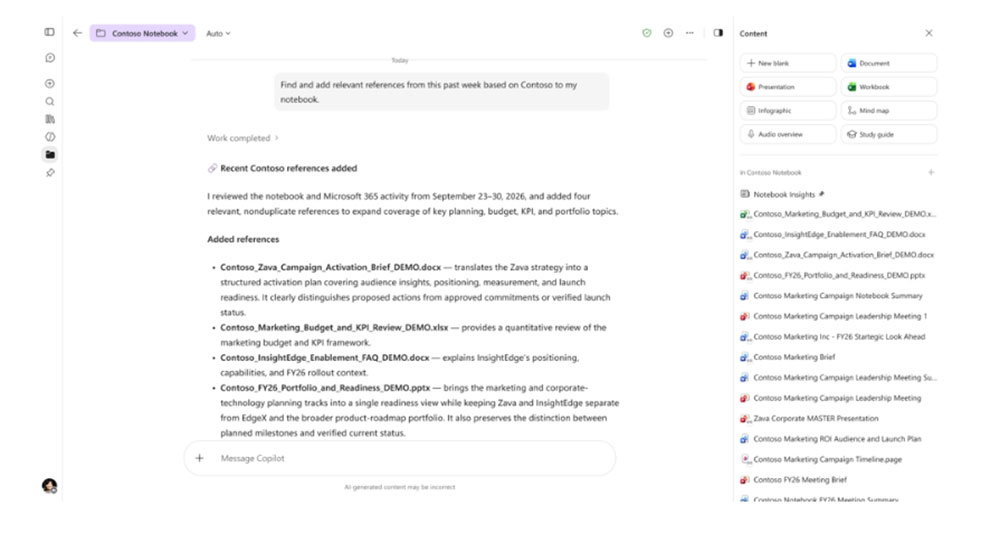
To achieve this vision, Microsoft recently officially released several groundbreaking, major new features:
- Task Delegation and Loop Automation
In the past, users’ interactions with AI notebooks were limited to “questions and answers,” but now users can proactively “delegate” specific tasks to Copilot for execution. Microsoft has specifically introduced a “loop automation” mechanism, allowing users to pre-set scheduled tasks, such as scheduling a “daily industry briefing” or a “weekly project progress report.” Taking a project manager as an example, they only need to place all relevant project documents and meeting records into the notebook, and Copilot can periodically and automatically extract the latest changes and generate progress updates, with no need for manual consolidation at all, greatly freeing up the repetitive administrative workload.
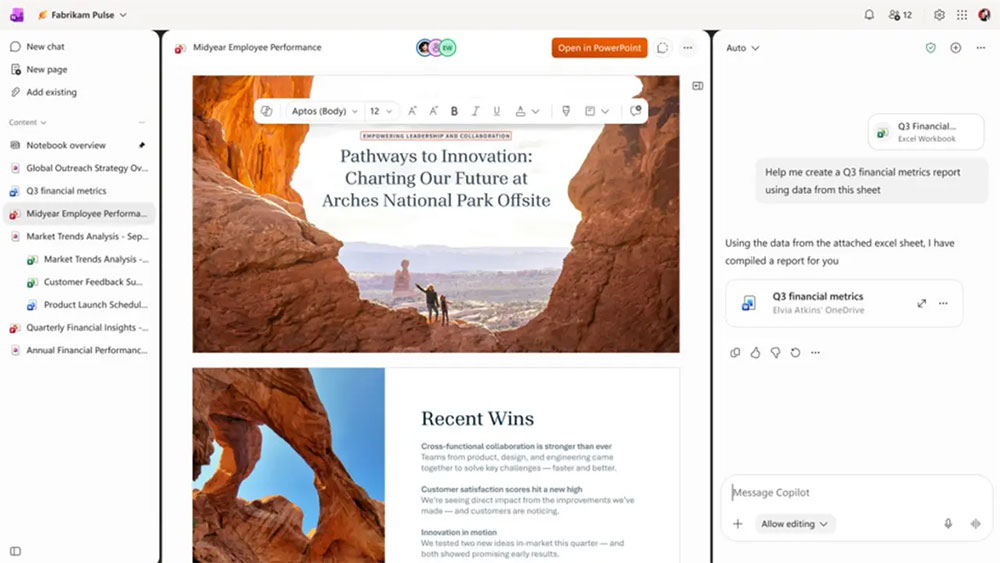
- Seamlessly embedded cross-application collaborative editing in Office
Before this update, users could generate Word or PowerPoint files from notebook data, but if they wanted to fine-tune the content, they still had to leave the notebook and open standalone Office applications. The new Copilot Notebooks breaks down this barrier. Users can now seamlessly open and edit Word, Excel, and PowerPoint files directly within the notebook interface, while fully accessing and leveraging the core editing capabilities of Office applications, delivering a one-stop experience of researching, writing, and adjusting as you go.
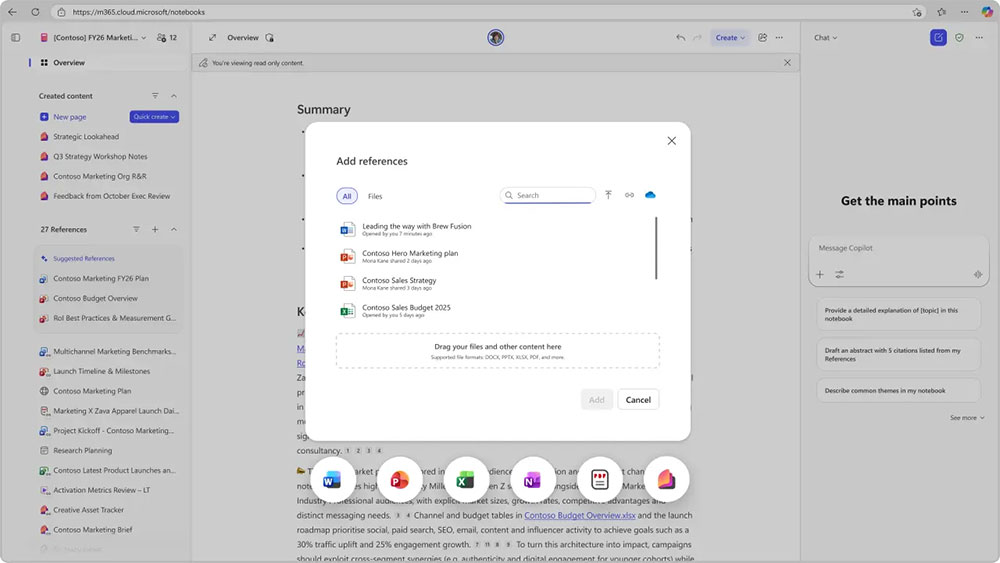
- Converting static text into interactive chart reports.
Copilot has moved beyond its past limitation of only being able to output plain-text reports, newly introducing an “interactive reports” feature. What AI generates is no longer dense paragraphs, but digital reports that include visual charts, dynamic filters, and interactive elements. Users only need to click different dimensions to visually explore in depth the data and information underlying the notebook. - Upgrading the Sound Ecosystem: Multi-Mode and Rich Data Sources
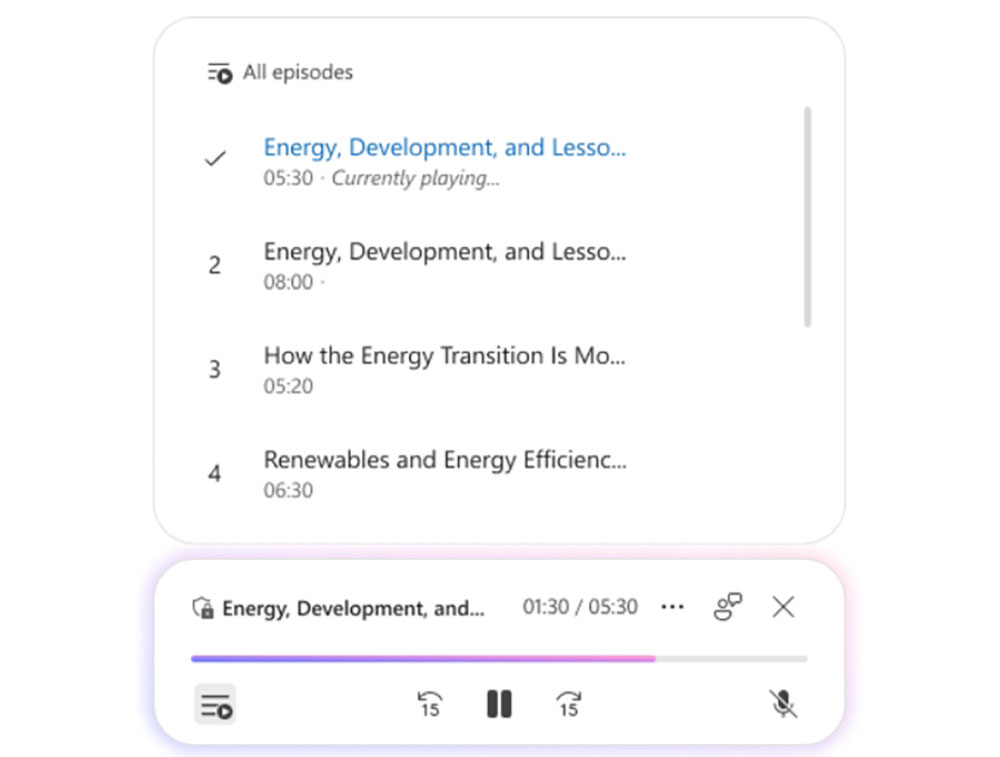
Microsoft has also enhanced both the control and scope of Audio Overviews. Audio summaries can now support richer Microsoft 365 content, including Teams live conversation transcripts and Outlook email threads. Even more striking, Microsoft has added two audio modes, Commentary and Debate, allowing users to hear AI raise multi-angle questions and different perspectives on their notes, helping them break through blind spots in their thinking.
- Flexible dual-model selection and proactive AI suggestions
Continuing the openness of the Copilot ecosystem, when users interact with AI in notebooks, they can freely choose from different top-tier AI models from OpenAI or Anthropic (such as the GPT or Claude series) according to their needs. In addition, notebooks also feature “proactive suggestions,” which can proactively analyze the data accumulated in the current notebook and recommend to users “what reports, presentations, or project proposals to create next.”
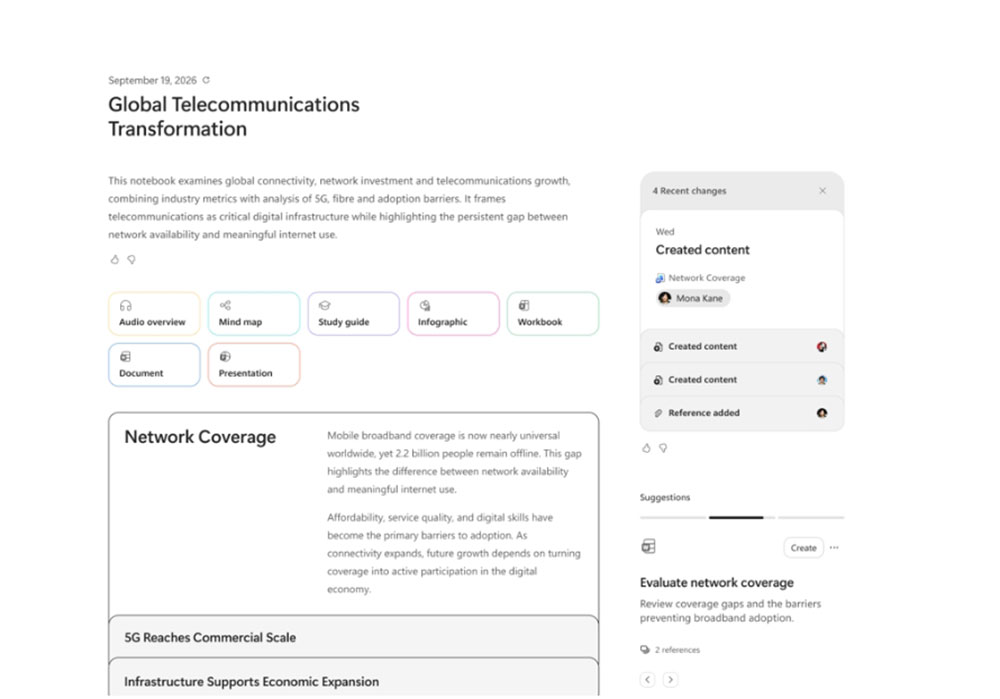
At present, these revolutionary new Copilot Notebooks features have officially begun rolling out in phases to users worldwide through Microsoft’s Frontier preview program (Frontier Program). This transformation not only marks Microsoft’s deep strategic positioning in the AI productivity space, but also signals that in the future, digital notes will no longer be merely a vehicle for storing thoughts, but intelligent partners capable of proactively helping carry out tasks.
Source: KOCPC Chinese