


Most free tools available online for downloading YouTube videos support only up to 1080p or 720p. Some people who are very particular about image quality may want to download in 4K resolution, and the free tool Getvo introduced in this article can do just that—and it even supports MP3 music.
Besides YouTube, it can also download content from TikTok and Instagram. The only downside is that the download speed is a bit slow.
ReminderBefore use, please confirm on your own whether content on YouTube or other websites is legally licensed, such as works you uploaded yourself, Creative Commons-licensed content, or public domain materials. If it is copyright-protected music or audiovisual work, downloading or converting it without the rights holder’s consent may pose copyright risks and may also violate the original platform’s terms of service.
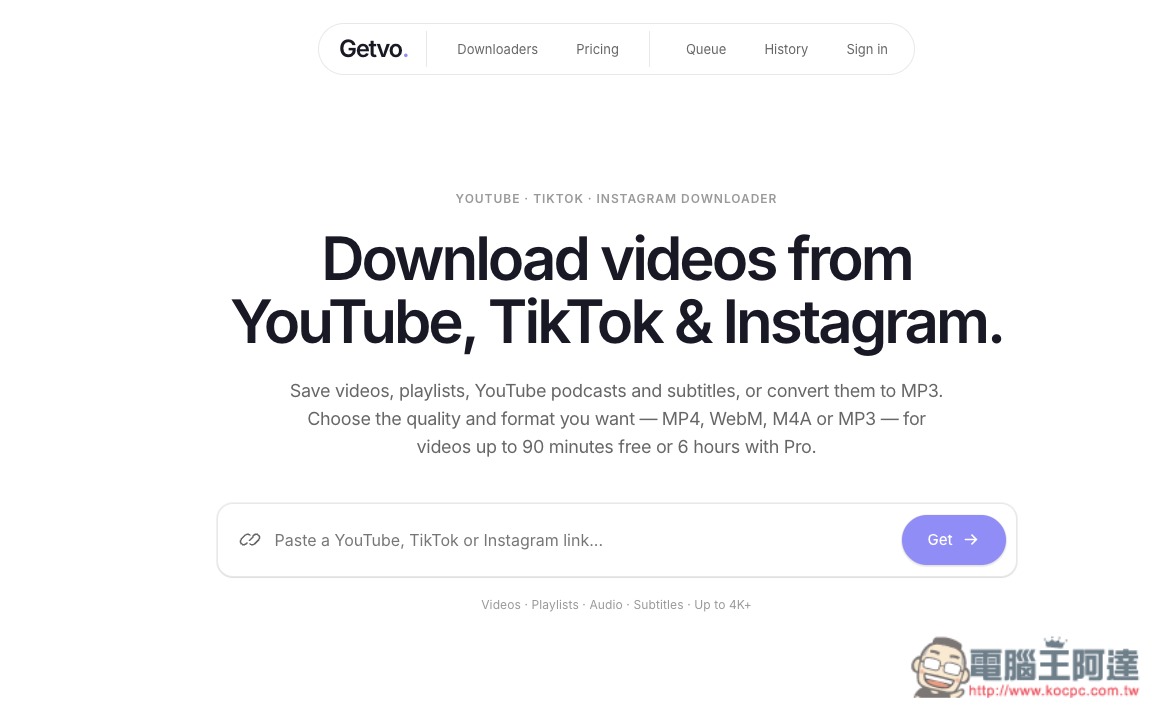
Getvo: An Introduction to a Free Download Tool for Downloading YouTube Videos in Up to 4K Quality and MP3 Music
GetVo is an easy-to-use online audio and video downloader that supports YouTube, TikTok, and Instagram. It doesn’t require installing any additional software. Just open the website and paste a public video link, and it will automatically analyze the download options actually available for that video at the time, including video quality, format, audio, and subtitles. Then, simply choose the version you need and download it.
Unlike some websites that only provide fixed download buttons, GetVo first analyzes the original audio/video source and then displays the formats actually available for the video, so the options you see may differ from video to video. For example, for YouTube videos you can choose different resolutions depending on the source; video formats mainly include MP4 and WebM, and it also supports audio-only formats such as M4A and MP3.
If the original video provides subtitles, the subtitle track can also be obtained separately. For some high-definition YouTube videos, because the video and audio from the original source are stored separately, GetVo will process them first before providing the complete video for download.
In addition to individual videos, it also supports features such as video playlists, download queues, and history. Although the free version has daily limits, it’s more than enough for most people.
Key Features
- Supports downloading public videos from YouTube, TikTok, and Instagram.
- No software installation required; use it directly through your browser.
- General use does not require an account.
- Automatically analyze the actual available video quality and formats.
- Supports MP4, WebM, M4A, MP3, and other formats.
- Download videos, audio-only, playlists, and subtitles.
- YouTube can choose different resolutions depending on the source.
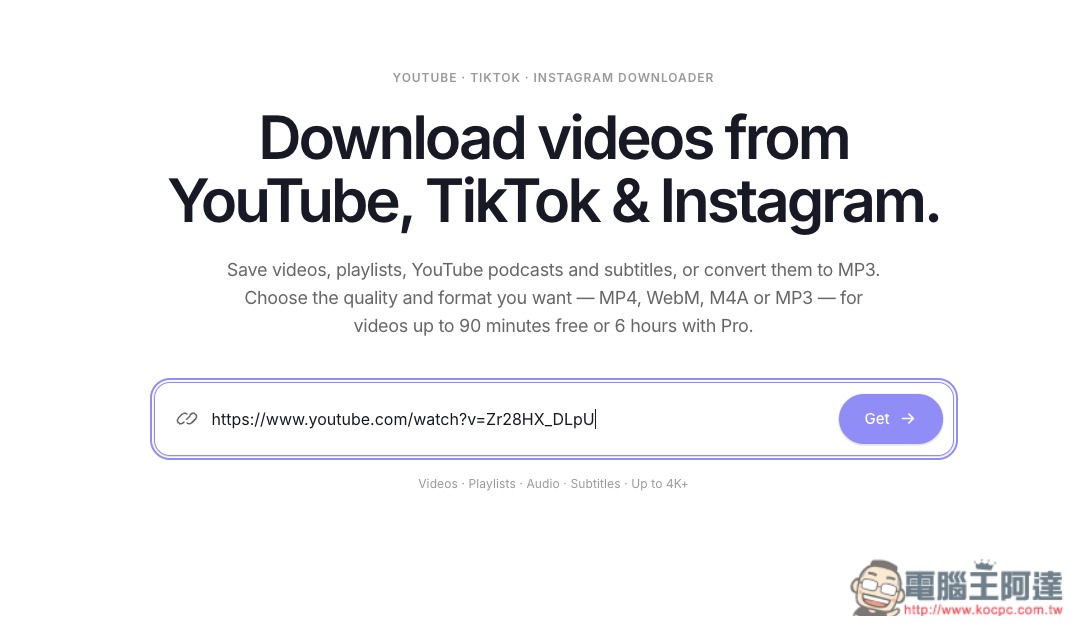
After following the link above to Getvo, you can paste the link to the video you want to download and click the Get button on the right:
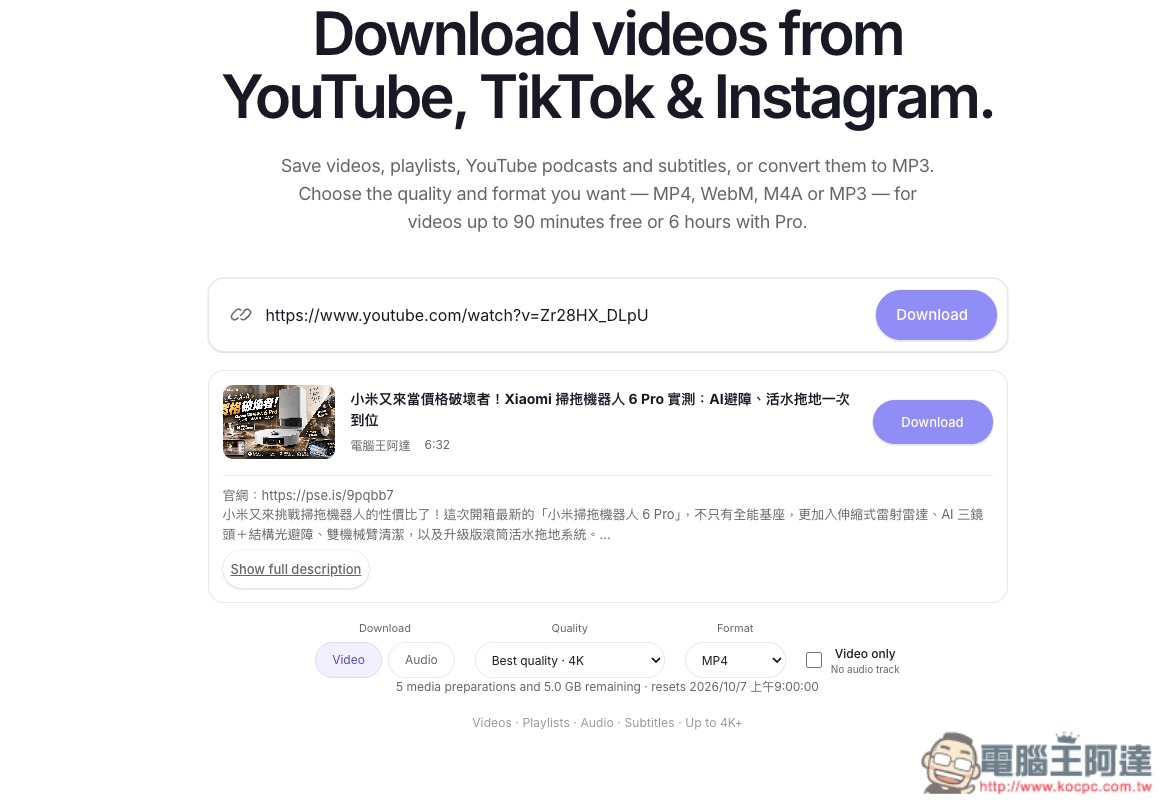
Next, the website will start analyzing. Once the analysis is complete, options for video or music, quality, and format will appear below. If you don’t want audio, you can also specify that you only want to download the video (silent):
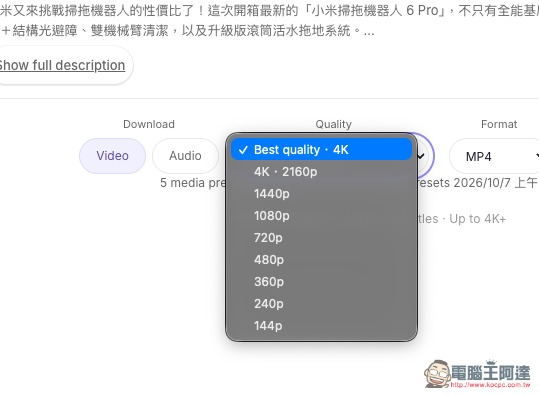
Video quality is supported up to 4K, with additional options including 1440p, 1080p, 720p, and more:
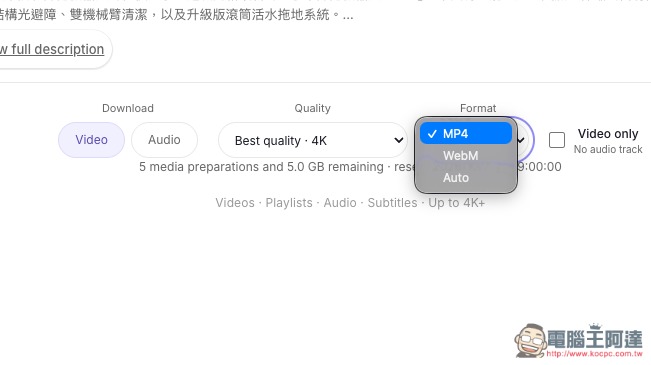
Video format can be selected from MP4, Webm, or Auto:
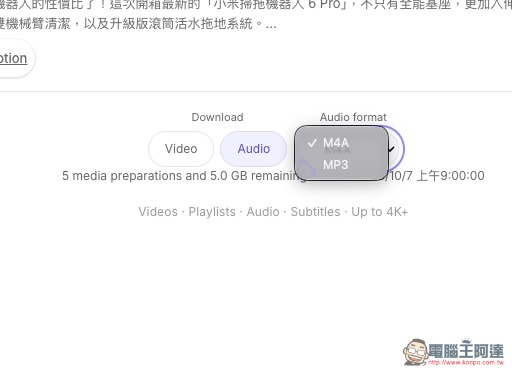
Supports two audio formats: M4A and MP3:
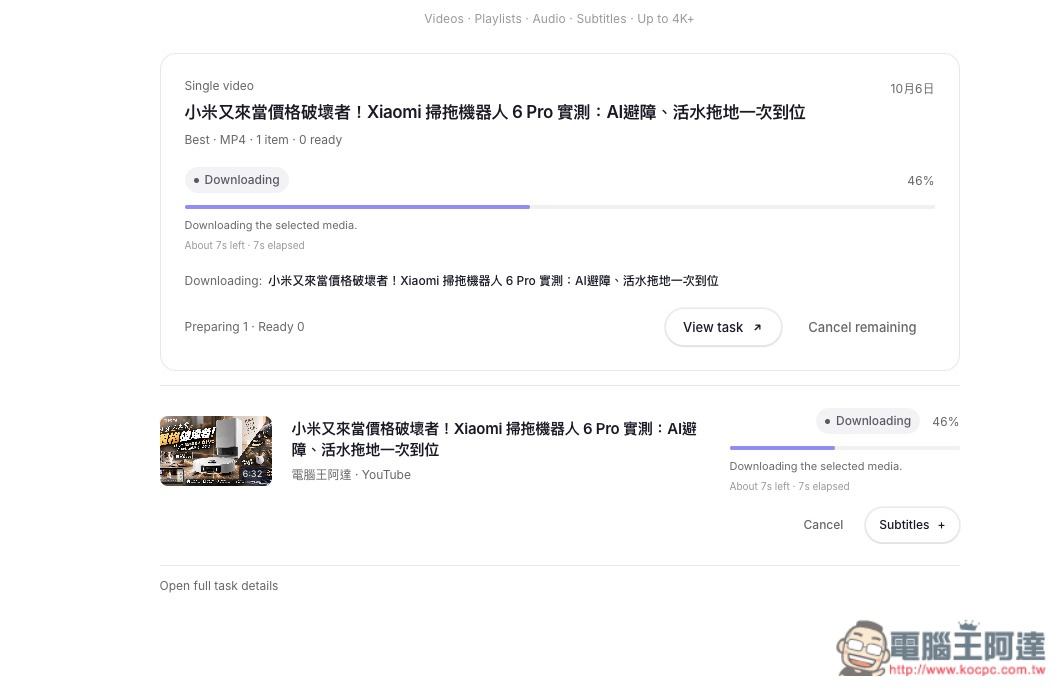
After selecting, just wait for the processing to finish on screen. It’s pretty fast here. I chose 4K video quality:
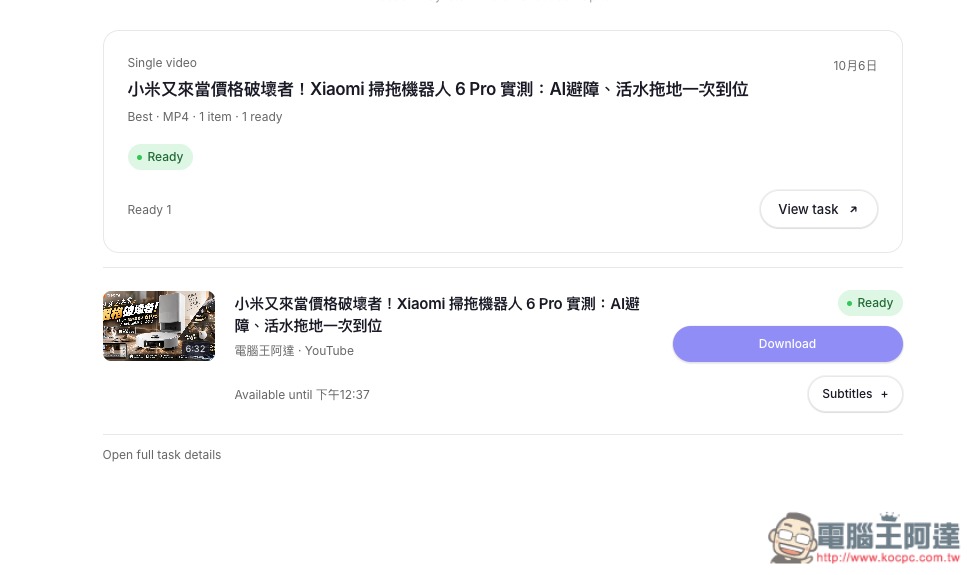
Once the button appears, click Download to start downloading. If you need subtitles, you can turn on the Subtitles setting below:
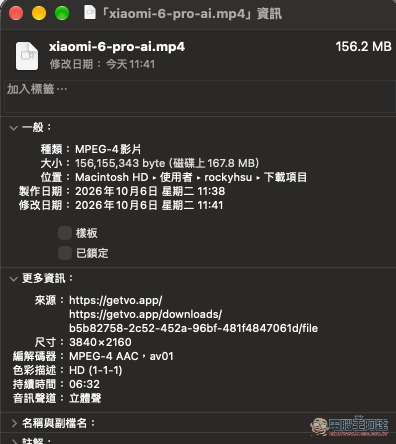
After downloading, I checked, and it really is 4K quality:
Source: KOCPC Chinese