


As an engineer, student, or office worker who frequently uses a computer, you’ve probably all had this frustration. When typing Chinese, your fingers fly across the keys, but the moment you need to type English words or API code, your speed suddenly drops? You might even often misspell words? This is actually because our hands lack “muscle memory” for English words.
Today I’d like to introduce a handy web tool《Qwerty LearnerIt’s free, and it combines “English typing practice” with “vocabulary memorization,” so you can memorize words effortlessly while practicing your typing!
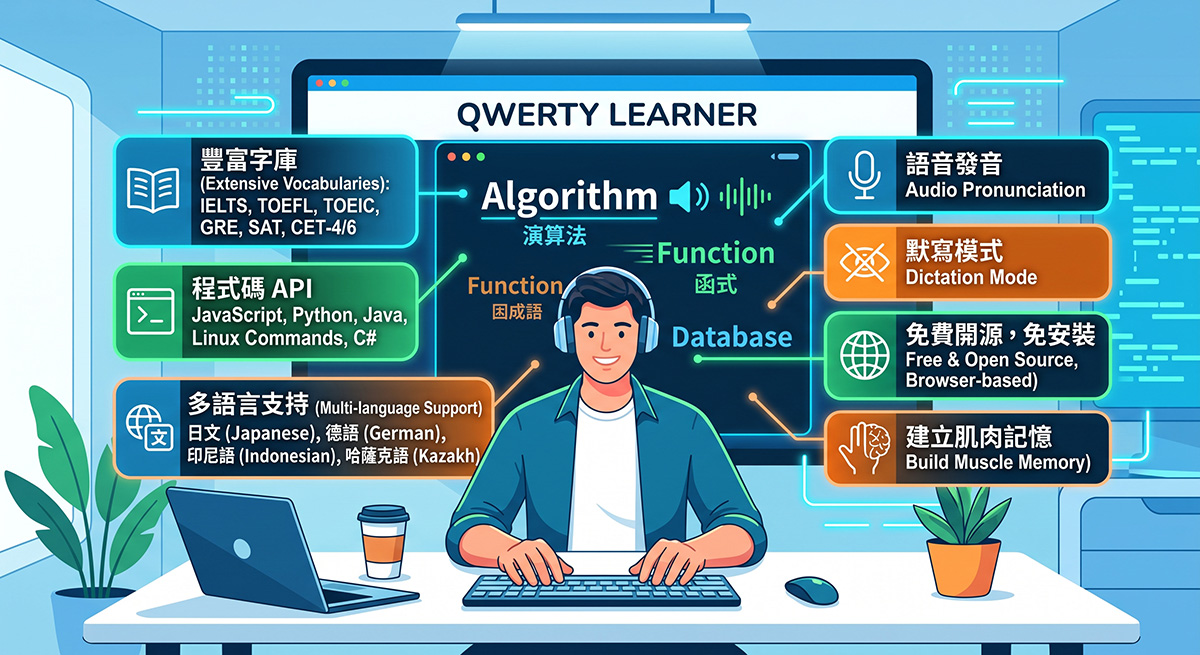
Introduction to Qwerty Learner
Once you click the URL above, you can start typing practice.
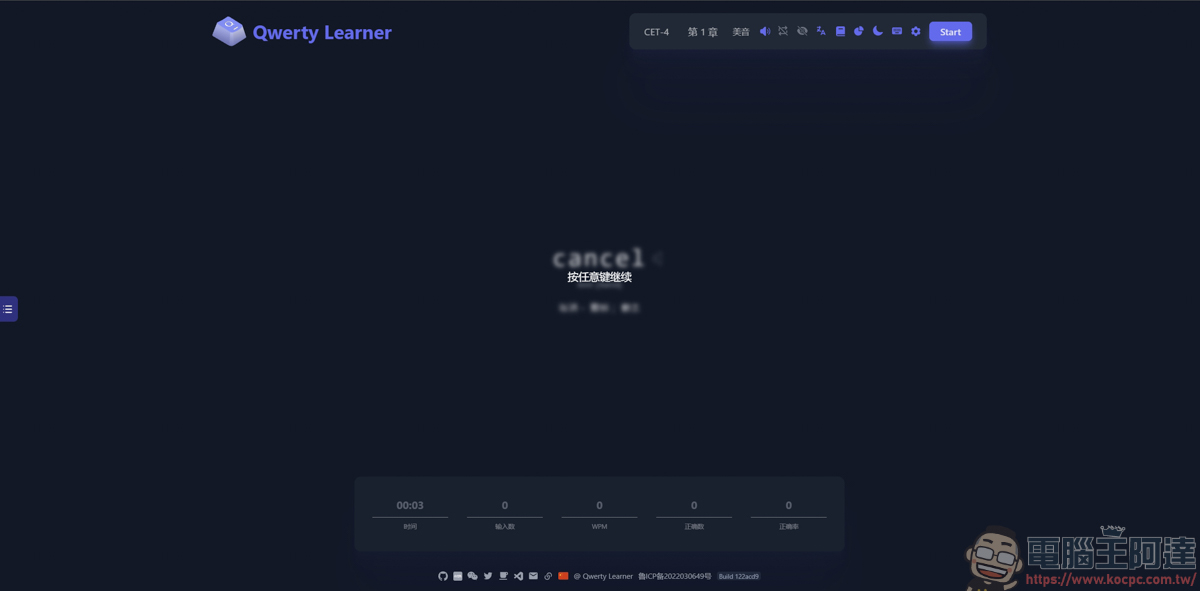
Qwerty Learner is a free, open-source web application. Its core design philosophy is simple: through repeated typing, your brain will remember the meanings and pronunciations of words, while your fingers will build the correct “muscle memory.”
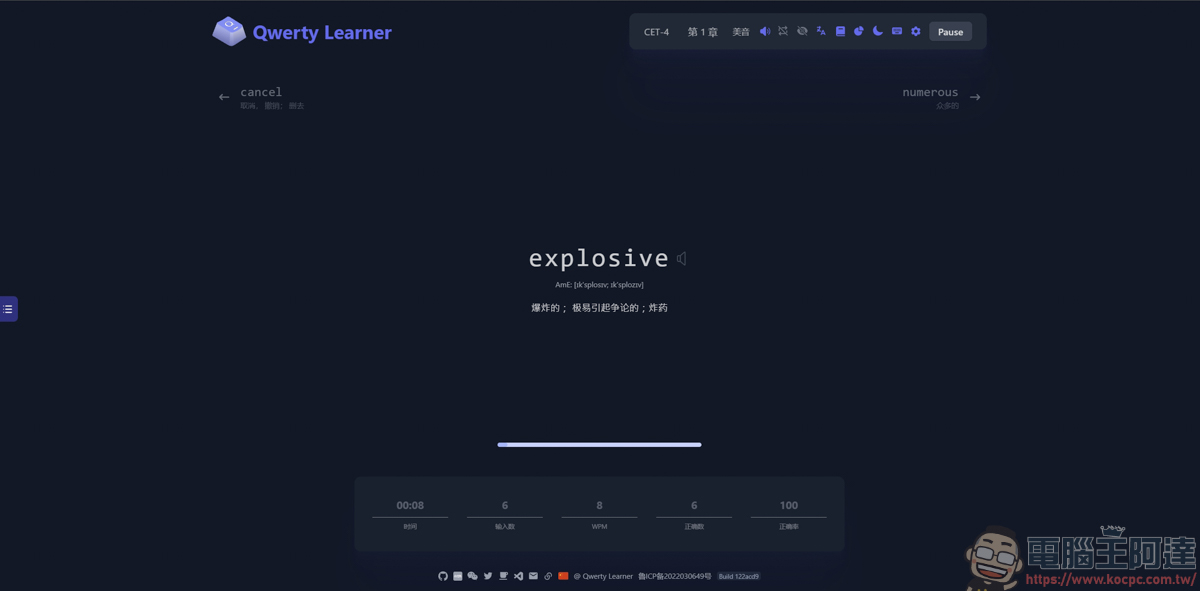
Here you can see a video demonstration. While typing, there will also be an English audio pronunciation of the word, so you clearly know how to pronounce it. And if you mistype a letter during typing, the system will ask you to re-enter the entire word. It’s a great mechanism that effectively prevents the formation of incorrect muscle memory 🙂
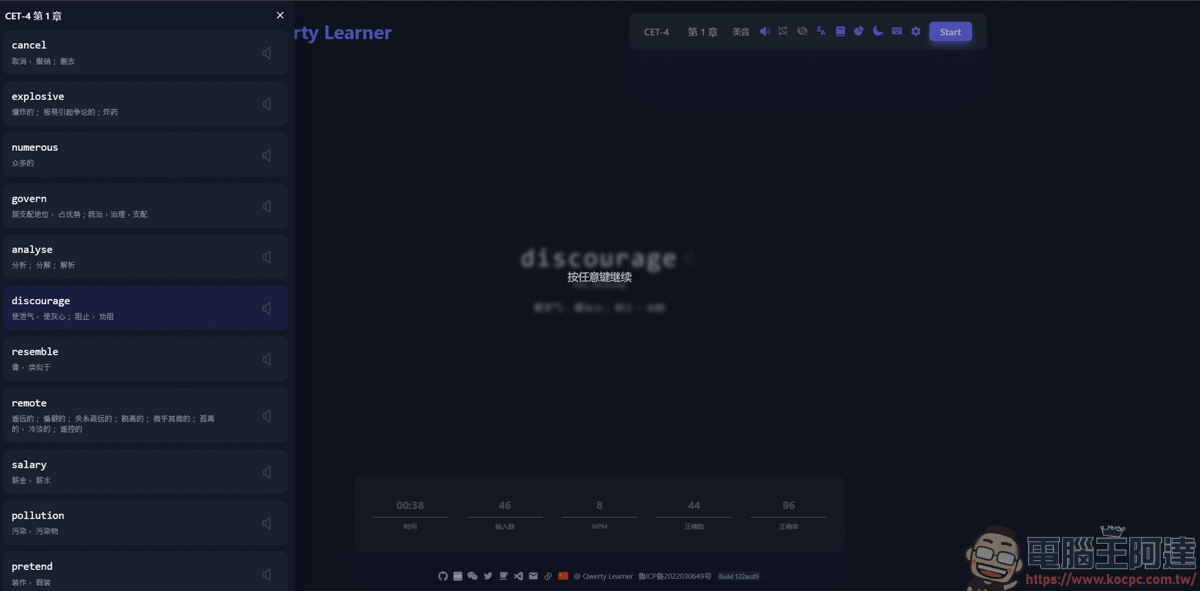
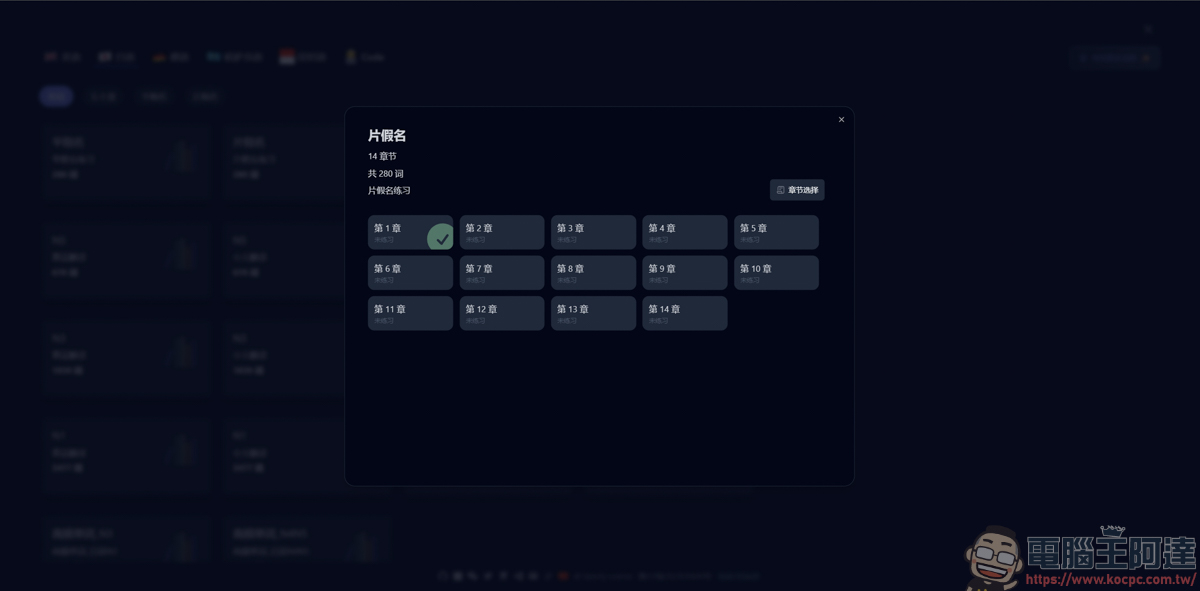
The vocabulary for each chapter can also be found through the left sidebar, so you can review and replay them.
And it’s not just simple English typing practice; it even has built-in TOEIC, TOEFL, IELTS, GRE, GMAT, SAT, and even CET-4/6, postgraduate entrance exam vocabulary, etc.:
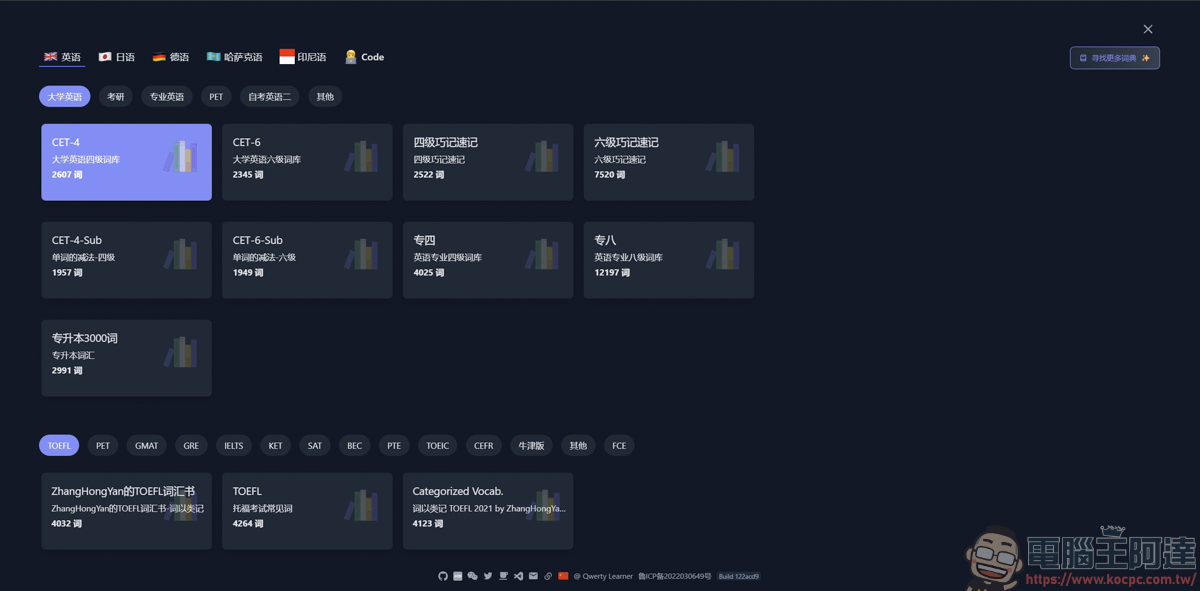
As for other languages, there are Japanese, German, Kazakh, and Indonesian, and even the Code content most commonly used by developers, including JavaScript, Python, Java, Linux commands, C#, and various common API terms. Not only can you practice English typing, but you can also familiarize yourself with common function names—a huge boon for engineers!
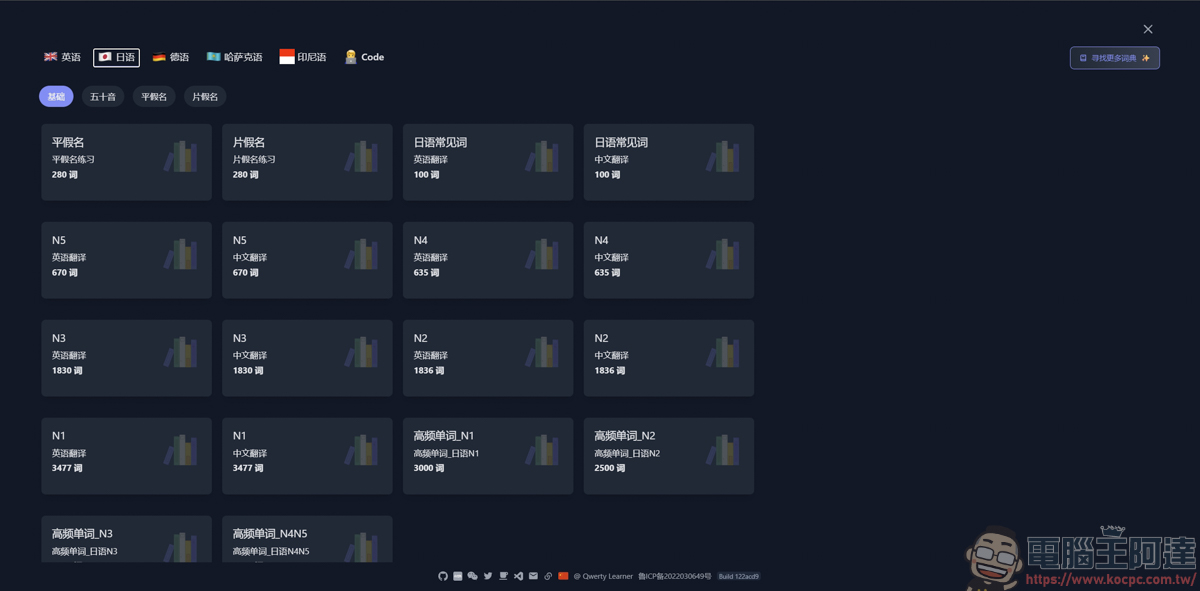
For users who want to learn Japanese katakana quickly, it’s actually a fairly convenient web tool :
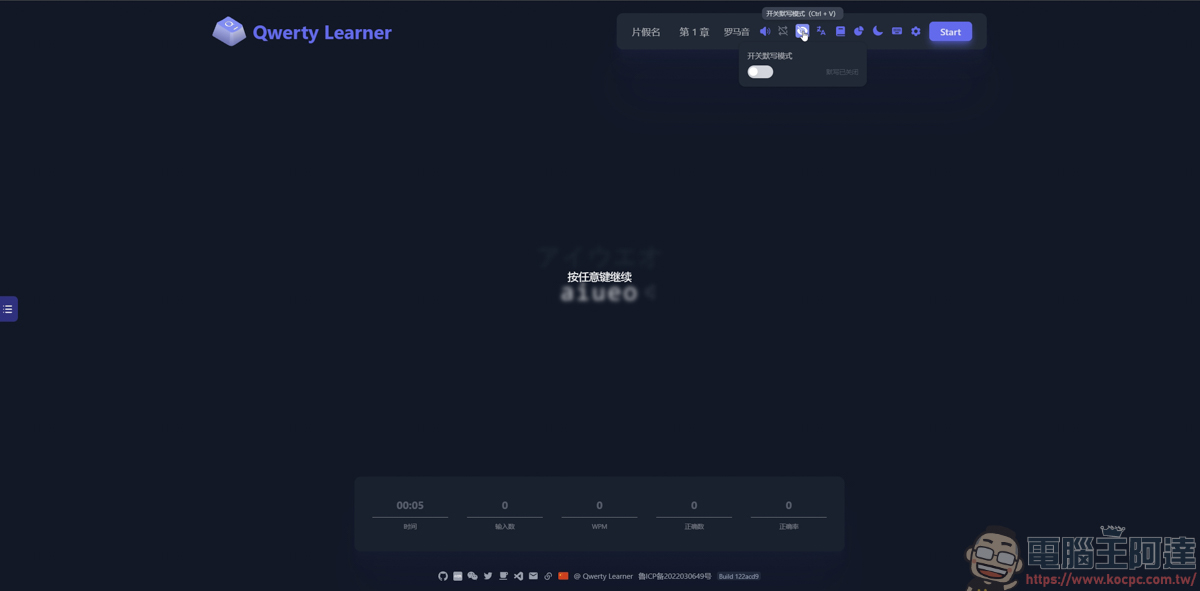
After completing the exercises for a chapter, you can enable “Dictation Mode.” The system will then hide the words, and you’ll only have the audio or the Chinese meaning to test whether you can truly spell each word accurately, further reinforcing your learning results.
Summary
Compared to traditional rote-memorization vocabulary apps, Qwerty Learner is more like typing practice for keyboard workers to practice English, Japanese, Code, and more. Its minimalist interface and smooth typing experience turn the tedious process of memorizing words into something like playing a typewriter game. The best part is that it’s completely free and works right in your browser! If you also want to strengthen your muscle memory for typing English, Japanese, Code, and so on, I personally think this webpage is a lot of fun. Spend 15 minutes a day tapping away at the keyboard!
Source: KOCPC Chinese