


We wrote about this not too long ago.Microsoft finally admits Windows 11 uses too much memory, promises full optimization for 8GB RAM computers by the end of 2026.At the time, Microsoft itself said that WebView2 was one of the causes of heavier memory usage. And recently, Windows Latest found a fairly obvious case: the built-in Weather app in Windows 11, which few people use, and most people probably wouldn’t think it takes up much memory, but the fact is that even when left idle, the Weather app’s memory usage reaches 1.2GB.
More importantly, the Weather app on macOS takes up less than 250MB, making the two about 5 times apart in size.
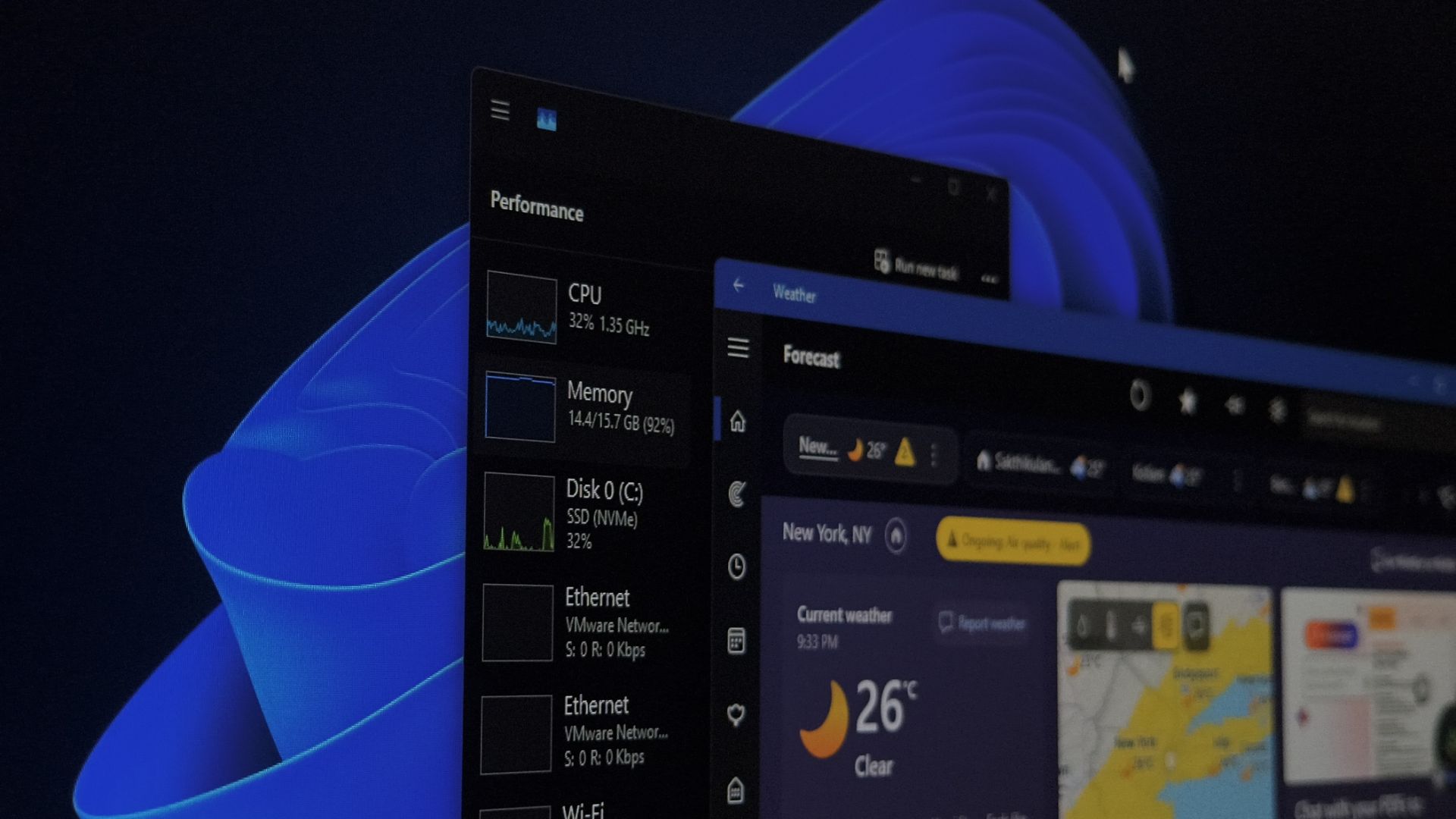
Windows 11’s built-in Weather app eats up 1.2GB of memory! That’s 5 times more than the macOS weather app, and it even serves ads.
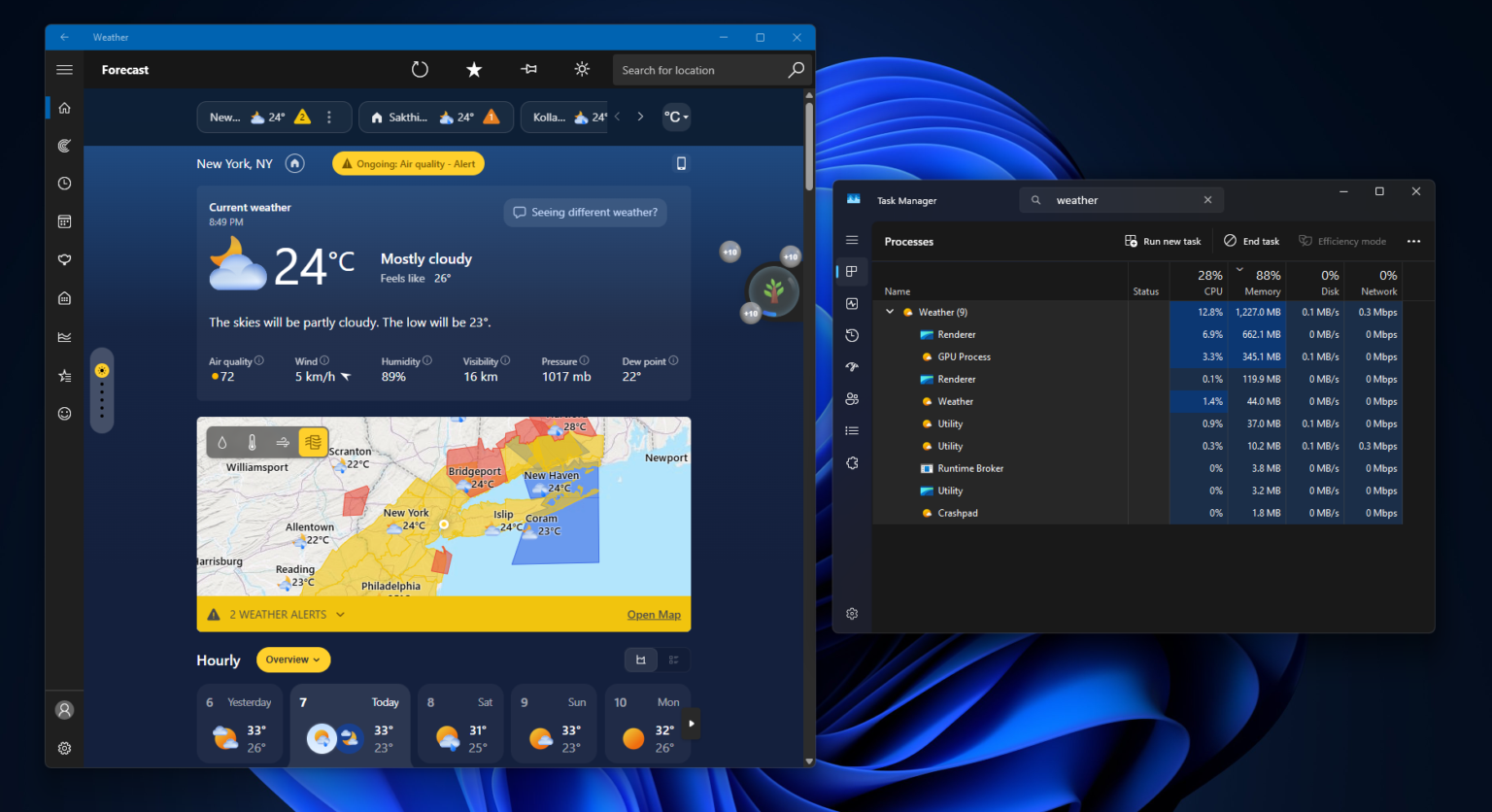
According toForeign media Windows Latest’s latest hands-on testing reportWhat he did was simple: he opened the built-in Weather app in Windows 11, let it sit there, and then opened Task Manager to see how many resources it was eating. The number came out to over 1.2GB, and that wasn’t a peak value at the moment of launch—it was an idle state, just sitting there doing nothing.
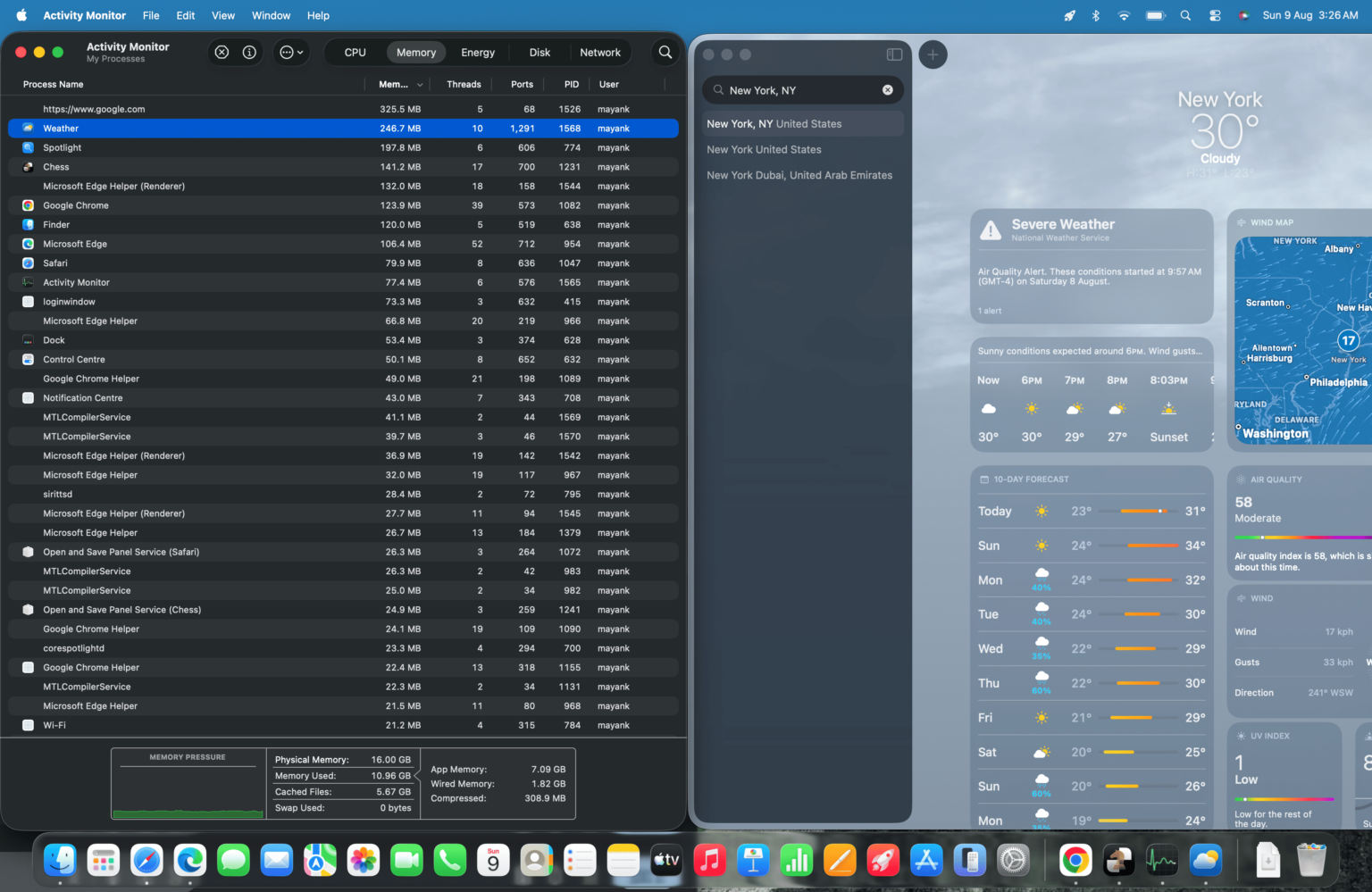
The control group is Apple’s Weather app on macOS, doing the same thing, with memory usage of 246.7MB, and there was only one process throughout. The difference between the two is about 4.9 times.
| Weather App | Idle memory usage | number of programs | Is there advertising? |
|---|---|---|---|
| Windows 11 Weather | Approximately 1.2GB | 9 pieces | have |
| macOS Weather | 246.7MB | 1 | Nothing |
The Weather app in Windows 11:
Mac’s Weather App:
The reason for such a big gap is that these two apps were not developed with the same technology.
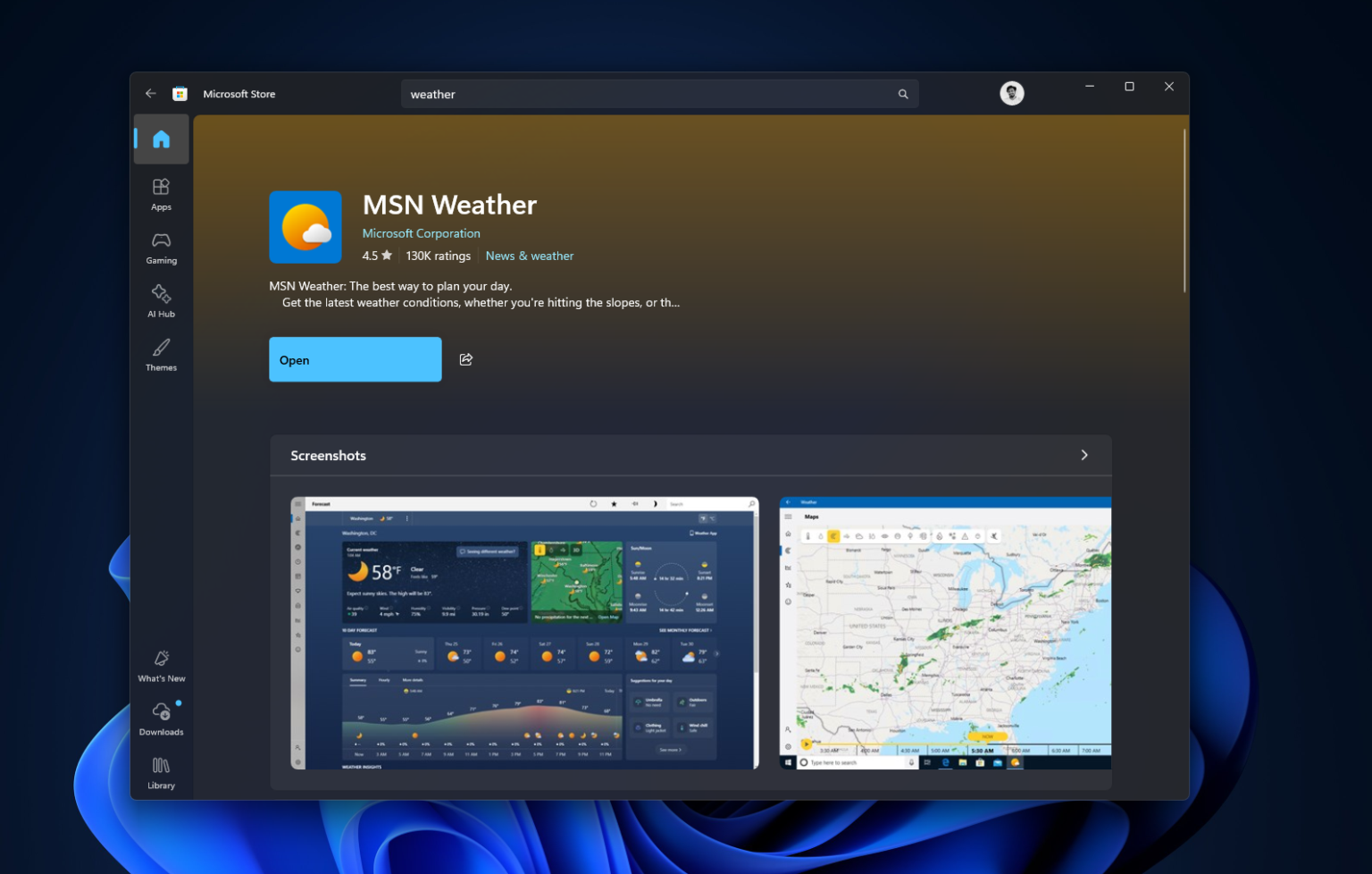
Windows 11’s Weather app uses WebView2 technology. In plain terms, it uses Microsoft Edge’s web rendering engine to package MSN Weather’s web content into something that looks like a typical Windows app, letting the app display its interface through a browser. So when you open that “Weather app,” it’s essentially the MSN Weather webpage wrapped in a Windows shell—it looks like a native program, but it’s actually a webpage:
This evidence is clearly visible in Task Manager. Expand the Weather app entry, and underneath it you’ll find 9 Chromium sub-processes: the browser main process, the rendering process, GPU, network, and audio service. This is standard Chromium multi-process architecture—so if you just want to know today’s weather, a whole set of browser-like web rendering processes is actually launched behind the scenes.
Wccftech I also tested the Windows 11 Weather app myself. Right after launching, memory quickly hits around 1GB, and after leaving it completely idle, it drops to about 500–600MB. But as soon as you start zooming the map or interacting with the interface, it spikes to 1.5GB, and even briefly reached 1.6GB. On an 8GB RAM computer, that peak is equivalent to roughly 20% of the entire system’s physical memory.
Next up is the advertising part.
Because the Weather app pulls content from MSN, the sponsored content on MSN’s side gets pulled in as well. In the actual test footage, an Adobe Acrobat ad appears sandwiched between the weather forecast information cards. Windows Latest also criticized that Windows 11 is not a free operating system—users have already paid for it and shouldn’t be fed more ads.
Although Microsoft has promised to optimize Windows 11’s memory requirements, if your computer has very little memory and you don’t want this app to take up so much, the easiest way is to simply uninstall the built-in Weather app, or disable it from running in the background to avoid unnecessary memory usage.
Source: KOCPC Chinese