


SpaceXAI today officially launched Grok Imagine Image 2.0, bringing the image generation model online in “Quality Mode” at grok.com/imagine and in the Grok apps for iOS and Android. This is the largest upgrade in xAI’s image generation field since Grok Imagine 1.0 was released as a standalone product in February 2026. The core direction of this update is clear: elevating editing capabilities from an “add-on feature” to a “first-class feature.” xAI officially stated on the X platform that Image 2.0 is positioned to “help you create images that can actually be used in work,” with precise editing, clear text rendering, improved factual accuracy, and usability in real-world application scenarios as the four pillars of this iteration.
SpaceXAI Unveils Grok Imagine Image 2.0: Precise Editing, Double Second on Arena
Image editing capabilities fully upgraded.
The biggest change in Grok Imagine Image 2.0 is the introduction of several precision editing tools. The Magic Wand tool lets users click on a specific area of an image to modify it while leaving the rest completely untouched; the segmentation selection feature allows for precise selection of areas you want to adjust, making it suitable for design scenarios that require localized fine-tuning; and background removal can directly output the subject with a transparent background, making it easy to import into other design software for continued use.
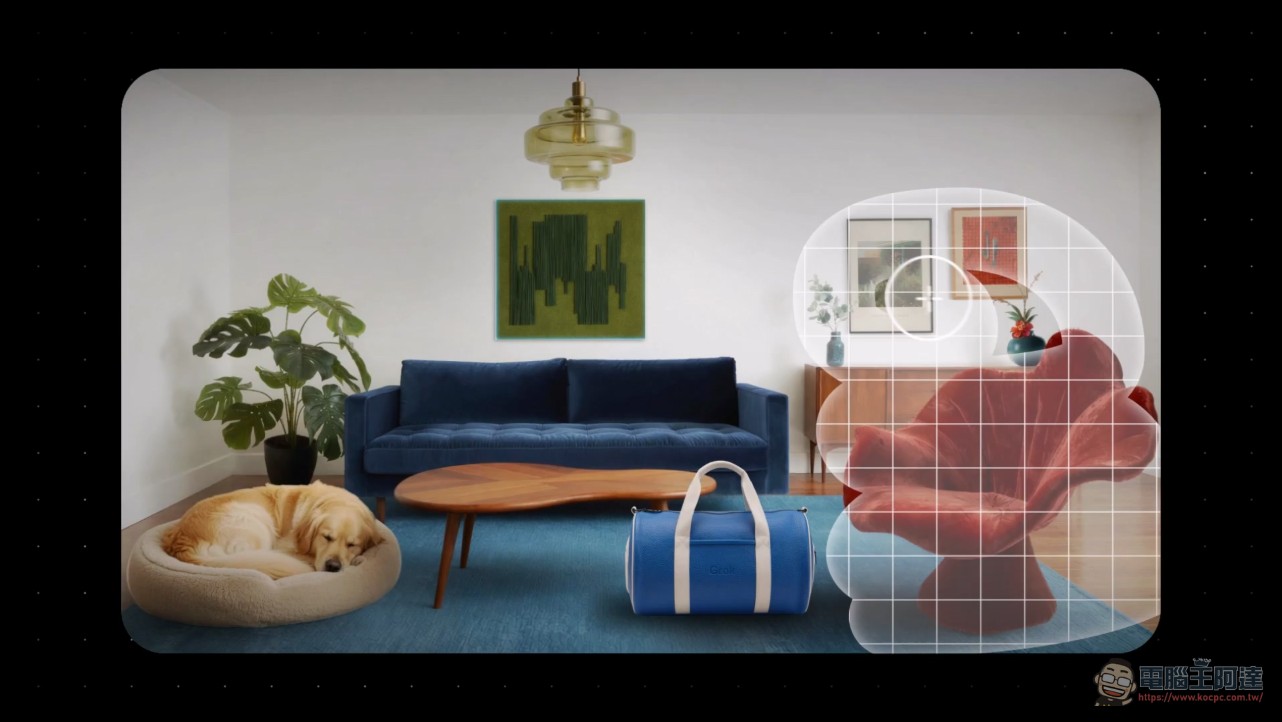
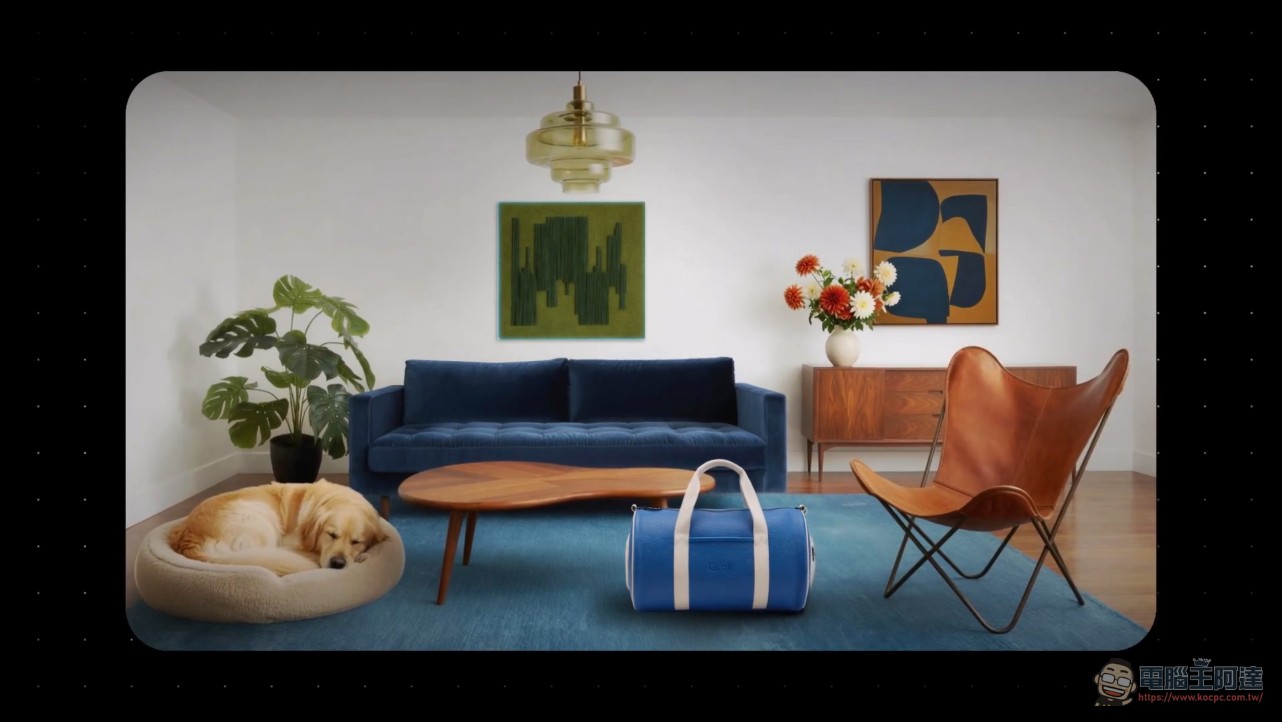
Multi-image reference editing is a practical new feature that lets you input up to 5 reference images in a single generation, eliminating the need to manually stitch assets together as before. For example, designers can upload product photos, brand color swatches, and scene images all at once to generate a product shot that matches the brand’s aesthetic in one go. The smart resize feature can recompose the same image into 9 different aspect ratios, from 1:2 vertical banners to 2:1 wide banners, with the model automatically filling in the new frame’s content—no manual cropping or regeneration required.
SpaceXAI has also launched a template system with a variety of preset common workflows, including product photography, professional headshots, e-commerce product images, game assets, and marketing posters. Users only need to provide their materials to quickly generate finished products, significantly lowering the entry barrier for users without a design background.
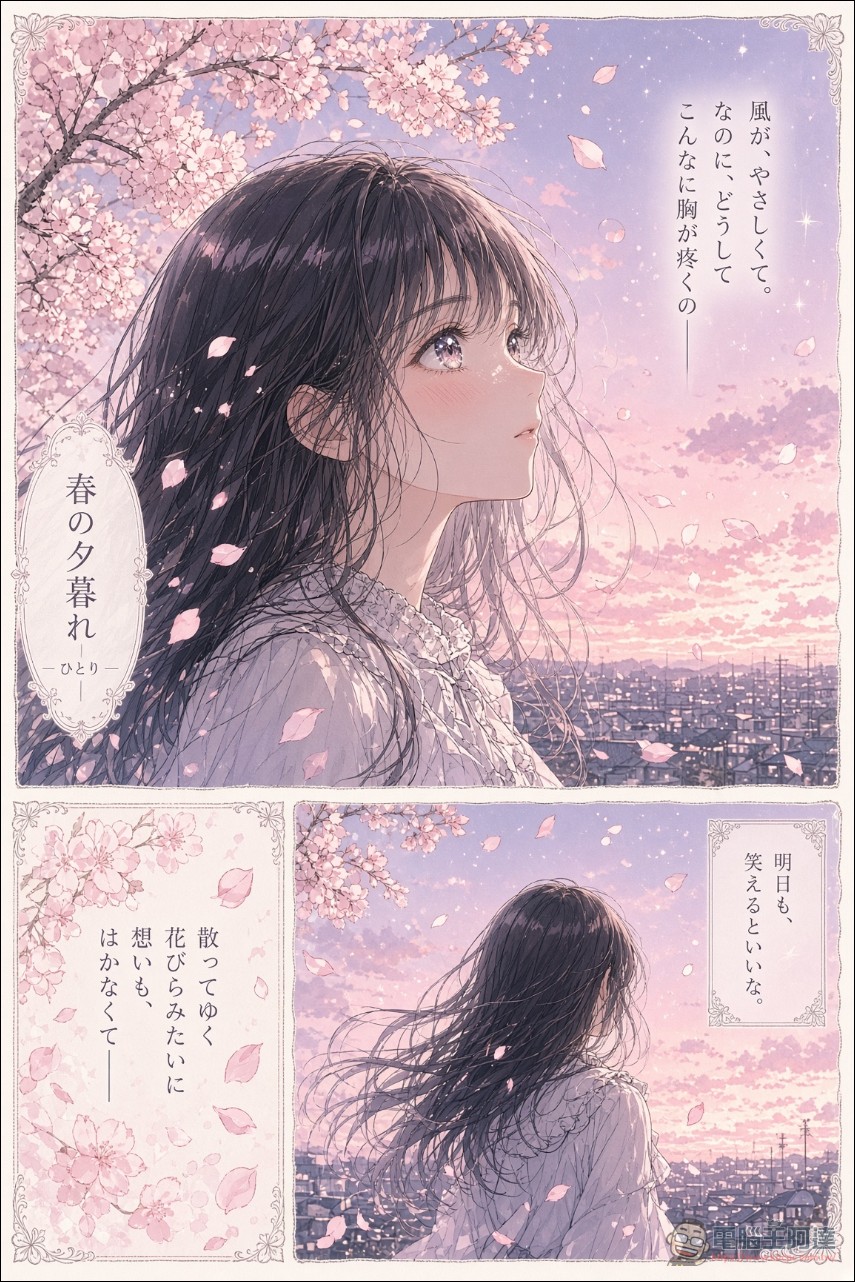
Imagine Image 2.0 can produce infographics, ads, game assets, UI/UX mockups, storyboards, and more.
Try it today at https://t.co/OWP5rCxlru. API access coming soon. pic.twitter.com/iKR9LvKyZx
— Grok (@grok) August 8, 2026
Arena Ranking: Second Place in Both Text-to-Image and Image Editing
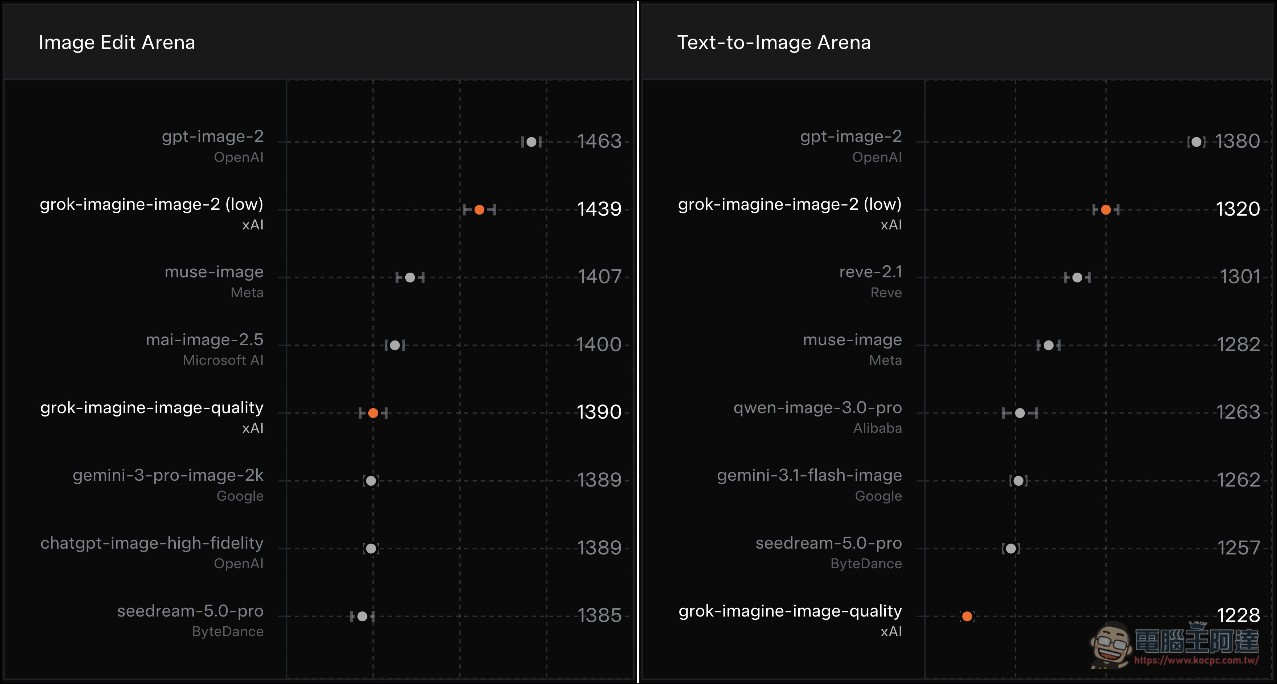
According to data released by SpaceXAI, Image 2.0 scored 1320 points on Arena’s text-to-image leaderboard and 1439 points on the image editing leaderboard, taking second place globally in both. The only leader ahead is OpenAI’s gpt-image-2. In Arena’s rankings, xAI’s model surpassed the image models of major competitors such as Meta, Microsoft, Google, Alibaba, and ByteDance. xAI’s model is listed on Arena under the name SpaceXAI, reflecting a company-level brand adjustment.
Technical Architecture: Flux + Aurora Dual Engine Collaboration
Grok Imagine is built on a dual-engine architecture at its core. The Flux-based image stack handles static image generation and editing, known for precise prompt adherence and clean text rendering; the Aurora engine is SpaceXAI’s self-developed autoregressive model, specifically handling dynamic content, including image-to-video and video editing, with native audio generation support. Image 2.0 placed special emphasis on fidelity across photography, design, and illustration during training, and was optimized for layout and typography, ensuring overall consistency in complex visual designs with multiple elements while keeping small text clearly rendered.

A key design feature of Grok Imagine is conversational iteration: users don’t need to write out all their requirements in a single prompt. Instead, they can refine things step by step through multi-turn dialogue—first generate a base image, then tell the model to “change the sky to an evening color,” “add a character,” or “adjust the lighting to warmer tones.” This conversational memory keeps images in the same chat thread visually consistent, making it especially useful for brand designers who need to produce a series of assets.
Subscription plans and usage requirements
Grok Imagine’s image generation feature will no longer be free starting March 19, 2026, and now requires a paid subscription to access. The pricing for each plan is as follows:
- X PremiumApproximately NT$260 (USD $8) per month, providing basic image generation features.
- SuperGrok LiteApproximately NT$325 (USD $10) per month, basic advanced features
- SuperGrok:每月約 NT$975(USD $30),解鎖更多生成額度和完整功能
- SuperGrok Plus: Approximately NT$3,250 (USD $100) per month, Premium plan
- SuperGrok HeavyApproximately NT$9,750 per month (USD $300), full feature access, including the latest models such as Grok 4.5.
Grok Imagine Image 2.0 Official Website (Click Here)
Free accounts currently cannot use image generation and editing features, and the system will display the message “Image generation and editing is currently only available to paid subscribers.” The quota uses a rolling reset mechanism rather than a unified daily midnight refresh—as older generation records gradually expire, the quota is progressively restored.
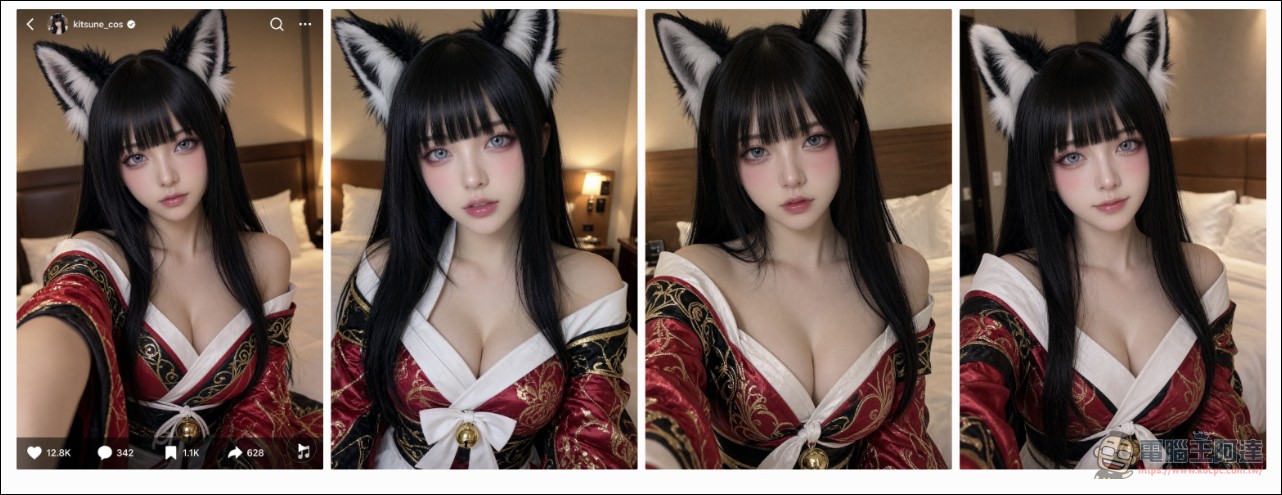
Source: KOCPC Chinese