


Despite the rapid development of technology, NTFS, FAT32 and exFAT are still the most commonly used file system options in computers and portable hard drives. Although users who are familiar with computers have their own preferred systems, this guide will tell you how each method works, its advantages and disadvantages, and when to choose which system.
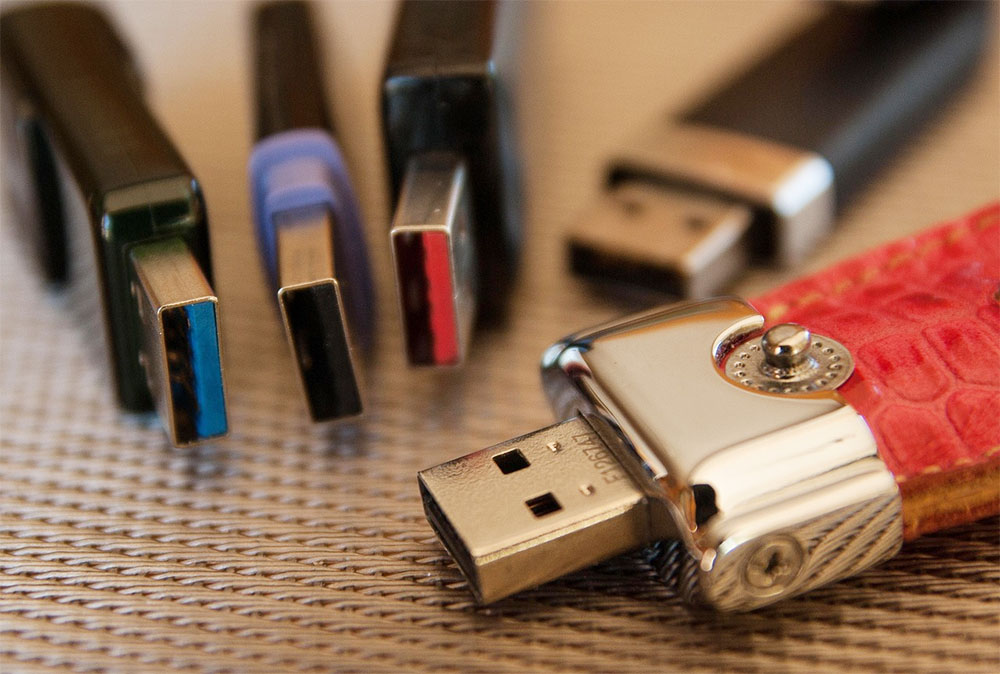
The advantages, disadvantages and operation methods of the three file systems NTFS, FAT32 and exFAT
NTFS
- What NTFS offers
- Supports very large files and partitions.
- Provides advanced permissions and security.
- Contains file compression and encryption functions.
- Maintain high reliability for internal Windows hard drives.
- When to use NTFS
You can use it to handle system hard drives, SSDs, and internal storage that require stability and permission control. - shortcoming
- No additional tools and limited macOS compatibility.
- Smart TVs, consoles, and cameras have limited support.
- Not ideal for portable drives used across platforms.
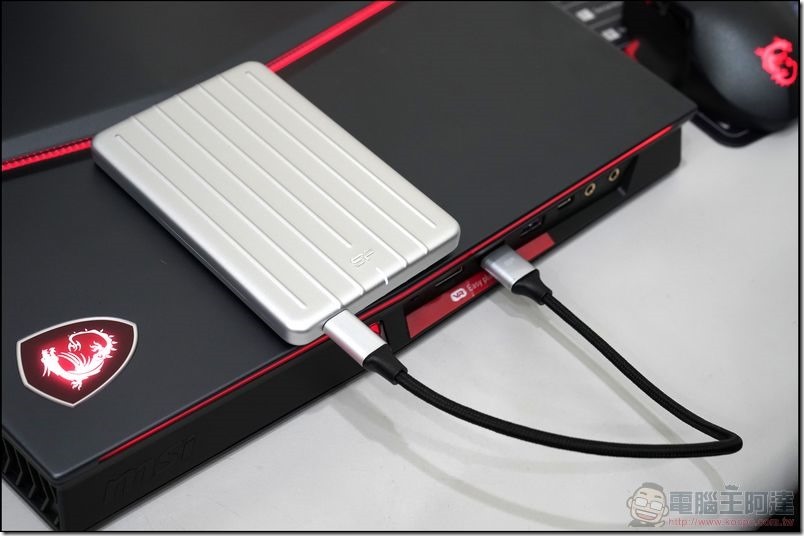
FAT32
- What FAT32 offers
- Almost any old unit will work.
- Offers high compatibility with cameras, TVs and automotive systems.
- Provides a simple basic storage structure.
- When to use FAT32
A small USB flash drive or older device will work fine. - shortcoming
- Maximum file size is limited to 4GB.
- The Windows maximum partition size is 32GB.
- Not suitable for modern mass storage devices and files.
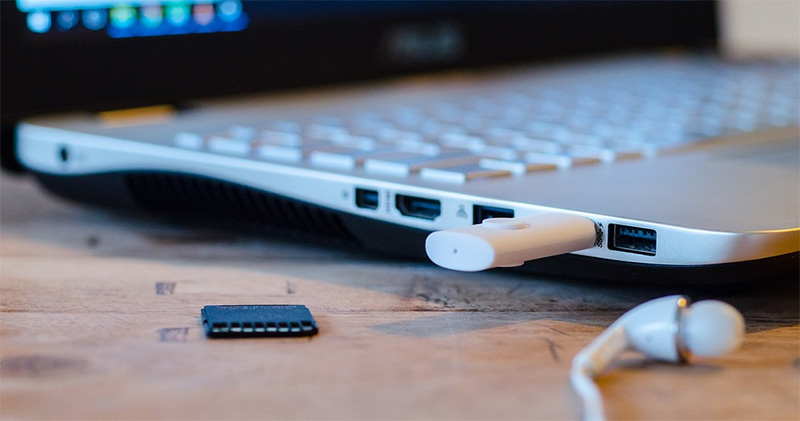
exFAT
- What FAT32 offers
- Supports very large files.
- Can run cross-platform on Windows, macOS, Linux, consoles and smart TVs.
- Provides lightweight construction without NTFS burden.
- Works well for high-speed flash storage.
- When to use exFAT
This system is great for handling external hard drives that move large files across platforms, and you can manage partitions and switch file systems more easily using tools designed for secure disk operations. - shortcoming
- Lack of permissions that NTFS has.
- This is not ideal for the system hard drive.
- Some older devices may not support updates.
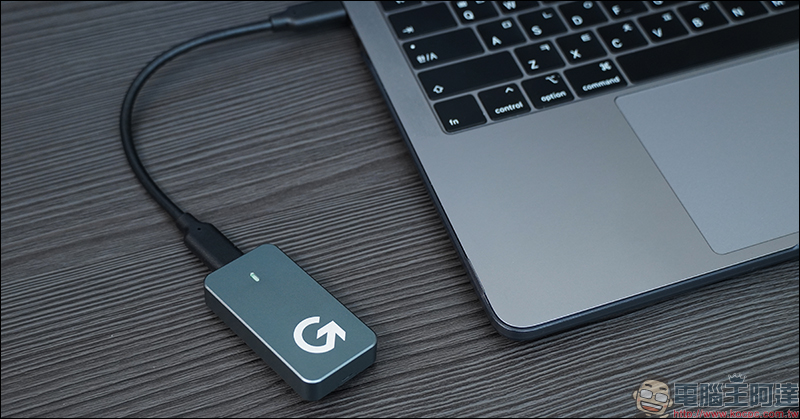
Main differences between NTFS, FAT32 and exFAT
- NTFS supports the largest files and partitions.
- FAT32 has the widest compatibility with older hardware.
- exFAT supports very large files across modern platforms.
- NTFS includes advanced permissions and security features.
- FAT32 limits file size to 4GB.
- exFAT balances the flexibility and capacity of a portable hard drive.
NTFS is suitable for internal Windows hard drives that require strong security and modern features. FAT32 is still useful for older installations, but the obvious limitation when dealing with large files is the short version. When you decide to prepare an NTFS system drive for a clean install, you can follow a complete step-by-step guide to format your Windows computer; exFAT provides the best portable storage experience, with cross-platform support and no strict size restrictions. Before choosing a file system, evaluate the device, file size, and how you plan to transfer data across systems to truly choose the right type.
Source: KOCPC Chinese