


Voice Memos AI Notebook LM is a tool that can not only make AI summaries of YouTube videos and recordings, but also convert all content into text (verbatim transcripts), which should be quite practical for people who need to take meeting minutes.
Voice Memos AI Notebook LM Introduction
Voice Memos AI Notebook LM is currently only available for iOS.
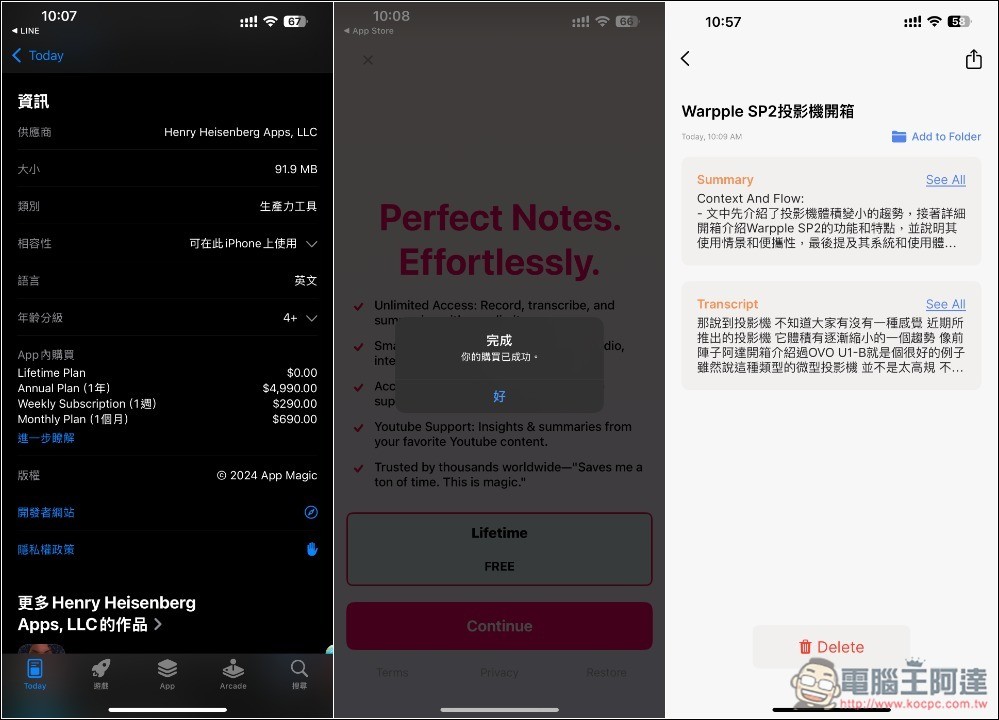
Now go to the App Store page of Voice Memos AI Notebook LM, scroll down to view the in-app purchase options, and you will see Lifetime Plan $0.
After obtaining and installing it, open it, and a Lifetime FREE message will pop up. After selecting, click Continue below to confirm whether there is no amount. This part is very important. Be sure to check. If there is an amount, it means that the limited exemption has ended. There is no need to confirm the acquisition, and you will be deducted. If there is no amount, just press the side button to obtain it. If “Your purchase has been successful” is displayed, it means you have obtained the lifetime version.
However, I don’t know if it’s a bug. Even after obtaining the lifetime version, sometimes the screen for the limited lifetime version will pop up when using it. If you obtain the App Store again, you will be notified that you have obtained it. So if you also see it, you can directly press X to close it.
The exemption has ended
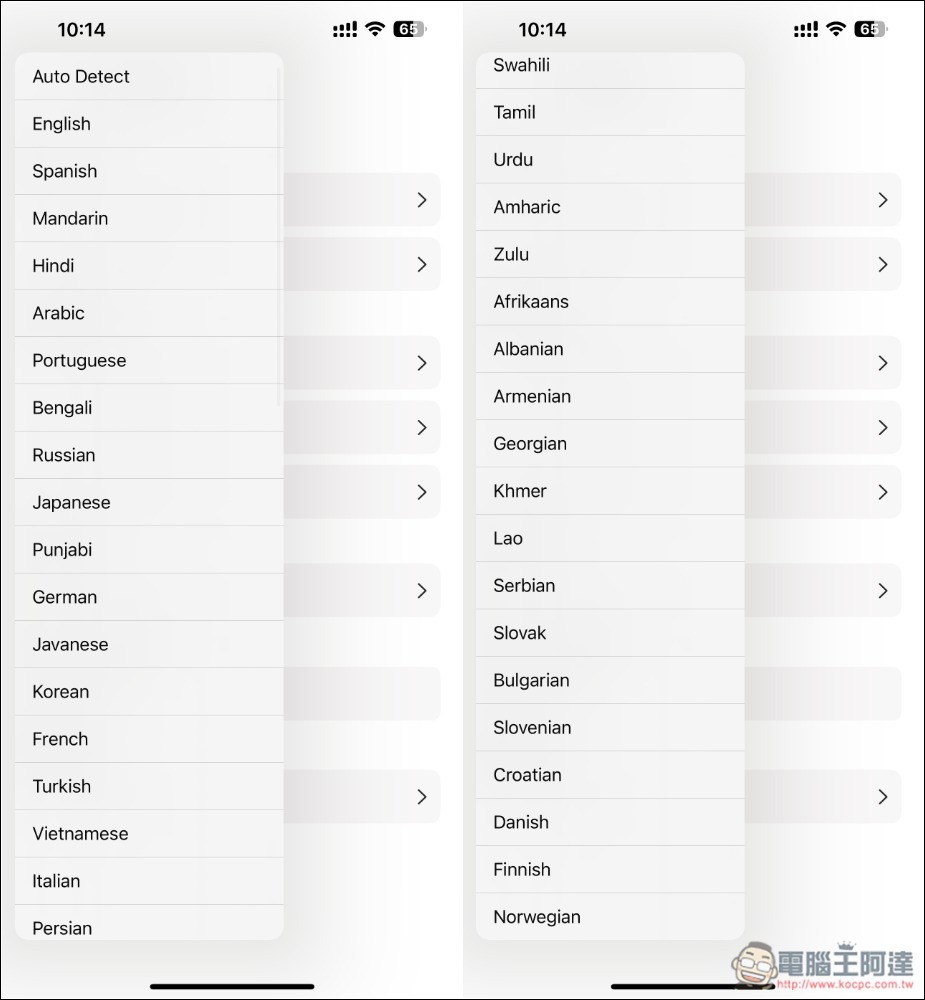
This is a list of all supported languages. Remember to select Mandarin for Chinese. If you use the default Auto Detect, Chinese can also be recognized, but not every one is successful. Sometimes you will get English:
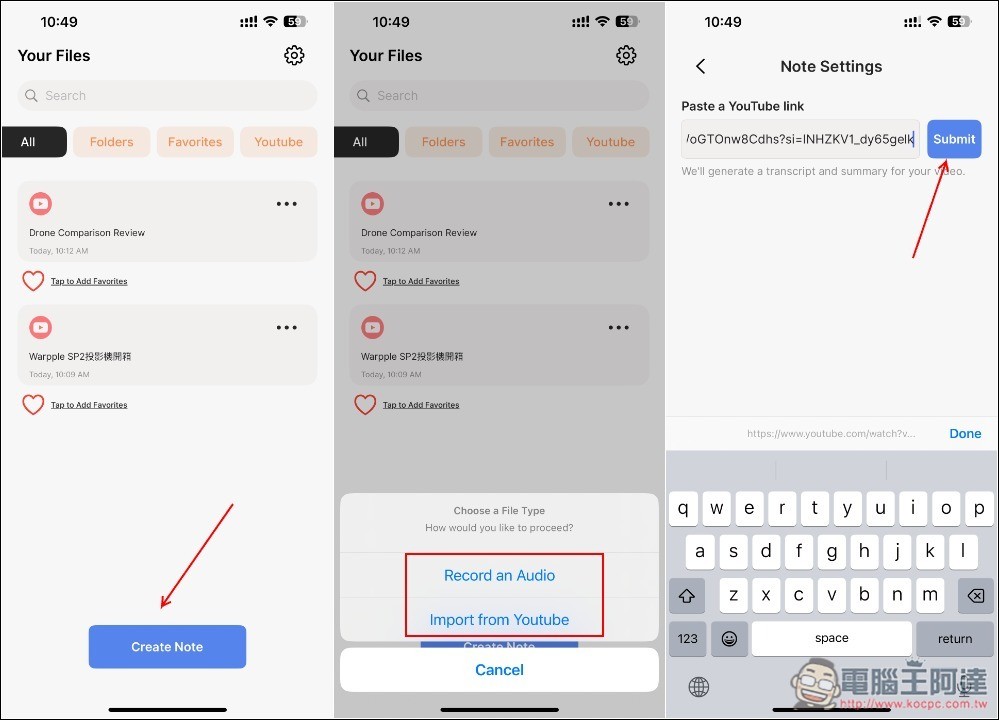
Provides two modes: recording or YouTube
Voice Memos AI Notebook LM is very simple to use. Click Create Note at the bottom of the homepage, and two modes, “Record an Audio (recording)” and “Import from YouTube (import YouTube URL)” will pop up. I use the YouTube URL, paste it and click Submit next to it:
After the AI is generated, you will get the Summary and Transcript. I tested Ada’s YouTube video. I used Auto Detect. The verbatim part was successfully given to me in Chinese, but the summary became English:
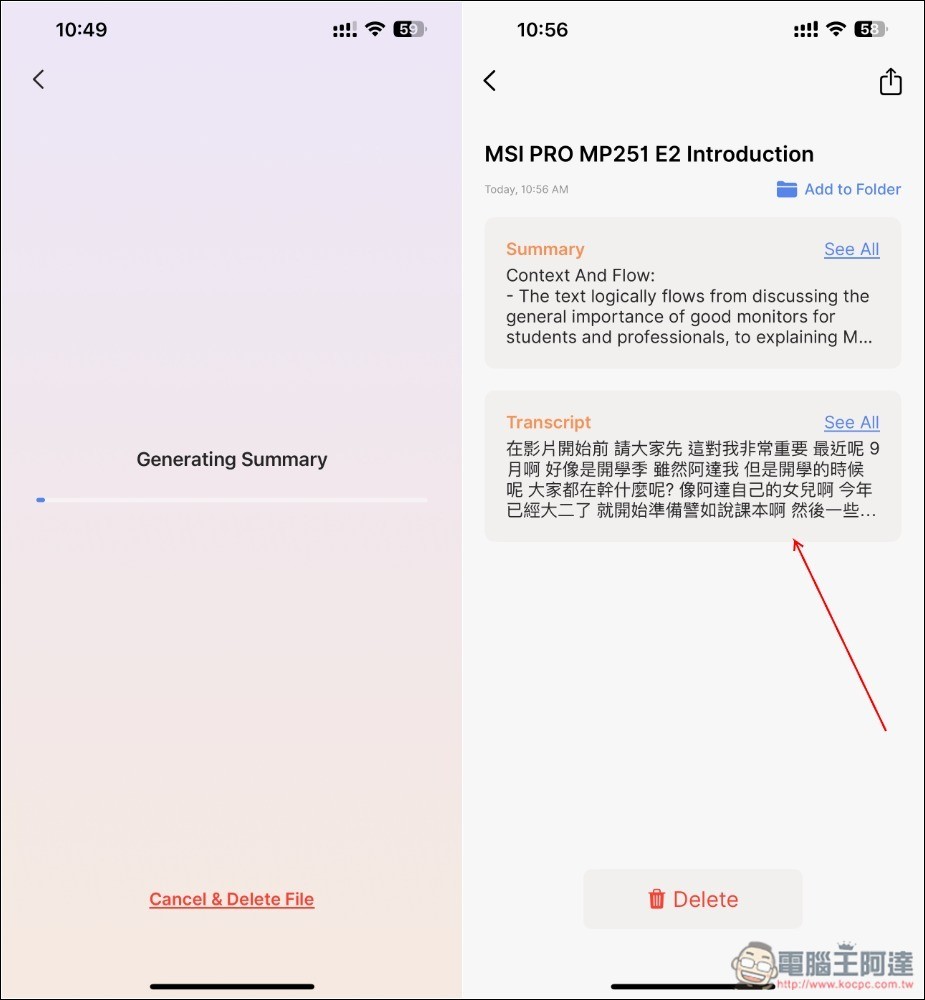
Open to read all. Although it is an English summary, it is indeed the focus of this video, so the Chinese content can still be obtained through translation:
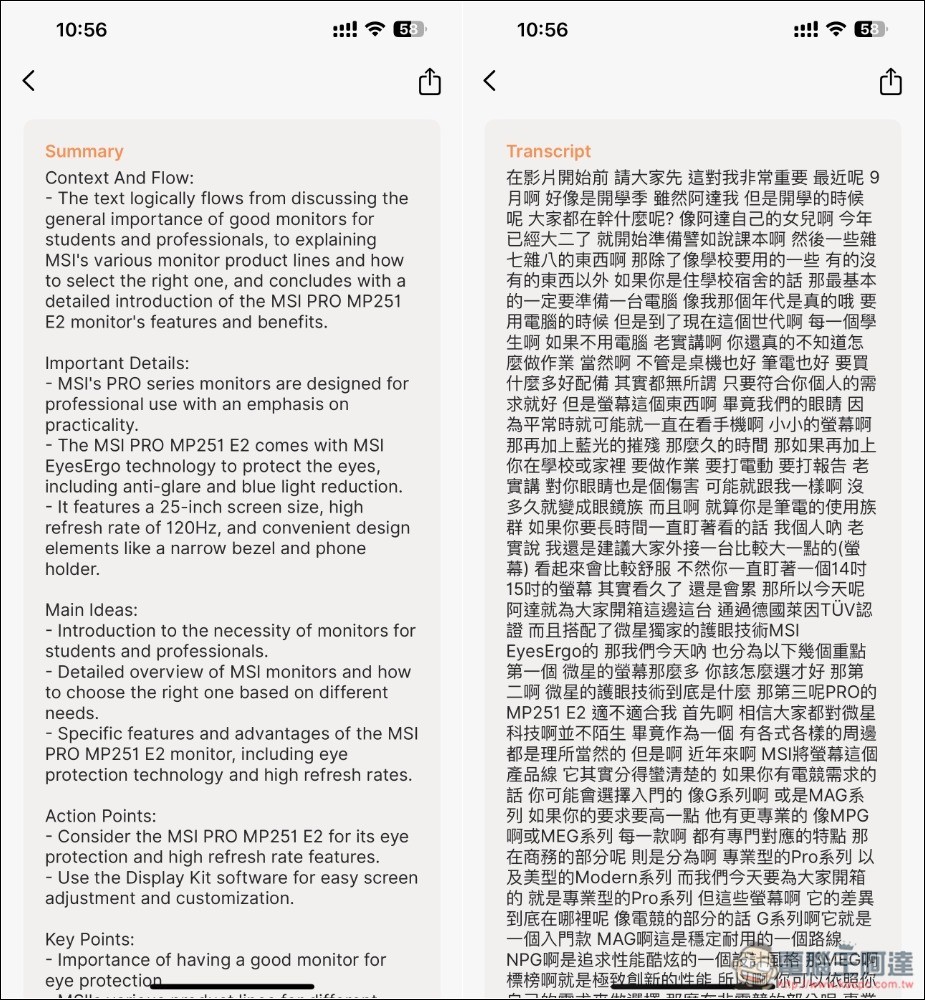
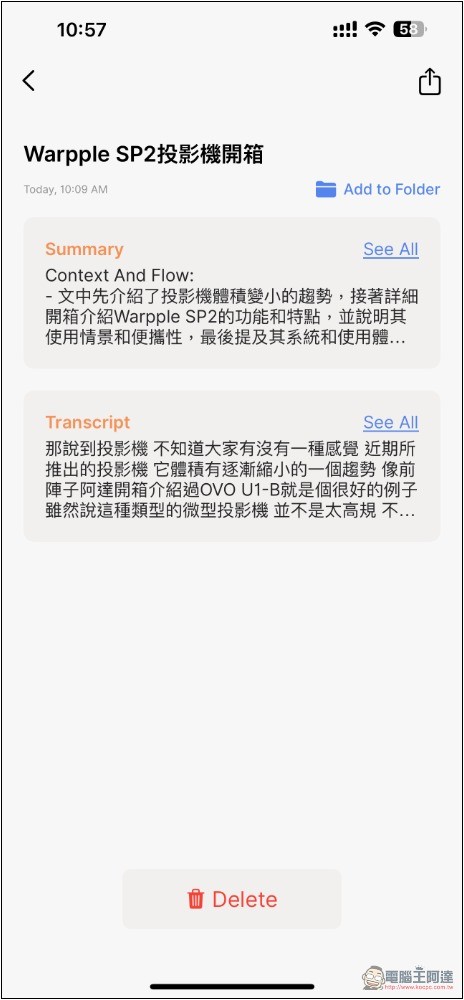
For some videos, my test summaries and verbatim drafts are all in Chinese. It really depends on luck, so choosing Mandarin is the safest, but if you lose the English content, you have to change it in the language:
Source: KOCPC Chinese