


along with AI As progress is made, cloning a voice is now easier and simpler than ever. Recently I found this free online tool called NiceVoice. You only need to upload about 15 seconds of audio to clone a very similar voice, and you don’t even need to sign up. It also offers text-to-speech, and has many distinctive voices built in, including Crayon Shin-chan, Xiong Er, Zhu Bajie, and Cao Cao.
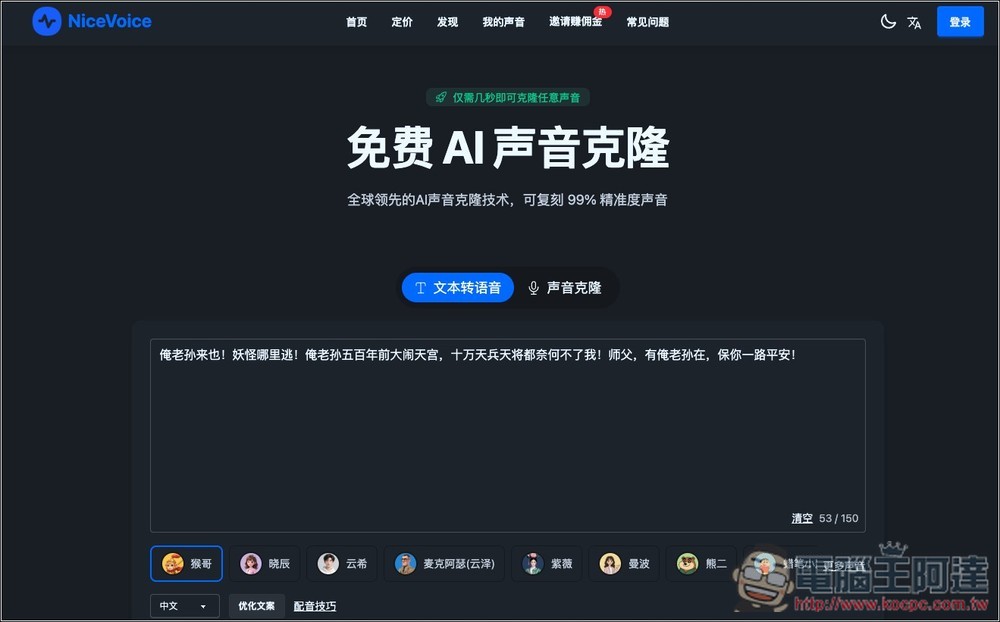
NiceVoice Free Online Voice Cloning Tool: Introduction and Operation Tutorial
NiceVoice is a free online AI voice cloning/text-to-speech tool dedicated to providing highly realistic and easy-to-use voice replication services.
Users simply need to upload a clear personal audio sample of 5 to 30 seconds, or record directly online, and advanced AI algorithms will generate a personalized voice model with up to 99% similarity to the original voice within seconds. It also features built-in smart noise reduction and audio enhancement that automatically optimize audio quality, ensuring the cloned voice is clearer and more natural.
The entire process is completely free, with no need to download any software or register. As for security, the website specifically notes that they use end-to-end encryption to protect all uploaded audio data.
The only thing to note is that audio files created with the free version cannot be used for commercial purposes, and there is also a daily limit of 20 voiceovers. If you need it for commercial use or find it works well, you can consider upgrading to the paid version, which is not expensive.
Main features
- High fidelity: Uses AI technology to generate cloned voices with up to 99% similarity to the original.
- Ultra-fast generation: powered by GPU acceleration technology, voice cloning completes in just a few seconds. (The free version will be slower.)
- High security: Uses end-to-end encryption technology, and all voice data is strictly encrypted.
- Smart Optimization: Built-in intelligent noise reduction and sound quality enhancement algorithms automatically optimize sound quality.
- Simple and easy to use: The interface is intuitively designed, allowing you to complete voice cloning in just three simple steps—even those without any technical background can get the hang of it easily.
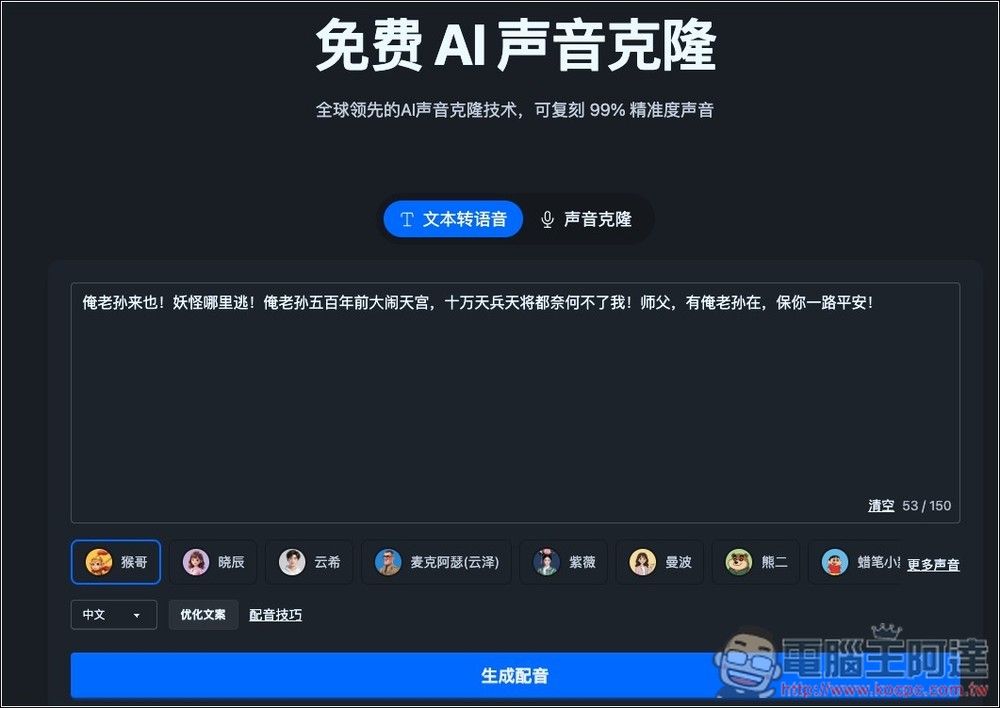
After clicking the link above to enter NiceVoice, you can use the tabs at the top to switch between “Text-to-Speech” and “Voice Cloning.” Since this article focuses on the latter, switch to Voice Cloning:
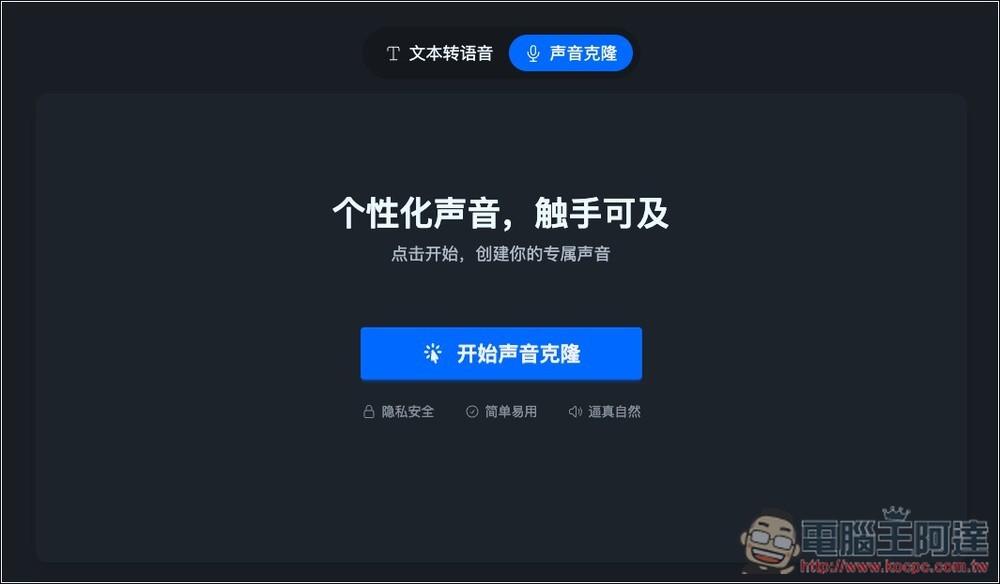
Then press “Start Voice Cloning” on the screen:
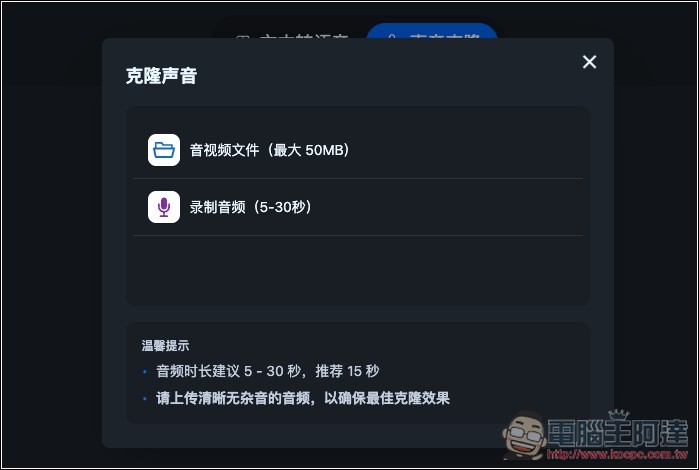
Supports two modes: uploading “audio/video files (up to 50MB)” and “recording audio (5-30 seconds)”. The official recommendation is that audio clips should be at least 5-30 seconds long, with 15 seconds being optimal. Please keep uploaded audio files as clear and noise-free as possible for better cloning quality.
I uploaded an audio file extracted from Ada’s YouTube video:
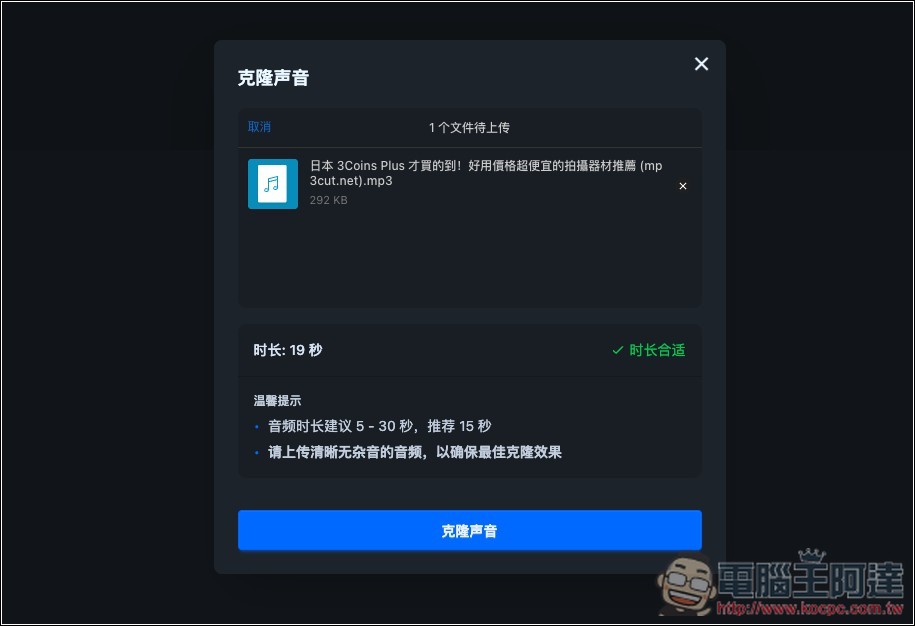
Wait a few dozen seconds and the voice clone will be complete. This time, you can enter the text you want to convert to speech in the input box. The free version can only generate up to 150 characters of voiceover per session.
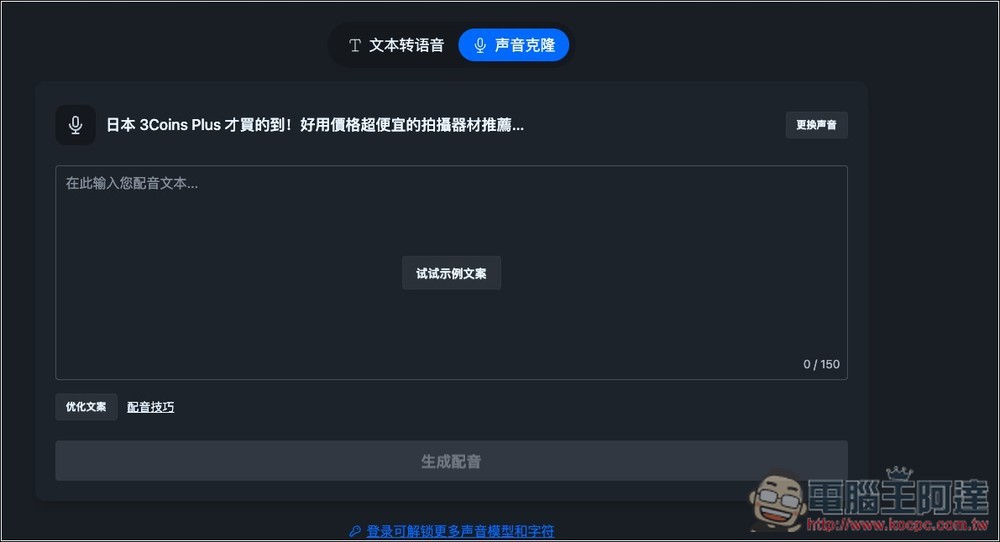
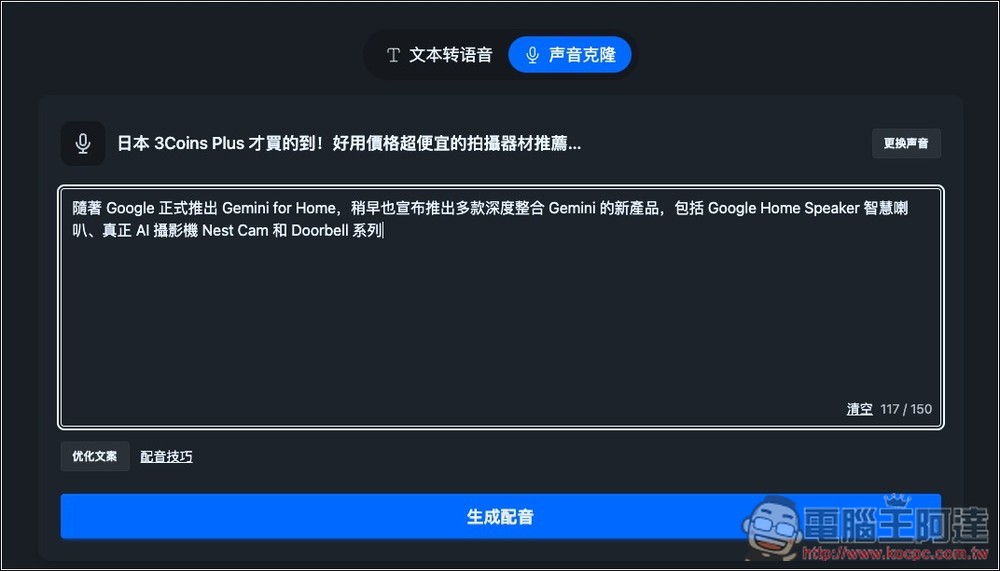
I casually paste a piece of text, then click the “Generate Voiceover” button below.
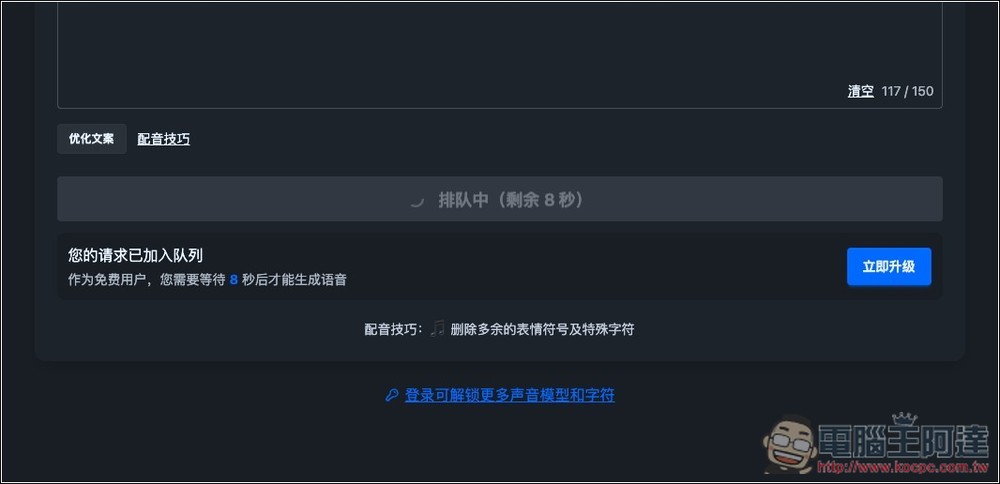
When generating in the free version, you need to wait about 10 seconds:
After it’s done, you can play a preview. If you’re satisfied, click the download button on the right to download the audio file:
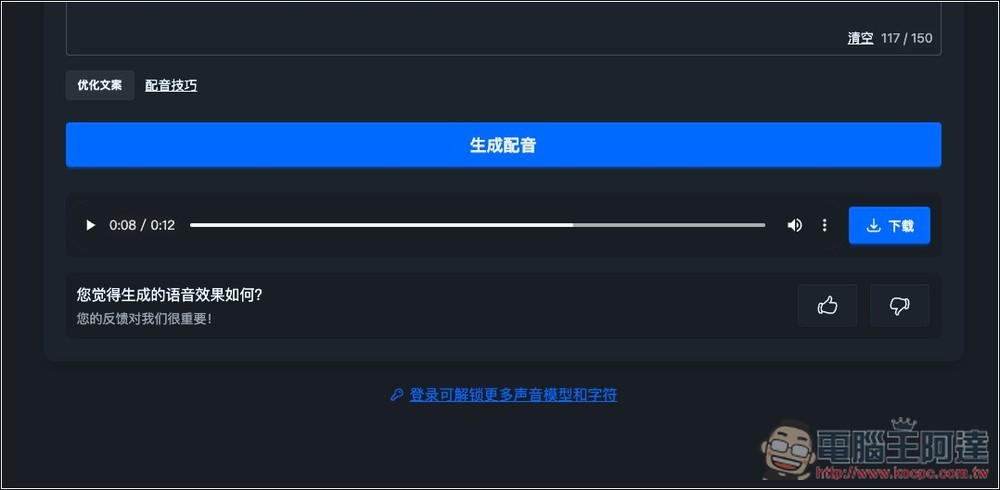
This is the result of my test cloning Ada’s voice. The effect is pretty good, and there’s indeed a certain similarity. Mixing Chinese and English is also no problem:
Source: KOCPC Chinese