


Nano Banana The powerful image generation capability goes without saying—many people have experienced it. Previously, we introduced a canvas-enhanced “Nano Banana Infinite Canvas“free tool, compared to in Gemini Generating images with Google AI Studio is not only super intuitive to operate, but also makes it easier to express all kinds of creativity, such as merging two images, generating similar images as specified, and so on. Even better news is,Google The official version is here too! Earlier, Google announced an experimental tool called “Mixboard.”
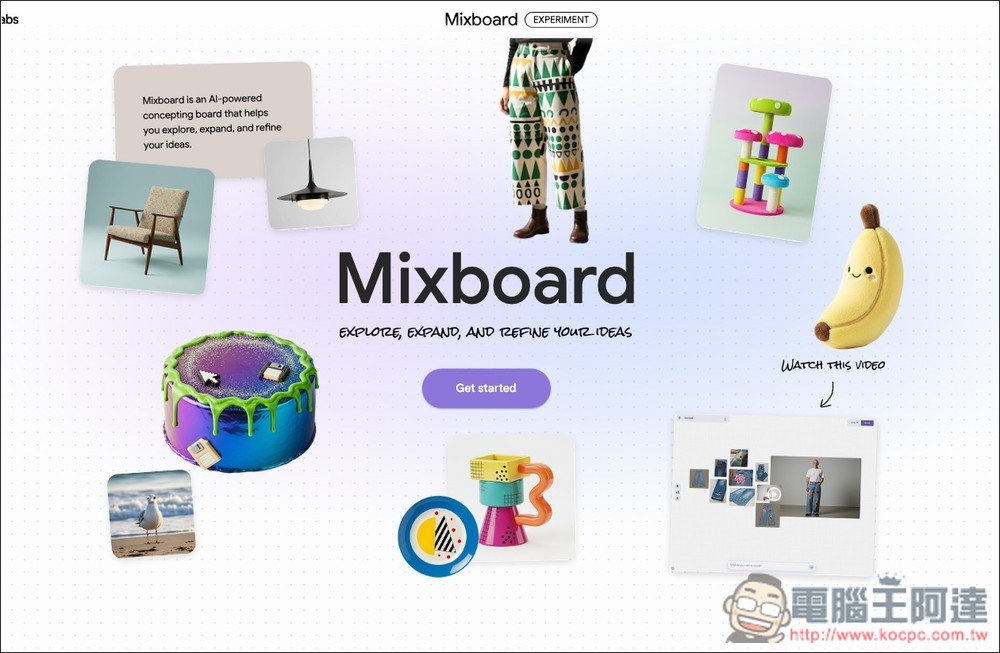
Google launches Mixboard: AI whiteboard tool powered by Nano Banana
Earlier, Google announced on its official blog the launch of a new experimental tool: “Mixboard.” As the name suggests, it’s a whiteboard tool. Google said: “This is an AI-driven concept visualization board designed to help you explore, expand, and refine ideas. Whether it’s home decor, party themes, new product inspiration, or your next DIY project, you can easily present it with text and images.”
The AI-powered feature mentioned here is Google’s most powerful Nano Banana image editing model. You can give it instructions in natural language, such as generating images, making small modifications, or merging images. On your first use, it generates multiple images at once so you can quickly find one you like, and provides “Regenerate” or “More like this” buttons for generating more images that match your needs with a single click.
It’s a bit of a pity that Mixboard is currently only in public testing in the U.S., which means if you’re in Taiwan or another country and want to use it now, you’d need to use a VPN to hop over to the U.S. I actually tested it and it works, but since Mixboard is still in the experimental stage and just launched, the stability wasn’t great when I used it—it couldn’t even maintain character consistency.
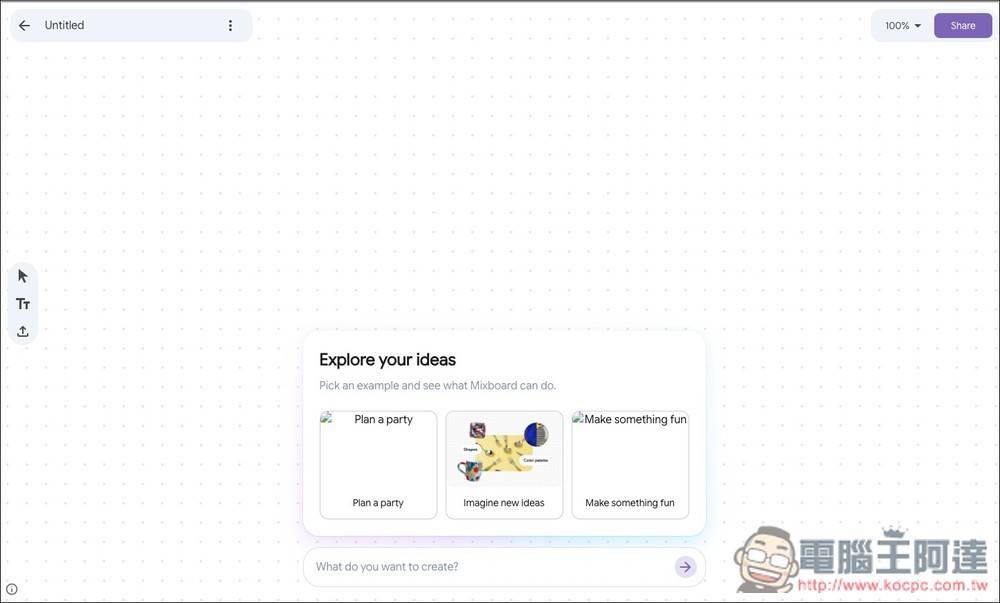
The figure below is the Mixboard interface. I’m not sure if it’s because I’m using a VPN, but among the suggestions above the input box, two images won’t display correctly:
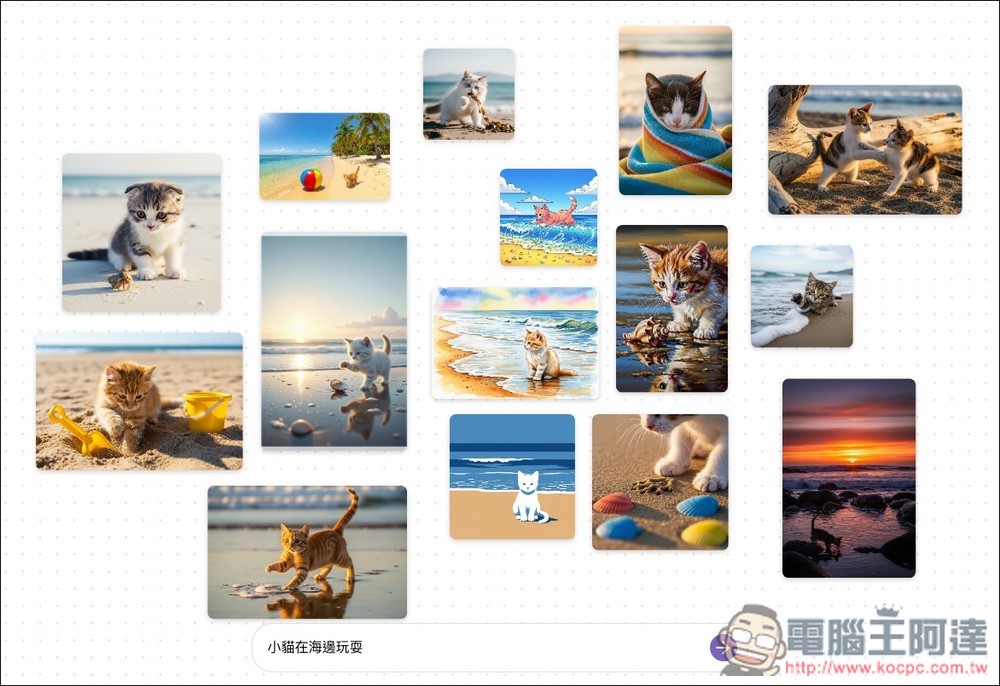
After entering the text description you want to generate (I entered: a kitten playing by the sea), the AI will generate a bunch of matching images.
However, many of the operations I tested showed image reading errors and weren’t very stable, so below I’ll use screenshots from Google’s shared operation video to give a general introduction on how to use it.
Google first generated a bunch of embroidery patterns for jeans, then put up a complete jeans image:
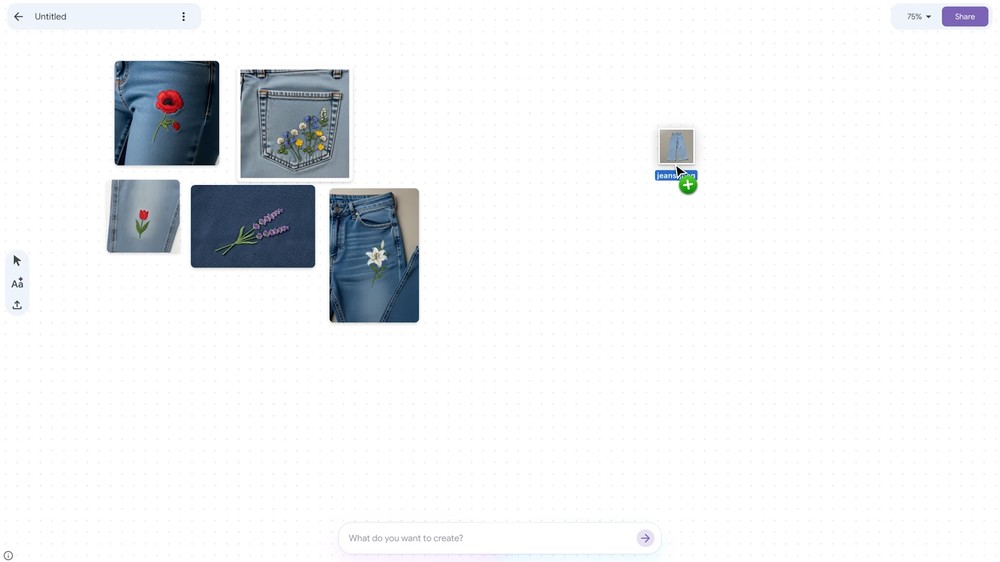
Then select the three satisfactory embroidery patterns and the jeans image, and ask Nano Banana to add these three patterns onto the jeans:
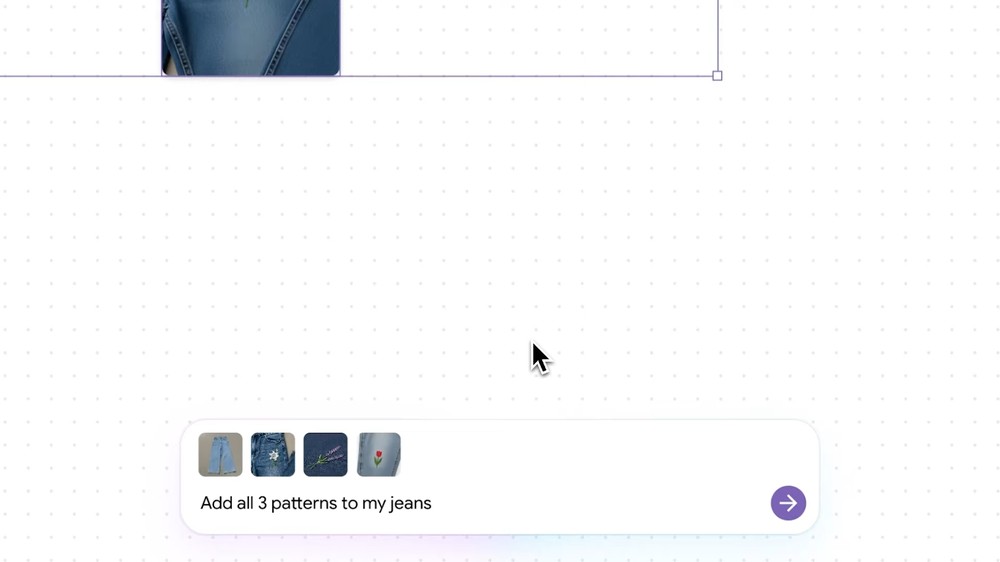
Nano Banana can accomplish this requirement: keep the same jeans, then add the three patterns:
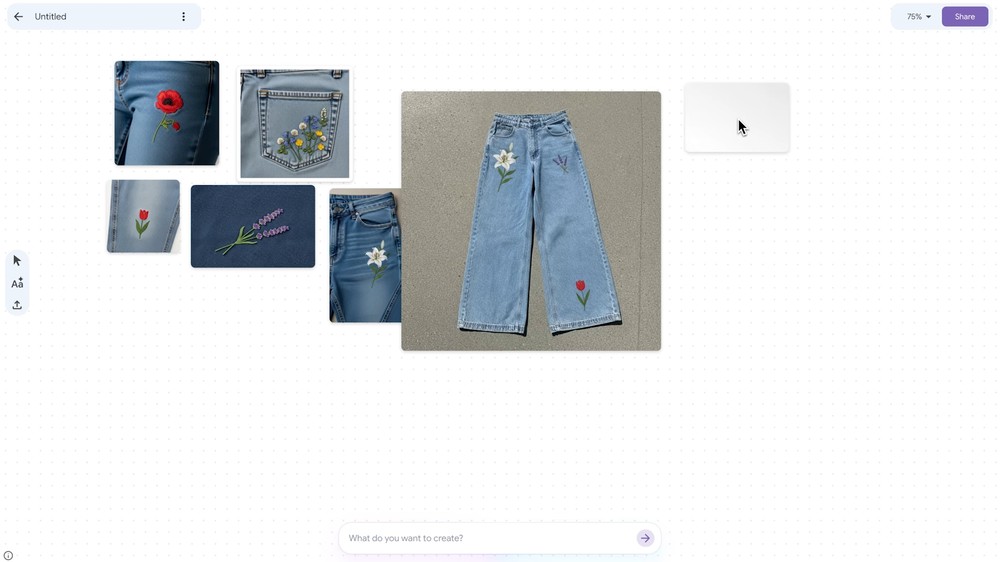
Next, add a person’s photo, select it together with the jeans, and ask Nano Banana to generate what it would actually look like wearing them:
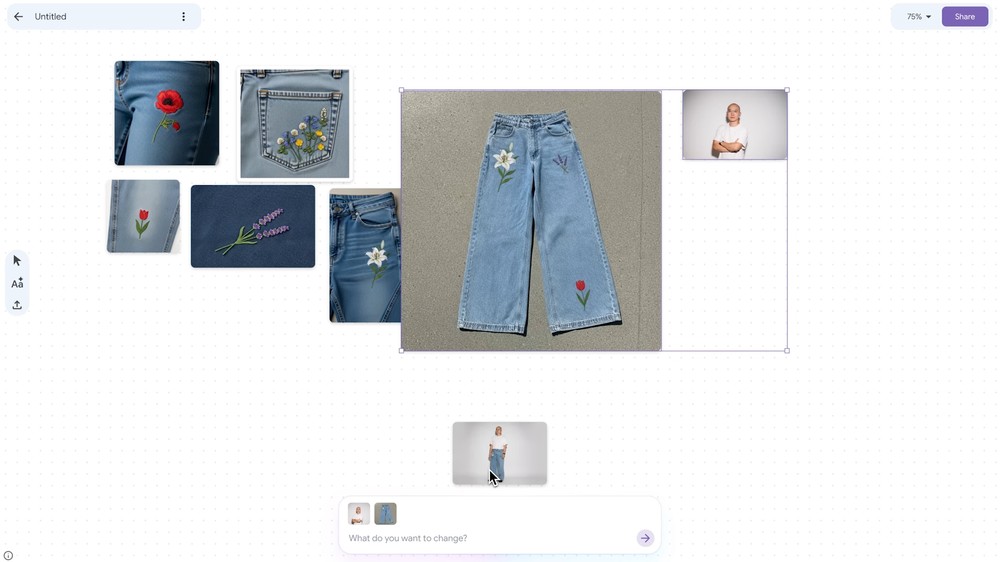
Nano Banana then generated this image:
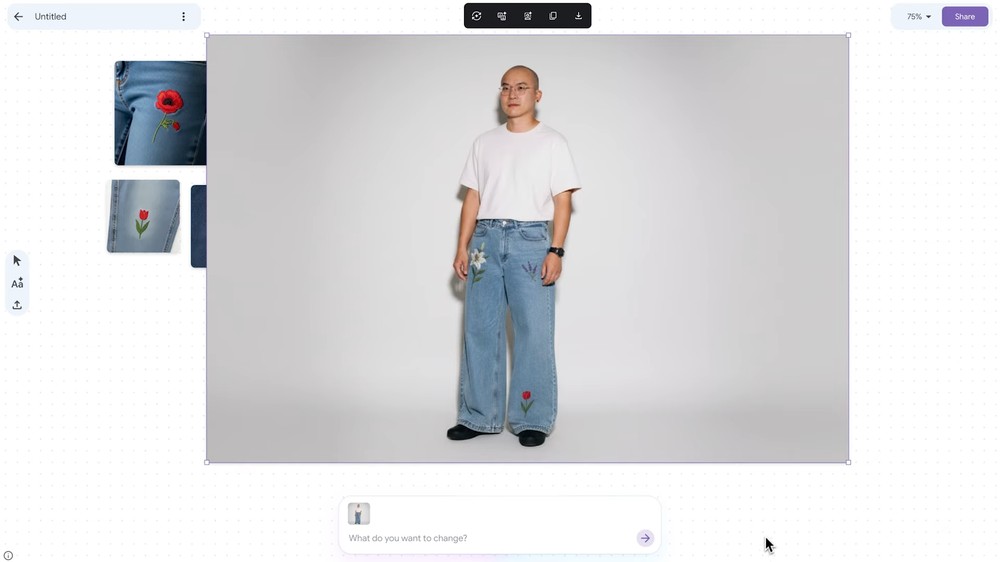
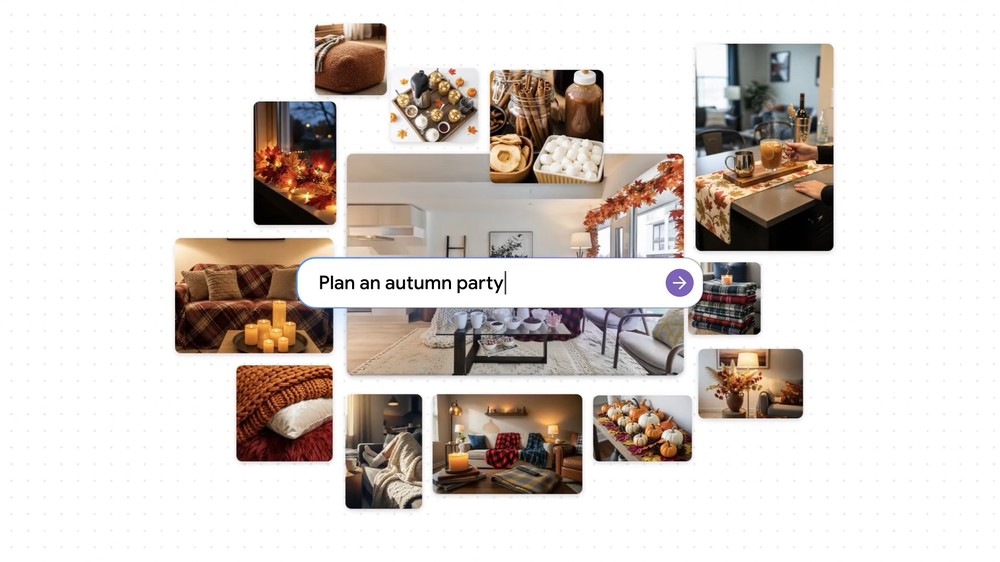
Additionally, if you need some inspiration, you can also use Mixboard, such as: how to decorate your home, throw a party, and so on.
Full video:
Source: KOCPC Chinese